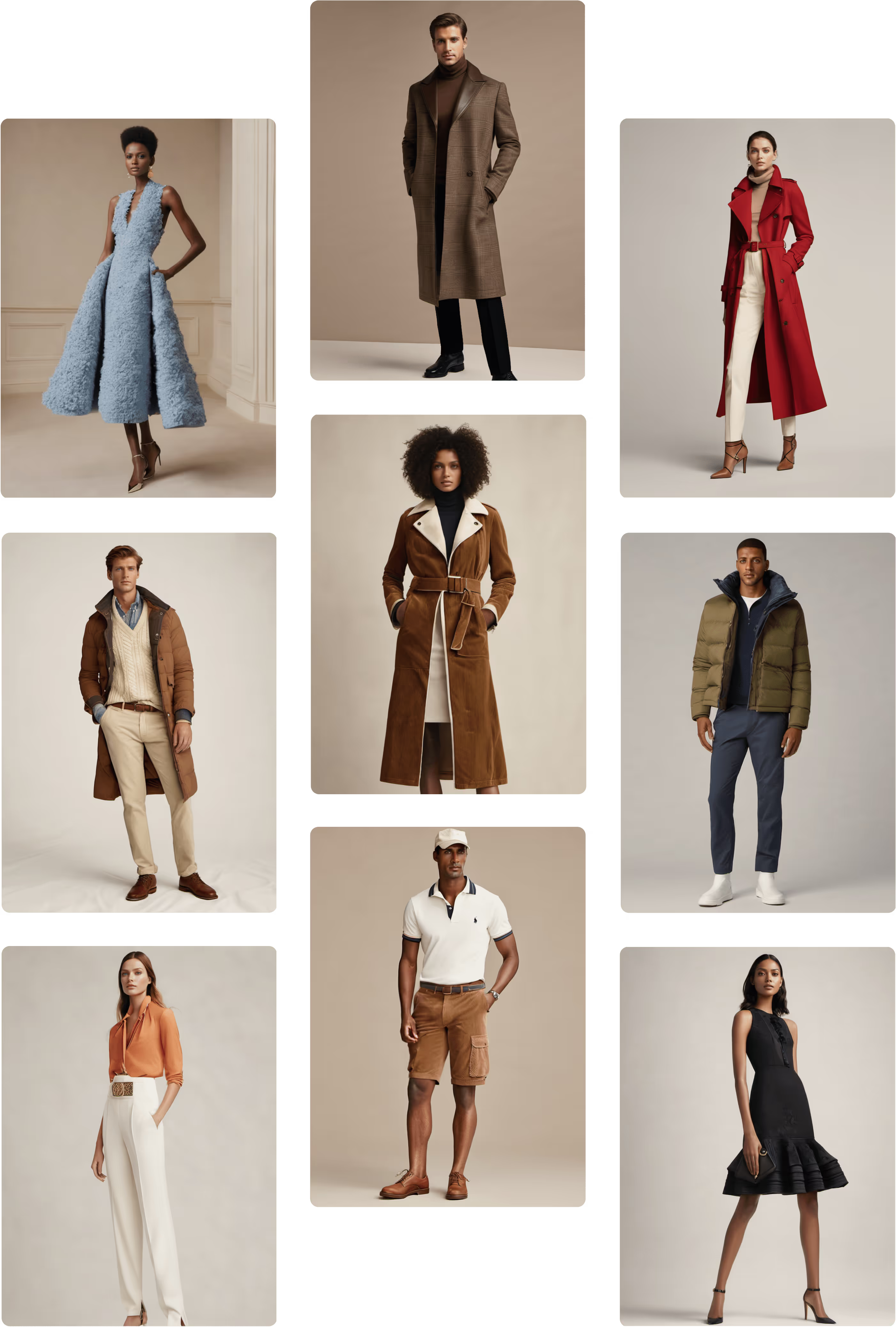
.png)

Introducing Boards: The Future of Collaborative Design Is Here
We've been building something big.
Today, we're thrilled to introduce Boards, the most powerful creative workspace we've ever built, and the next chapter in how design teams ideate, collaborate, and create. Boards is now available in open beta, with 300 free credits for Basic, Pro, and Enterprise plans to explore.
But before we get into what it does, let's talk about why we built it.
The Problem With the Way We Design Today
Design is inherently collaborative. You sketch an idea, share it, get feedback, iterate, share again. But the tools we use to design haven't always kept up with the way teams actually work.
You're switching between modules. Waiting on generations before you can move to the next idea. Downloading options and adding them into decks just so stakeholders can compare them. Sending files back and forth over email. Losing context along the way.
The result? Slower decisions, broken creative flow, and a lot of time spent on the process instead of the work.
Boards changes that.
See what our CEO had to say about the launch.
What Is Boards?
Boards is a shared, collaborative canvas where your entire design process lives in one place. Every Raspberry module, every team member, every design direction, can now live in a single board, in real time.
Boards is the creative workspace your team has always needed, powerful enough to take a design from first sketch to final render, and open enough for everyone to be part of the process every step of the way.
What You Can Do With Boards
⚡ Never Stop Creating
With Boards, you don't have to wait for one generation to finish before starting the next. Keep building while generations run in the background. Your creative momentum never has to stop.
In practice: Run four design directions simultaneously while you're already working on the fifth. What used to take an afternoon now happens in an hour.
🎨 See Every Option at Once
Boards puts all your design directions on a single canvas so you can compare them side by side — every colorway, every variation, every module output — without toggling between files or trying to remember what option three looked like.
In practice: Present 10 colorways of the same silhouette to your team in a single glance. Make decisions faster, with more context, and more confidence.
🤖 AI Suggestions For What’s Next
Boards detects the image you have selected and surfaces contextual shortcuts in the toolbar, sketch selected shows a sketch-to-render shortcut, a model image shows an on-body shortcut, and so on.
In practice: You're moving fast through an ideation session. You upload a sketch and the toolbar instantly shows you the sketch-to-render shortcut. The sketch renders and it suggests visualizing On-Body or iterating in Edit. AI suggestions offers the best next step to keep you moving.
👥 Real-Time Collaboration
Your whole team can join the same board simultaneously. Drop sticky notes, share feedback, request changes, and watch iterations happen live in front of you. No more async bottlenecks or lost feedback threads.
In practice: Cut your design review cycle from three days to one afternoon. Stakeholders see the work, give feedback on the work, and see the changes in the same session.
📚 Share Your Entire Process
Boards captures everything from your prompts to your module settings to your full workflow. This allows your best work to be understood, learned from, and replicated by anyone on your team.
In practice: Your most talented designer's entire process, packaged up and passed to a new team member on day one.
🎯 From Sketch to Final Render in One Session
Start with a sketch. Run it through Product Photography. Drop it into On-Body. Push it to Edit. All without leaving the board. Boards connects your entire workflow so a full design session can happen in one place.
In practice: Build a complete concept presentation directly on your board, with multiple directions, annotations, and context all included. Walk stakeholders through the full story live.
What Our Users Are Saying
We've had the privilege of watching real design teams use Boards in alpha. See what they had to say.
"It's all the components of Raspberry you're familiar with but in one clear, easy-to-navigate space. Boards really allowed me to ideate through the whole design process. It almost felt like it was giving me exactly what I asked for."
— Director of Global Store Design, Global Fashion Brand
"Boards will revolutionize the way our teams work."
— Senior Director, Creative Technology & AI Enablement, Leading Apparel Company
"We're thrilled with the tool... Not just for our design team, but photo studio, General Merchandising, Visual Merchandising, all the folks. We had an absolute whale of an ask today and pushed it pretty hard. We probably hit our deadline, in part because of this new experience"
— Senior Manager, Digital Product Creation, Major Sportswear Brand
Who Gets Access
Boards is now available in open beta to all customers with Basic, Pro, and Enterprise plans. During open beta, you'll have access to all modules on Boards, and 300 free credits to explore.
Don’t have a team plan? Get a free 7 day trial on our pricing page.
How to Get Started
Getting started with Boards takes about 30 seconds:
- Log into your Raspberry account
- Navigate to Boards from the main menu
- Create your first board and start creating
Your 300 free credits are waiting — no setup required.
To setup a free 7 day trial:
- Choose a plan on our pricing page
- Create an account
- Add your billing information (You won’t be charged until the 8th day)
See a full workflow created in Raspberry AI Boards.
Try Boards Free Today
The best way to understand what Boards can do is to use it. Log in, create your first board, and experience what it feels like when your entire design process finally lives in one place.
👉 Try Boards Free →
Don't have a paid account yet? Start a free trial on our pricing page and explore what Boards and all of Raspberry can do for your team.
Heading 1
Heading 2
Heading 3
Heading 4
Heading 5
Heading 6
Lorem ipsum dolor sit amet, consectetur adipiscing elit, sed do eiusmod tempor incididunt ut labore et dolore magna aliqua. Ut enim ad minim veniam, quis nostrud exercitation ullamco laboris nisi ut aliquip ex ea commodo consequat. Duis aute irure dolor in reprehenderit in voluptate velit esse cillum dolore eu fugiat nulla pariatur.
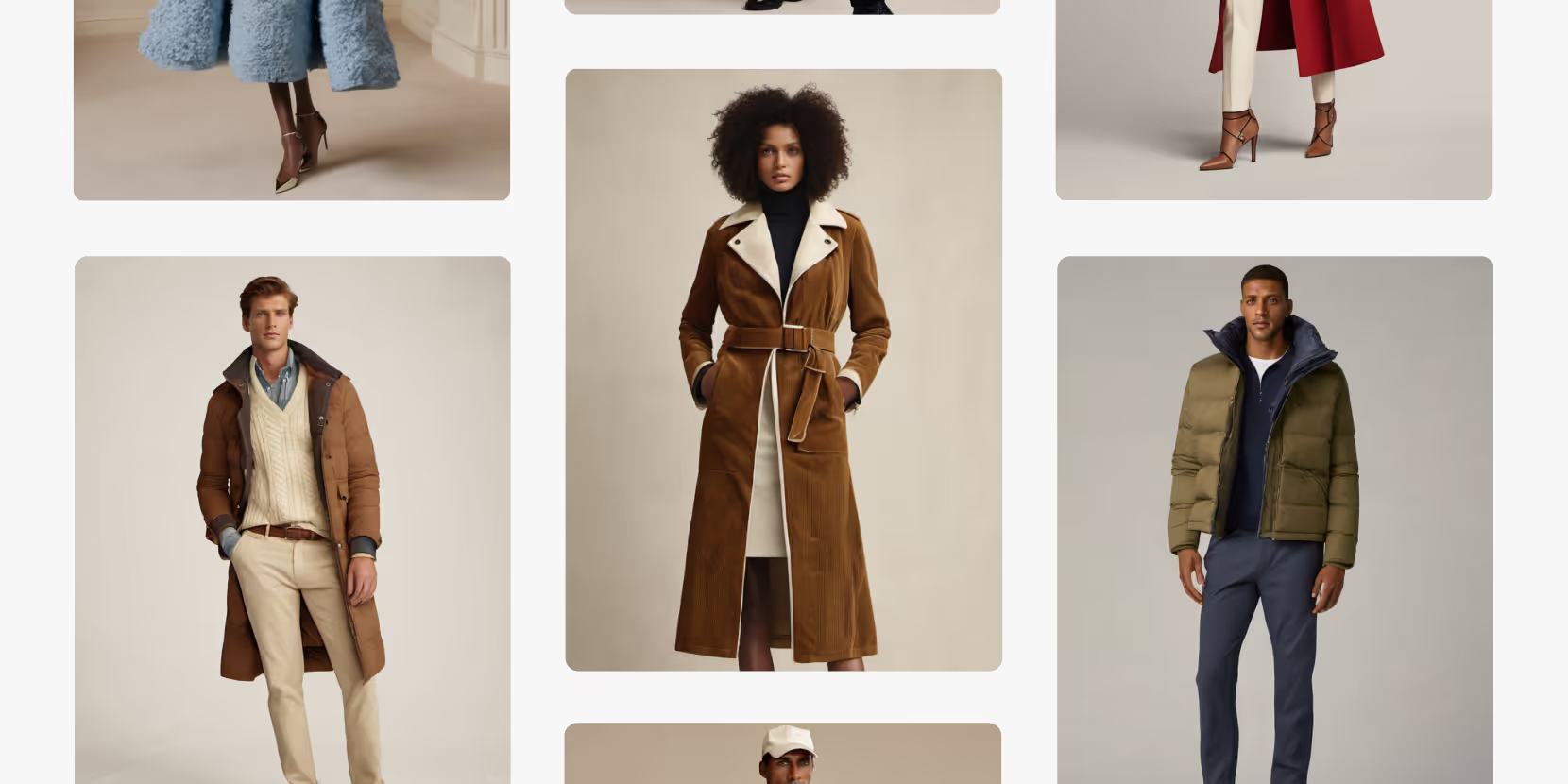
Merchandising and design now create together live in meetings—no more weeks of back and forth.”
[[VP of Merchandising] blog-quote-ttl]
[[$30M alternative eCommerce fashion retailer] blog-quote-subttl]
Quote Name Style
Ordered list
- Item 1
- Item 2
- Item 3
Unordered list
- Item A
- Item B
- Item C
Bold text
Emphasis
Superscript
Subscript
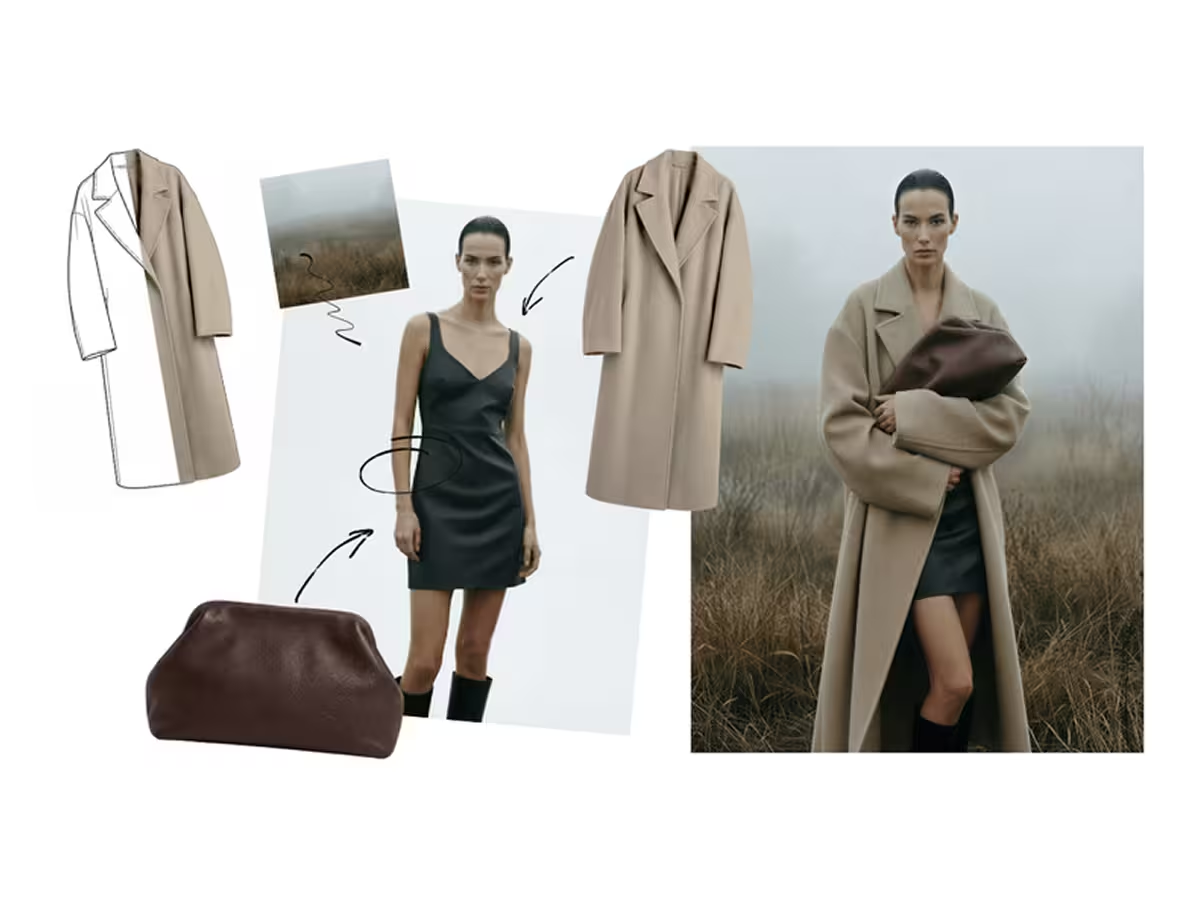
From Almost There to Perfect: Using the Edit Module to Refine AI Design Outputs
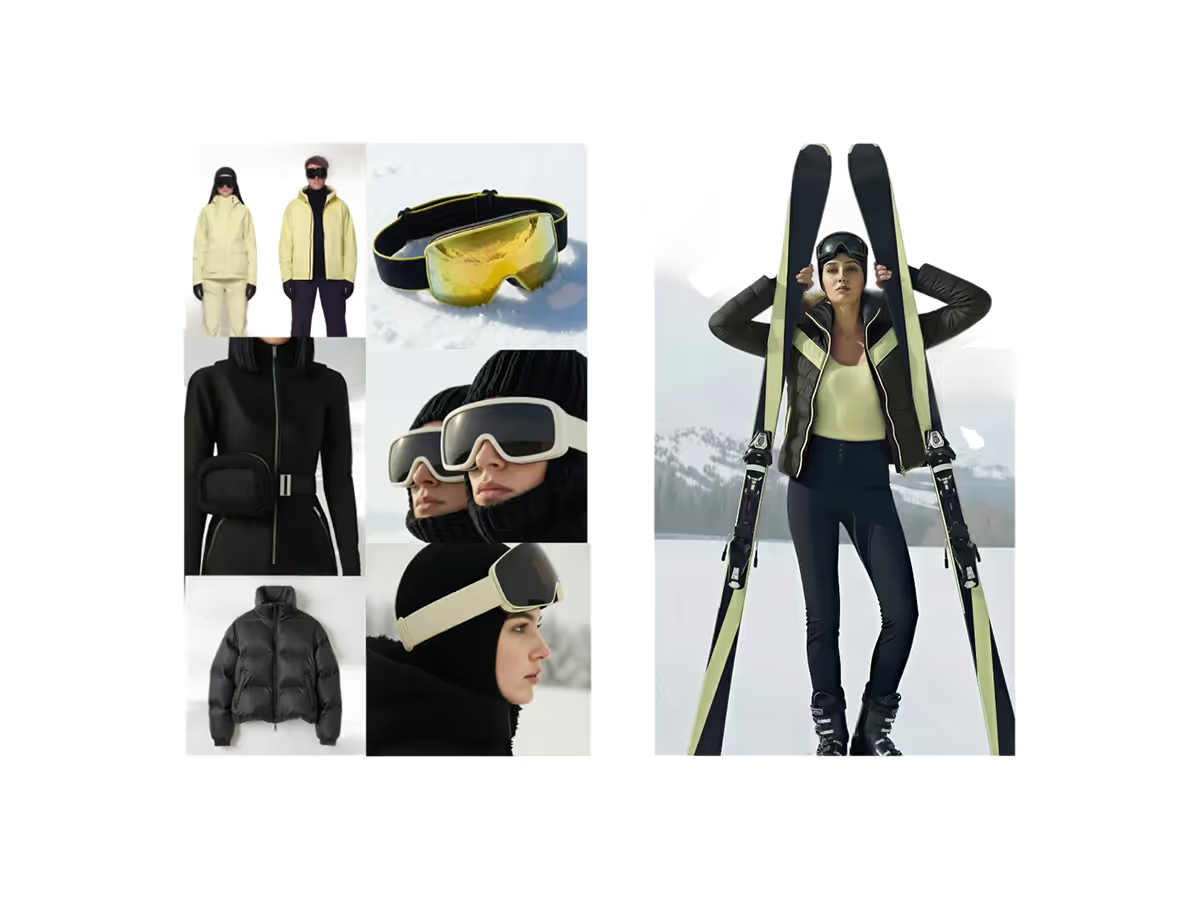
Instantly Turn Your Moodboards into High Quality Visuals with Raspberry AI
Turn fashion moodboards into luxury editorial, runway, lookbook, and street style images in minutes using Raspberry AI’s Edit module and custom prompts.
Raspberry × Trasix Integration: How to Seamlessly Bring AI Designs Into Your Product Planning Workflow
Seamlessly export AI-generated designs from Raspberry into Trasix to streamline product planning, collaboration, and assortment creation.
Sign Up for Our Newsletter
We’re constantly enhancing our product. Stay informed with the latest updates.

Ready to Design Smarter, Faster, and at Scale?
Start creating stunning photorealistic designs in just a few clicks.