Raspberry AI for luggage
Visualize Production-Ready Luggage Designs Before Samples
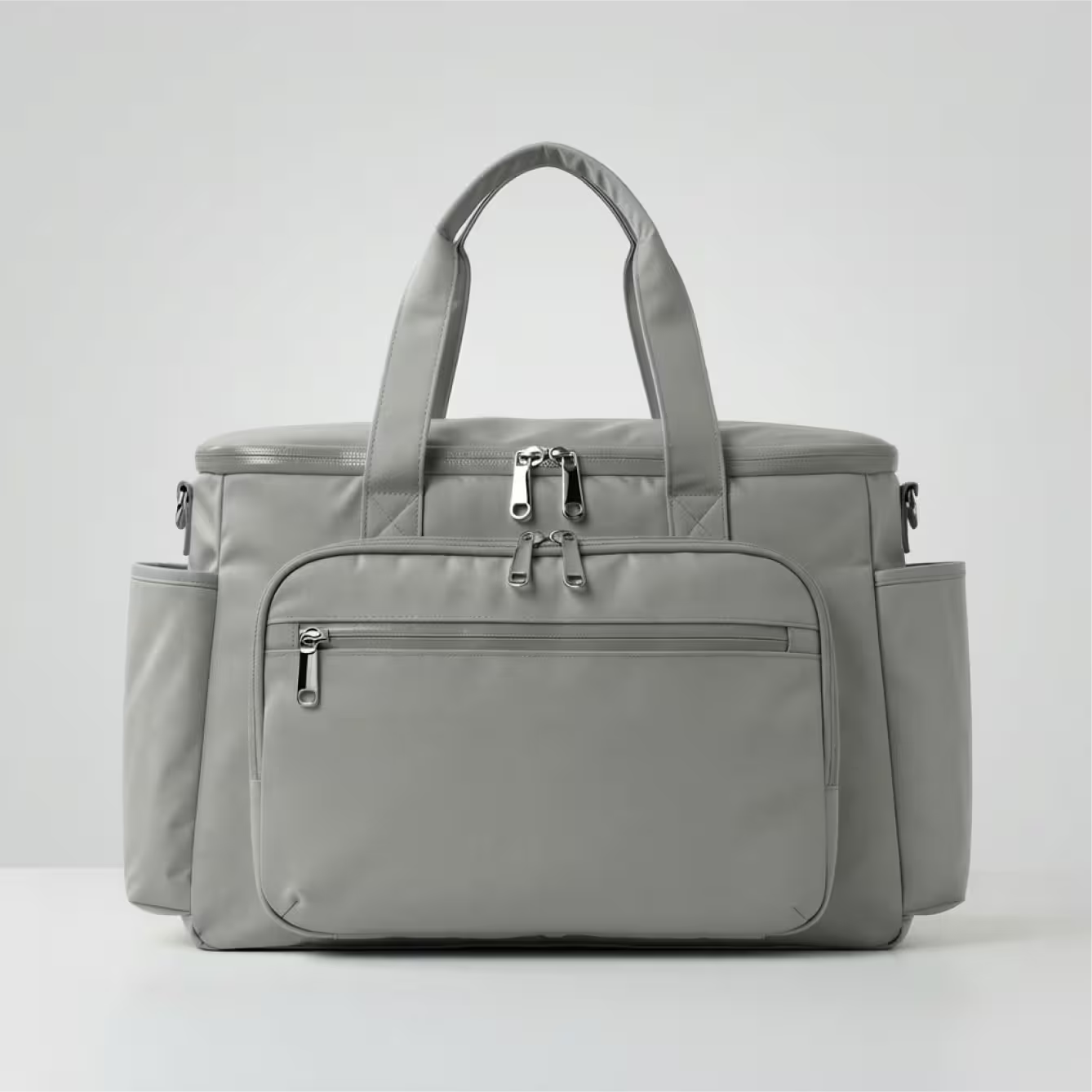
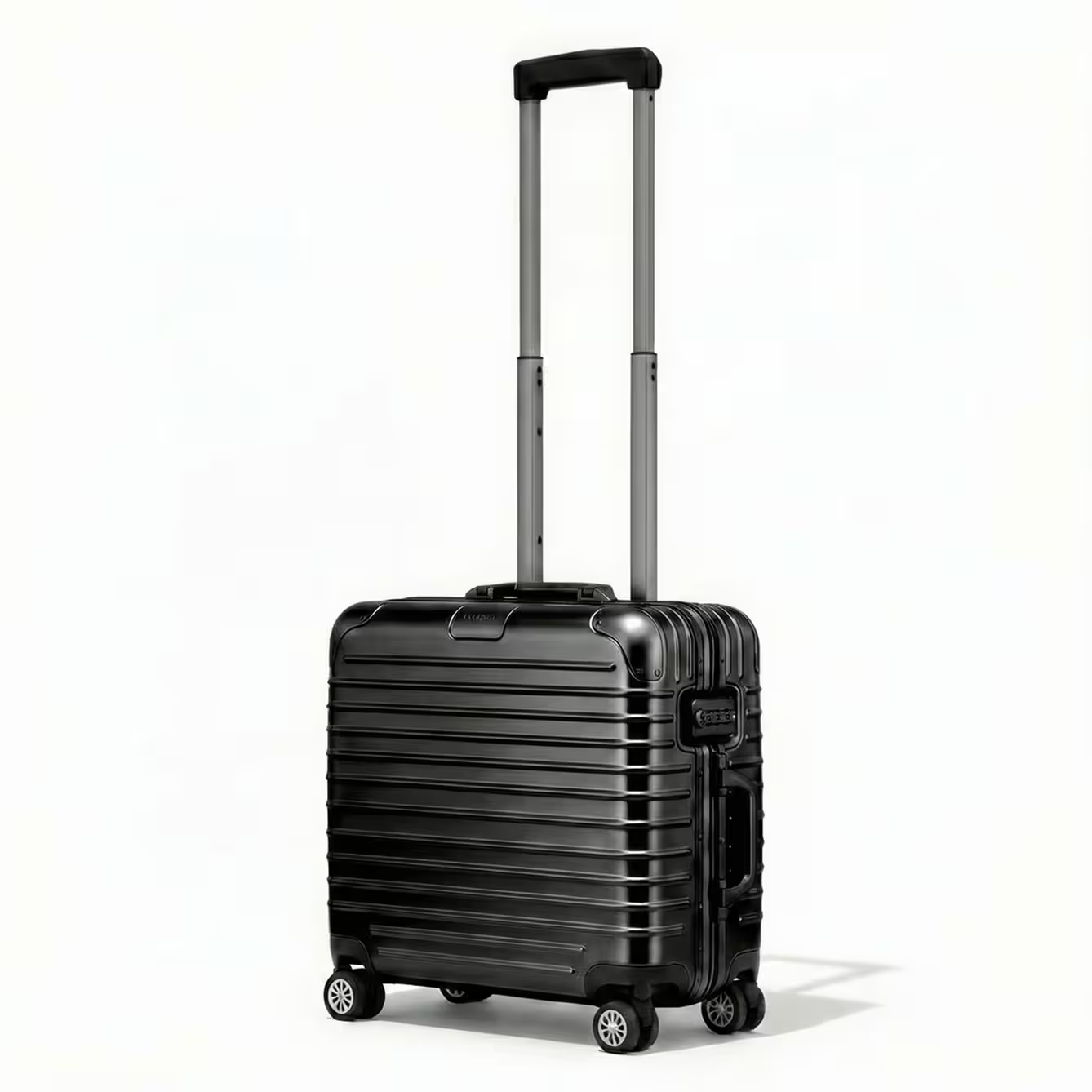
Luggage teams need speed, accuracy, and brand consistency—plus clear visuals for leadership reviews, vendor handoffs, and PDP readiness. Raspberry AI helps you mock up concepts instantly, explore more directions faster, and generate high-fidelity renders early—so you can reduce sampling rounds and cut factory back-and-forth.








.png)
.png)
.png)






















Start with a sketch, Illustrator concept, or CAD reference
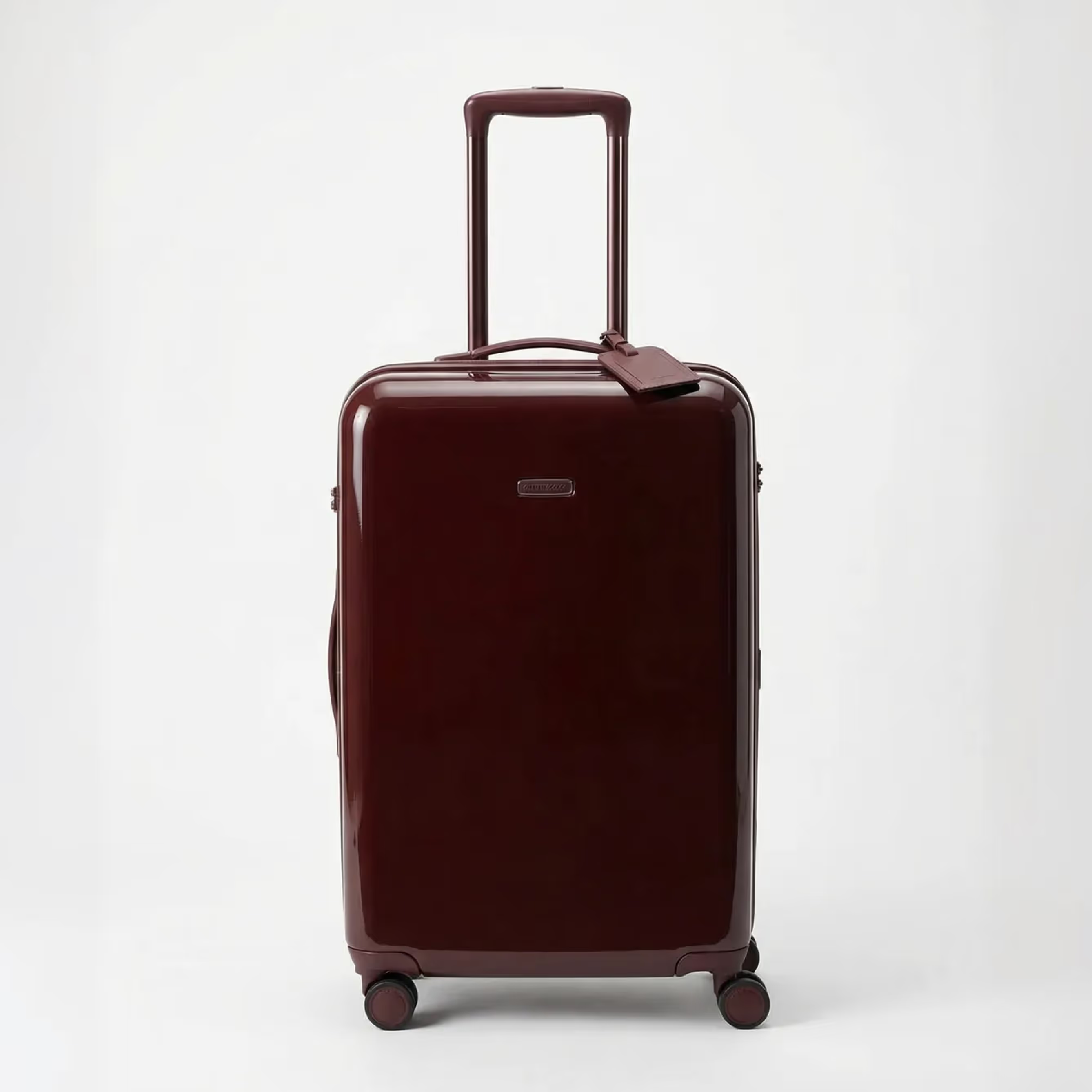
Mock up realistic
designs instantly
Apply materials
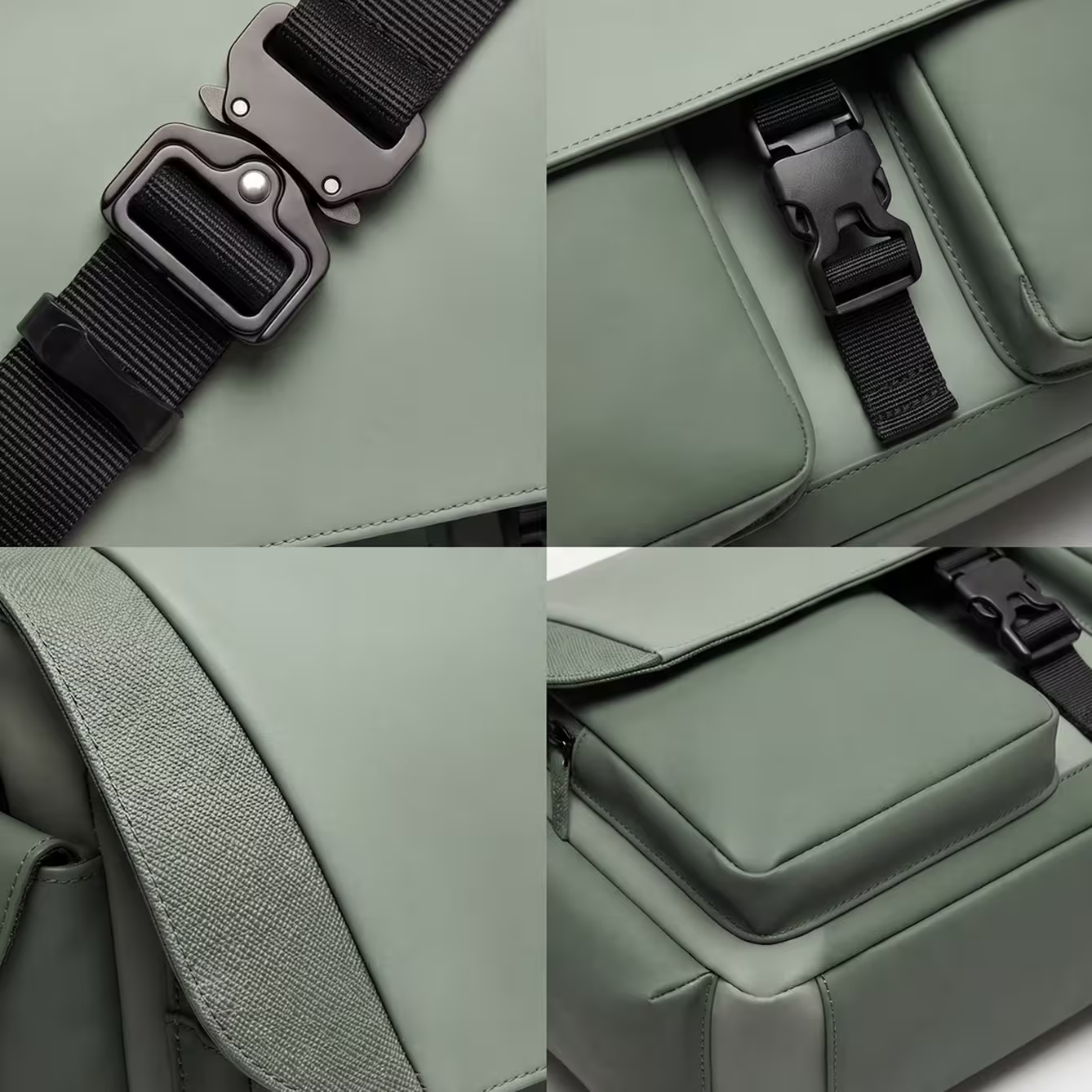
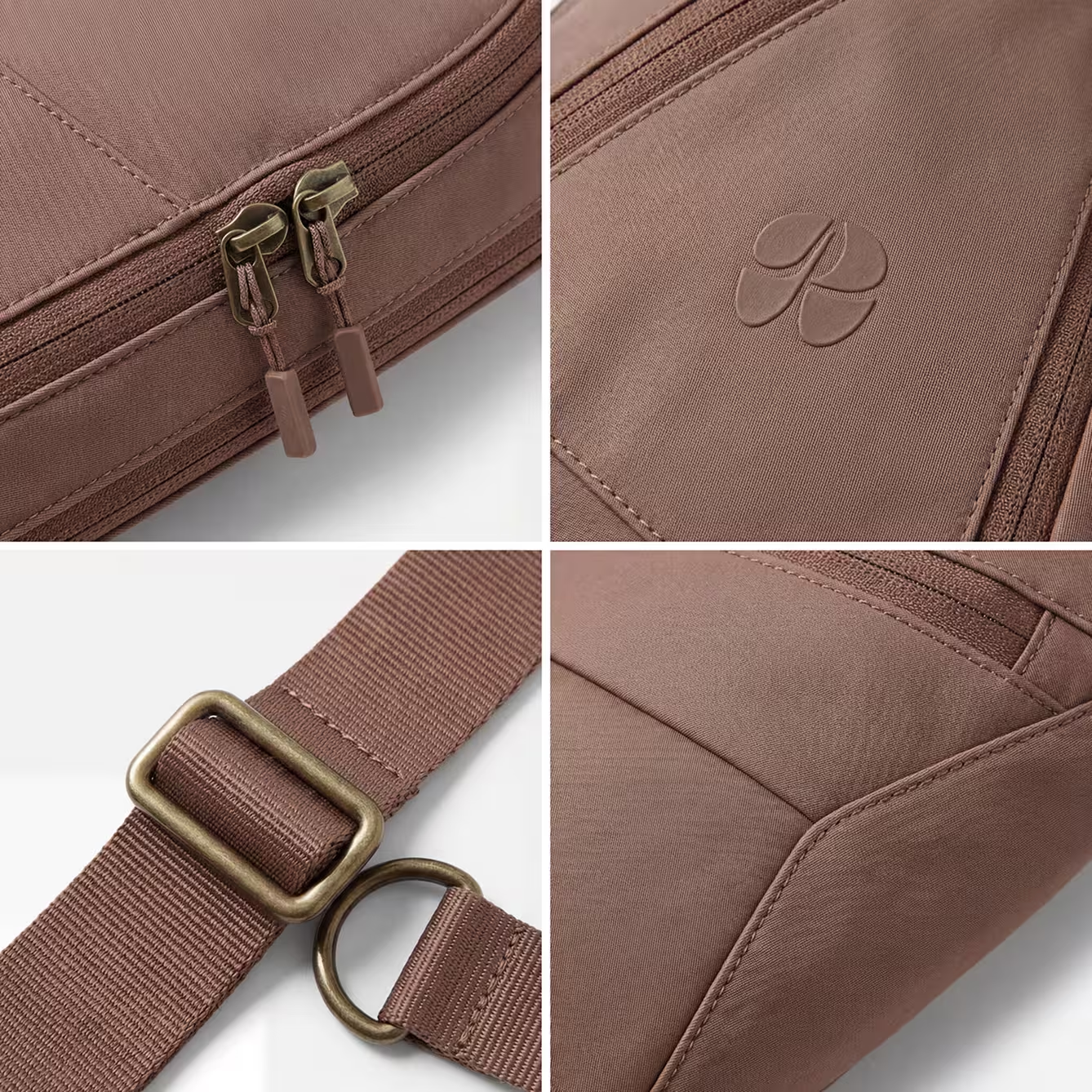
Instantly Iterate on fine details
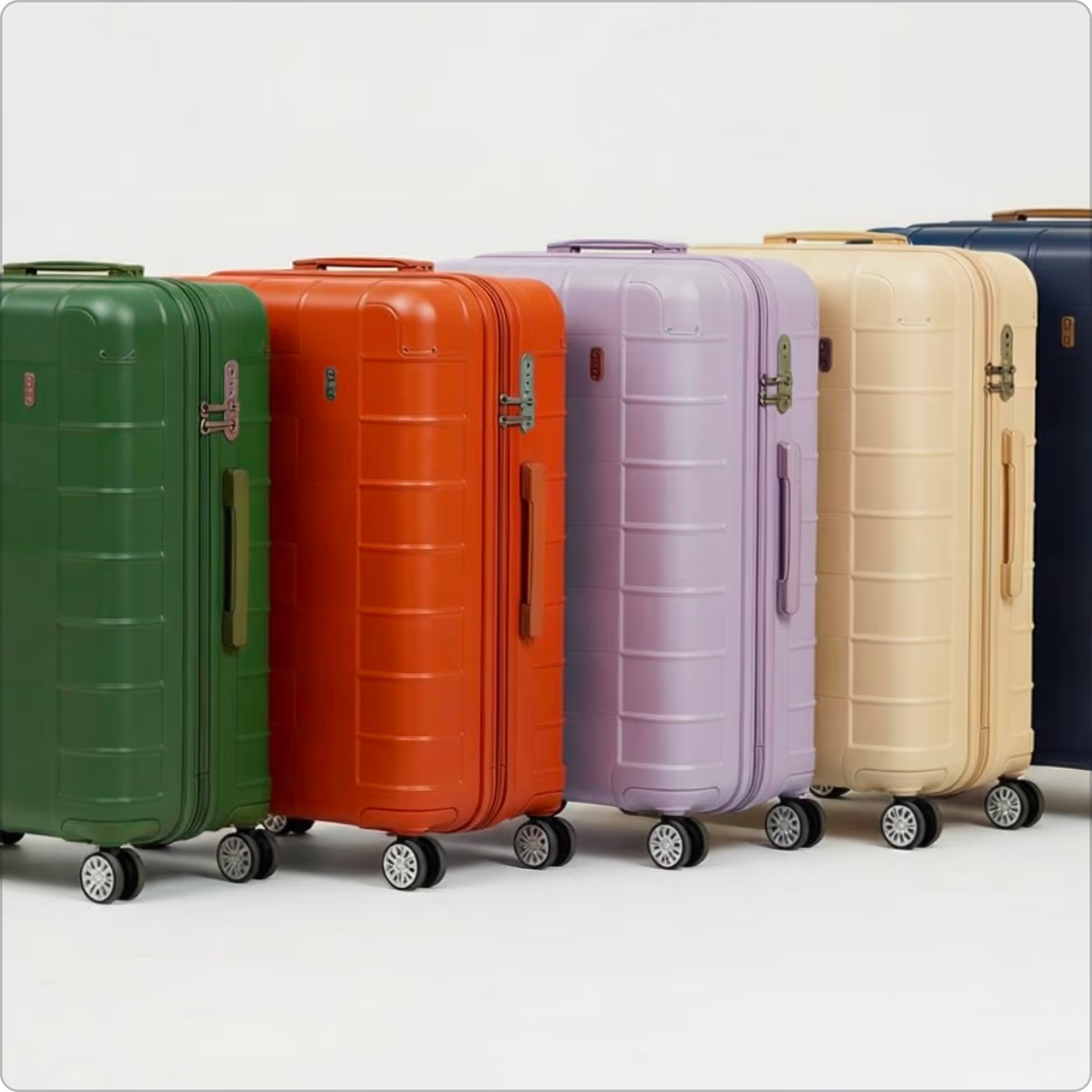
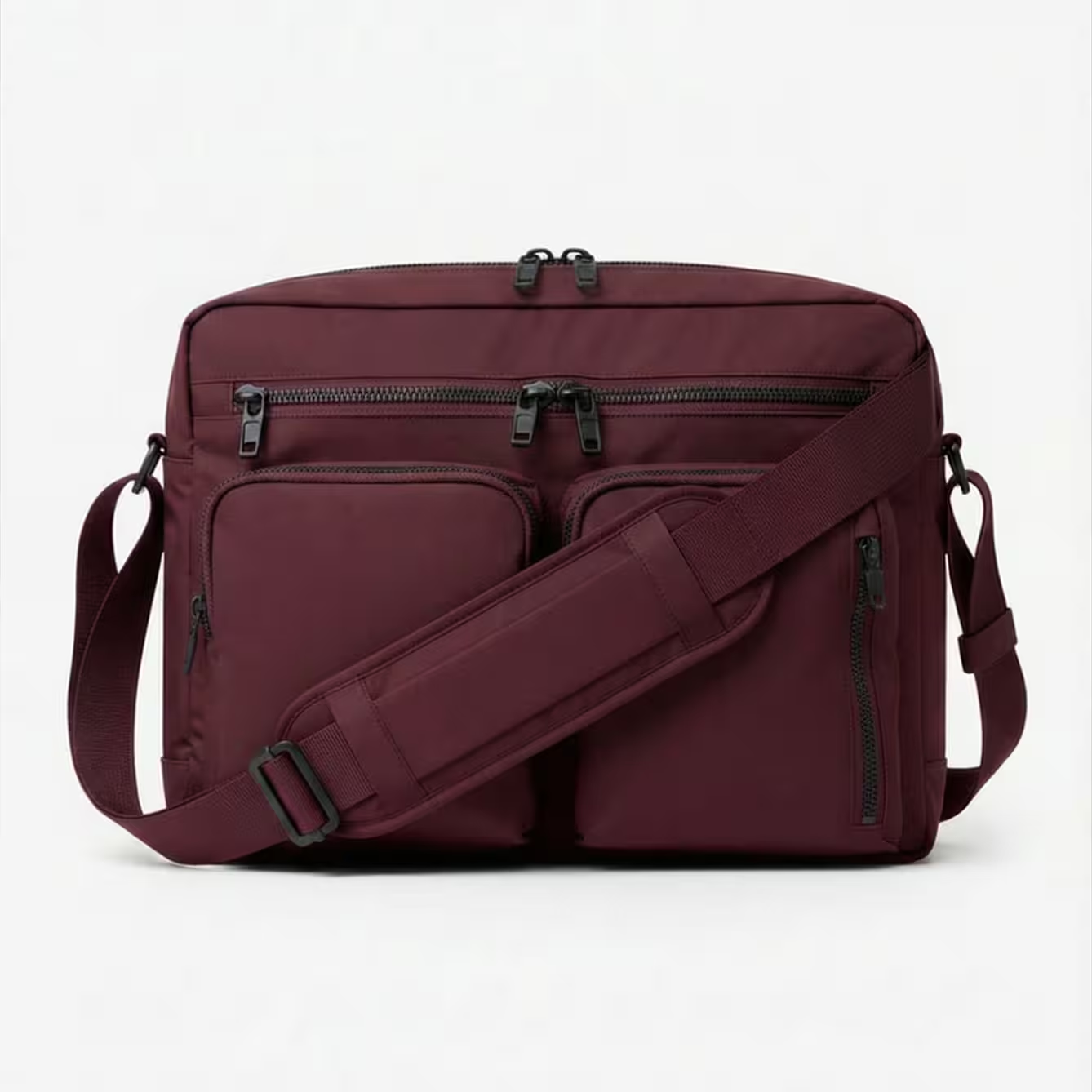
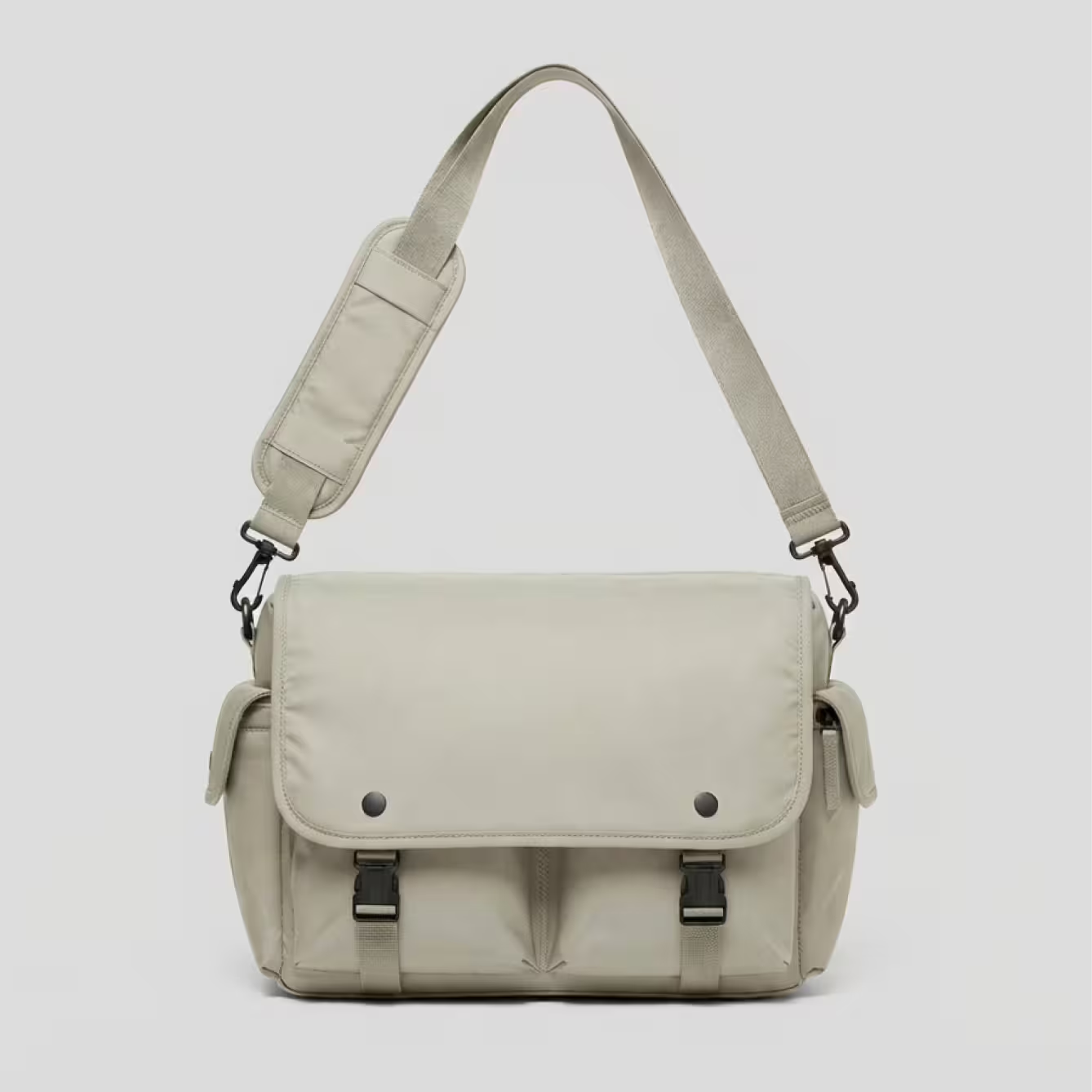
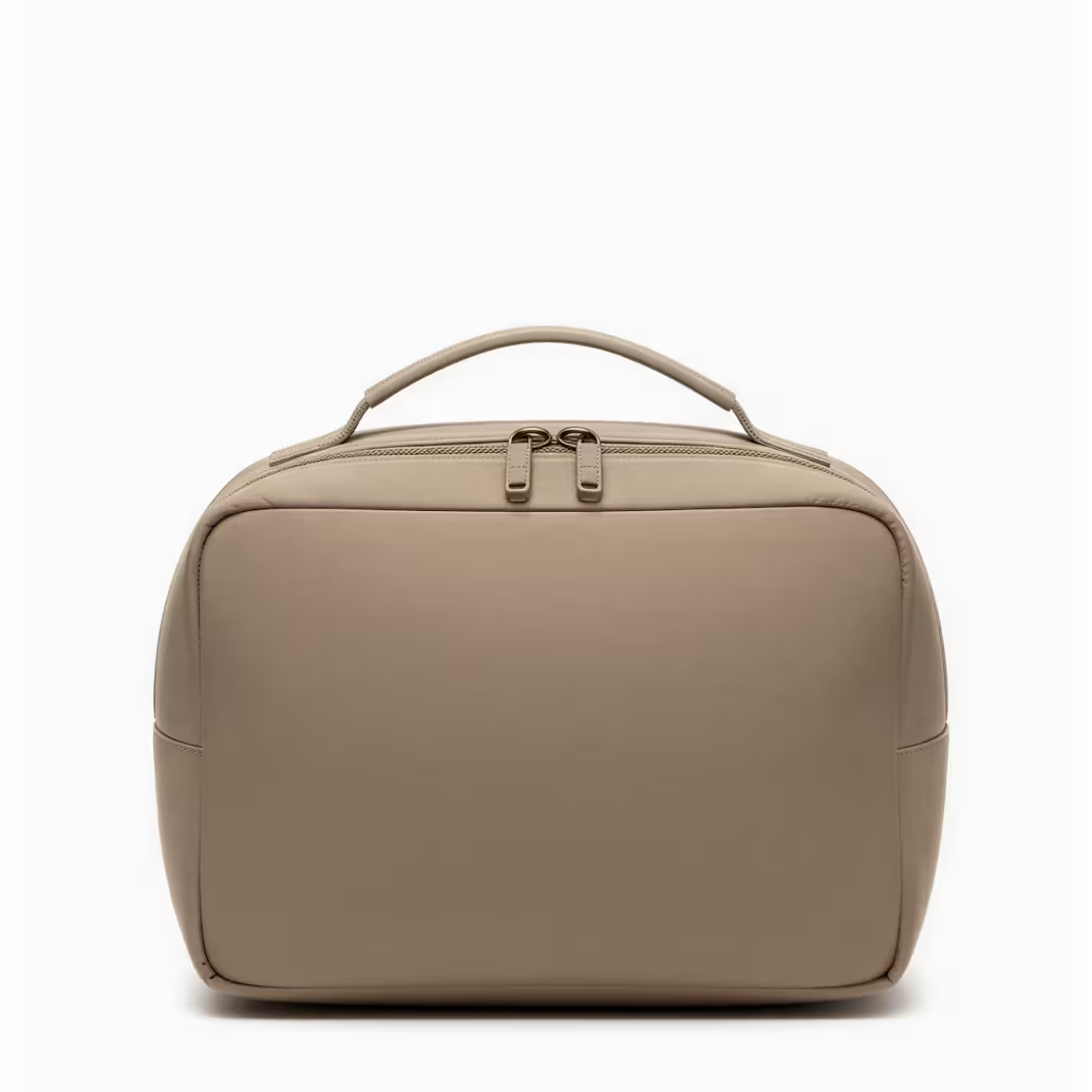
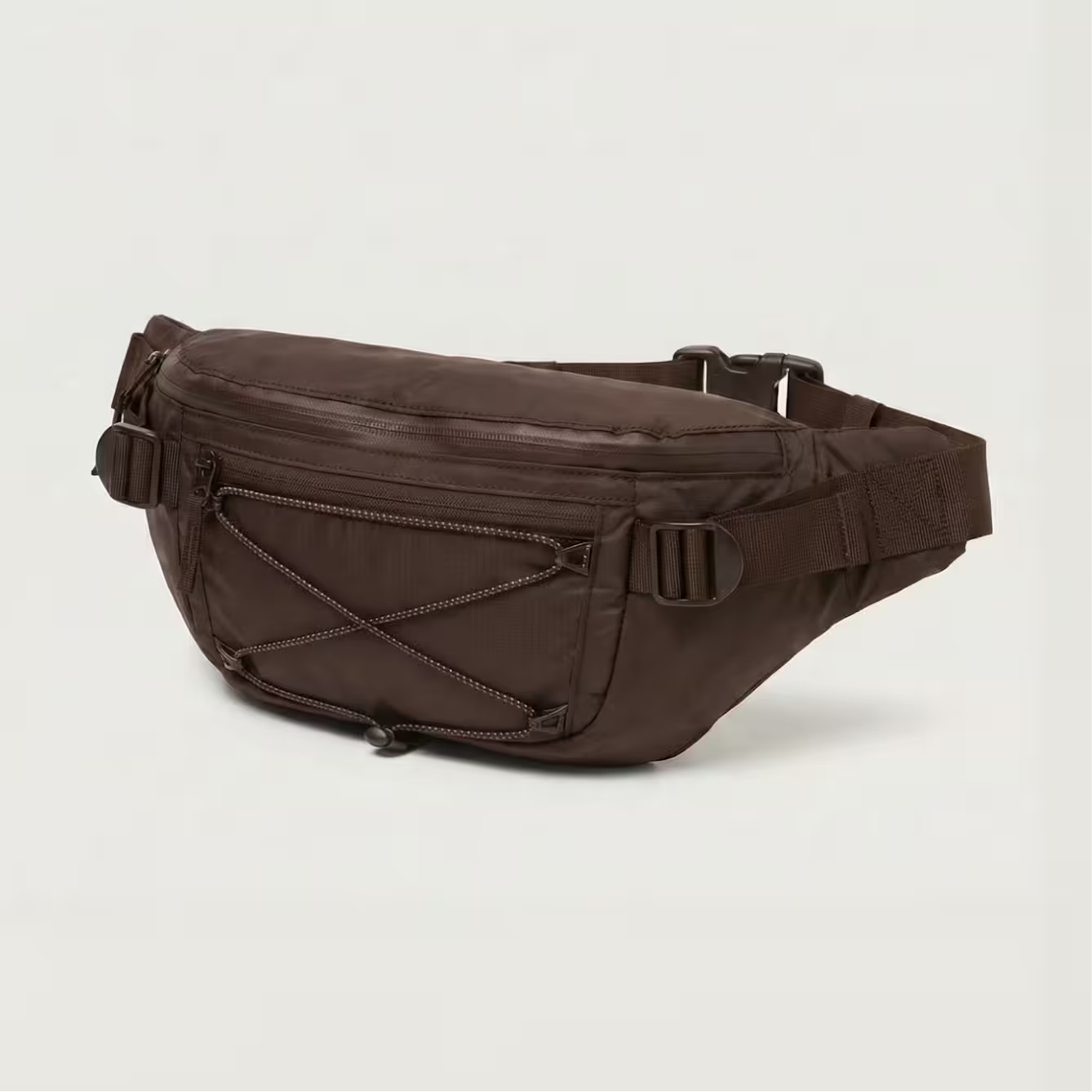
Create PDP-ready imagery early


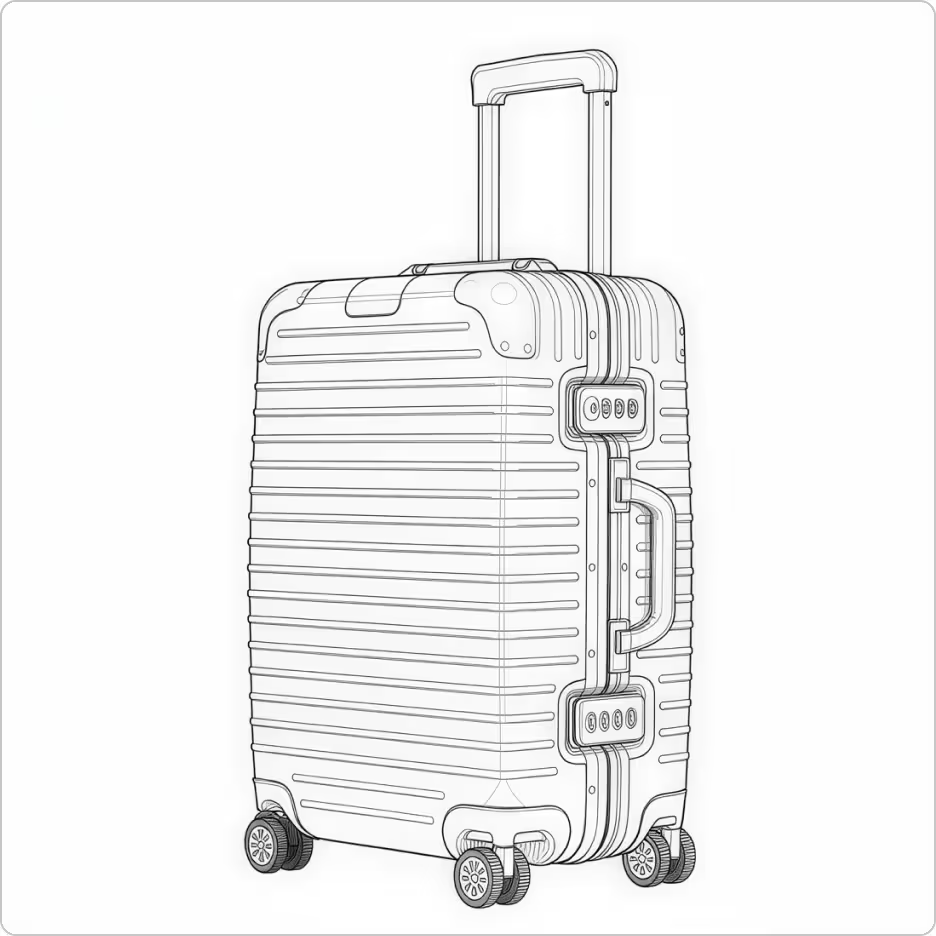
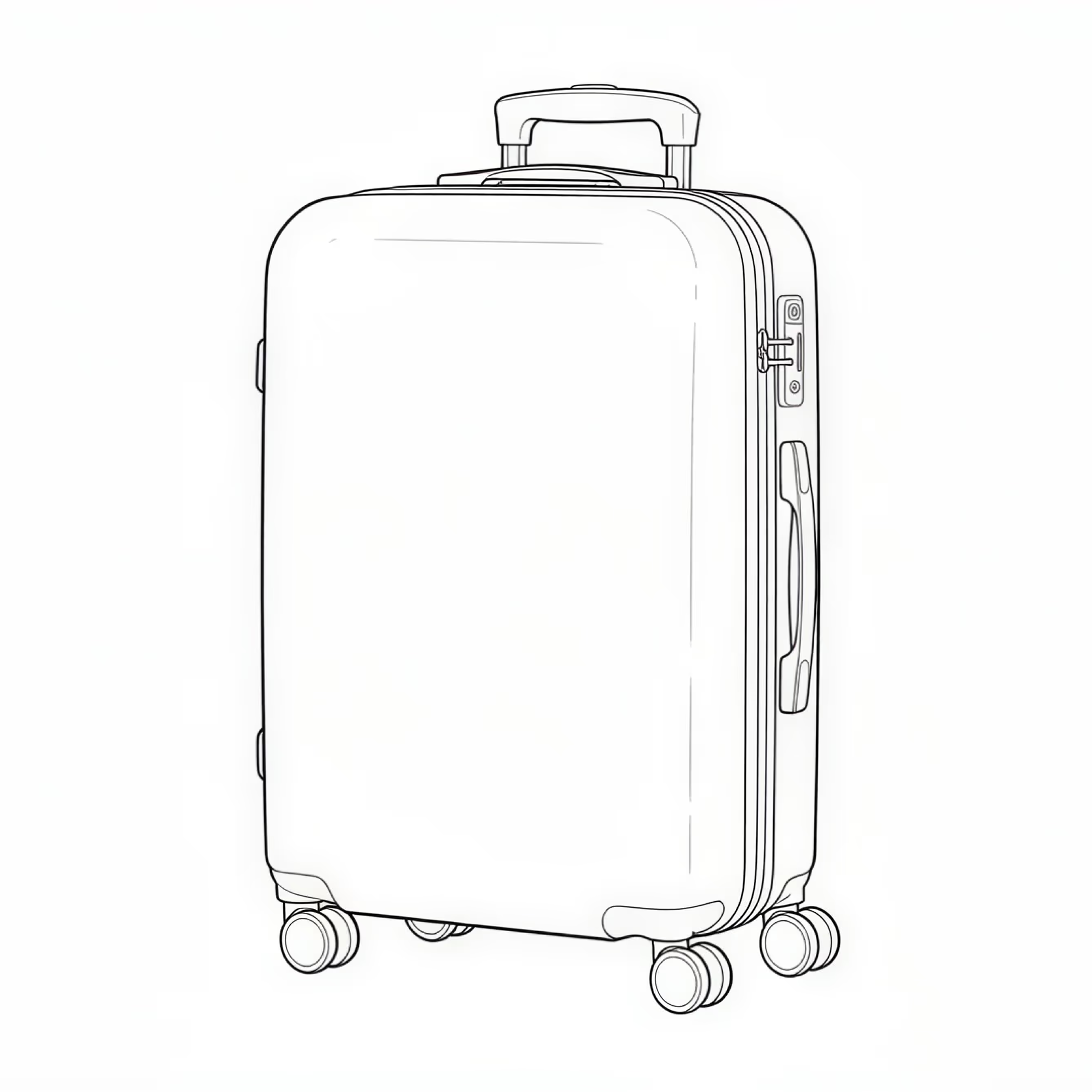
Start with a sketch, Illustrator, or CAD reference
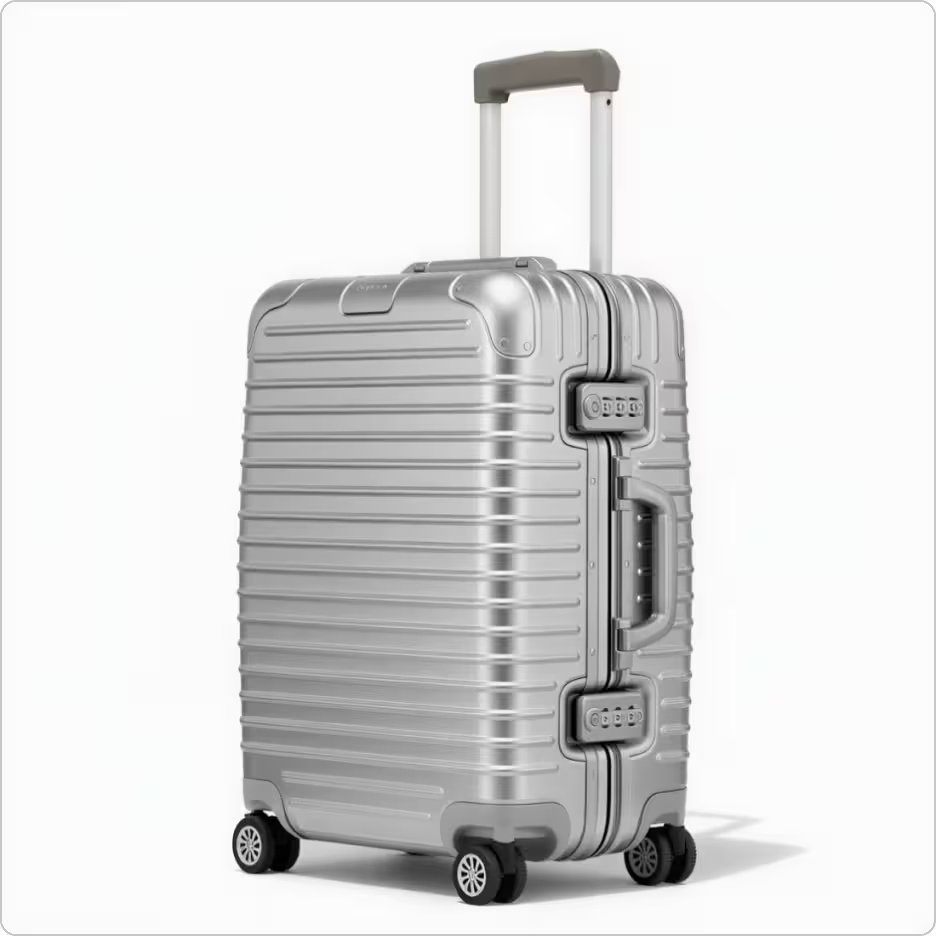
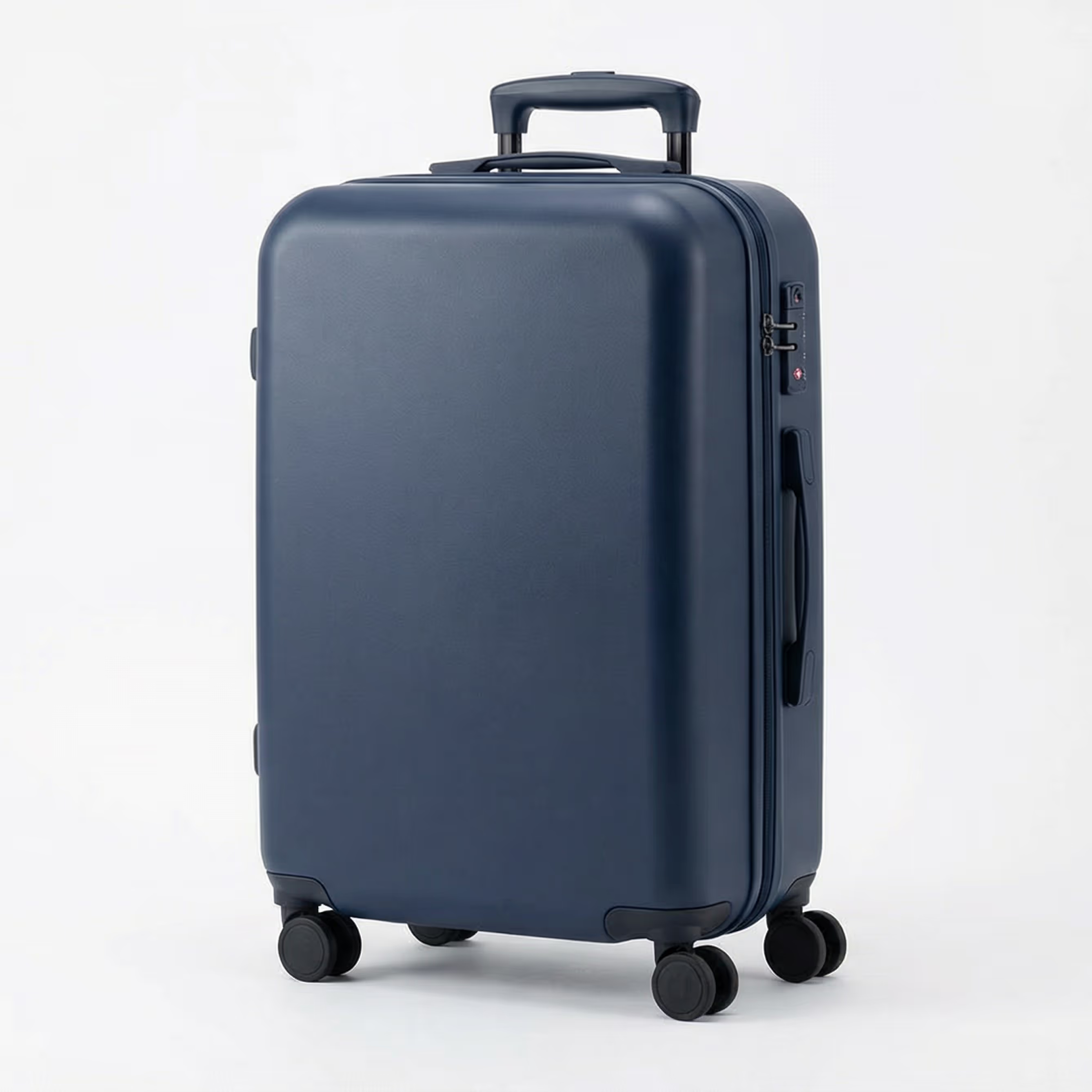
Render sketches to realistic visuals instantly
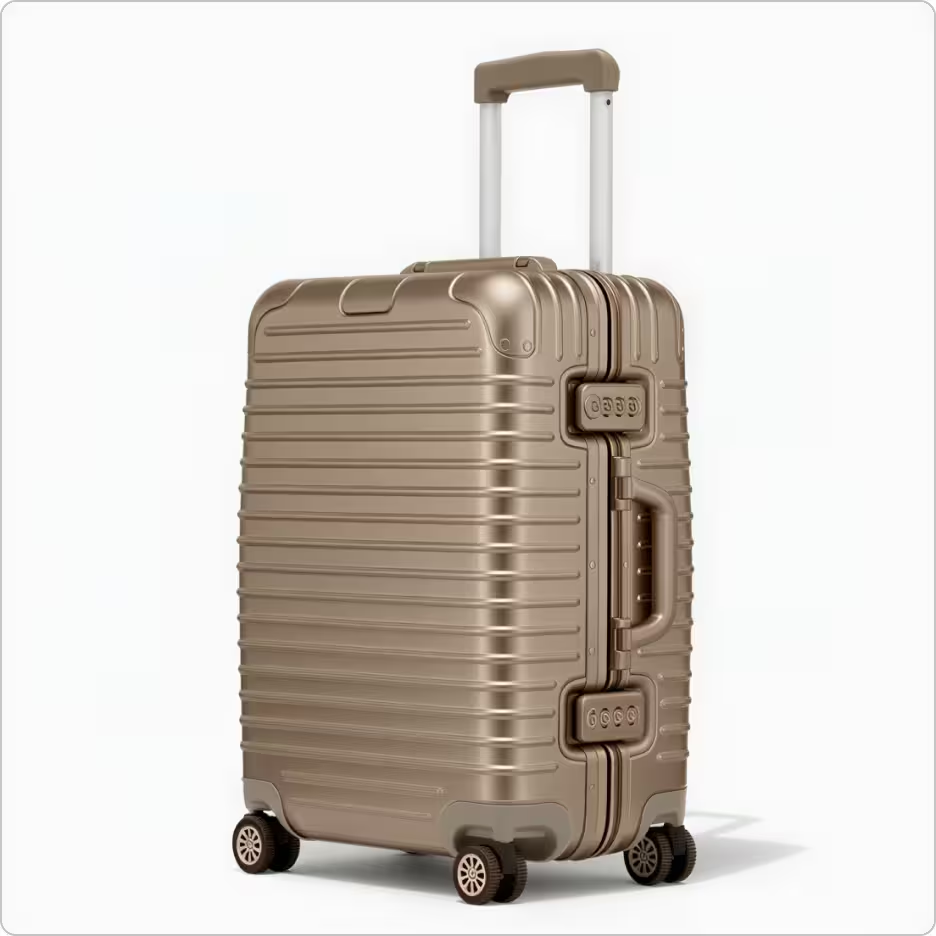
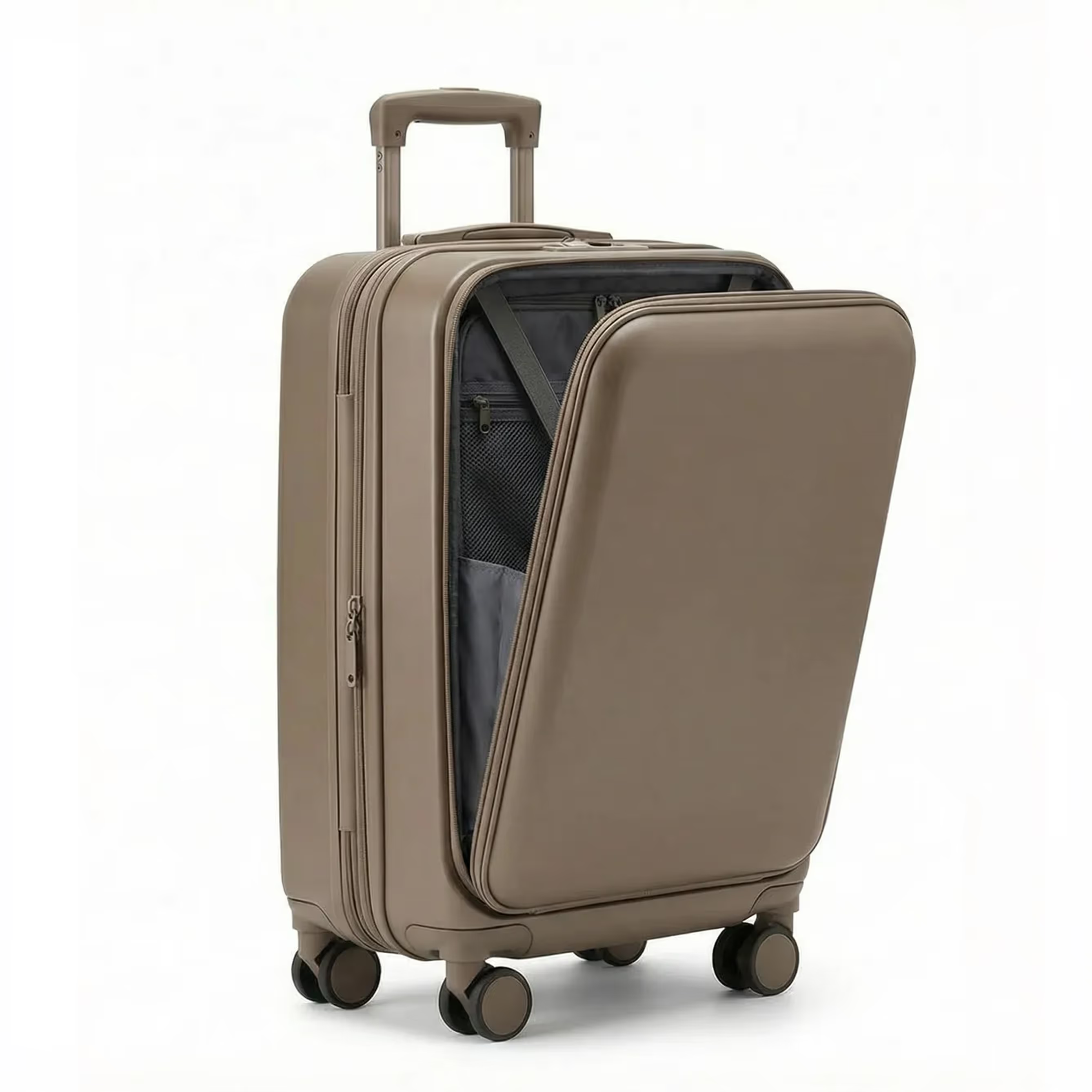
Easily visualize iterations to reduce physical prototyping
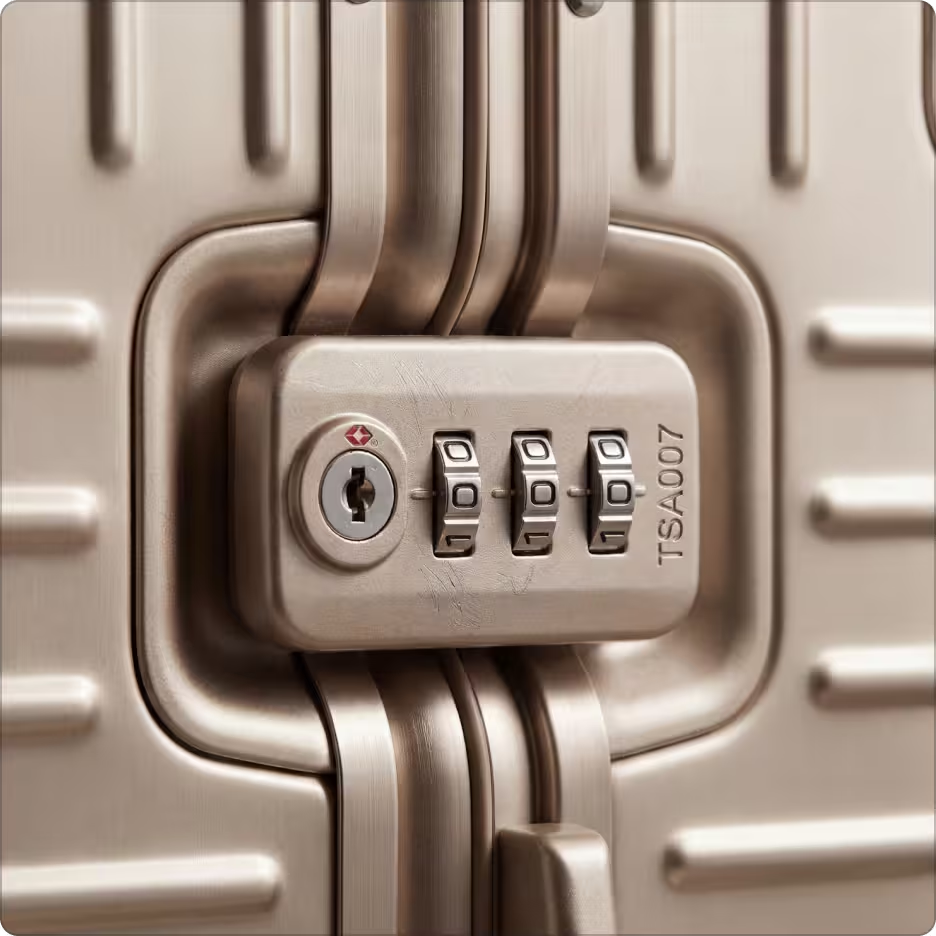
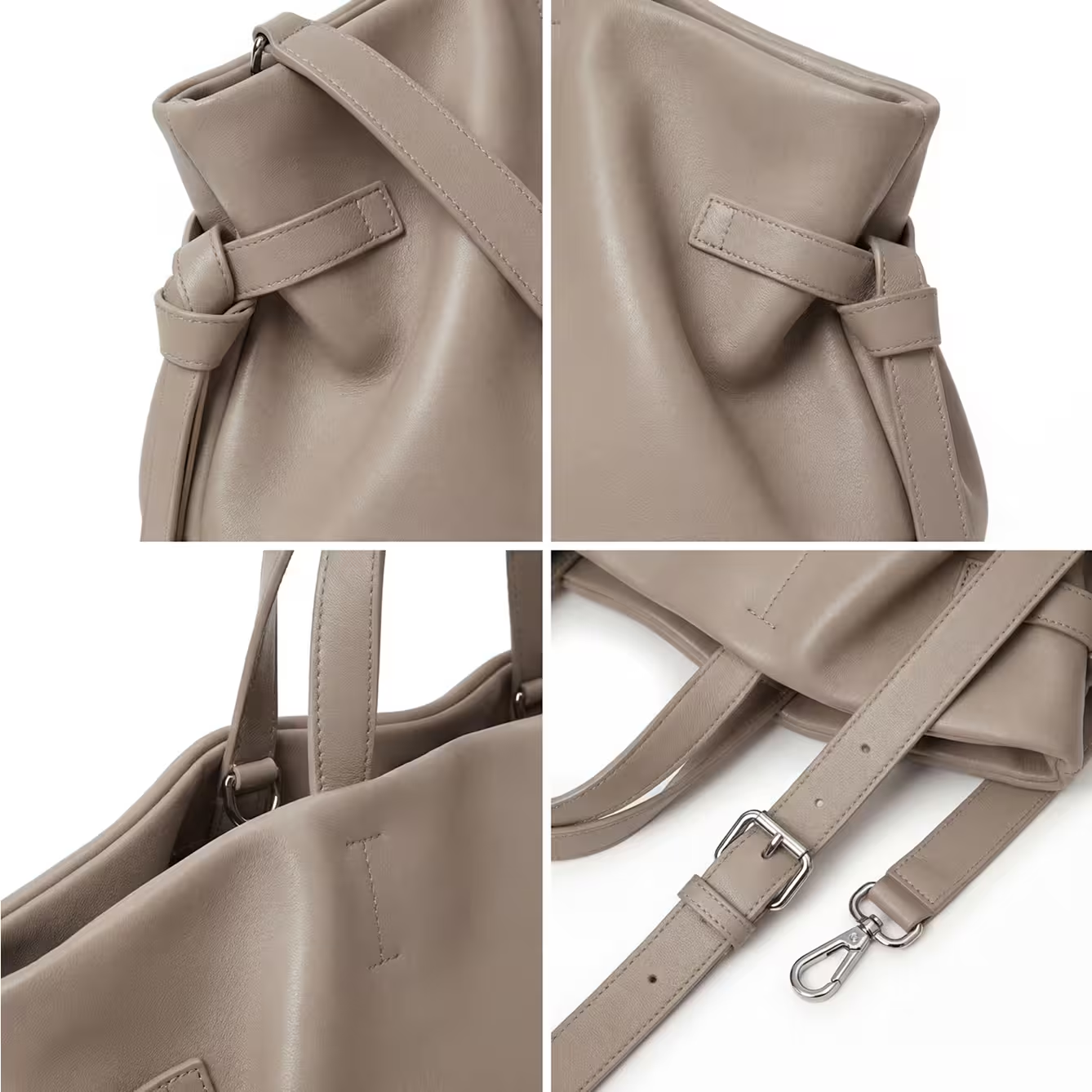
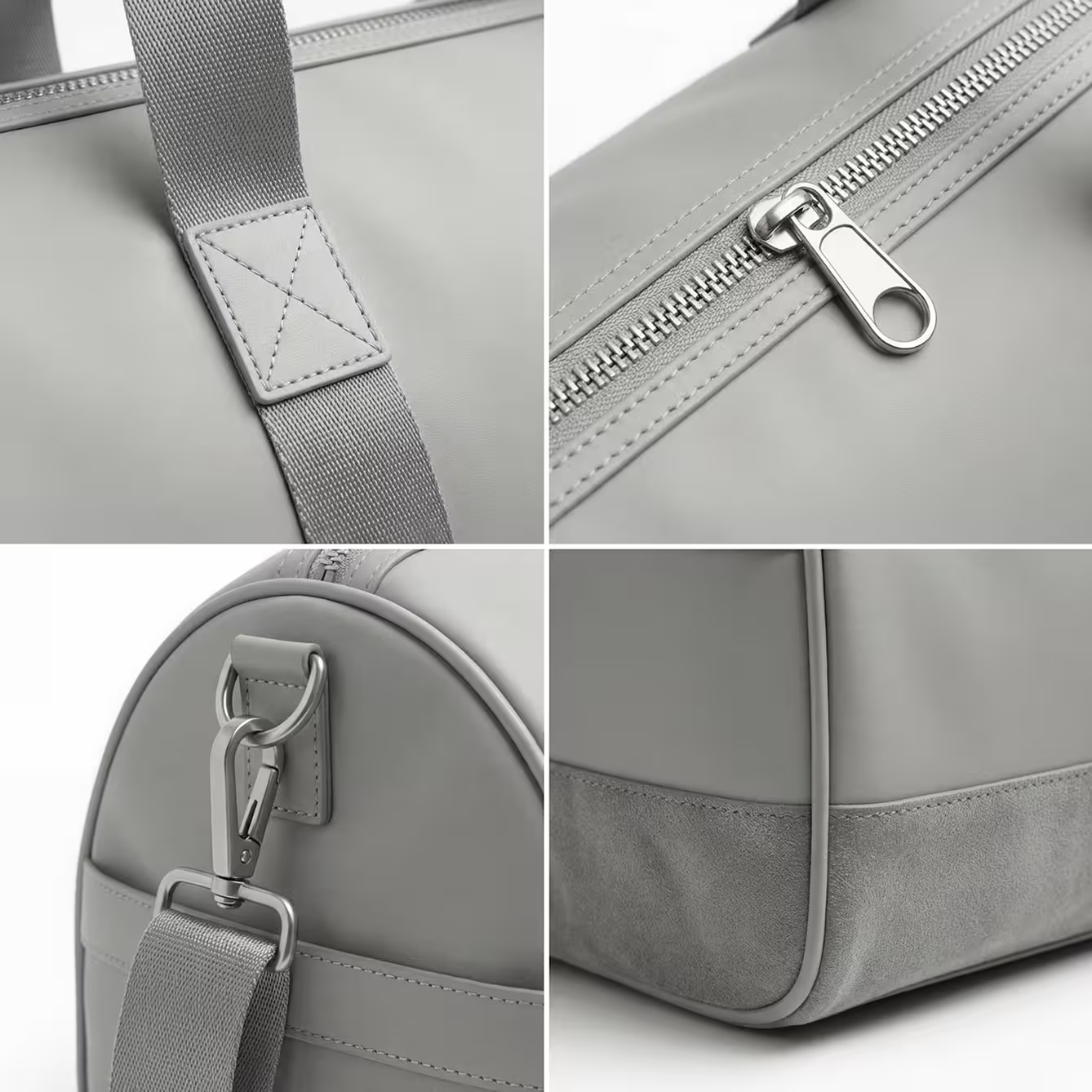
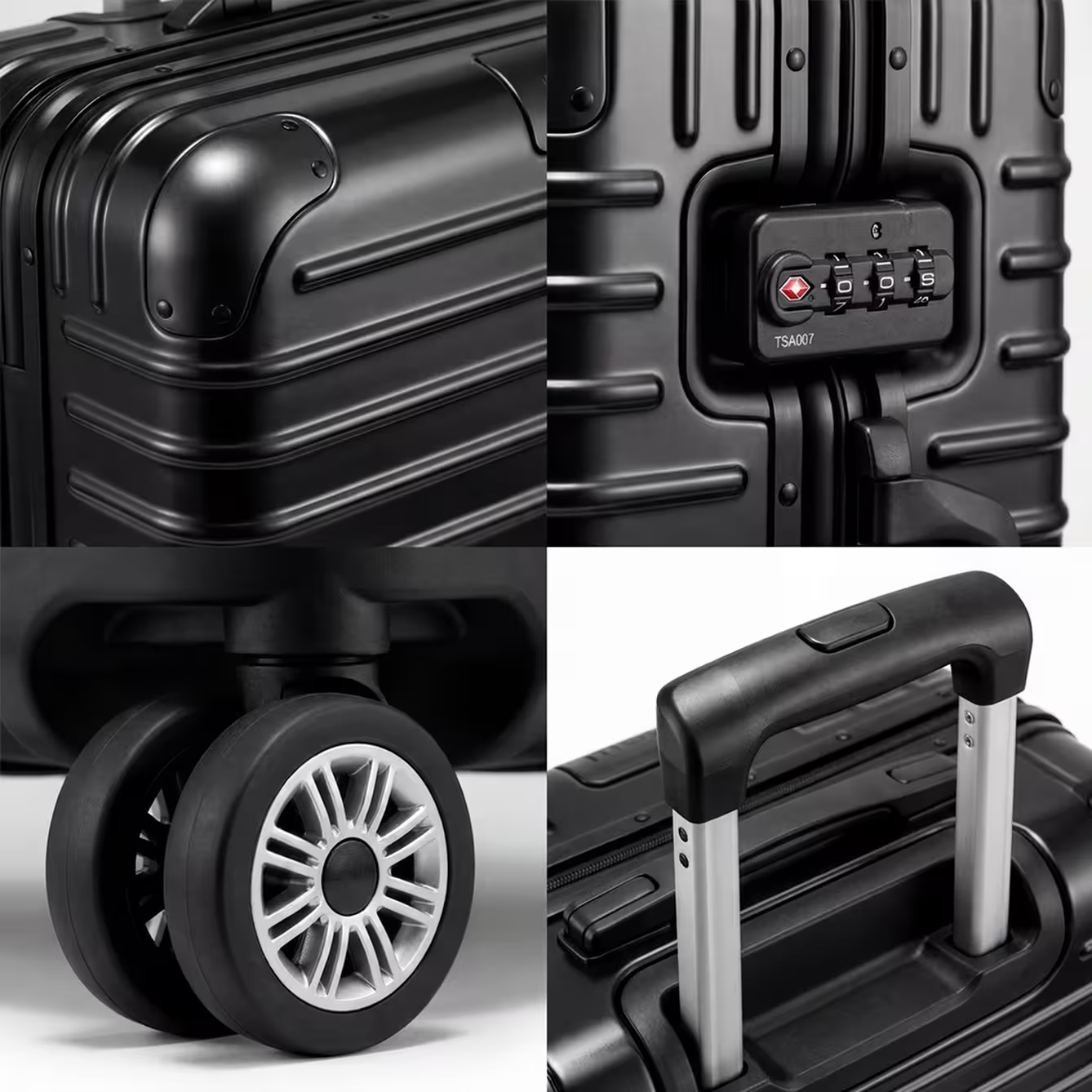
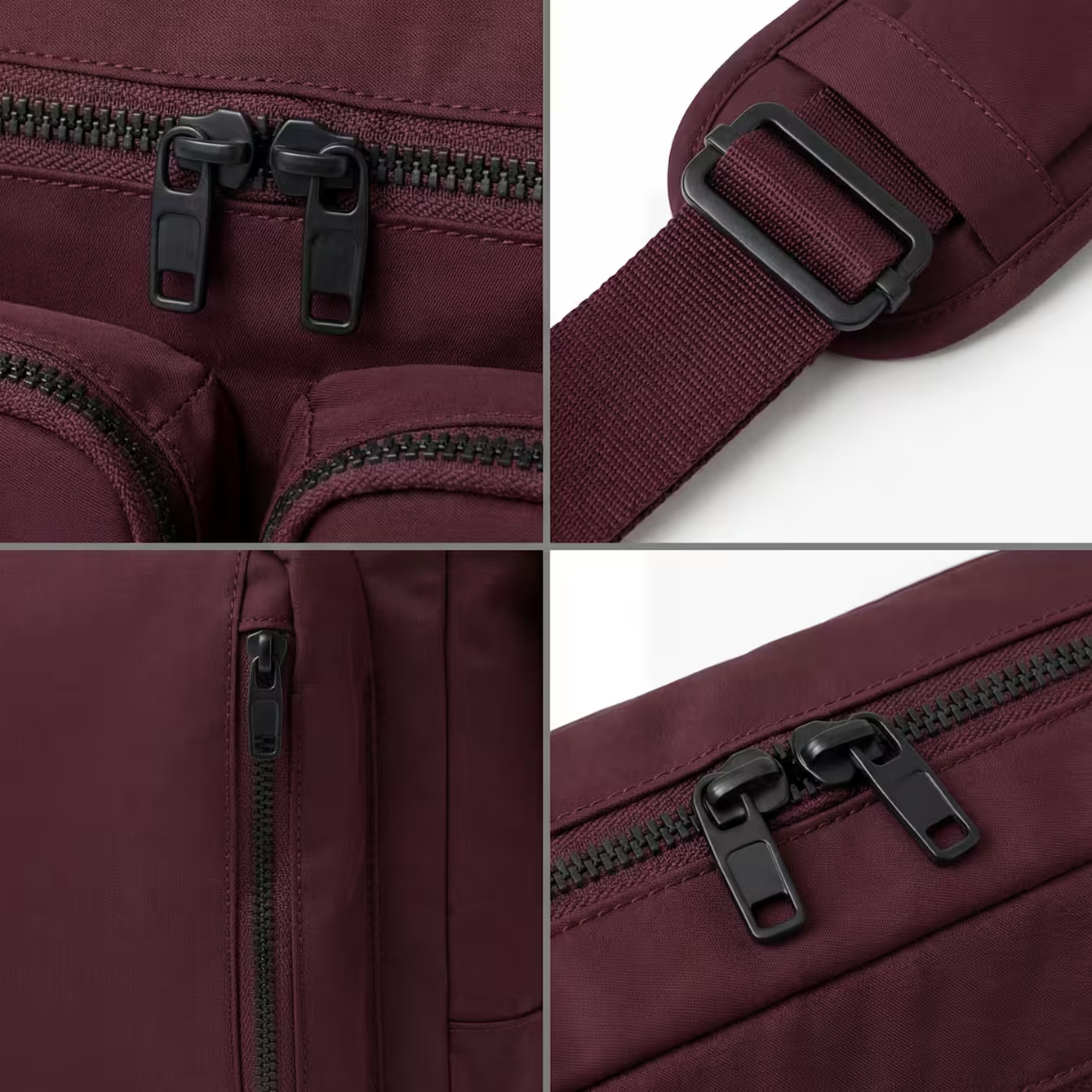
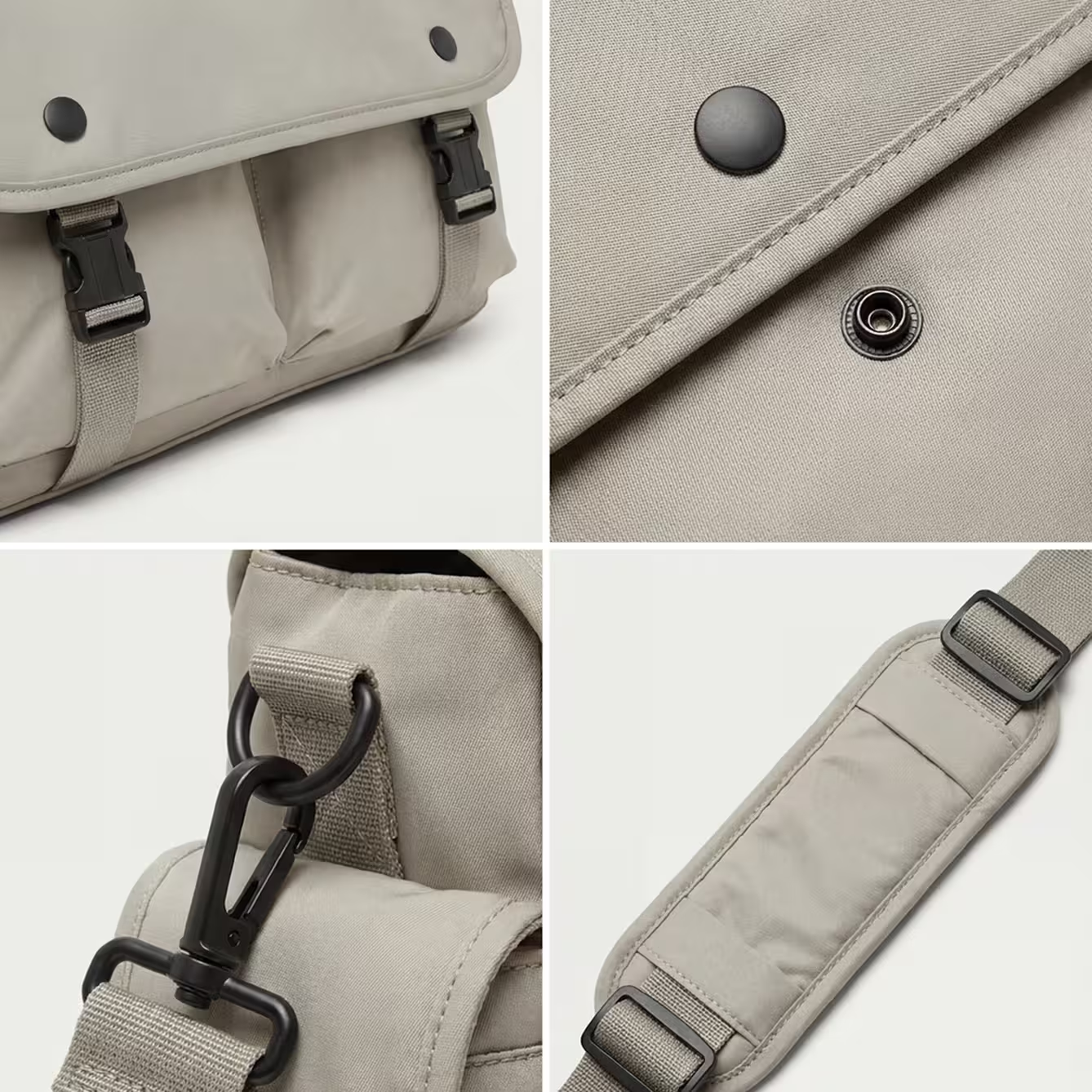
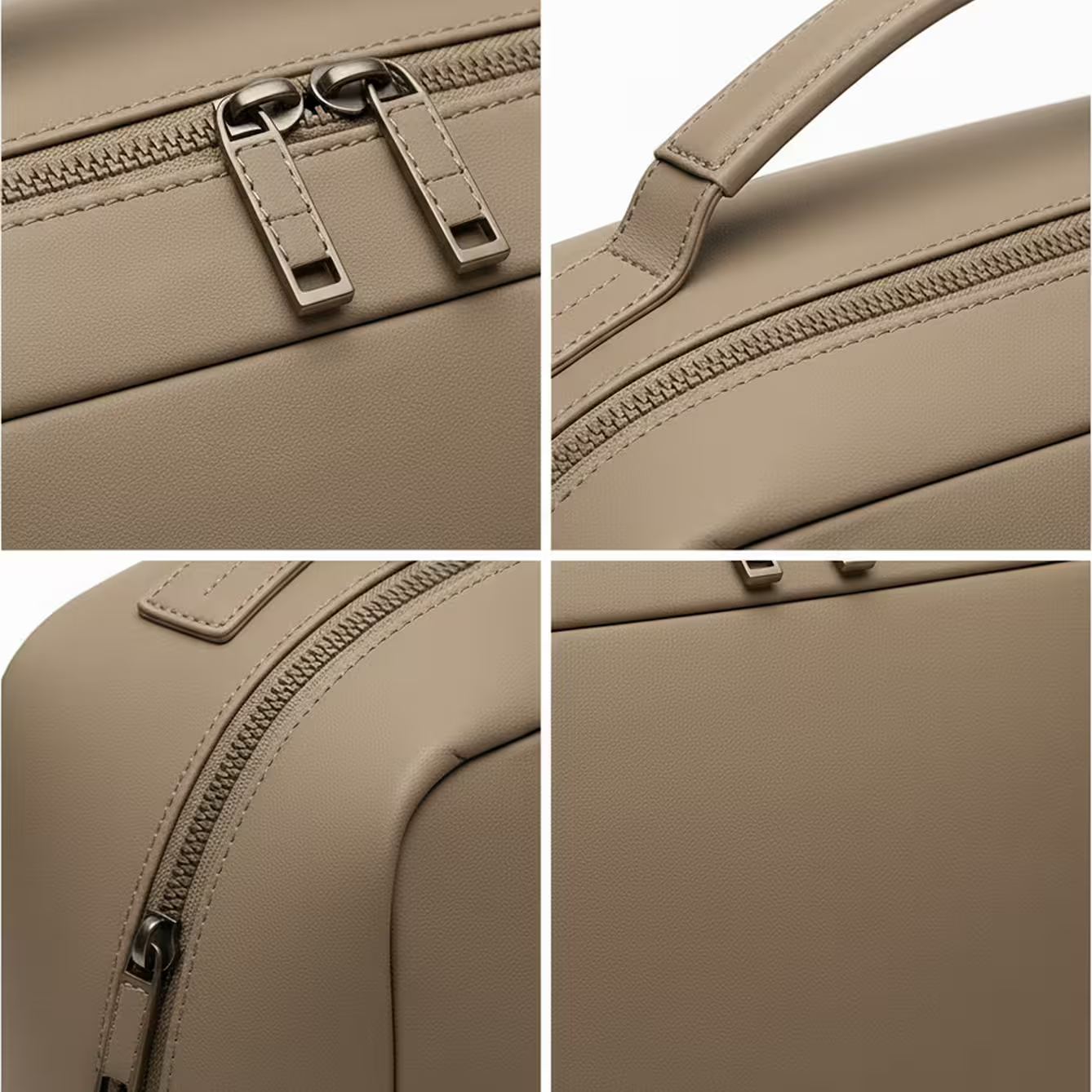
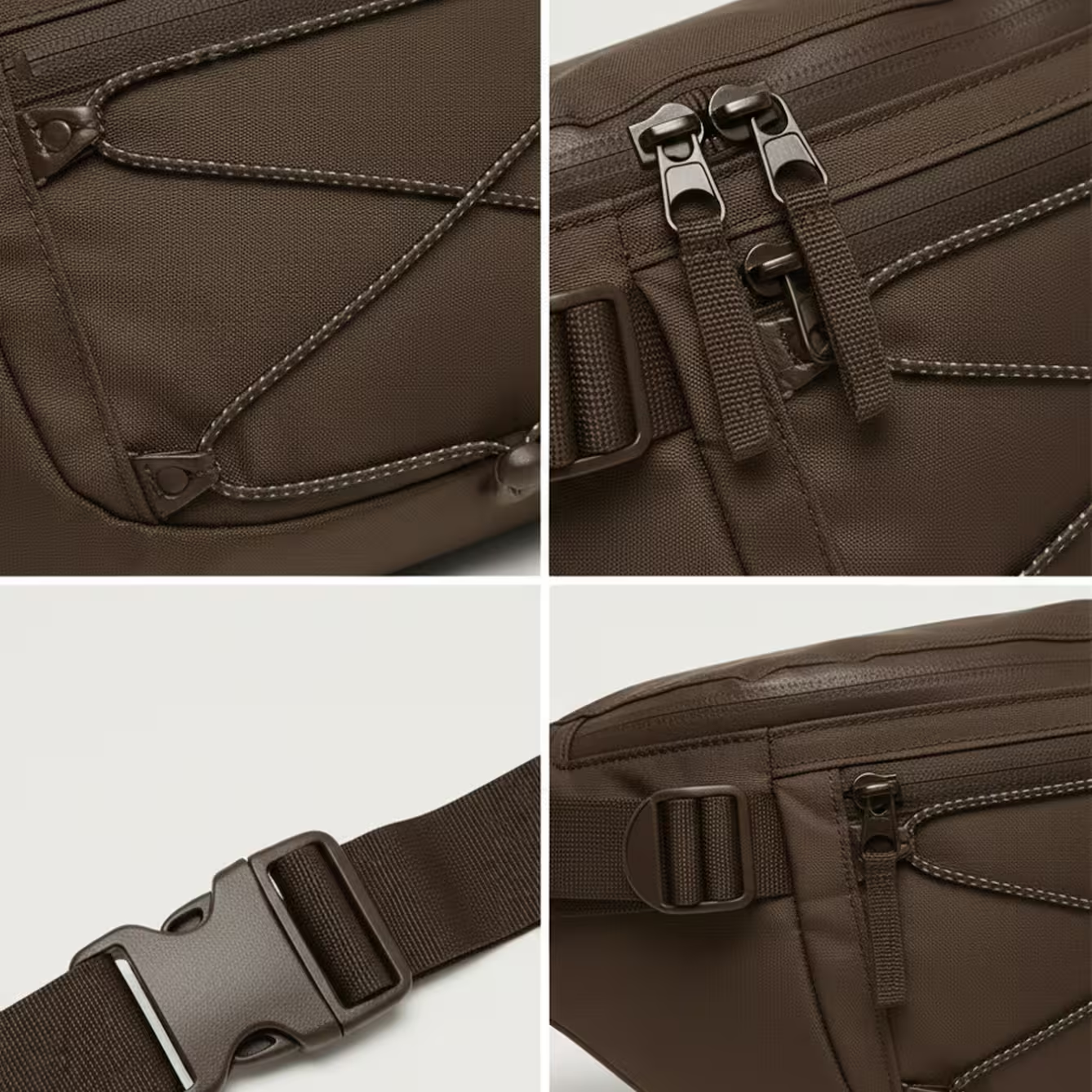
Iterate down to the fine details
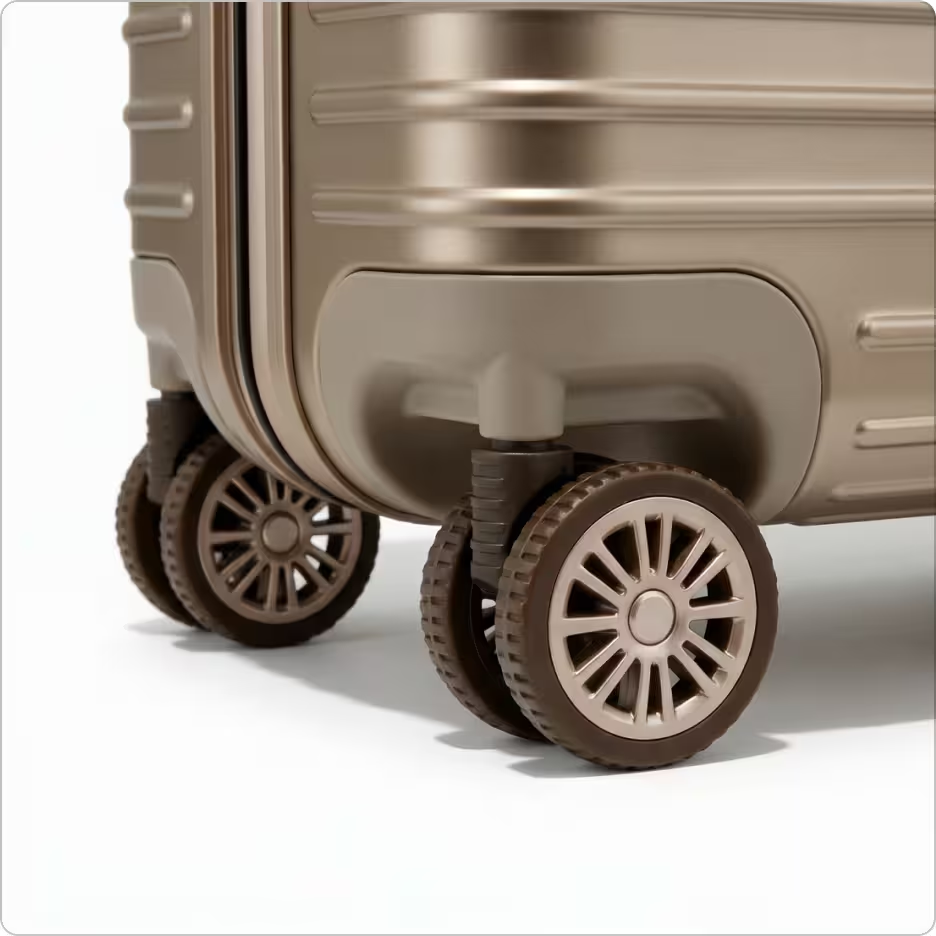
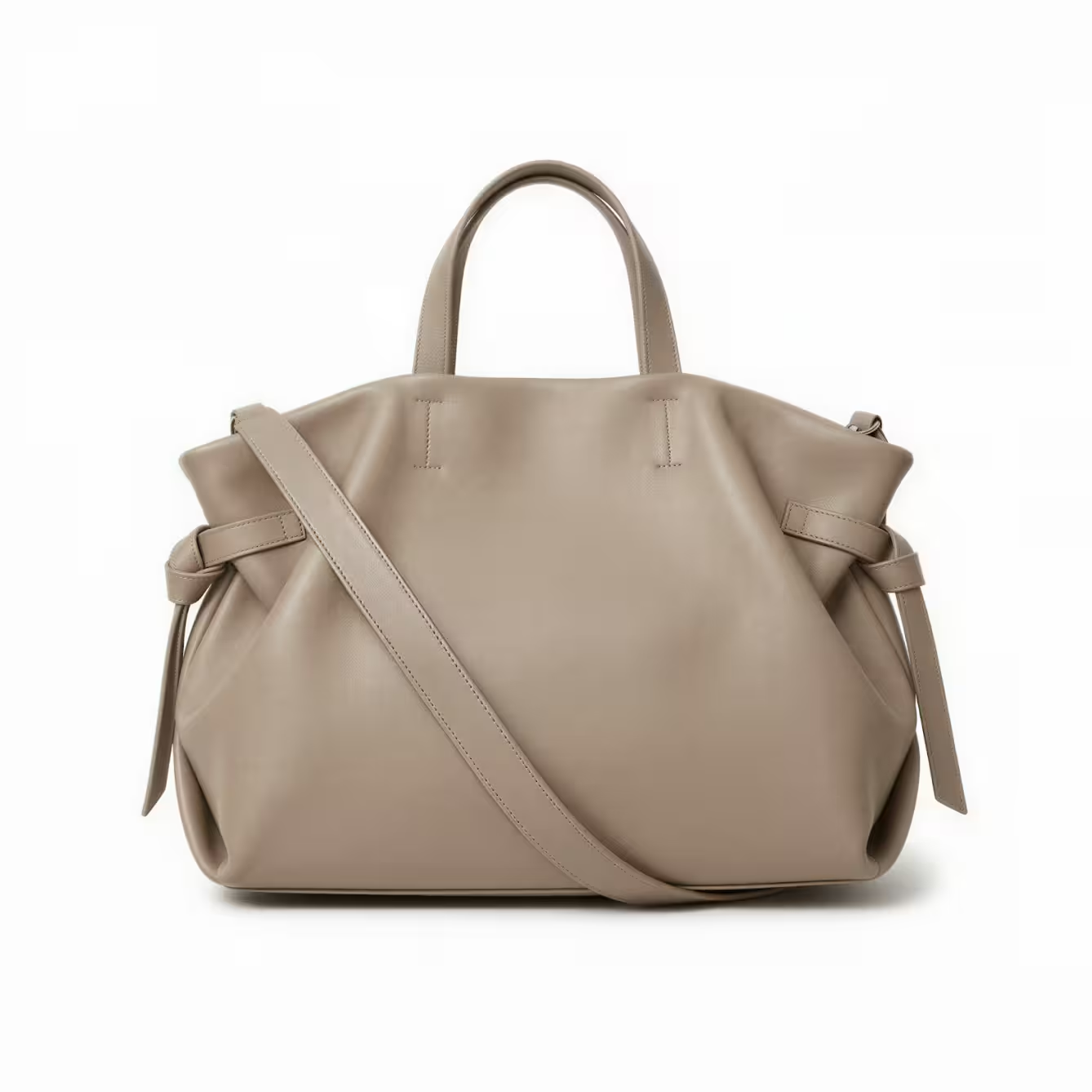
Improve your PDPs with close-ups and multiple angles
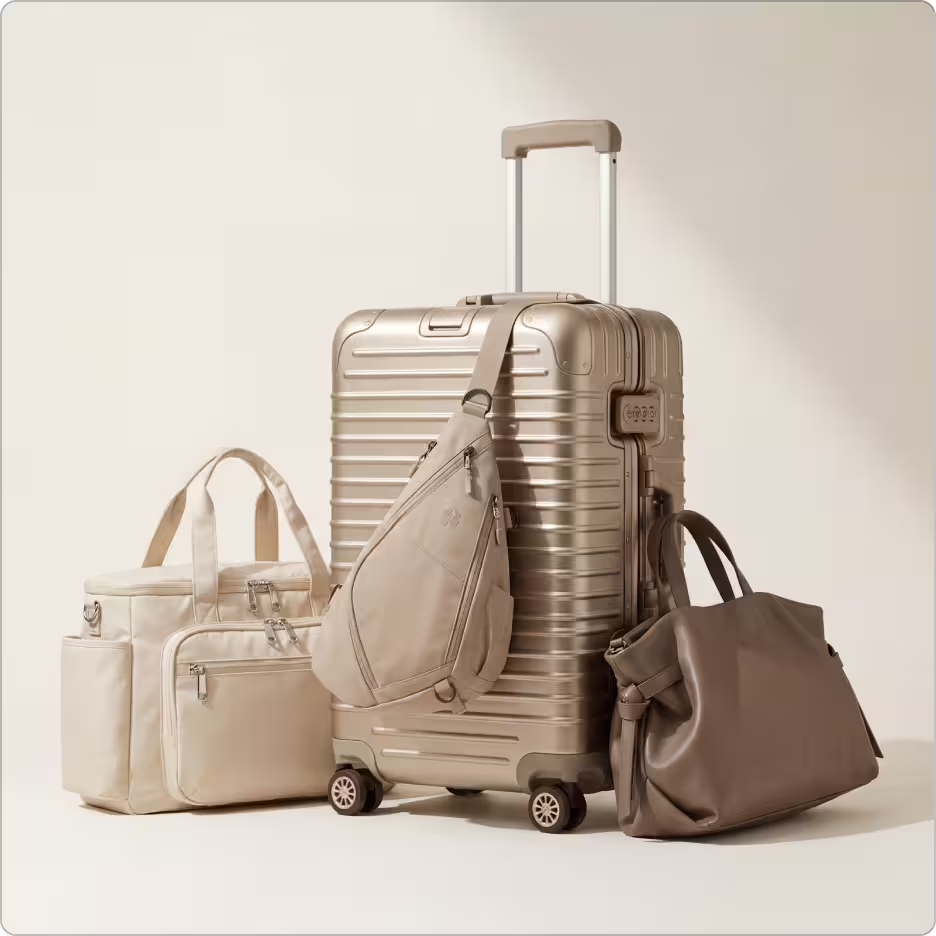
Create Lifestyle Photography imagery for your campaigns
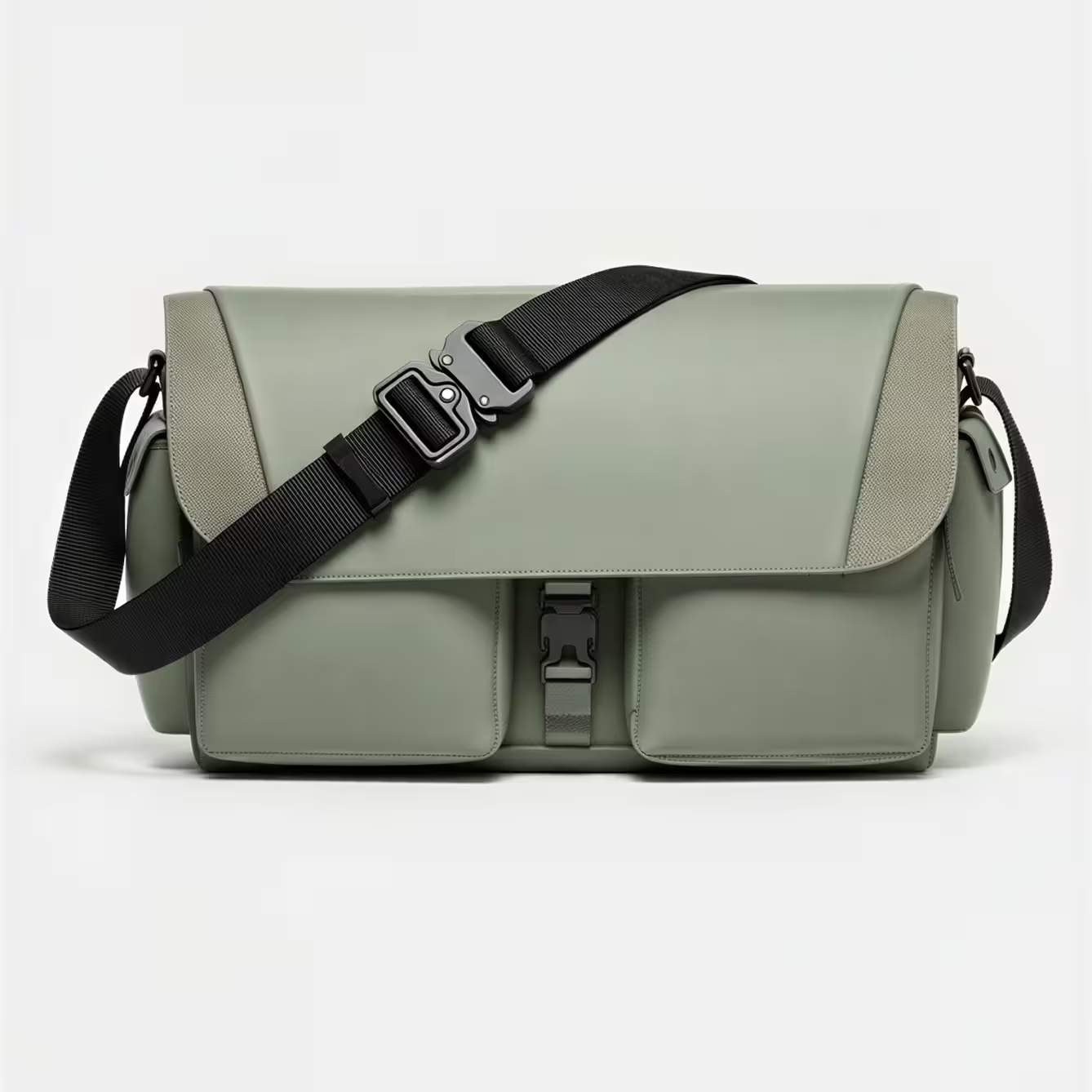
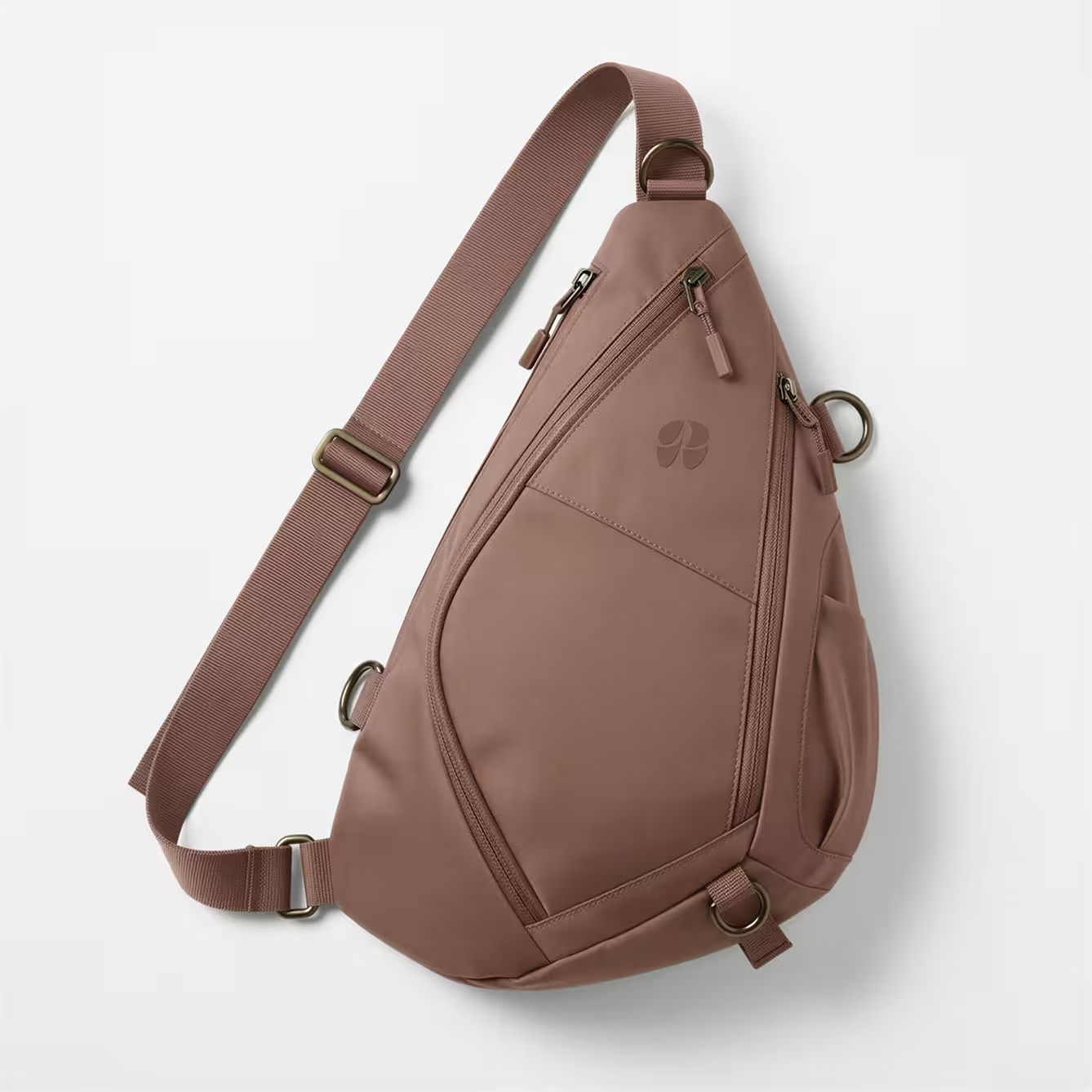

Beauty Design Tools


Works With Your Existing Workflow
Raspberry AI complements (not replaces) your current tool stack—so you can keep your CAD foundation while accelerating exploration and approvals.

CAD & 3D workflows: Use alongside existing CAD tools; reduce manual rendering burden
Low-friction alternative to high learning-curve tools: Easier onboarding than complex visualization platforms
Creative collaboration: Fits naturally into Adobe and Miro for moodboards, markups, and review alignment




.svg)
Frequently Asked Questions
Does Raspberry AI replace our CAD tools like Rhino or SolidWorks?

No—Raspberry AI complements CAD. Use Raspberry for faster ideation, visualization, and approval alignment, then invest heavy CAD effort once direction is confirmed.
Can Raspberry AI help reduce sampling rounds?
Yes. By validating proportions, materials, and branding visually upfront, teams reduce the number of physical prototypes needed to gain confidence.
Can we use Raspberry visuals for vendor communication?
Absolutely. High-fidelity renders and multi-view details help factories understand intent earlier, reducing revisions and back-and-forth.
Can marketing use the output for PDPs?
Yes. Raspberry AI can generate clean, product-ready imagery and multi-angle sets early—helping marketing launch PDP content sooner.
Can Raspberry AI maintain brand integrity across a product line?
Yes. Teams can keep logos, finishes, and visual standards consistent while exploring variations and colorways.