AI DESIGN EDITOR
AI Powered Edits for Next-Level Design
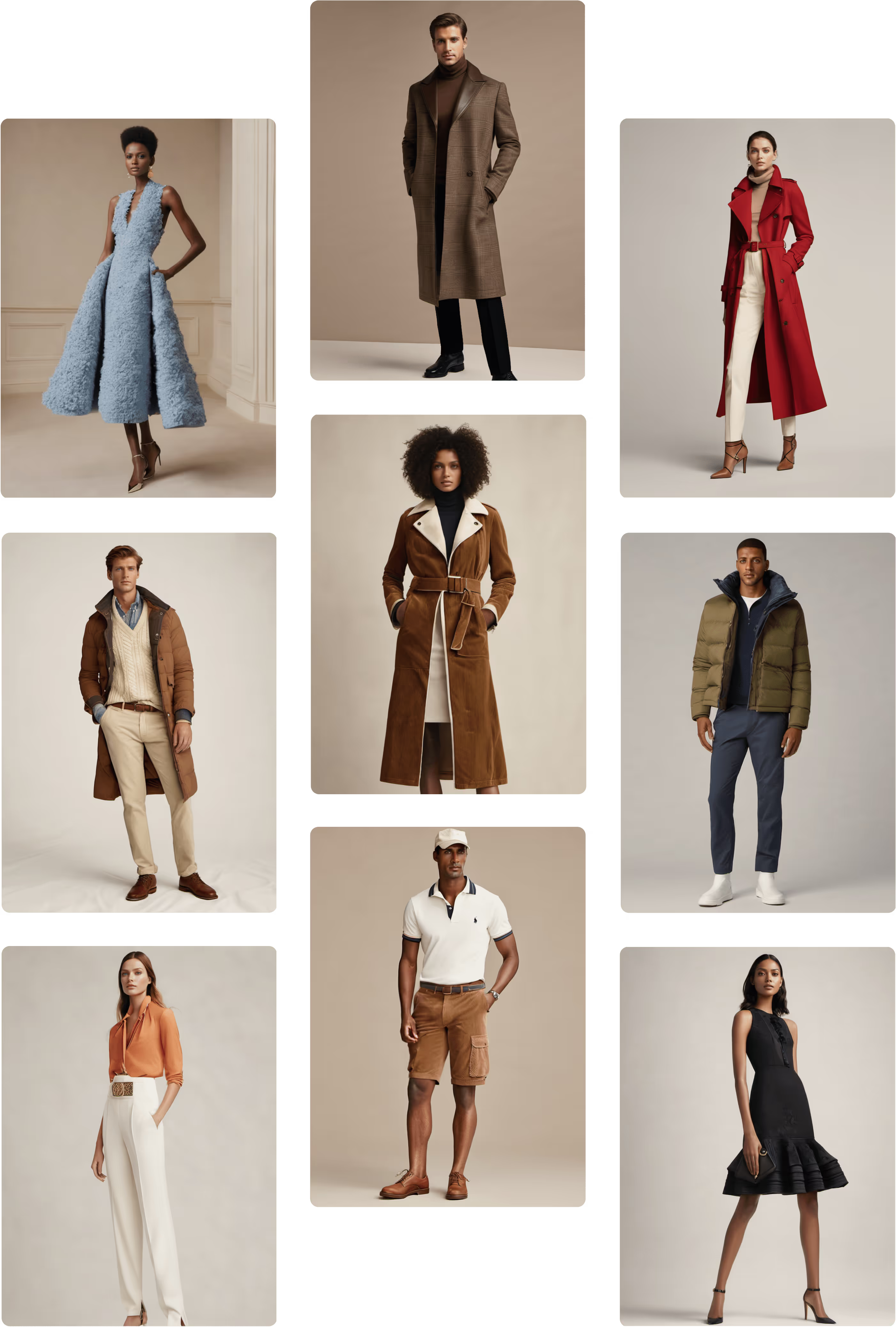
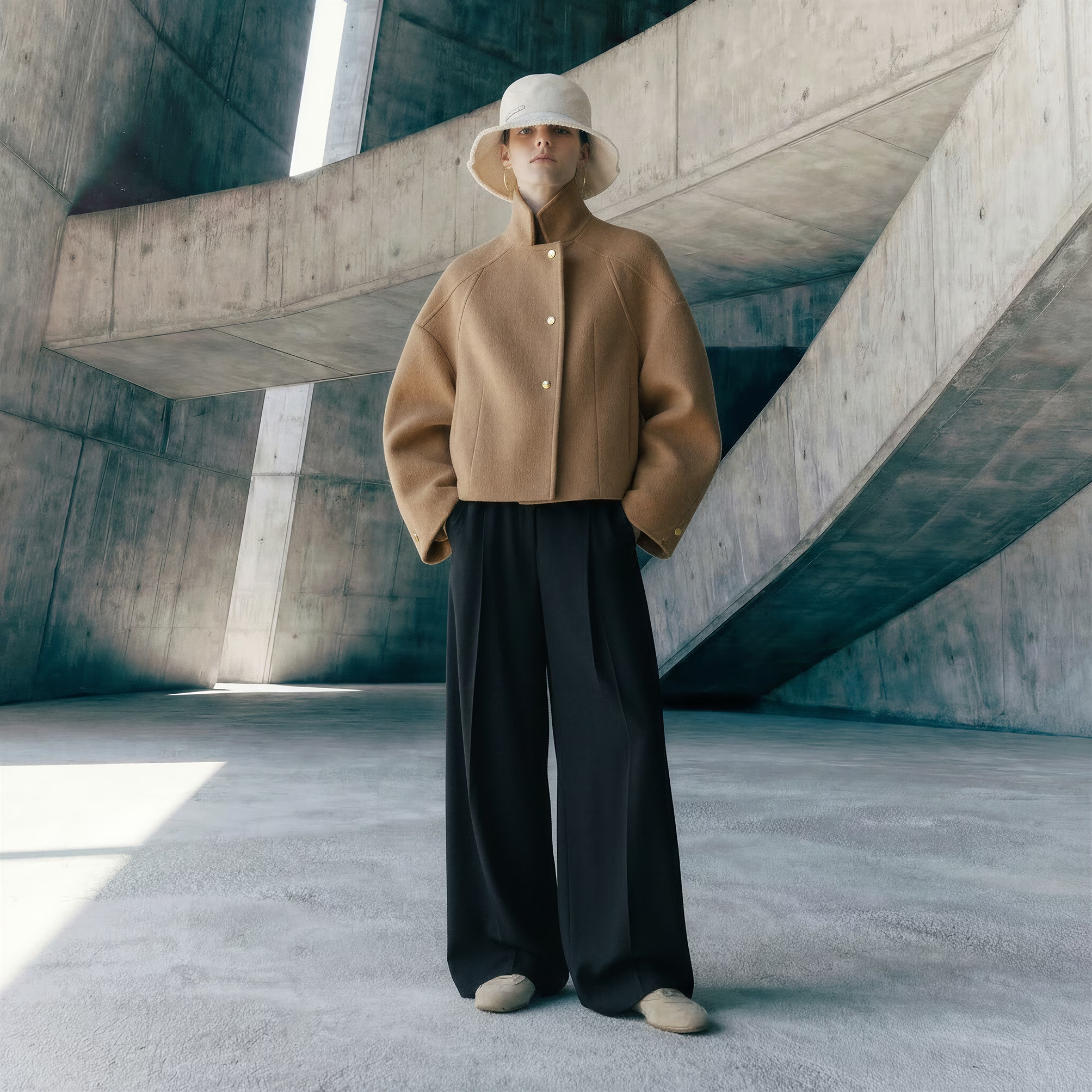
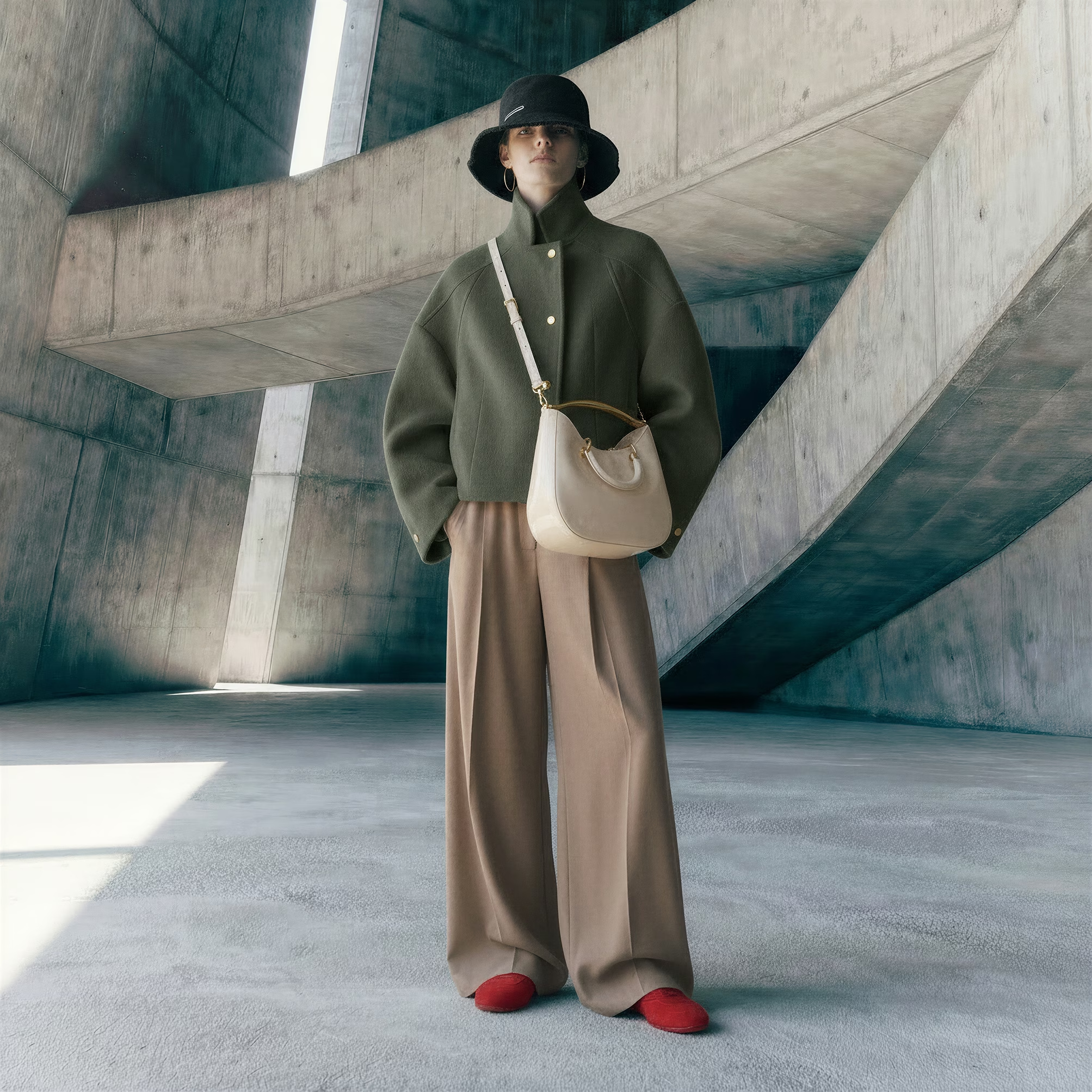
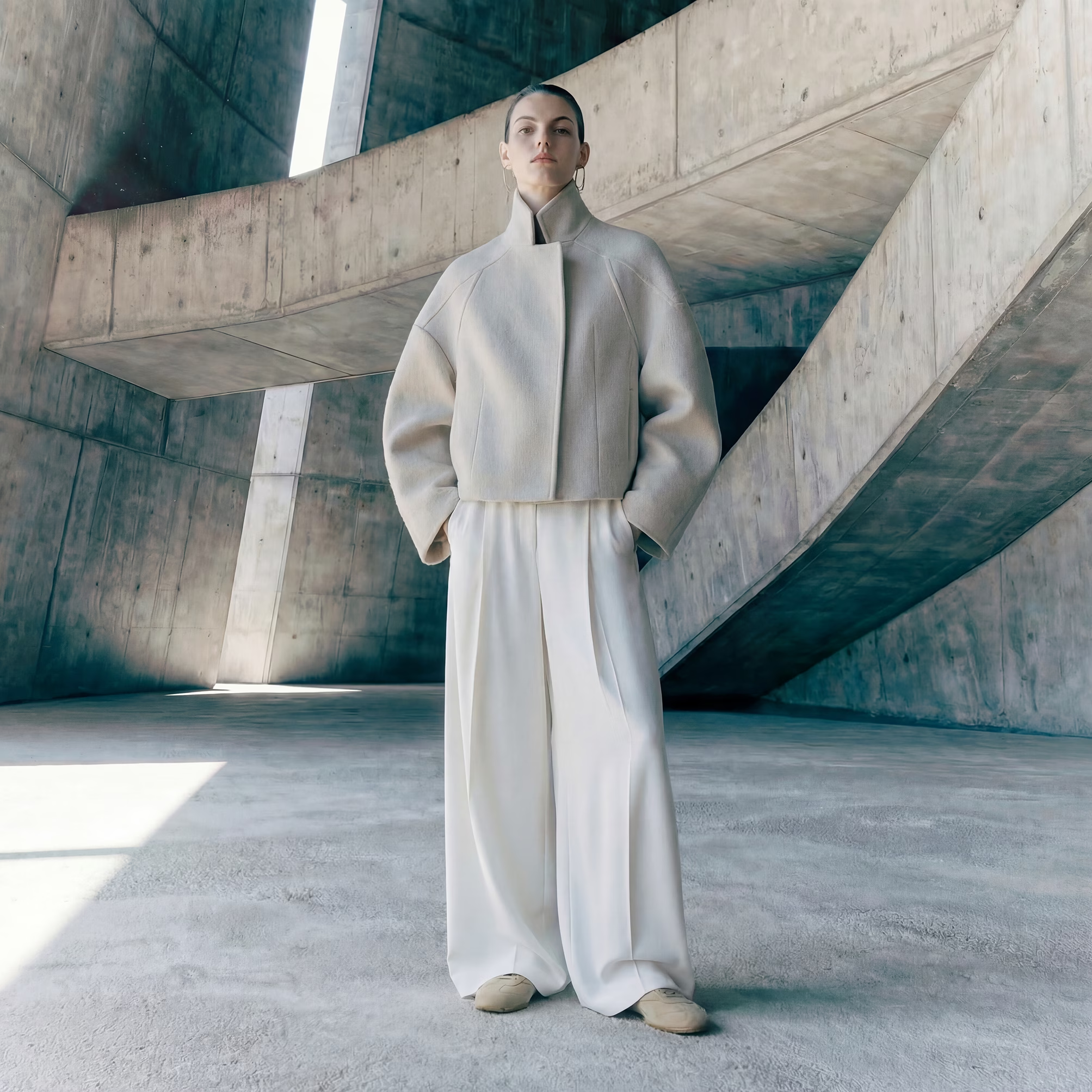
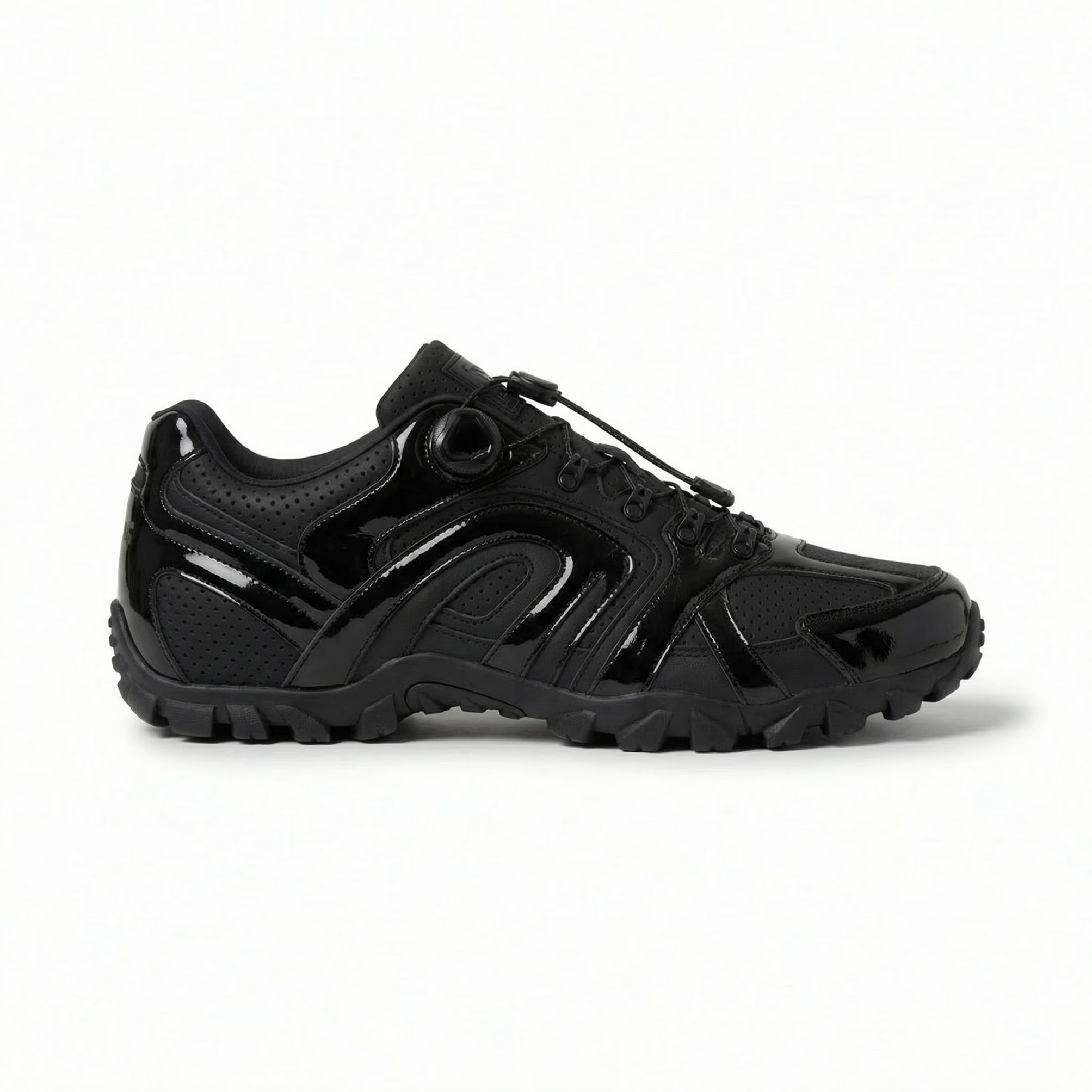
No matter how big or small your ideas are, if you can imagine it, you can see it—in seconds. Reimagine entire campaigns or refine garments down to the finest details—buttons, trims, colors, you name it. Raspberry turns your designs into polished, photorealistic visuals, ready for e-commerce, campaigns, or creative explorations.







.svg)
.png)
.png)
.png)














Design Edit Modes
_converted.avif)
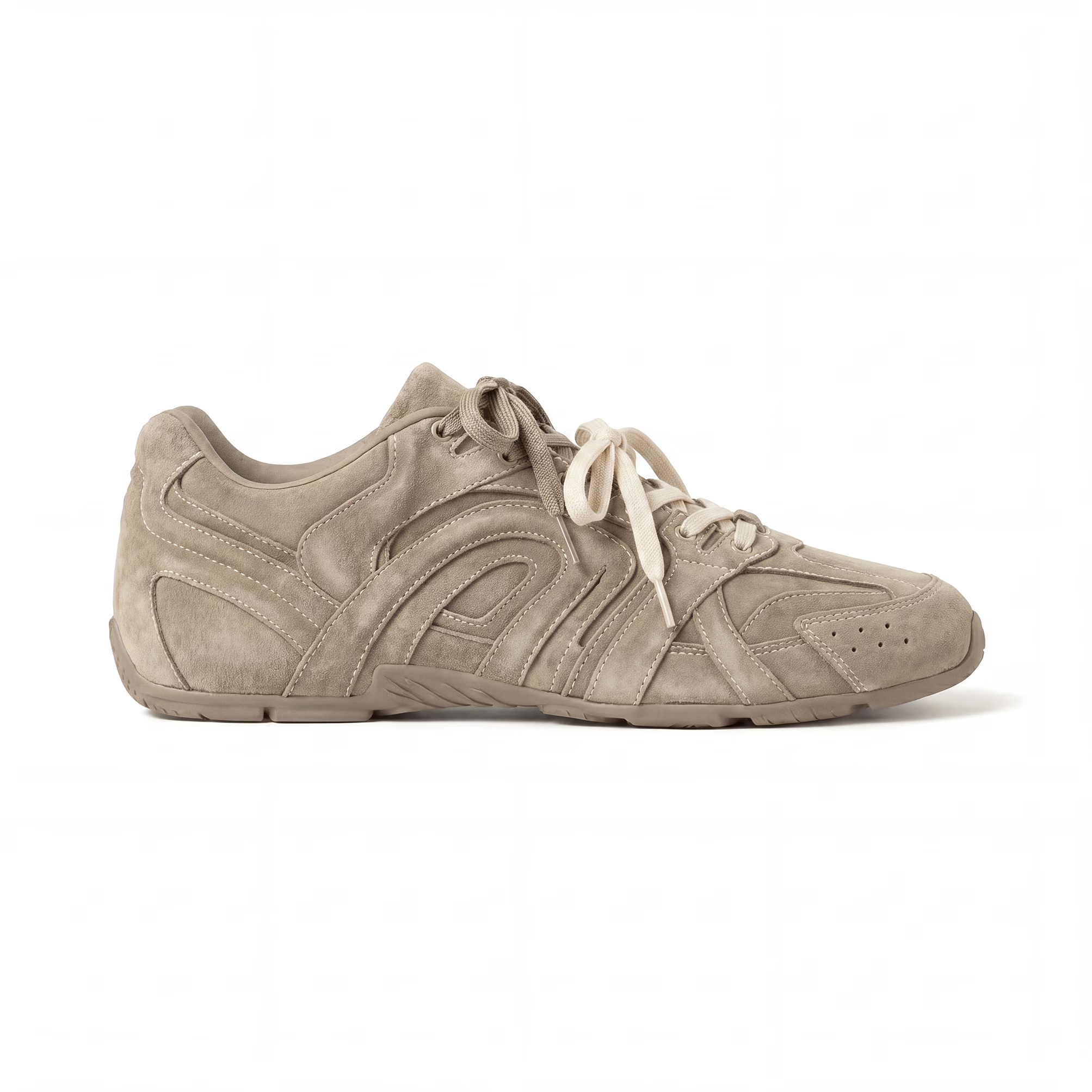
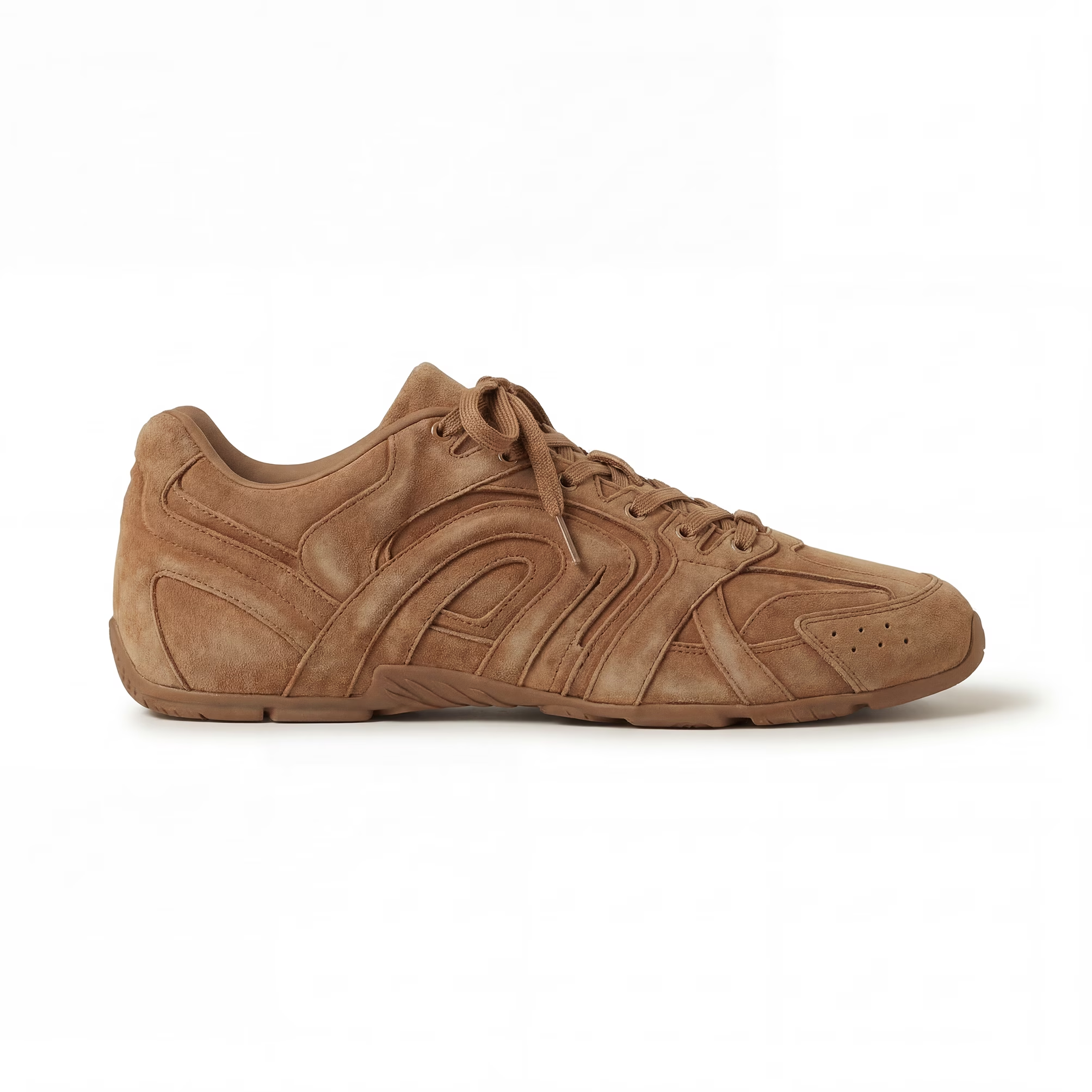
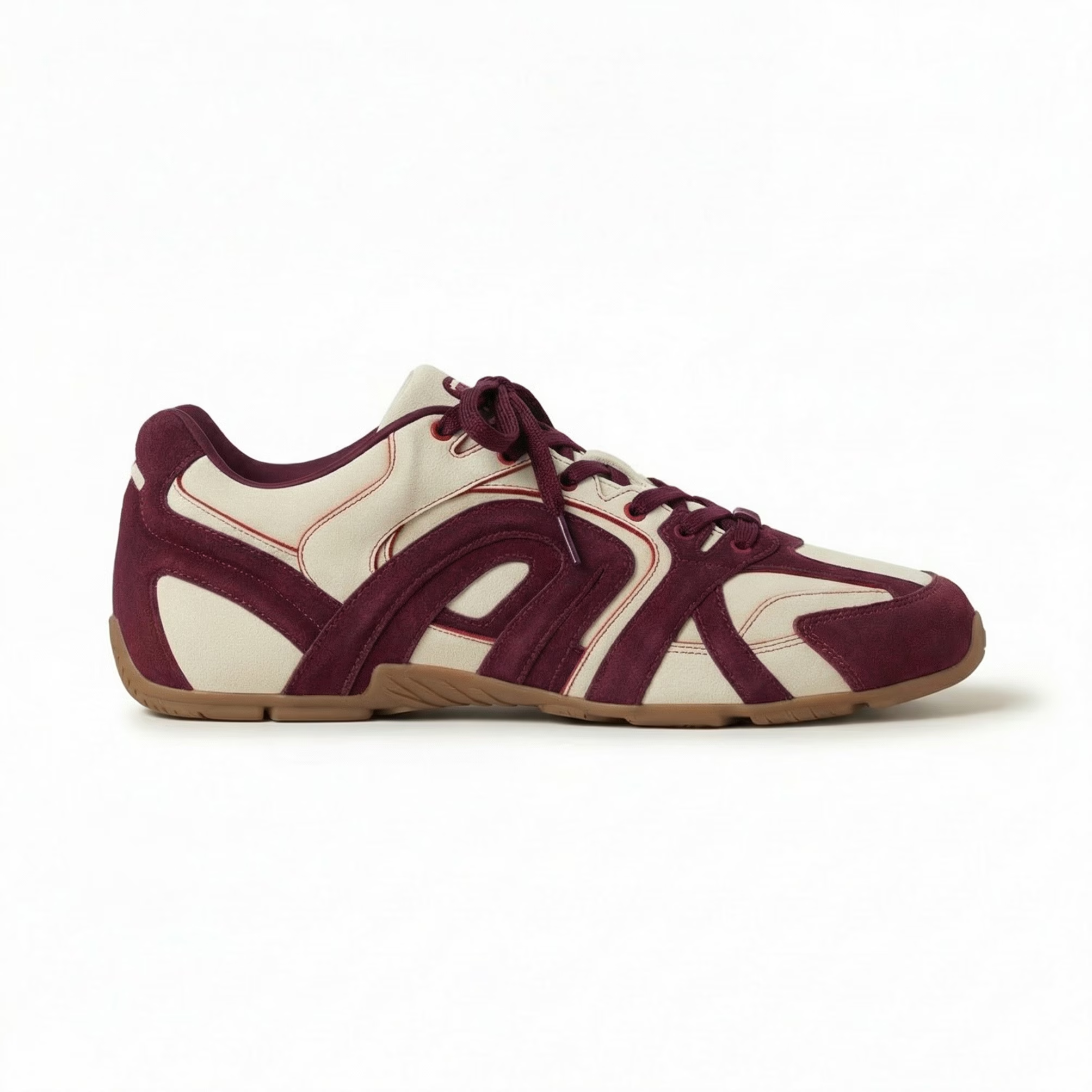
Change Subject Color
Easily recolor garments, shoes, accessories, and more using RGB, HSV, Hex, or CMYK values with an intuitive color picker, Coloro, or imported swatches.
_converted.avif)
Trims & Embellishment
Add or modify trims, buttons, zippers, and other garment details seamlessly.
_converted.avif)
Apply Prints & Patterns
Apply patterns, textures, or repeating prints directly onto your garments, shoes, hats, bags, and more with precise control.
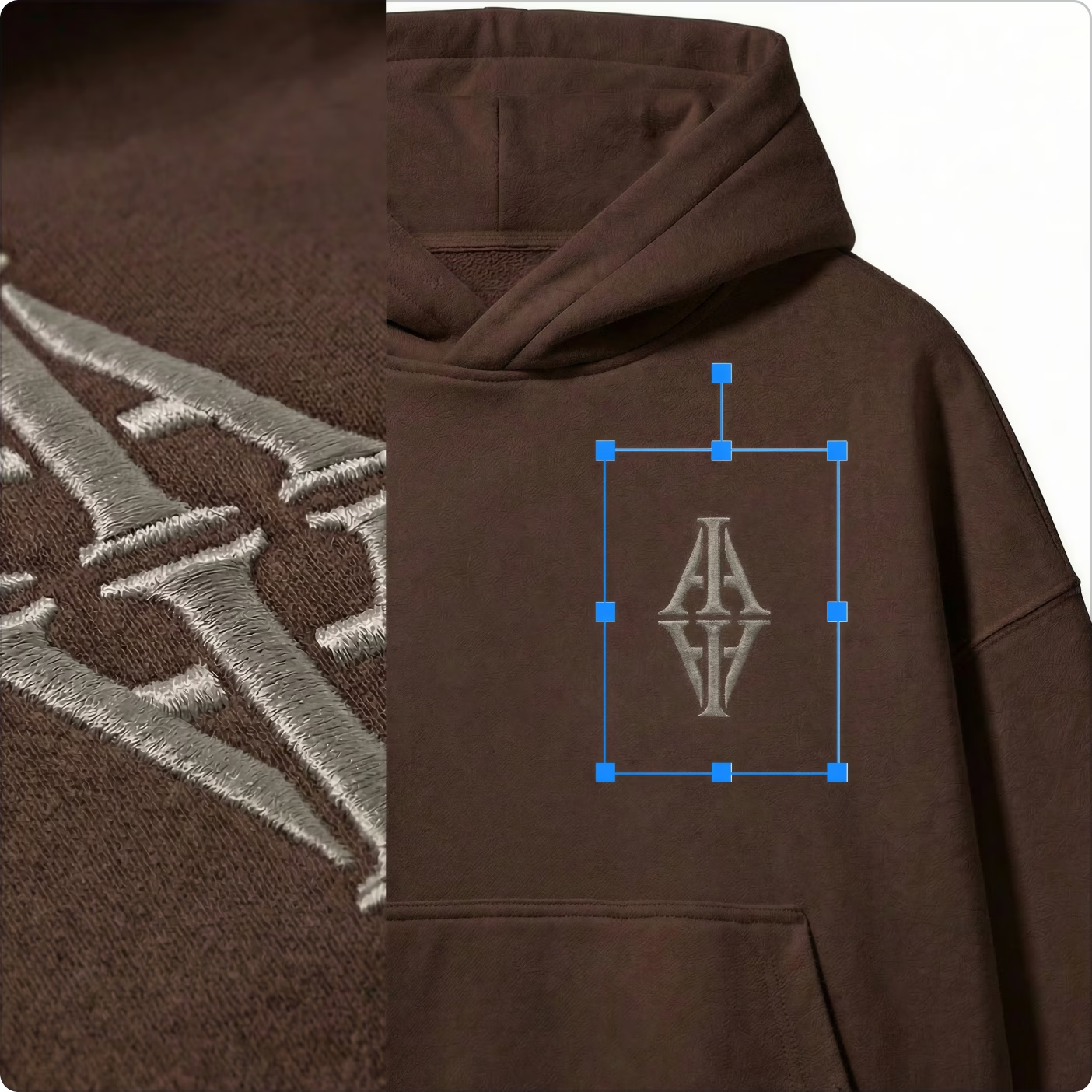
Apply Graphics, Logos & Placement Prints
Place graphics, logos, or custom prints exactly where you want on your designs.
_converted.avif)
Outpaint
Expand your canvas and add new elements like clothes, models, or backgrounds to reimagine the full scene.

Effortless Edits Means Effortless Collaboration
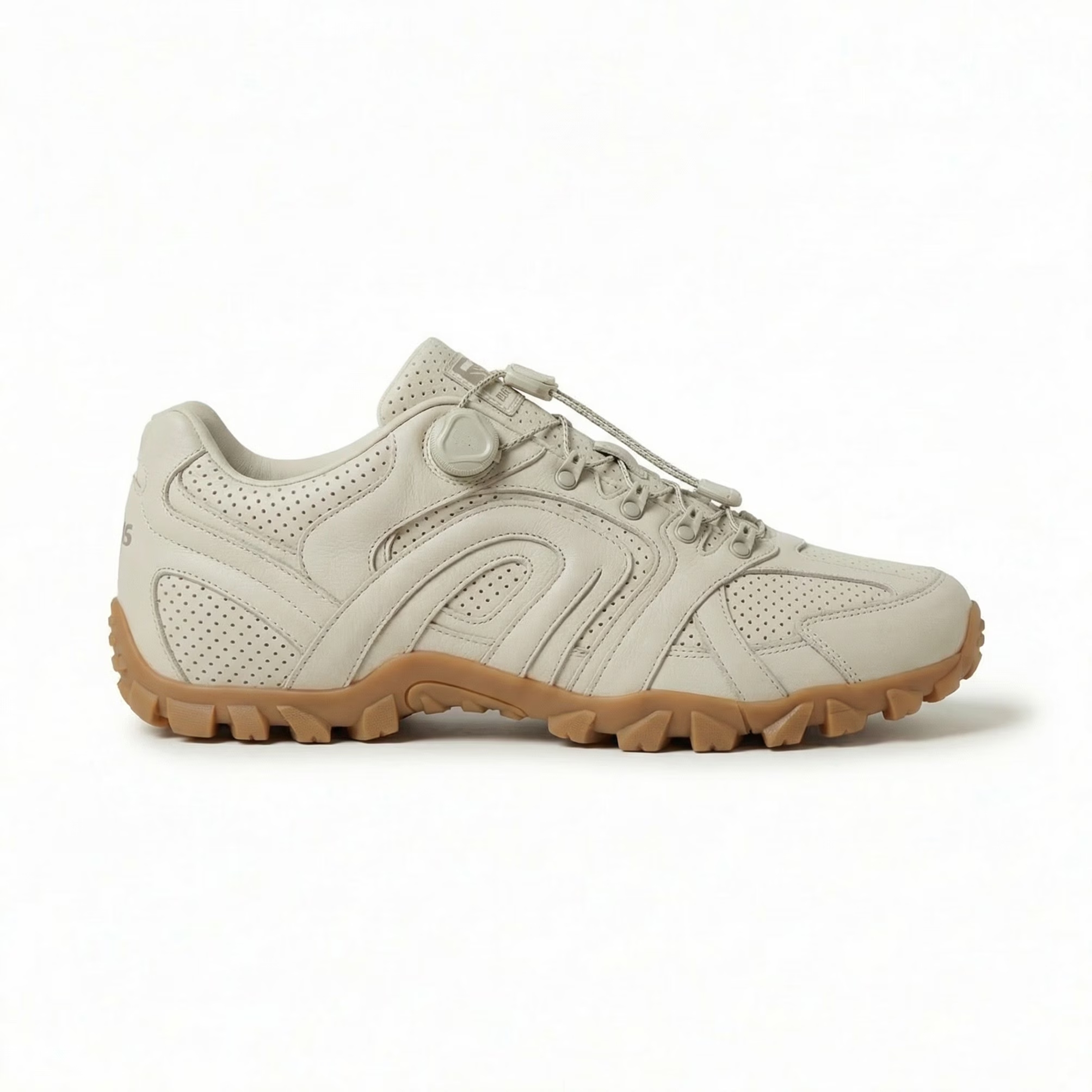
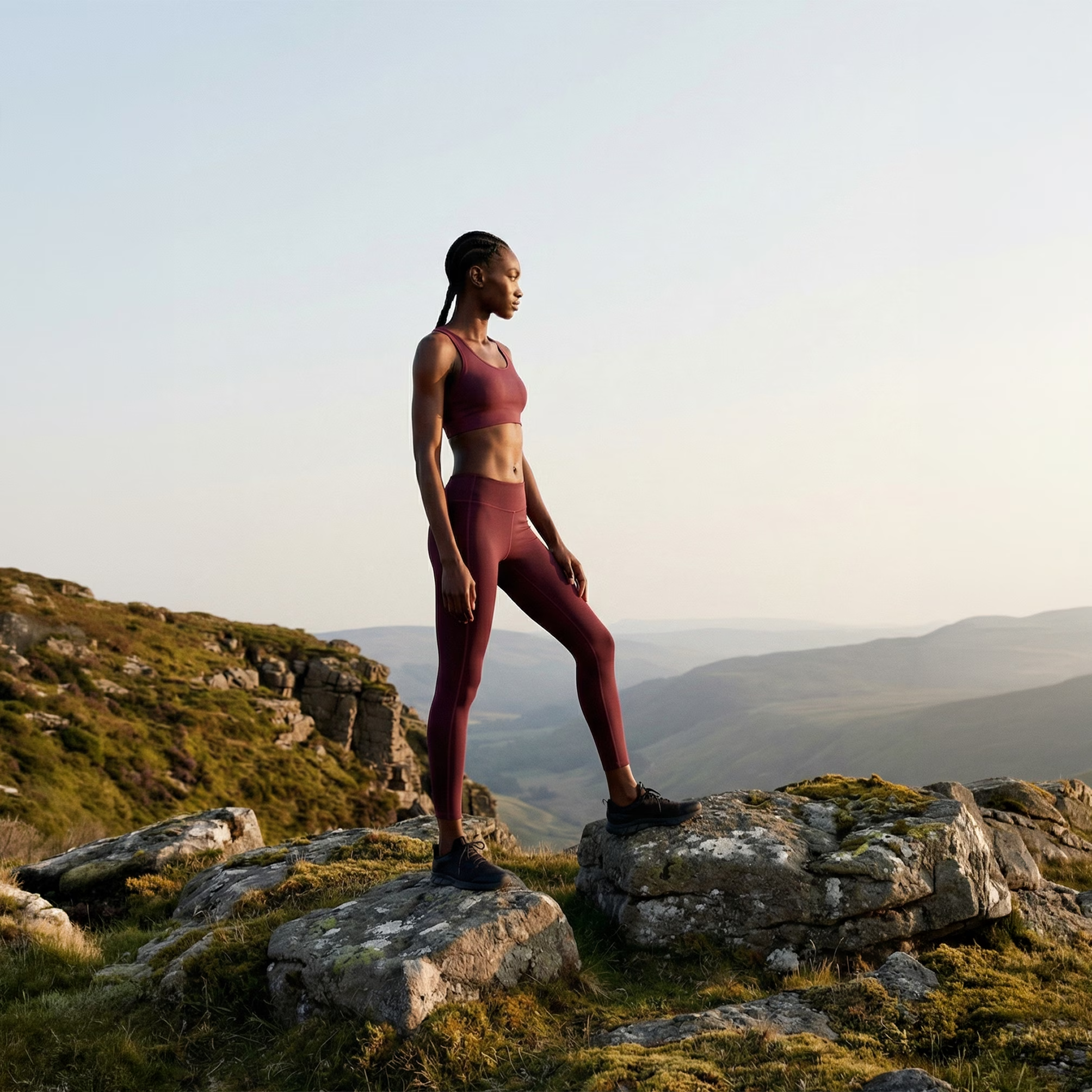
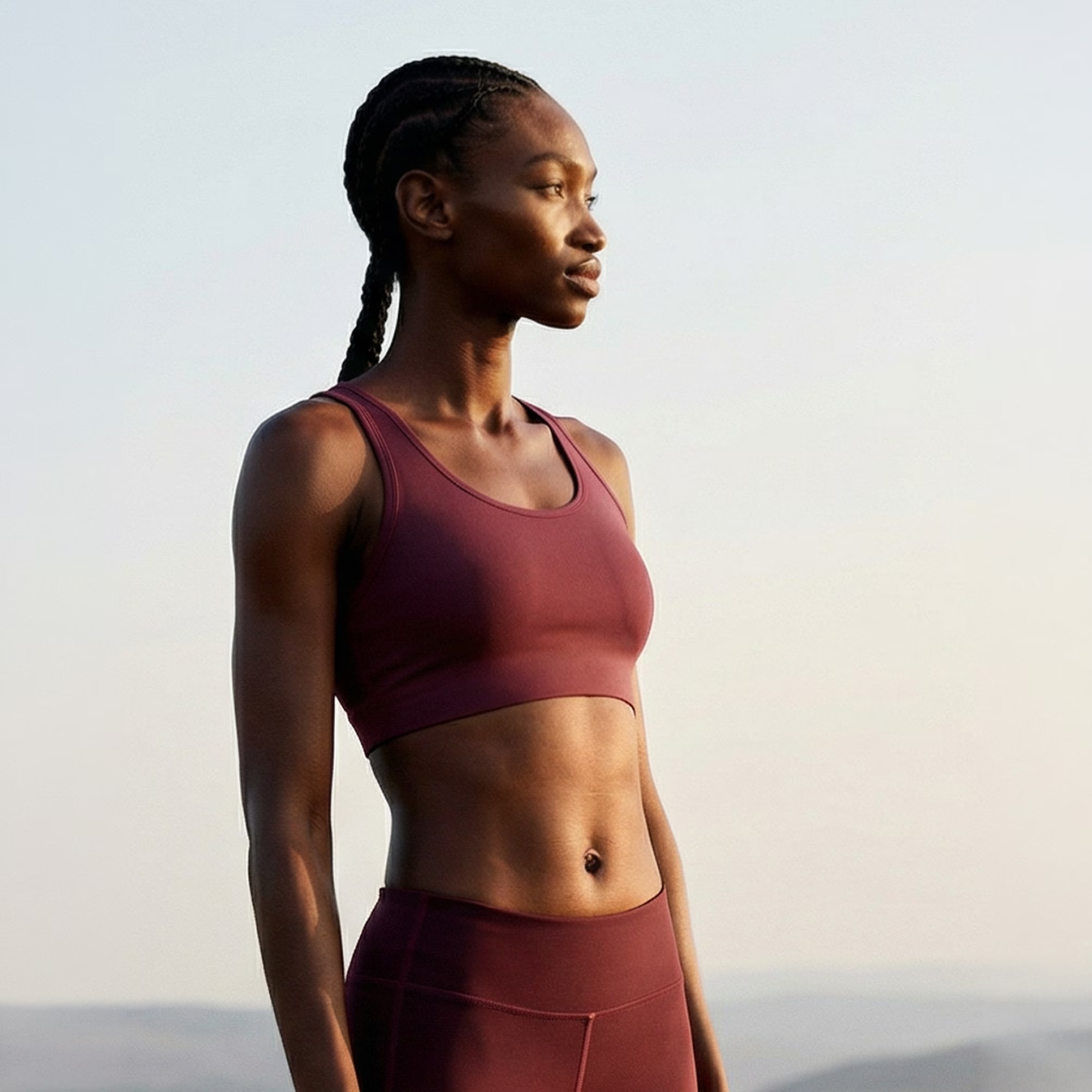
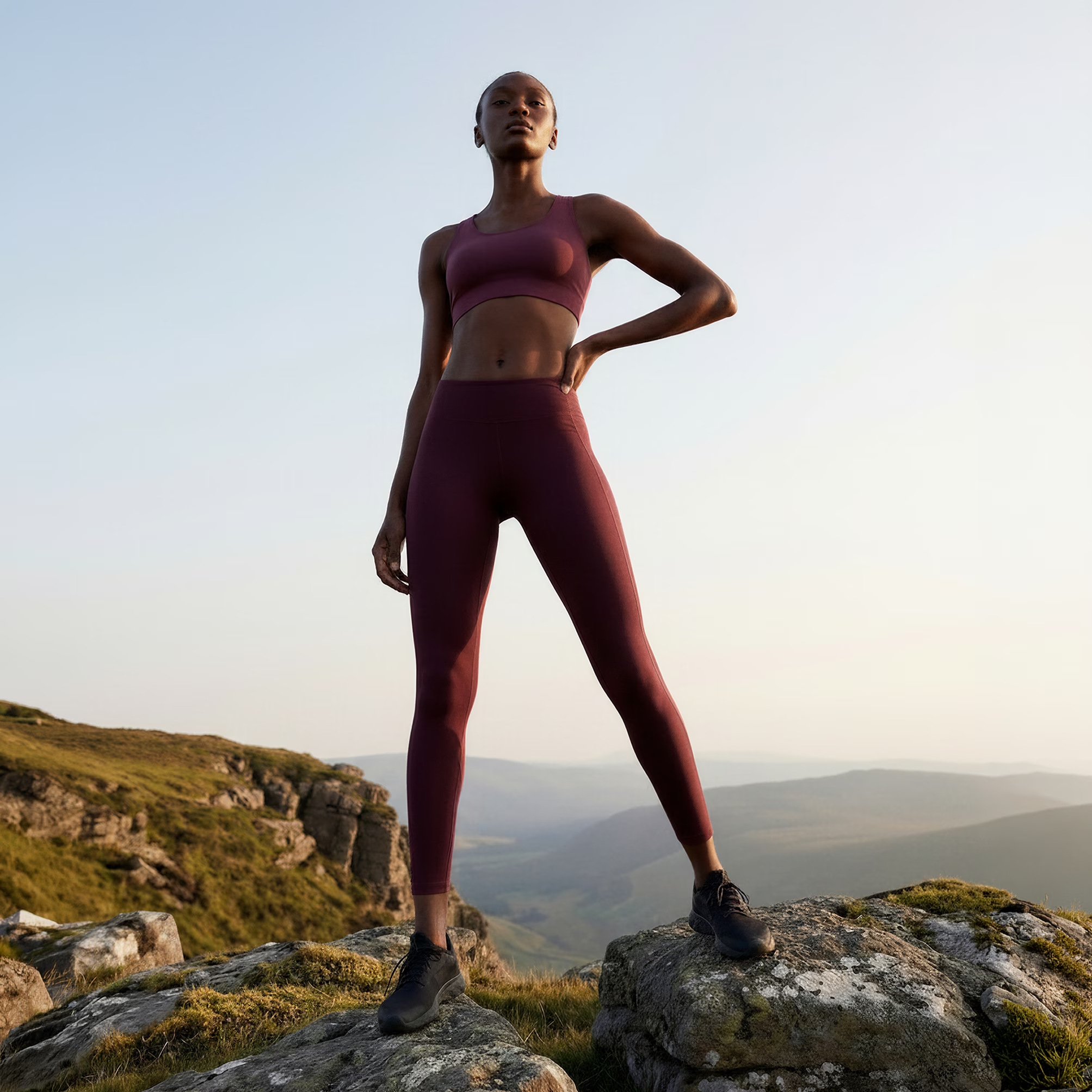
Make changes to styling, models, or entire scenes without starting over. Quickly adjust silhouettes, swap trims, recolor materials, or refine textures across garments, jewelry, footwear, bags, and more. Effortlessly remove or replace elements, then share your edits with your team for real-time feedback and collaboration.


Total Creative Control
Test ideas, explore variations, and finalize designs faster than traditional workflows. Experiment with prints, textures, graphics, or entire scene elements with content-aware, intuitive AI, giving you precise control while maintaining the integrity of your design.

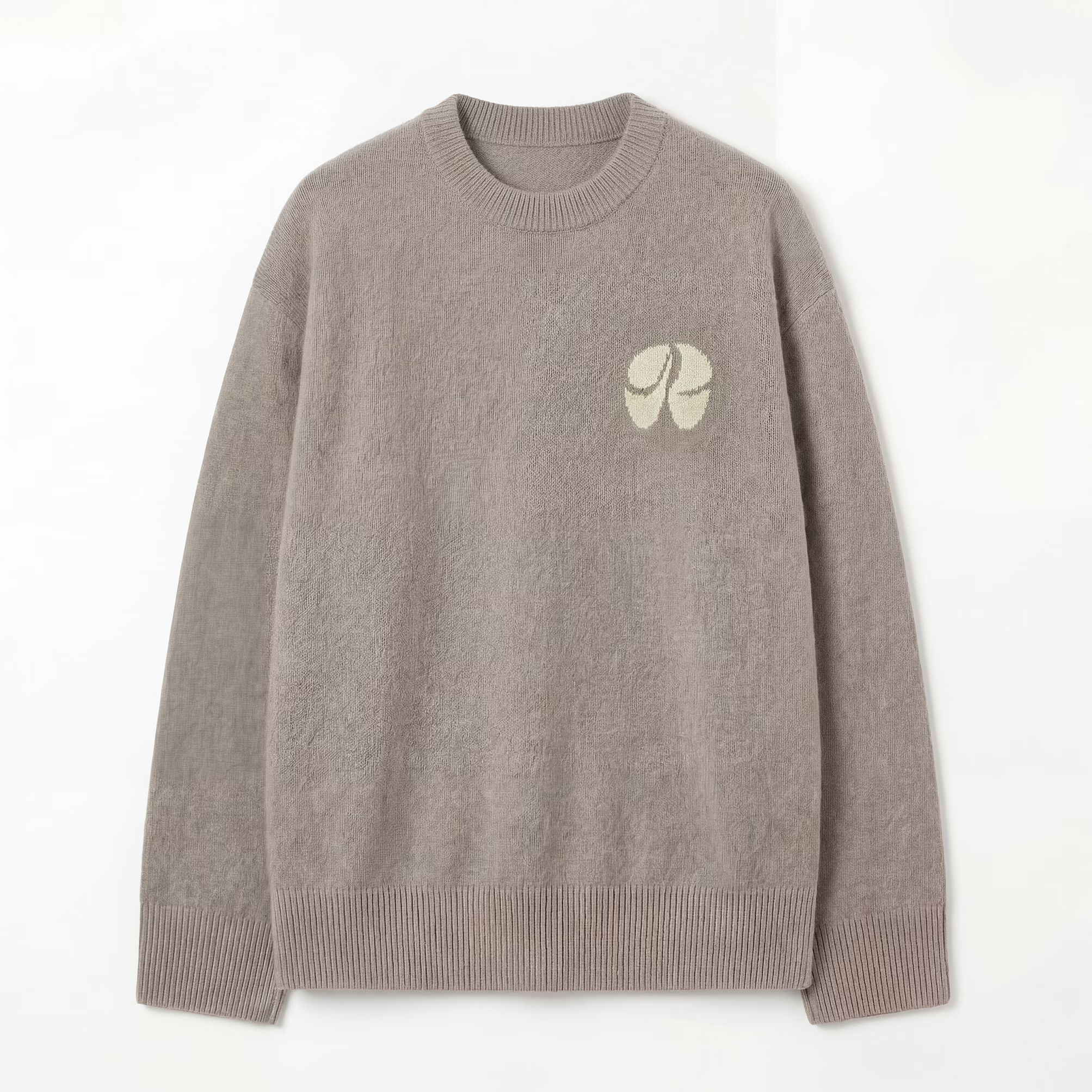
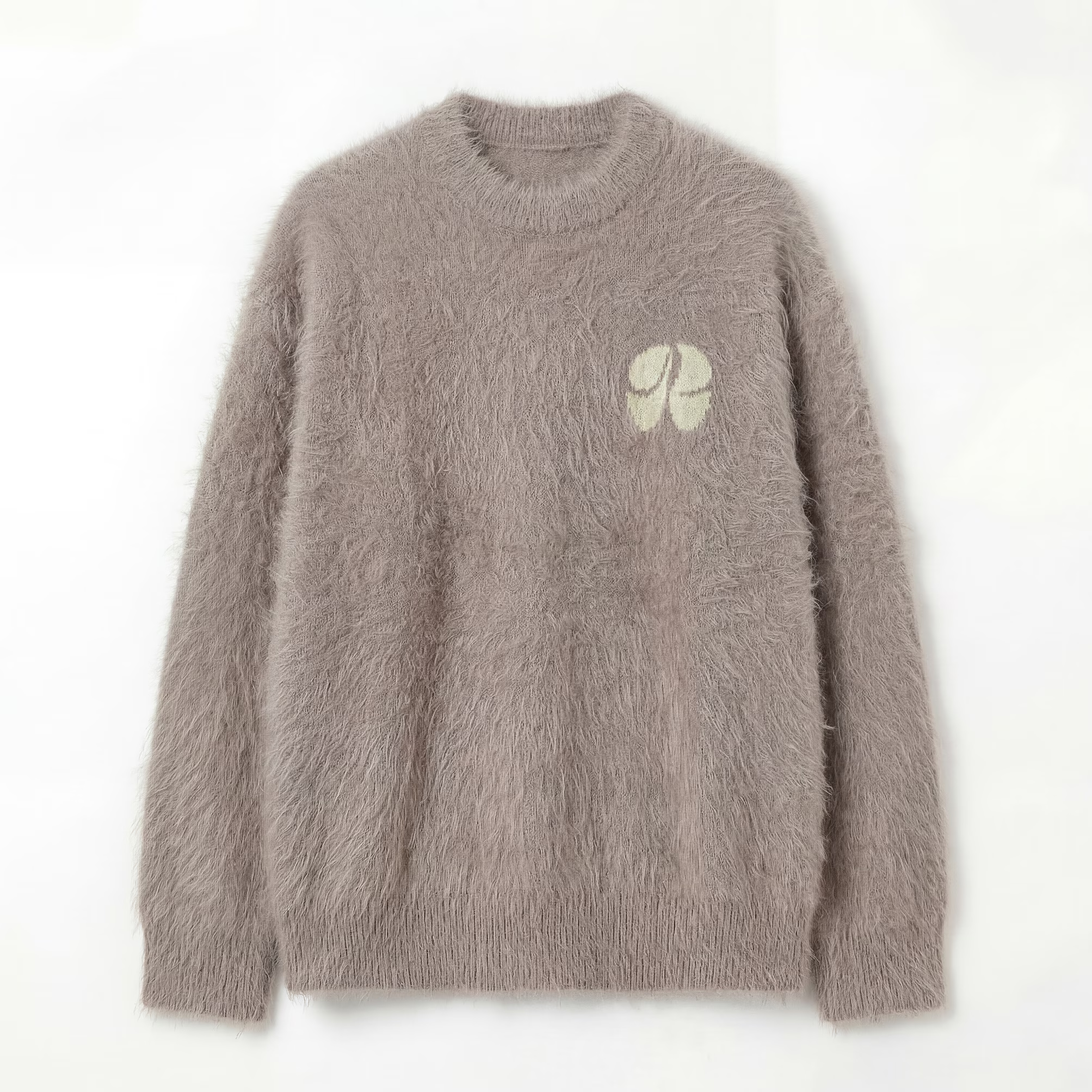
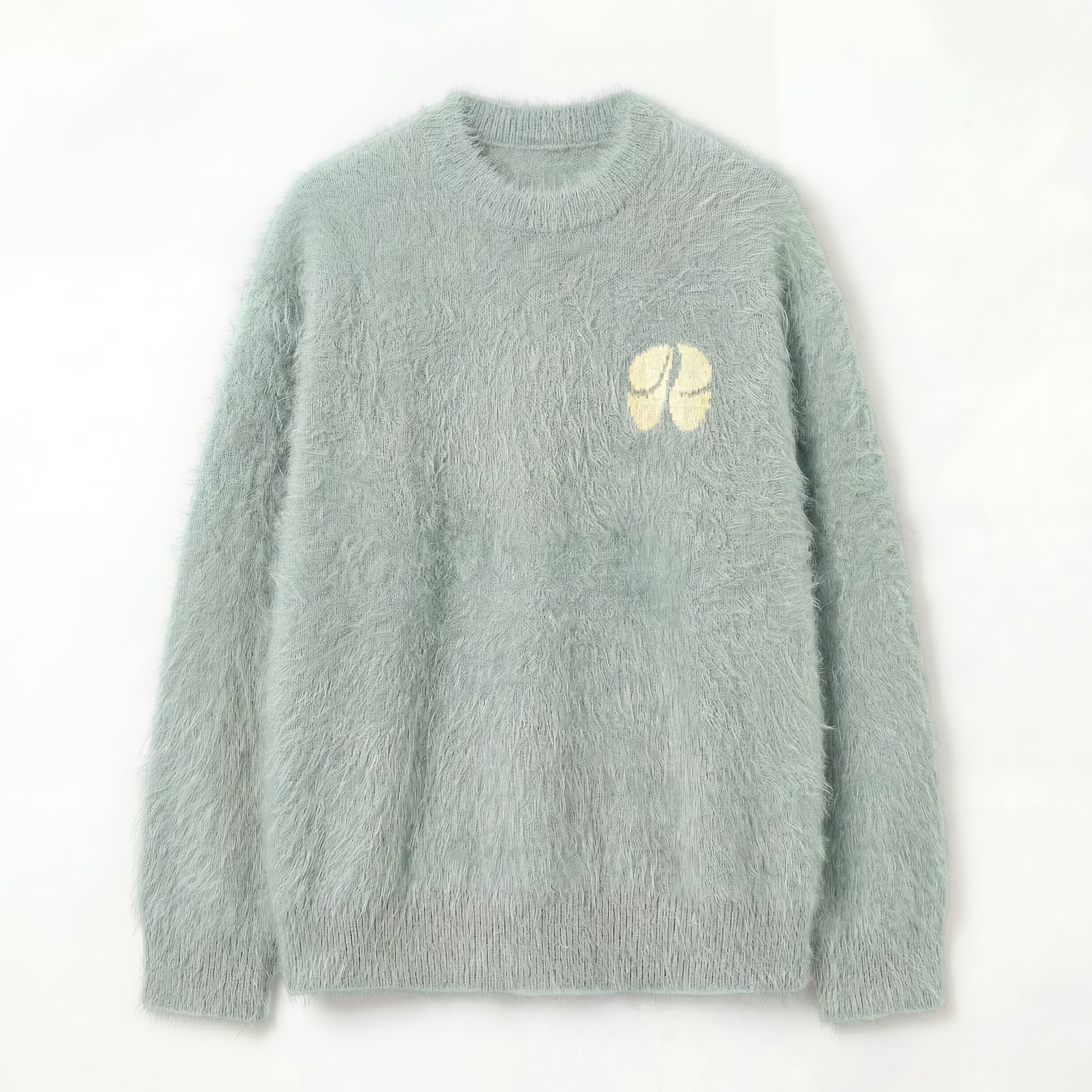
Editing Tools
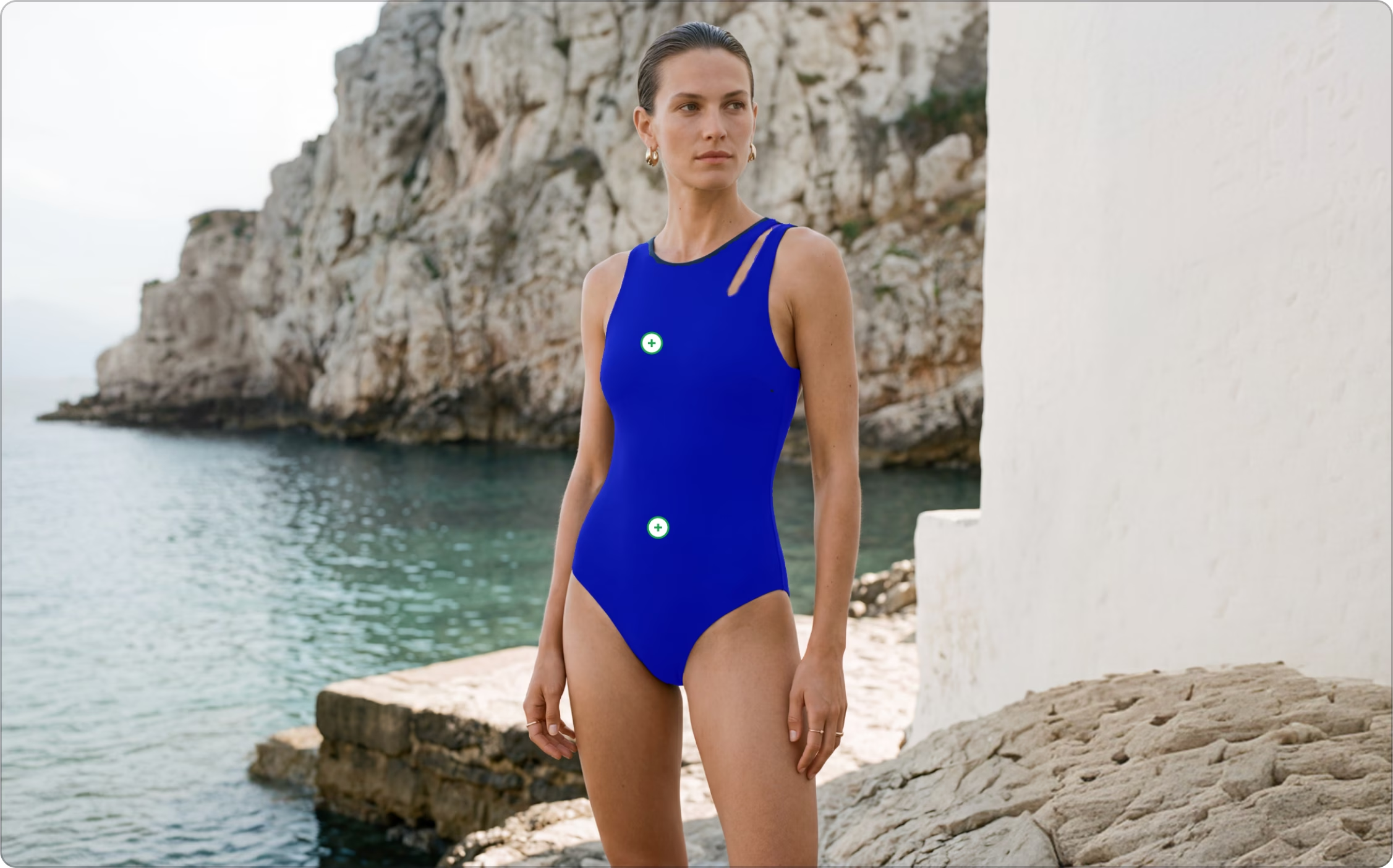
Masking Tools
Use familiar selection tools — draw, lasso, polygon, smart mask, and pencil — to precisely isolate parts of an image without altering the rest.
Layer Tools
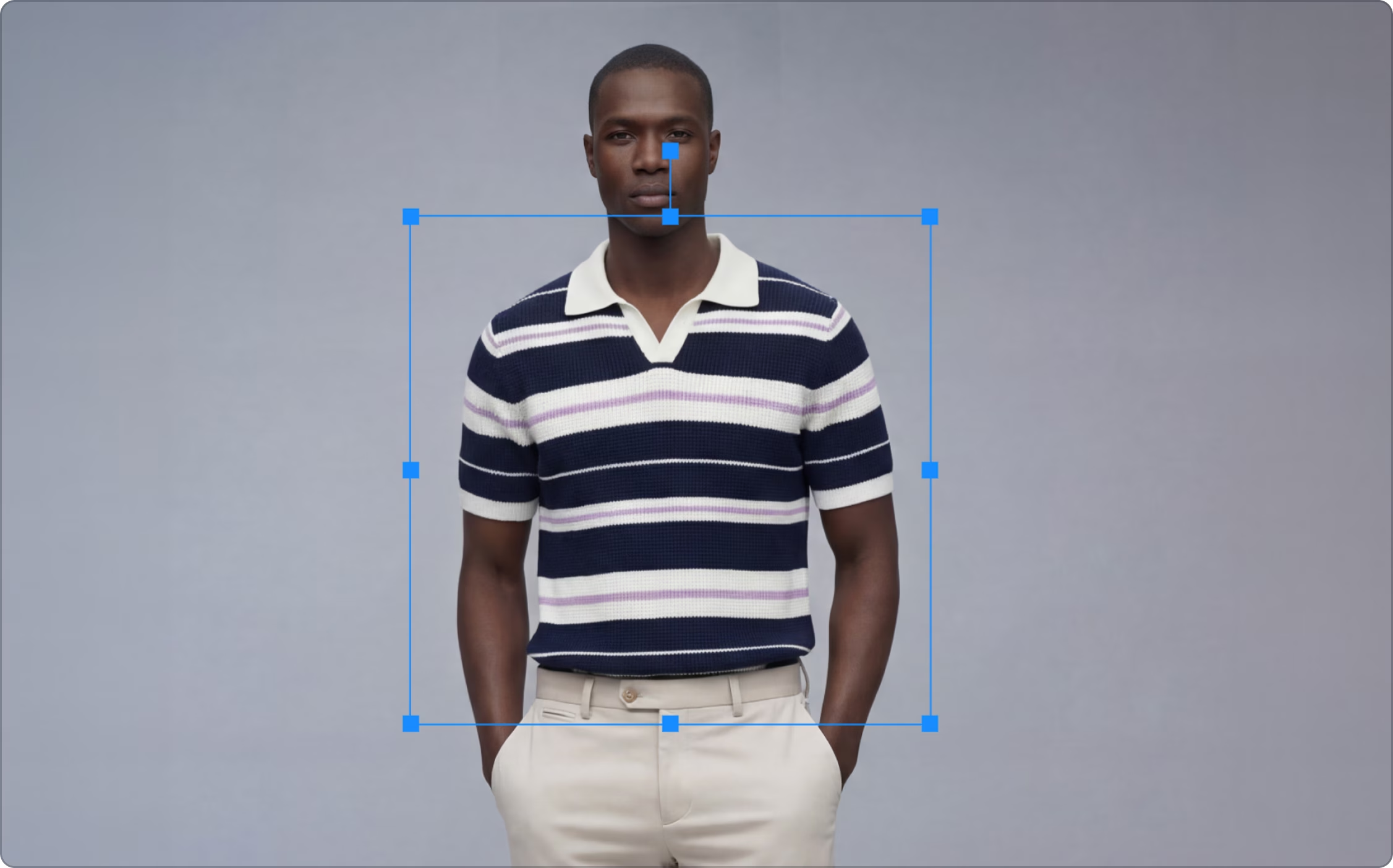
Each edit automatically creates a new layer. You can fine-tune layers individually — adjusting temperature, tint, brightness, crop, skew, or shadow — or merge them for a unified final image.
Remove Background
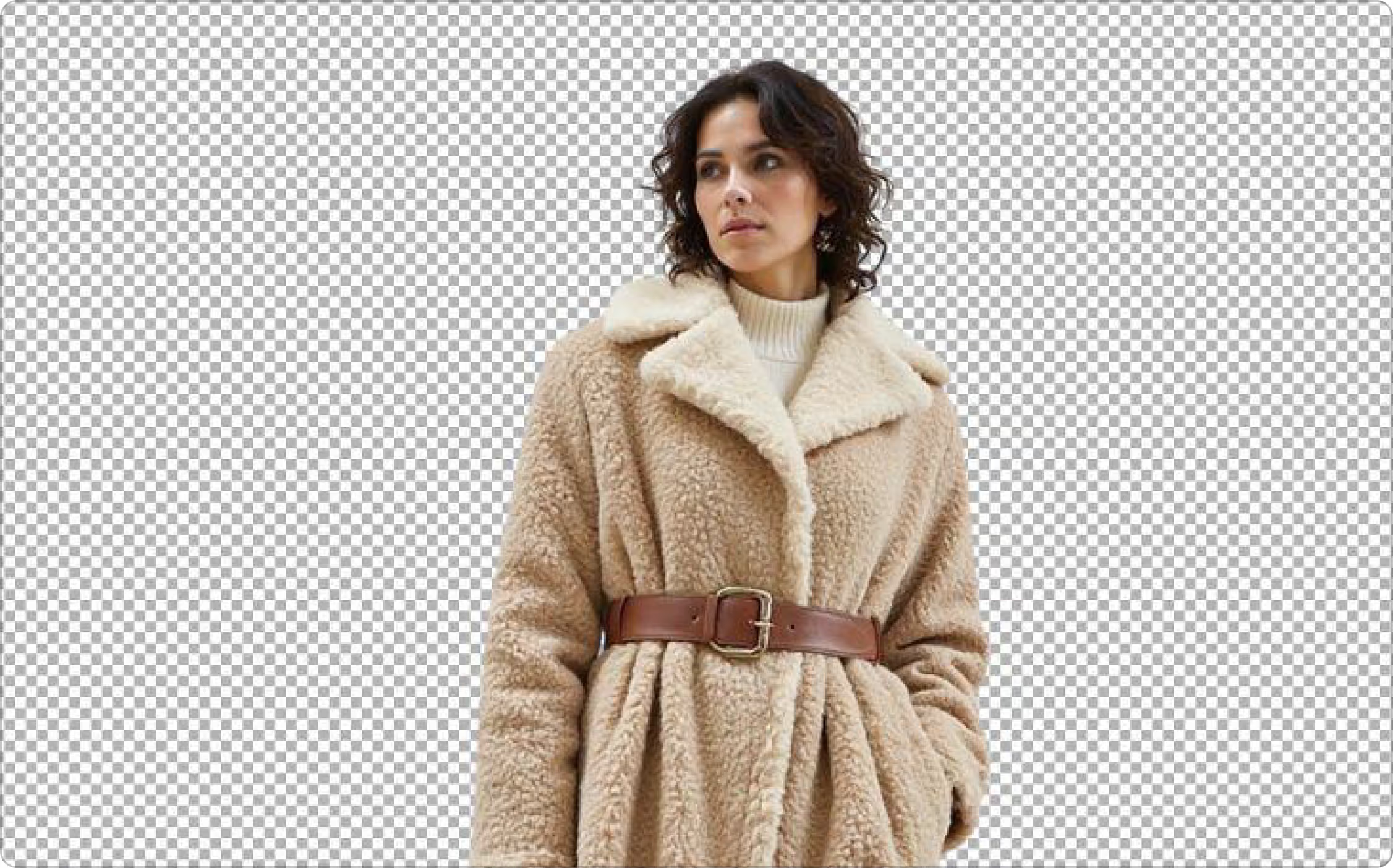
Instantly separate your subject from the background with a single click. Perfect for product shots, portraits, or any composition that needs a clean, distraction-free look.
Erase Selection
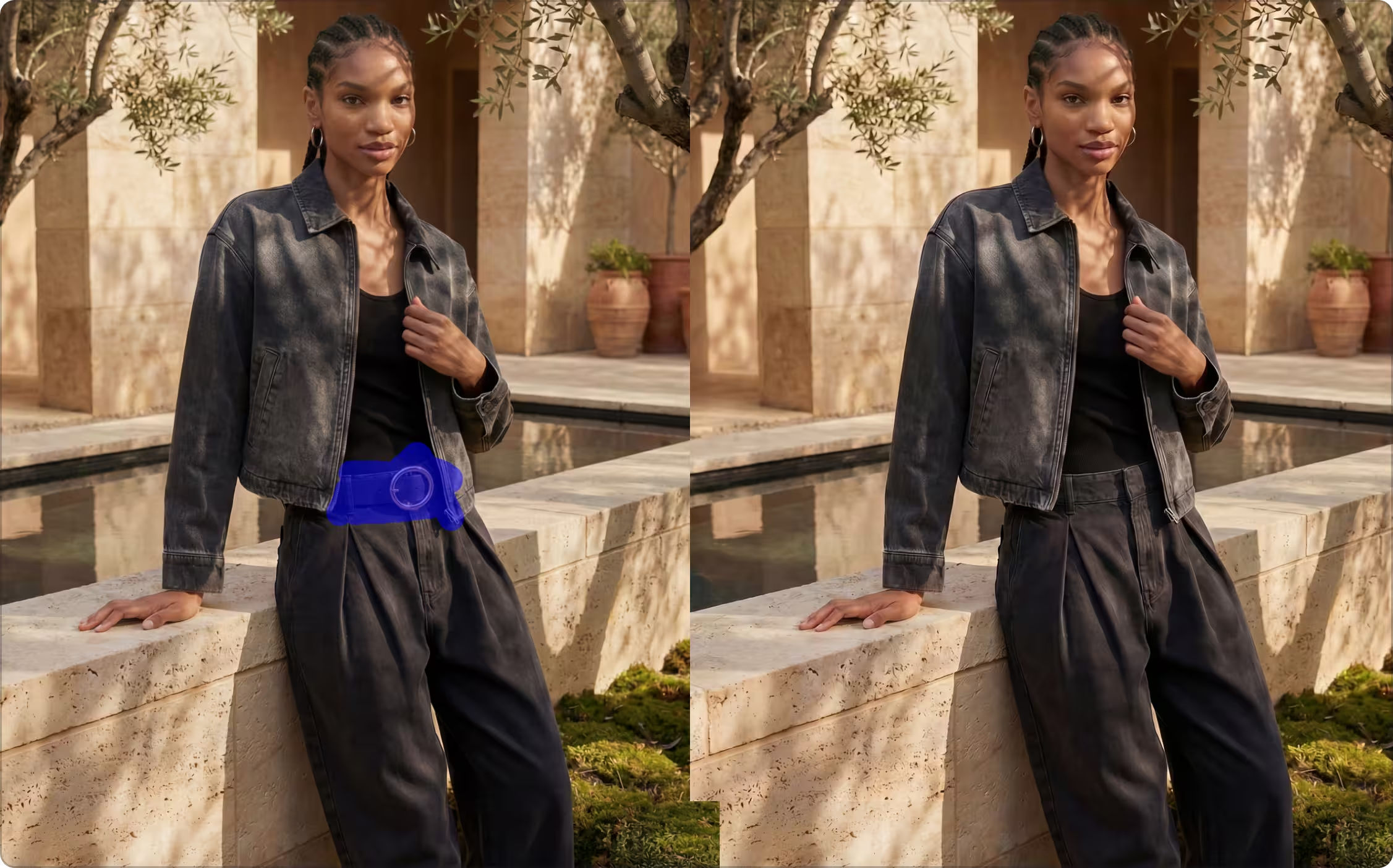
Easily remove unwanted elements by erasing selected areas. The erase tool offers precision control for clean, natural results.
Frequently Asked Questions
What is AI Design Editor in Raspberry AI?

The AI Design Editor lets you modify garments, models, and scenes directly from your images using intuitive AI-powered tools without restarting your workflow. You can adjust silhouettes, recolor fabrics, add prints, swap trims, and refine details while maintaining a photorealistic finish. Learn more.
How do I get started with AI Design Editor?
Upload an image to start. Then select an edit mode—AI Edit, Recolor, Apply Prints & Patterns, Apply Graphics, Basic Adjustments, Face Swap, or Outpaint. You can optionally add a prompt describing your edits, upload reference images, and adjust settings before generating your output. Learn more.
What file types can I upload to AI Design Editor?
JPEG, PNG, and other standard image formats are supported.
What can I do in the AI Design Editor?
The Edit Module lets you make targeted edits to existing images without restarting your workflow. You can:
- Change garment colors, fabrics, or textures.
- Change out garments.
- Add prints, logos, trims, or embellishments.
- Adjust silhouettes, sleeves, hems, and fit.
- Transform model identity, size, or pose.
- Generate product views.
- Remove unwanted elements or refine details using content-aware masking.
- Add new elements to the image.
- Expand or adjust backgrounds and scenes.
What masking tools are in the AI Design Editor?
You can use masking tools such as:
- Smart Masks automatically select large areas; use “Exclude” to deselect unwanted parts.
- Draw Masks let you outline specific areas manually.
- Polygon Lasso allows precise, straight-edged selections.
Can I remove backgrounds or objects in the AI Design Editor?
Yes. Use Remove Background for neutral backgrounds, or the Erase Selection tool with masks to remove objects while preserving surrounding details.
How do I change garment colors in the AI Design Editor?
Use the Color panel with intelligent masking. Pick colors manually, import swatches, adjust hue, brightness, opacity, or apply blending modes (Smart, Multiply, Overlay, Soft Light, etc.). Learn more.
Can I edit images after generating them?
Absolutely. You can always continuously use the editor to fine-tune your image whether it’s colors, textures, trims, patterns, backgrounds, or model features. You can also remove backgrounds, upscale resolution, regenerate variations, and save assets.
How detailed should my Design Editor prompts be?
Prompts should be clear and concise, ideally 5–50 words. The more detail the better. Include garment type, color, fabric, fit, trims, style, or desired modifications. Reference images can help the AI better match your vision. Learn more.
What if the first edit isn’t perfect?
You can regenerate, tweak your prompt, upload additional references, or adjust advanced settings to refine the result until it matches your vision.
How does the AI Design Editor save time and resources?
It eliminates the need for repeated photoshoots, sample iterations, or manual editing. You can test endless variations, iterate designs quickly, and produce photorealistic outputs ready for campaigns—all from your desk.
Can I use AI Design Editor outputs commercially?
Yes. Images are suitable for e-commerce, marketing campaigns, lookbooks, or any commercial fashion application.
Sign Up for Our Newsletter
We’re constantly enhancing our product.
Stay informed with the latest updates.
Featured in


Transform Your Design Process Instantly With AI
Easily edit garments, models, and entire scenes—adjust silhouettes, recolor fabrics, add prints, swap trims, and refine details without starting over.