AI Lifestyle Photography
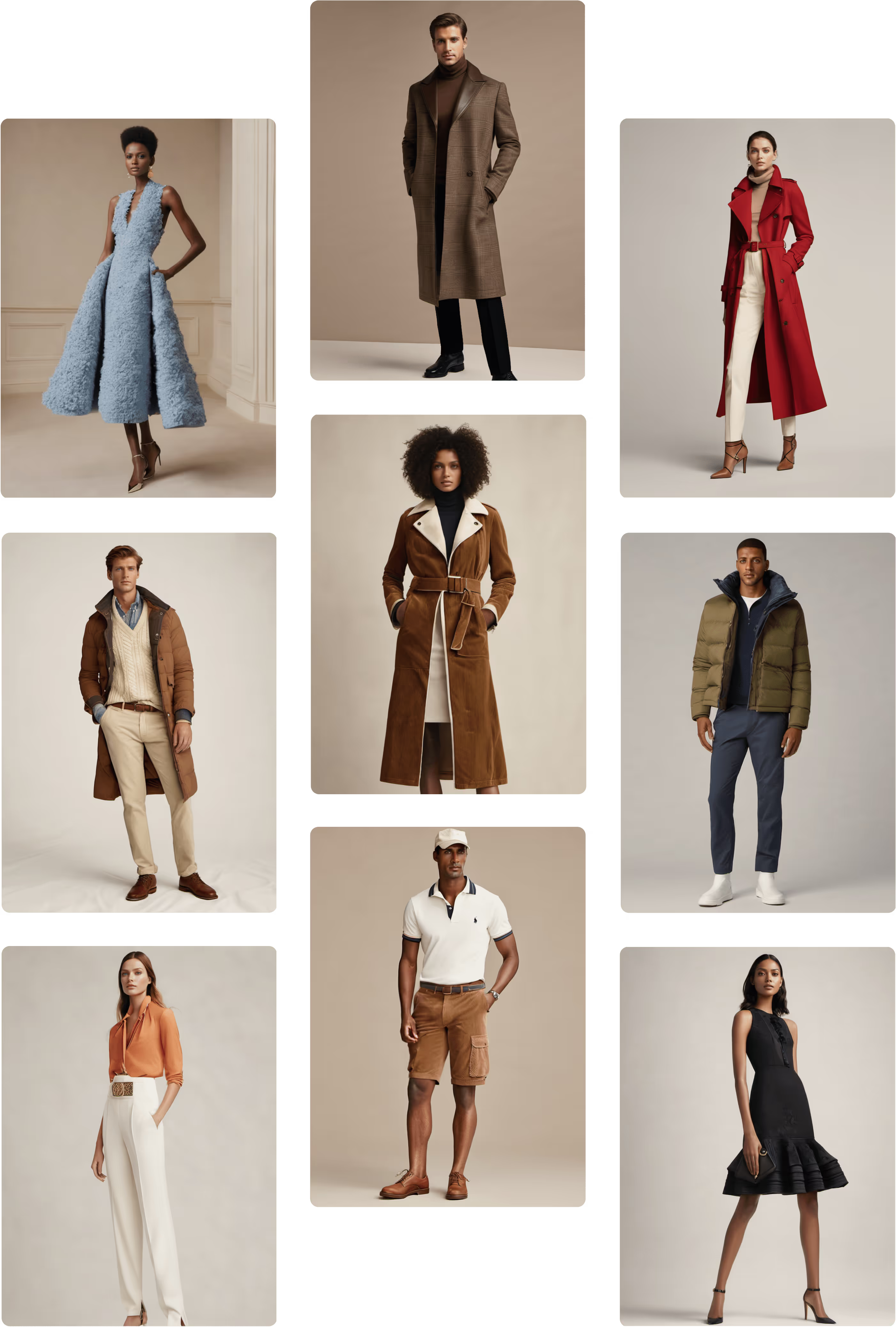
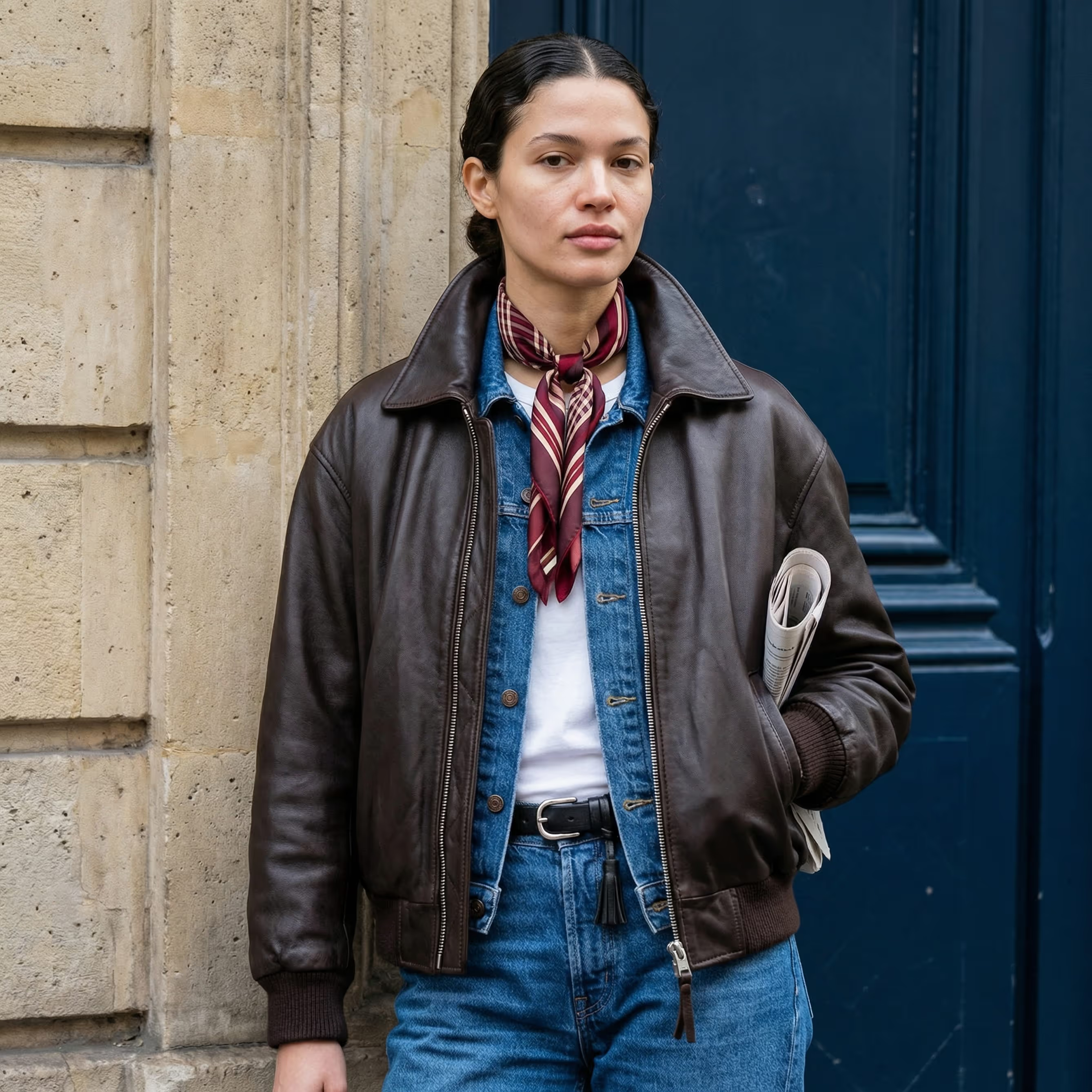
Envision Marketing Campaigns Without Stepping Foot on Set
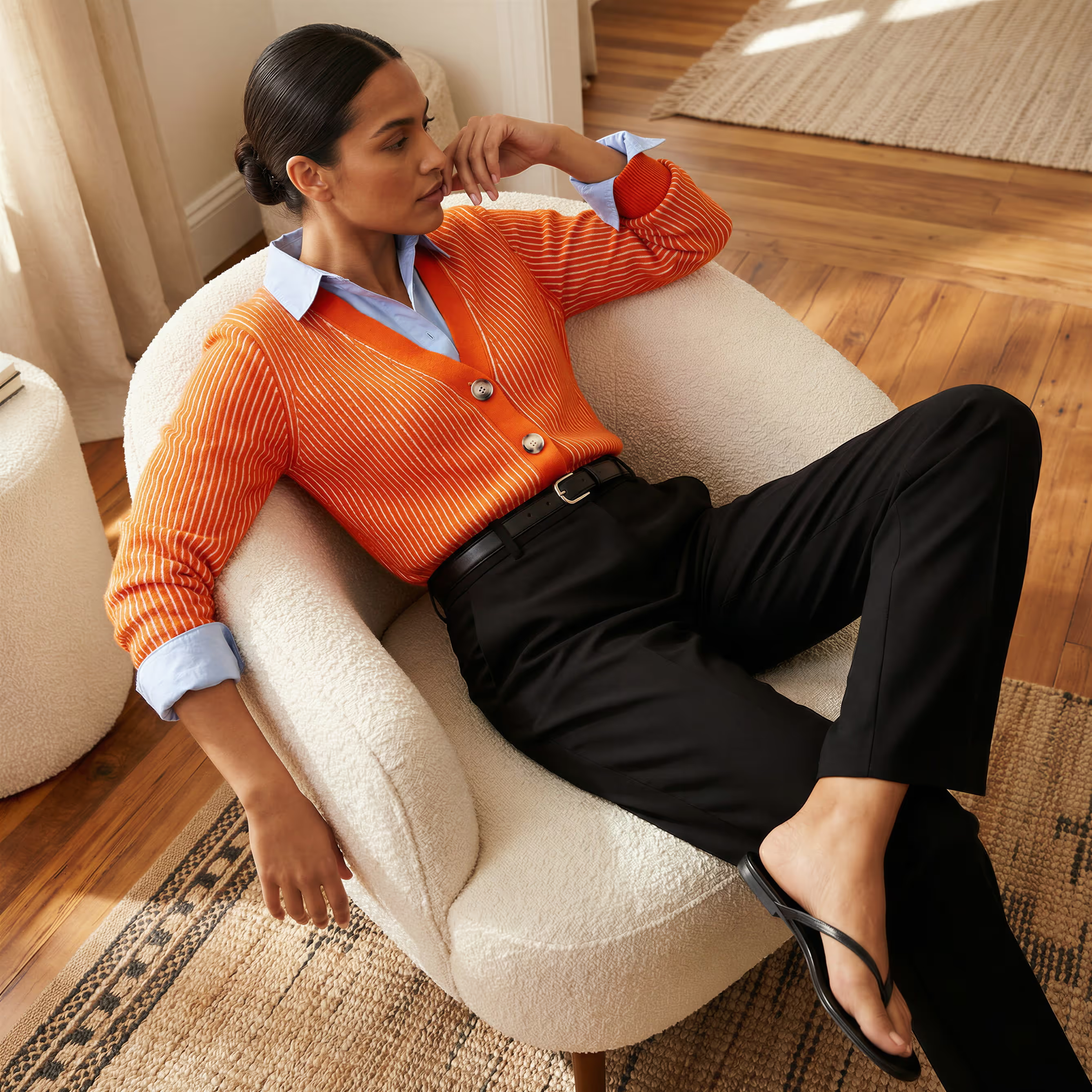
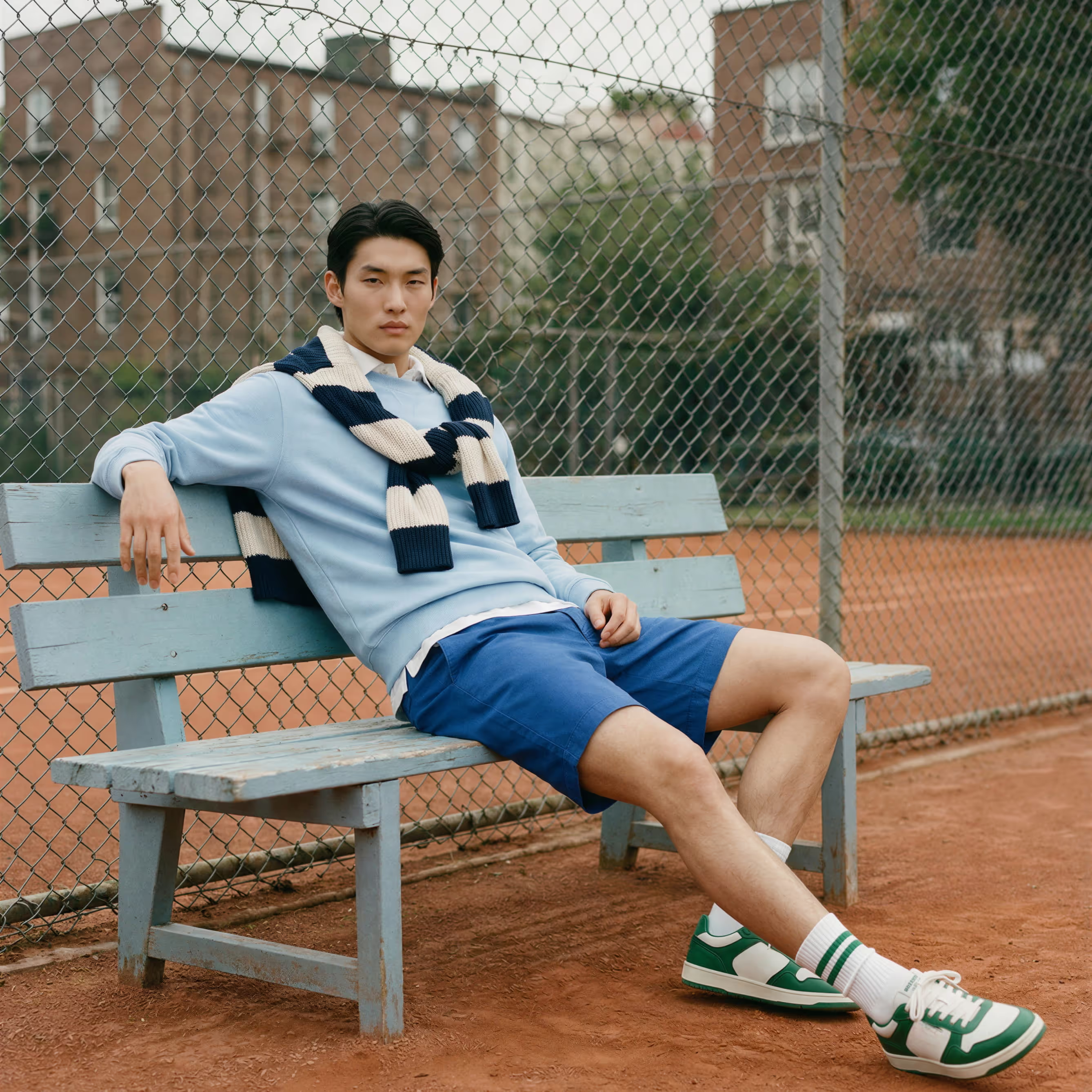
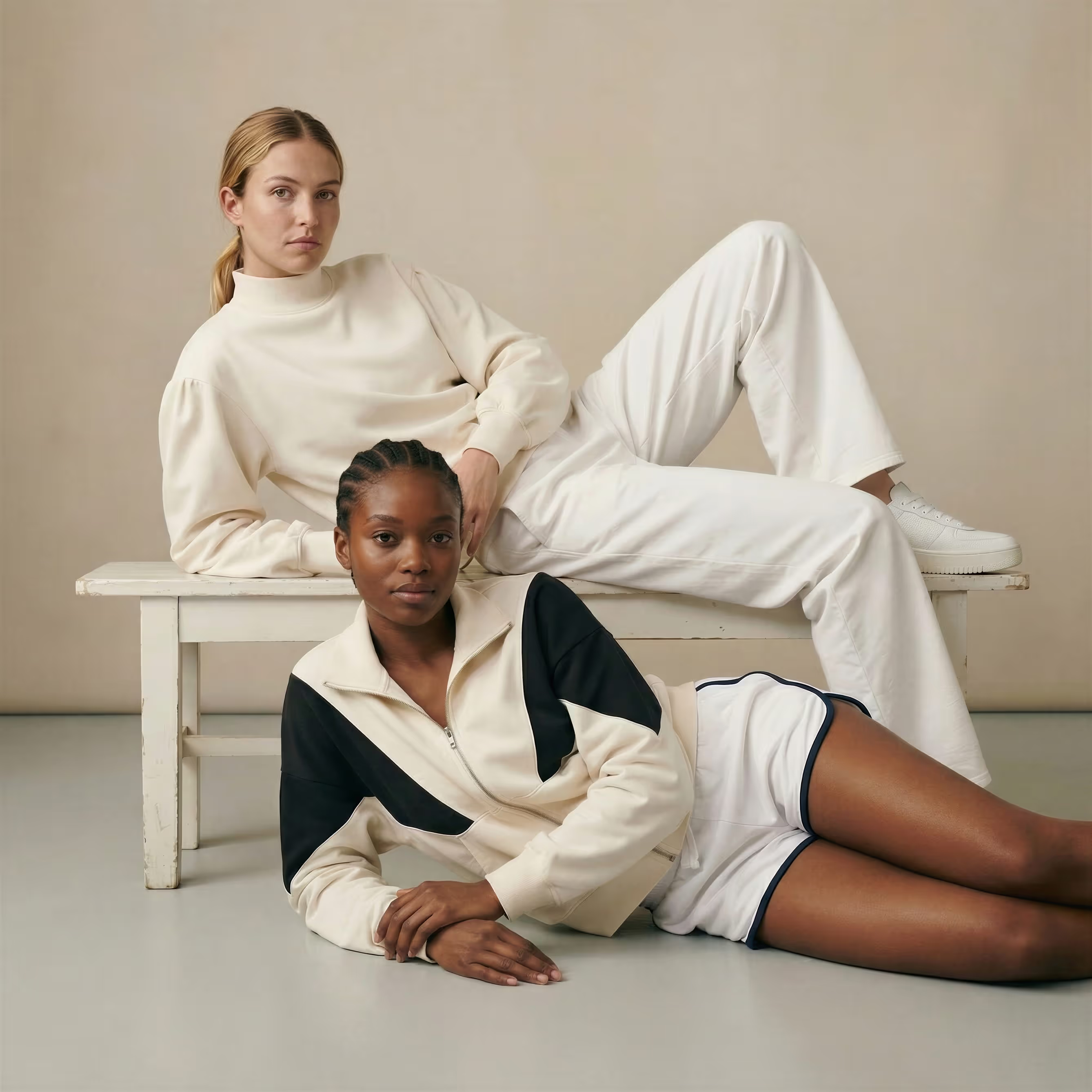
Produce high-quality photoshoots that enhance your PDPs and drive conversion rate optimization. With full content ownership, you can elevate your brand and product storytelling. No studio required.











.svg)
.png)
.png)
.png)


























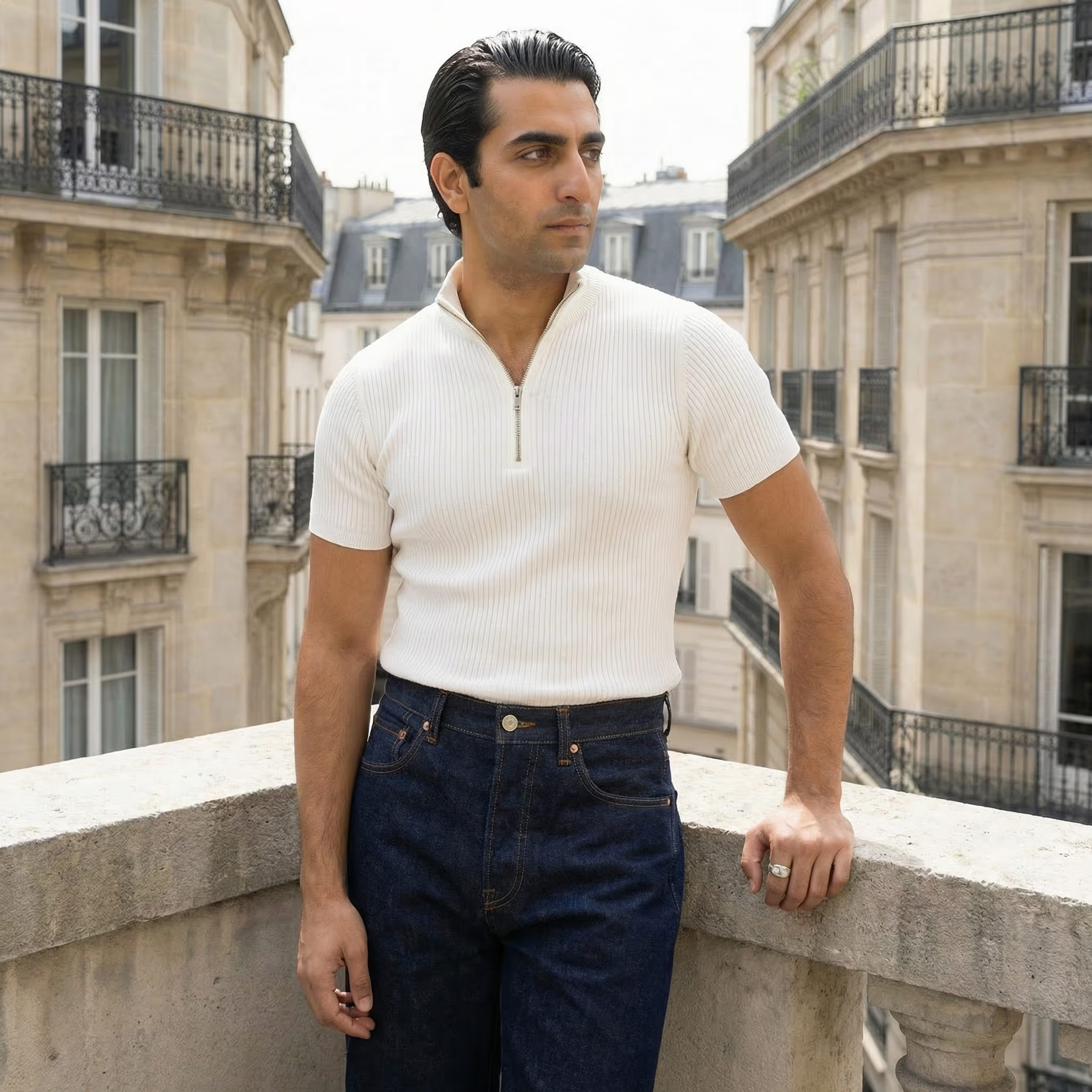
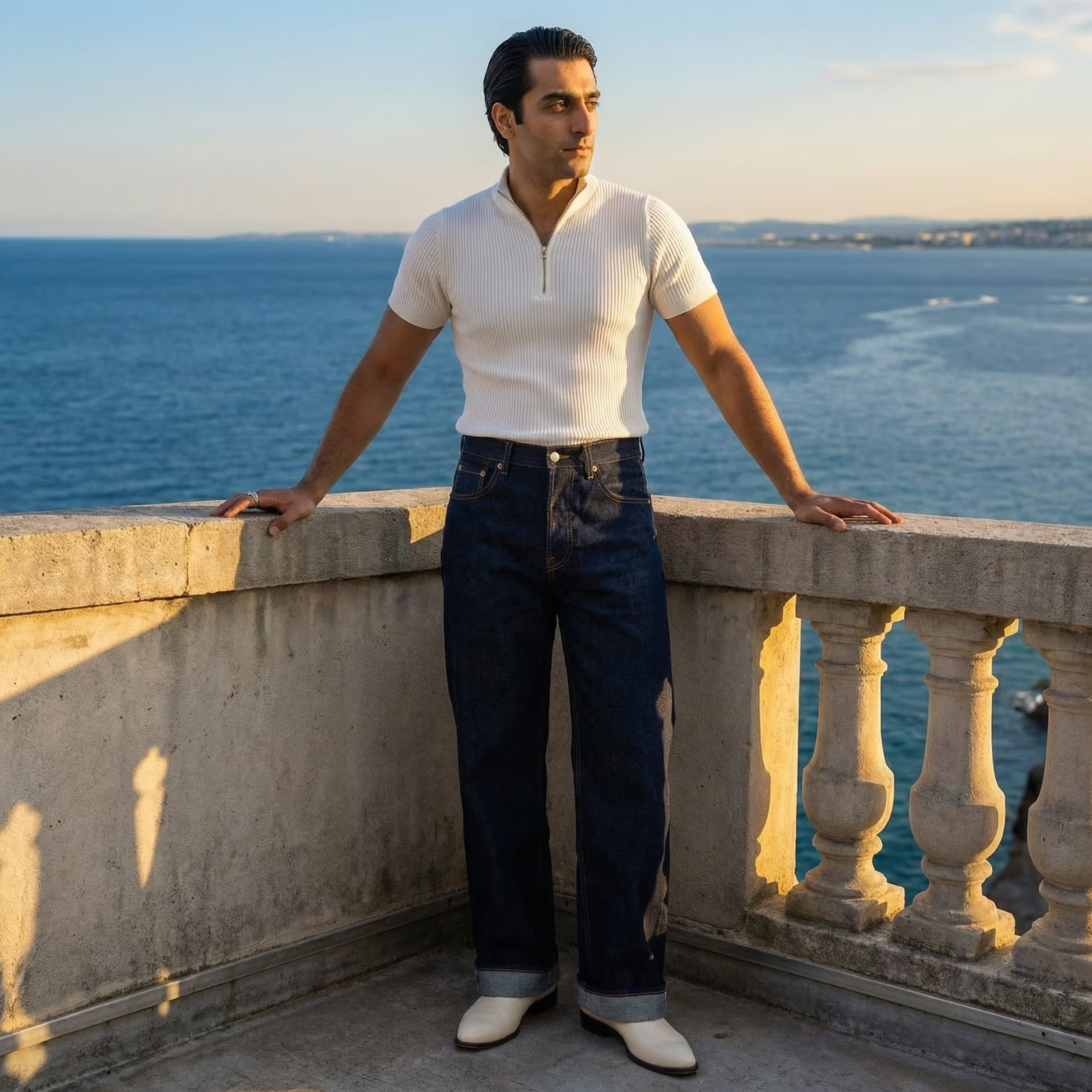
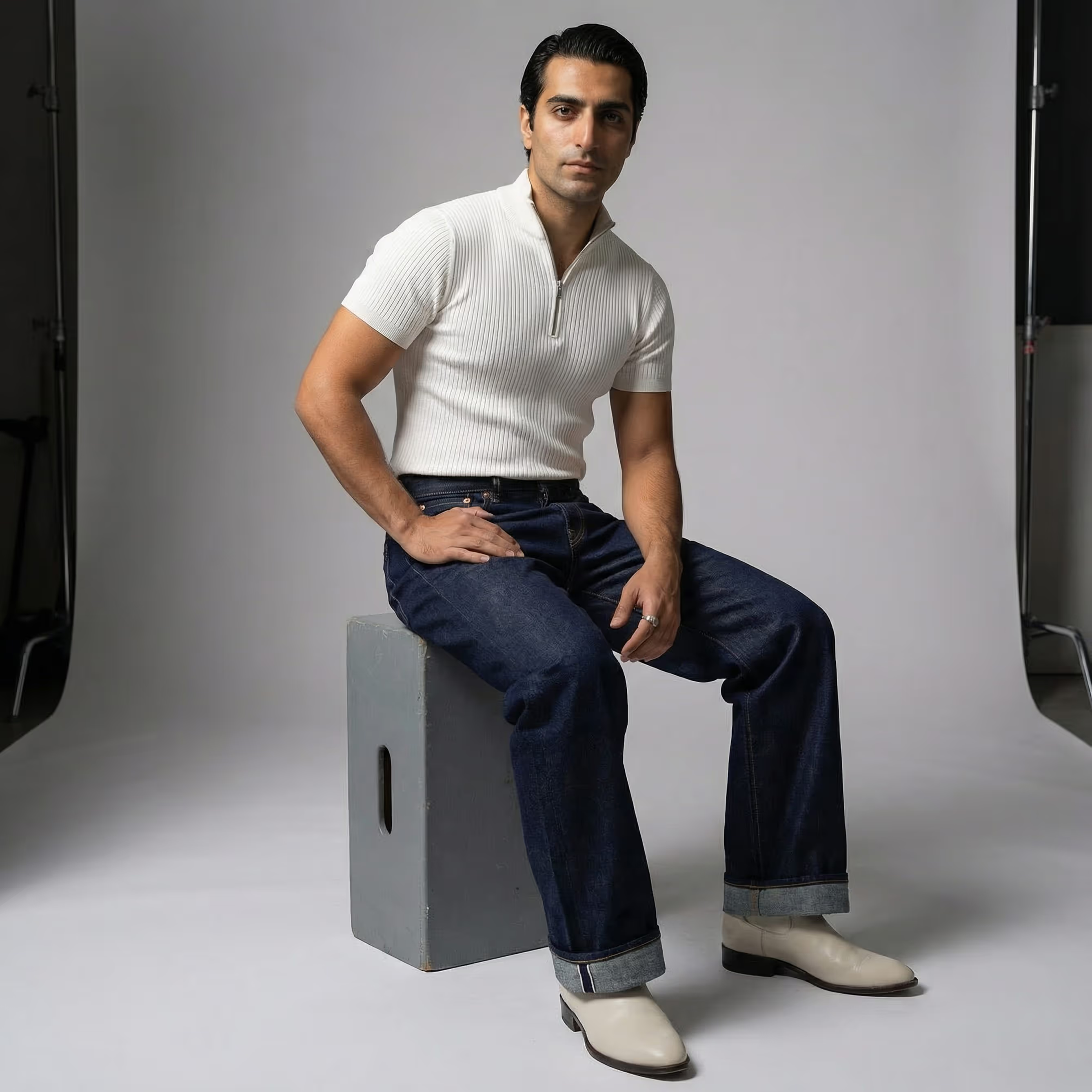
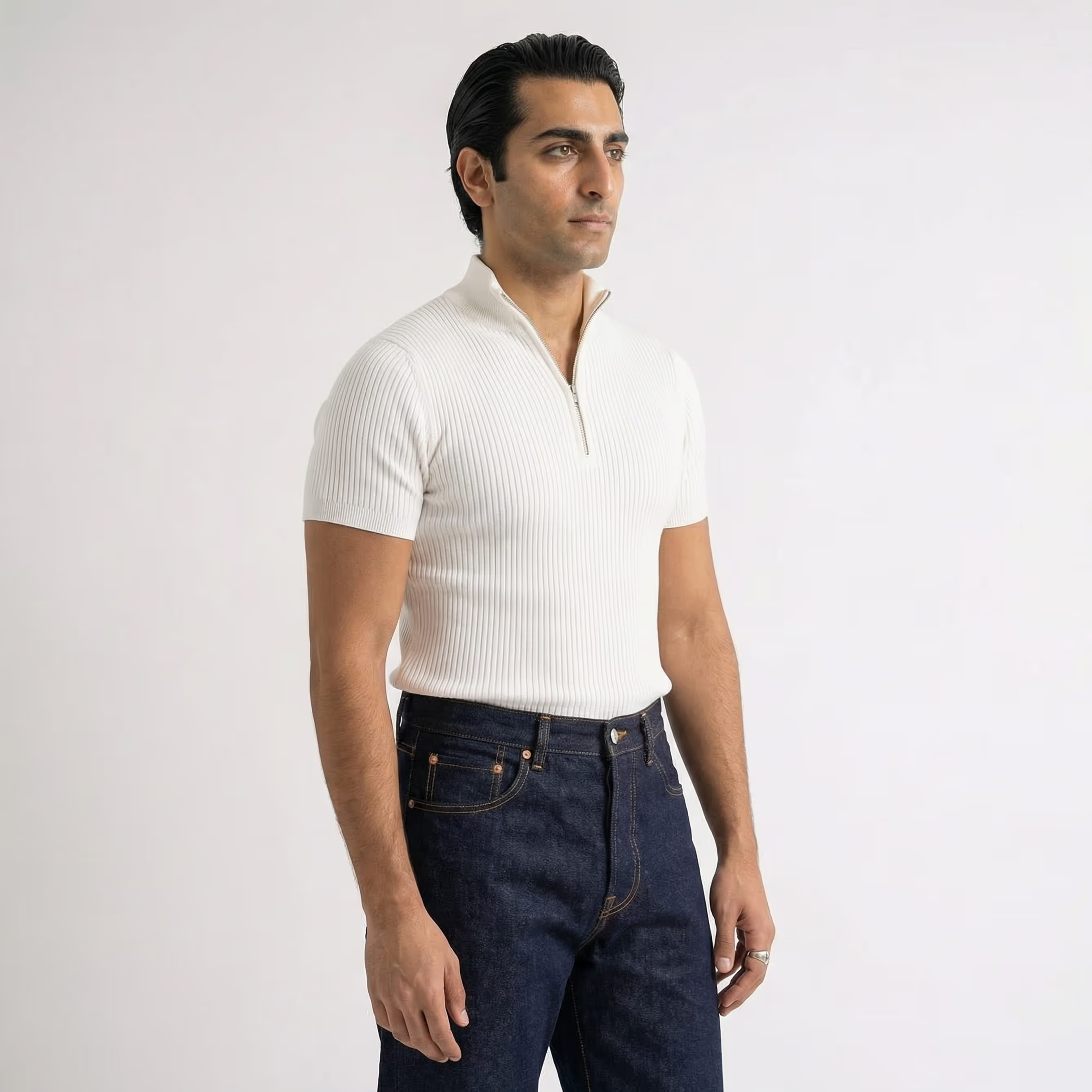
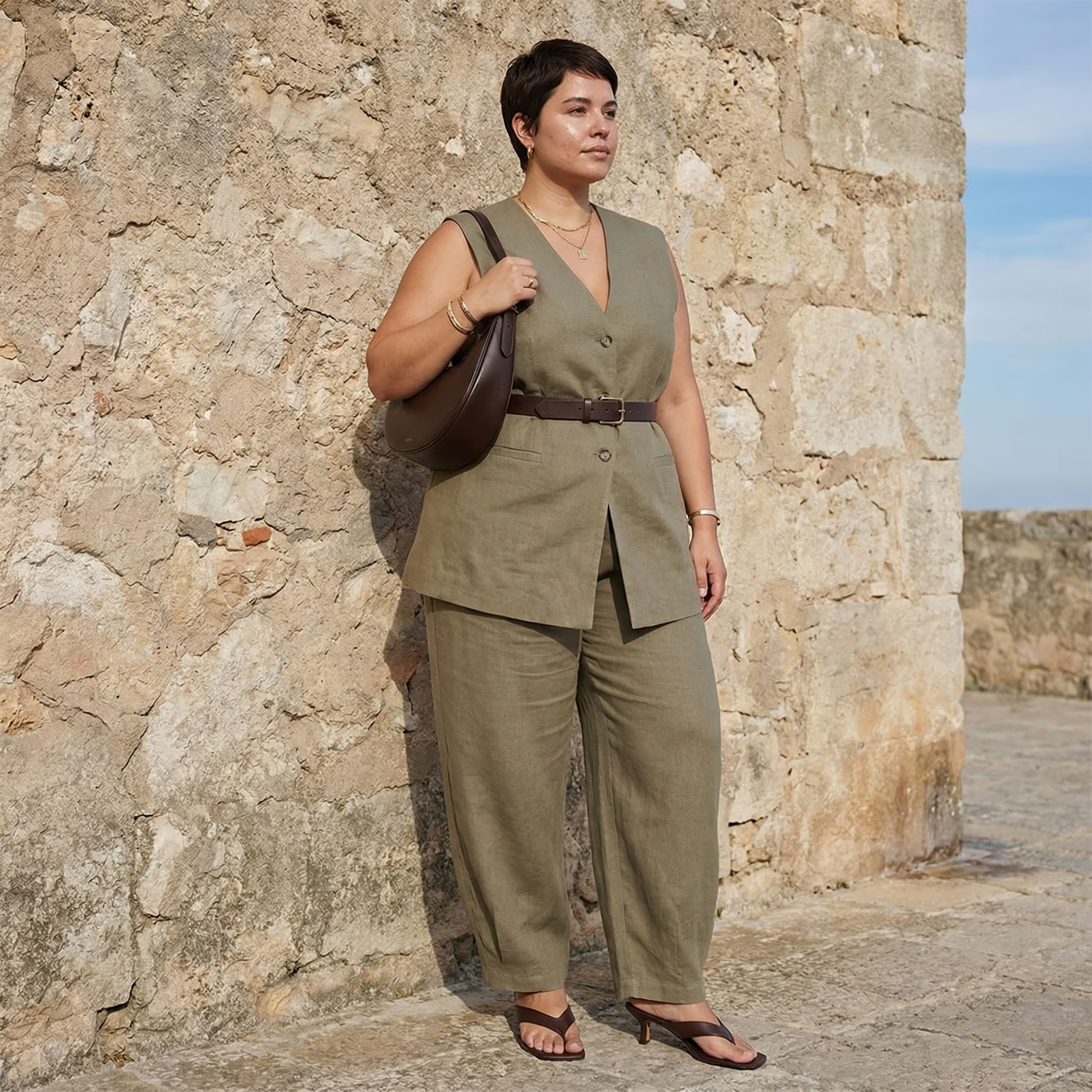
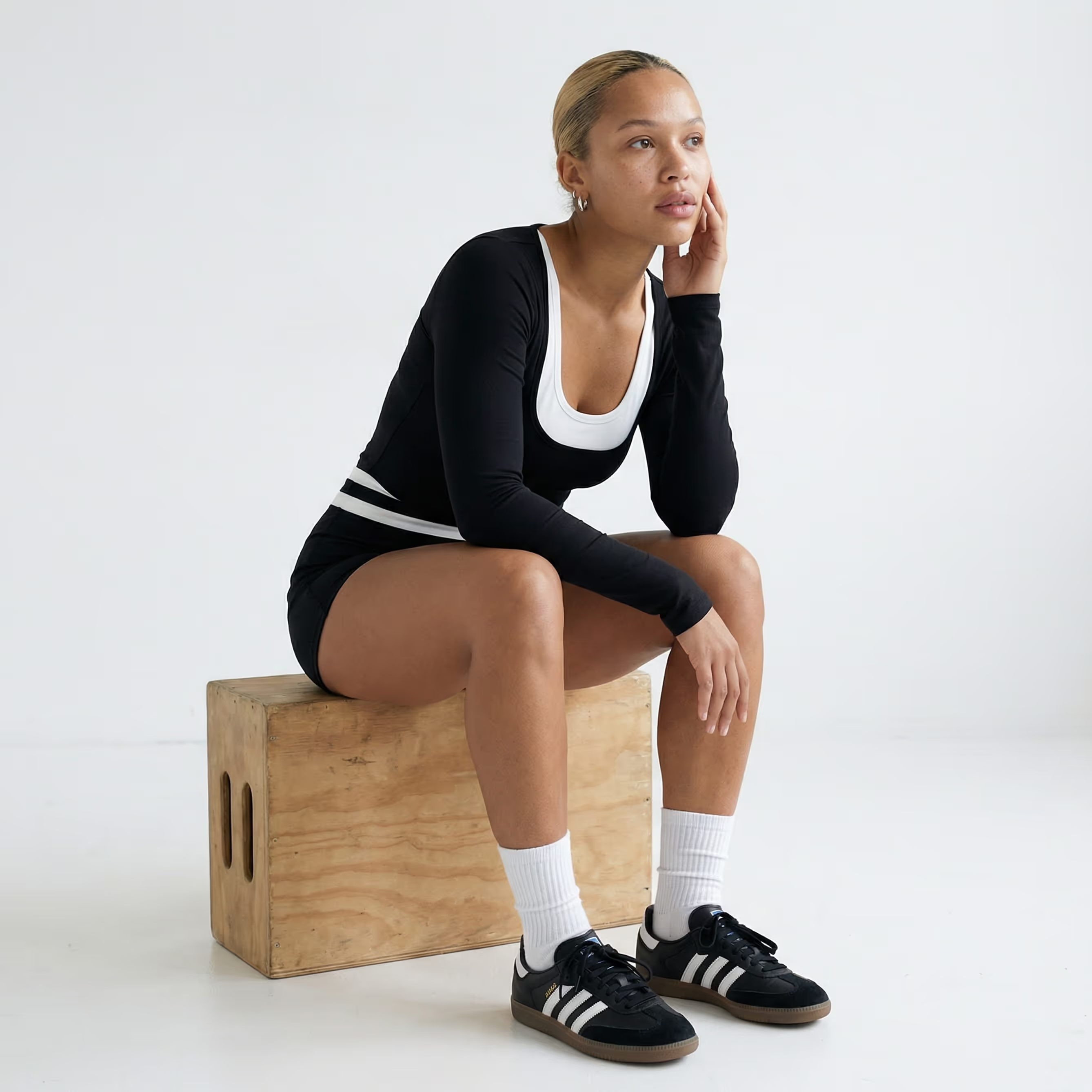
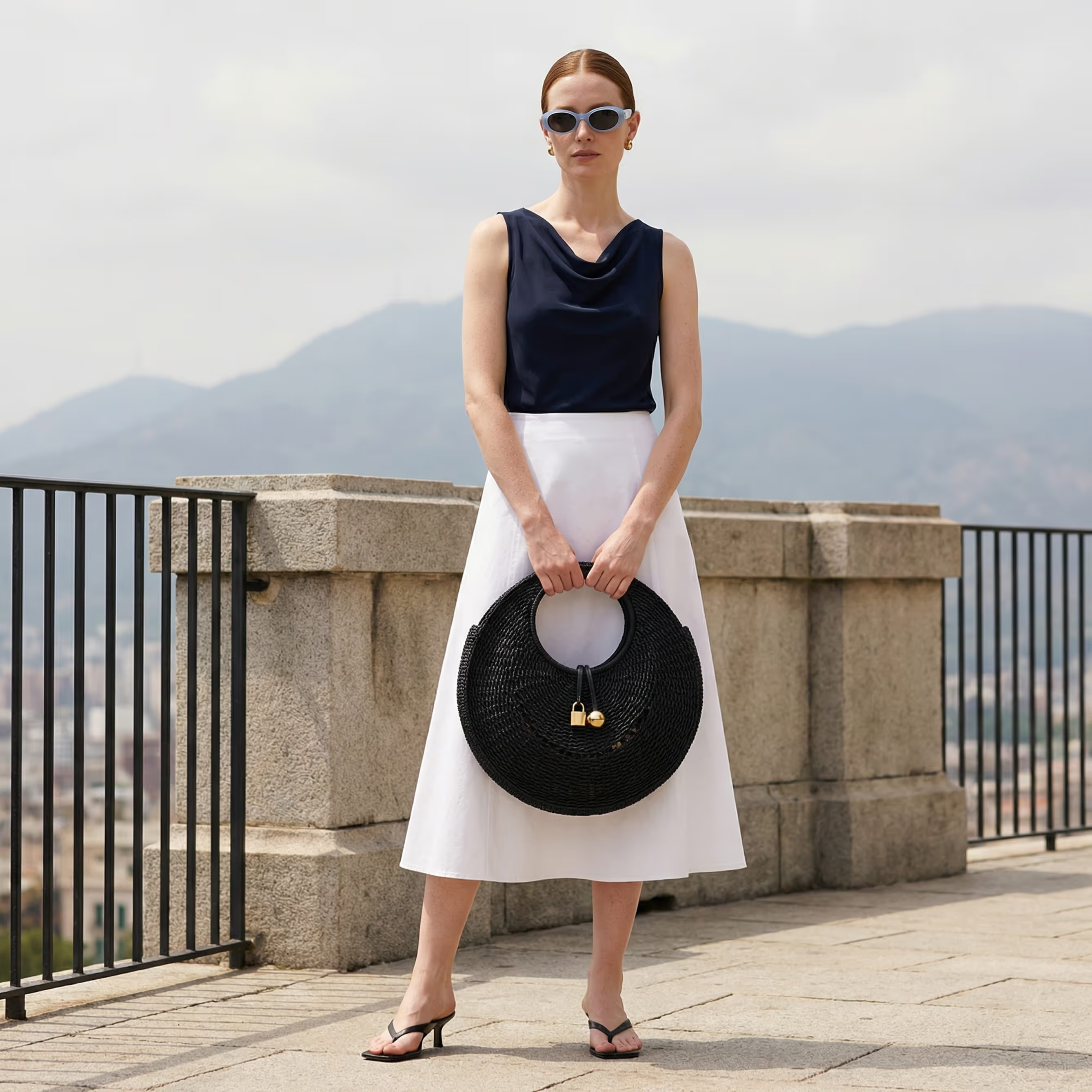
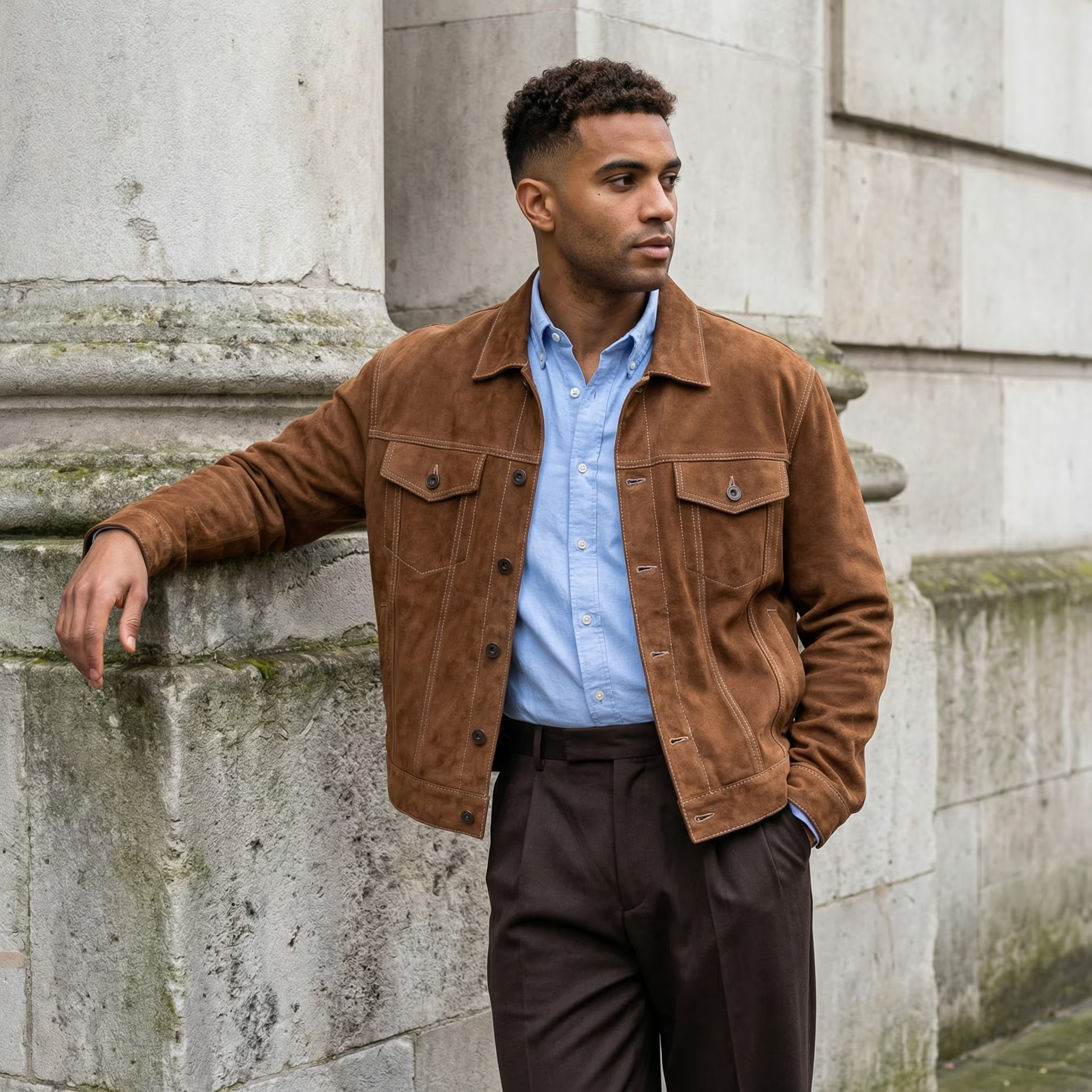


Scale Creativity & Elevate Storytelling
You’re no longer limited to your available resources. With limitless models, locations, and styling options, Raspberry AI helps you scale creative output to tell your story. All while keeping every image cohesive, polished, and on-brand.
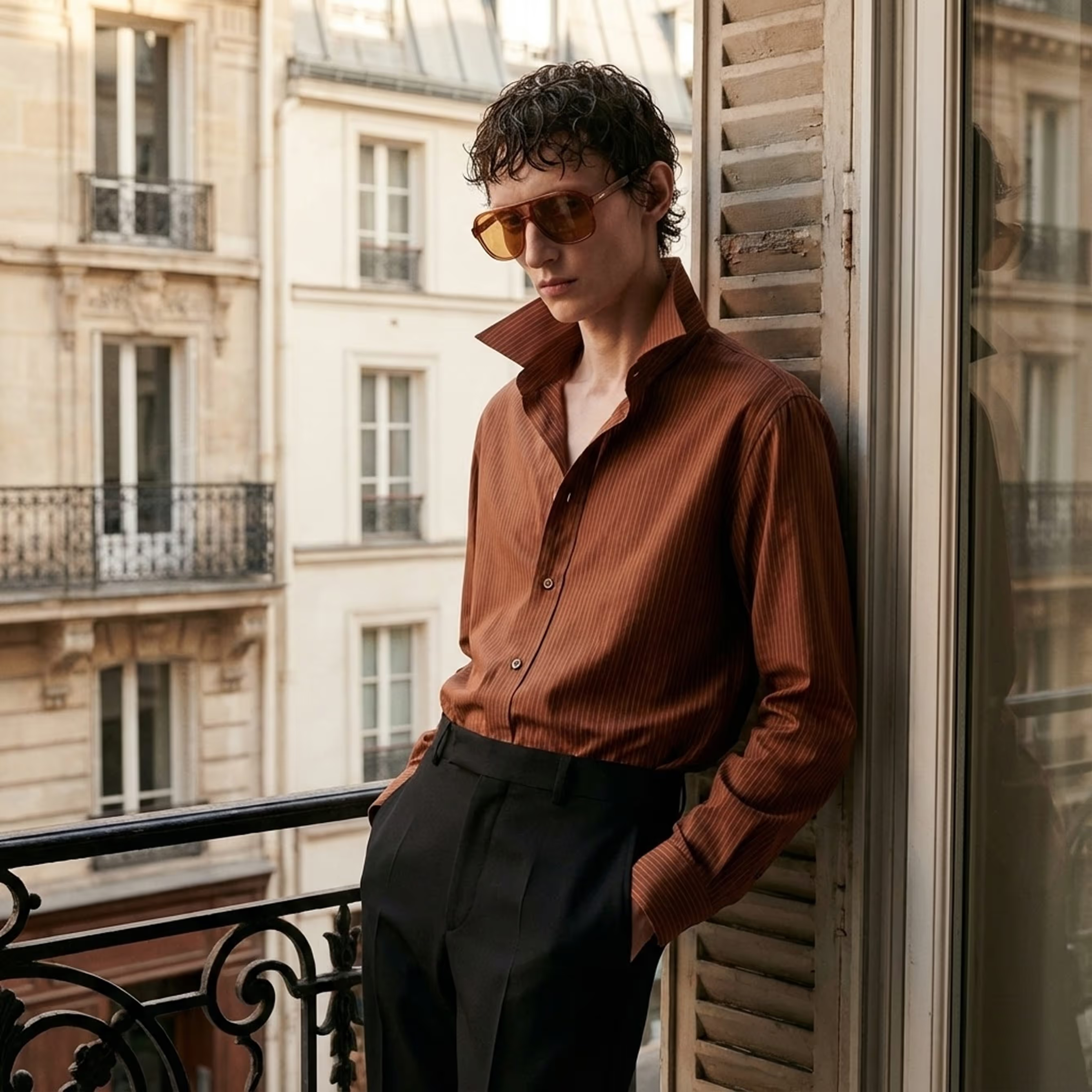
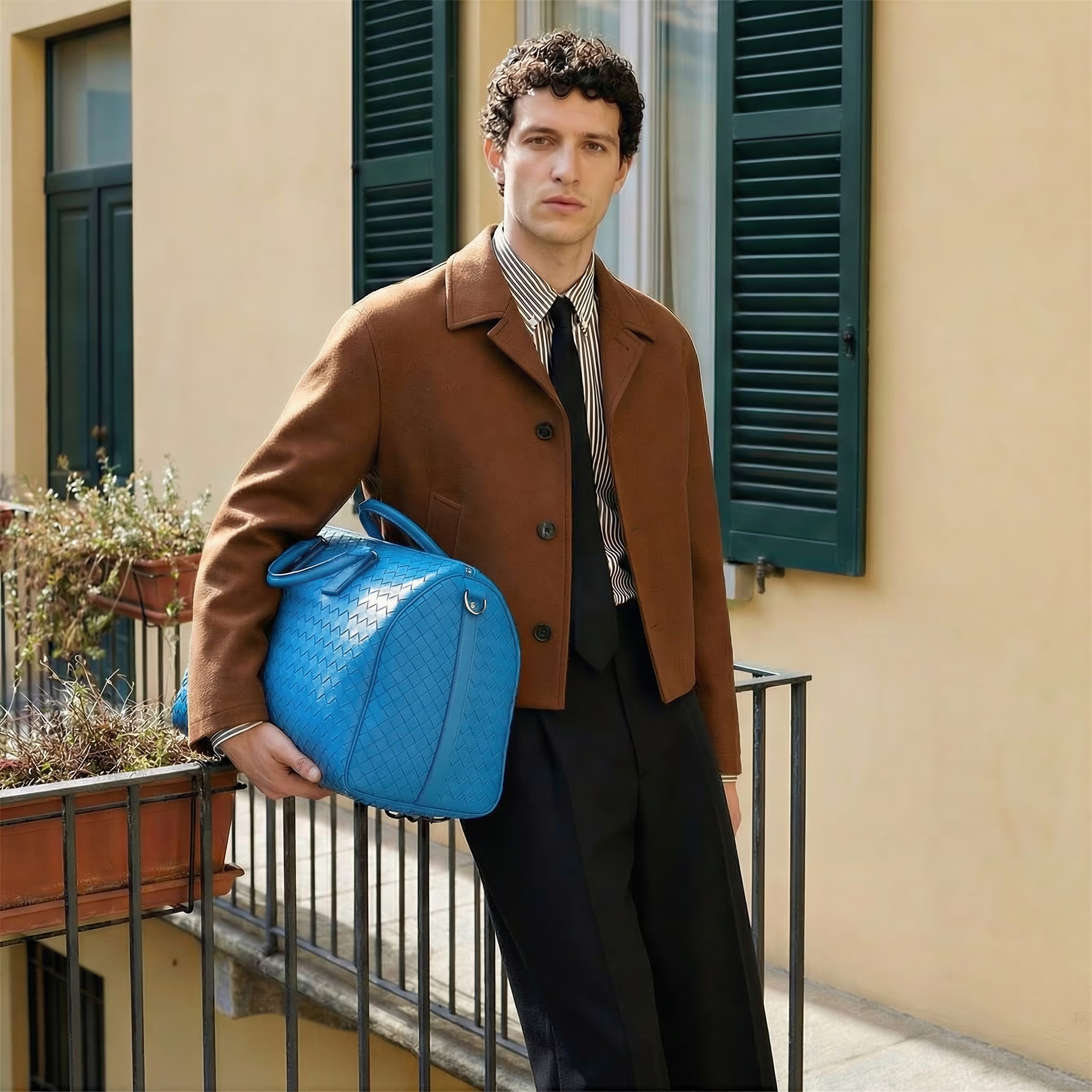
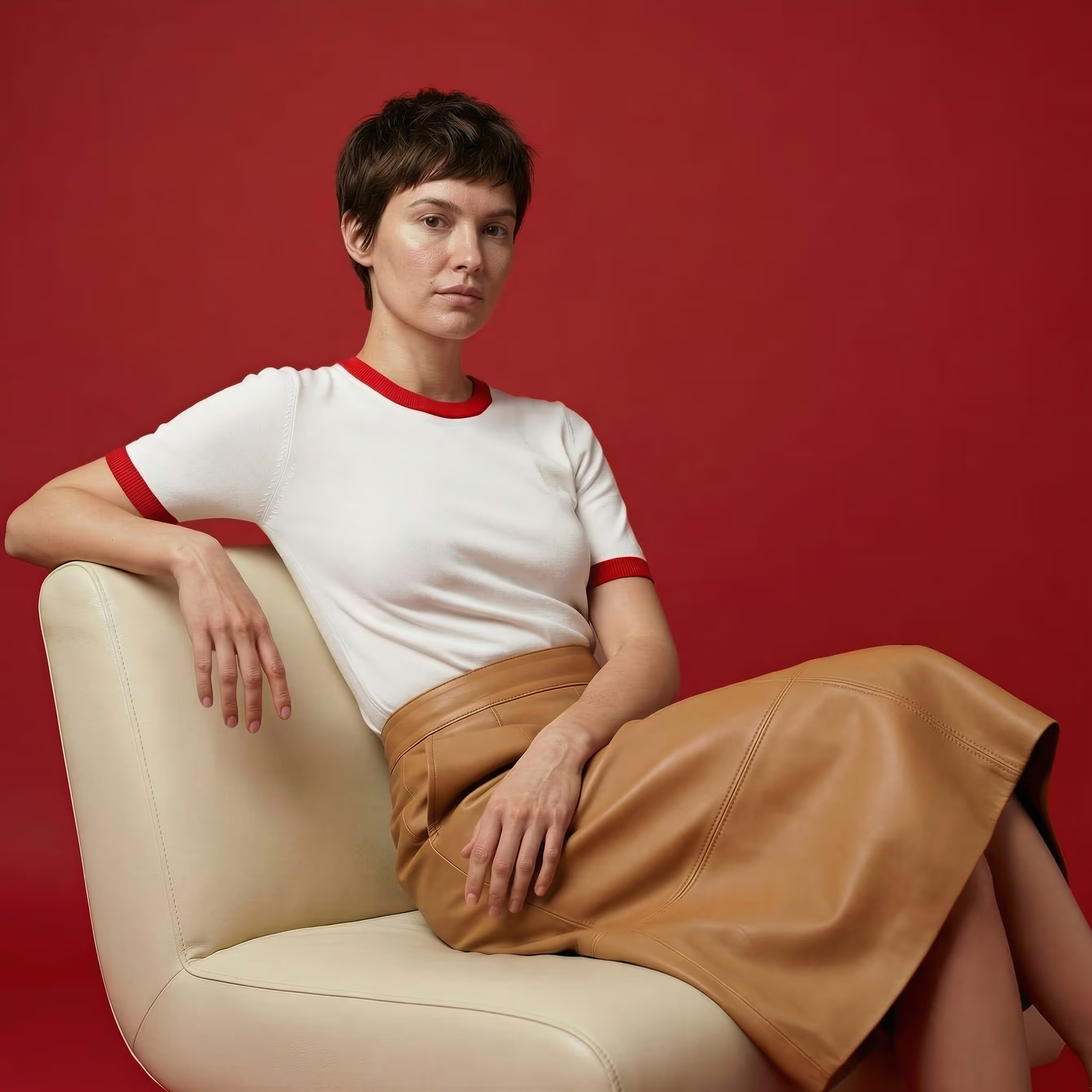
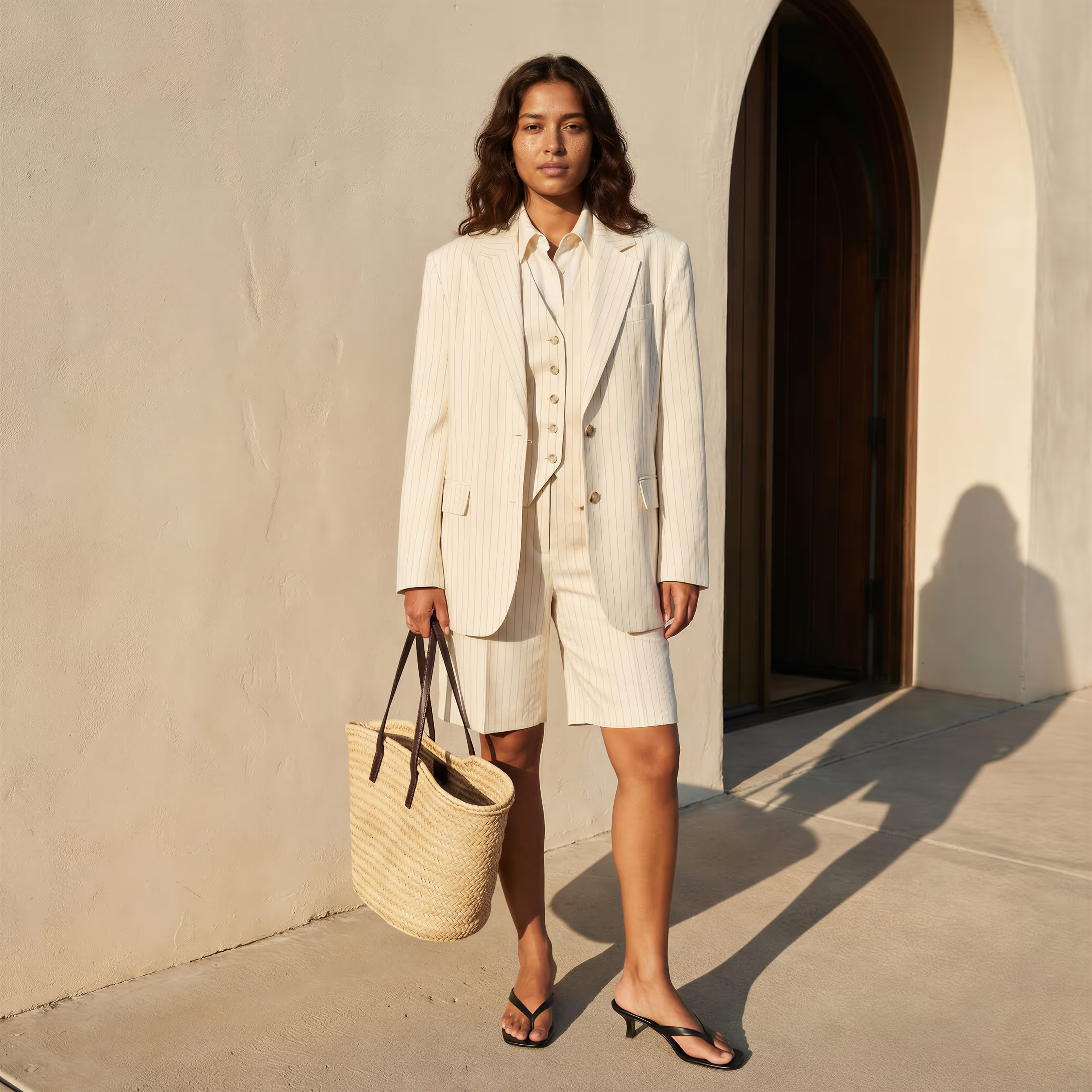
Extended Capabilities
.avif)
Character Consistency
Maintain your brand identity by selecting a model to appear across your designs and iterations for consistency and cohesion.
.avif)
Reference Image
Guide your outputs with a visual anchor to inspire mood, color palette, or overall aesthetic. Experiment with different similarity levels to strike the right balance between creative flexibility and visual consistency.
.avif)
Angle & Lighting Presets
Take control of your visuals with preset angles and lighting setups designed to make your lifestyle photography effortless.

Frequently Asked Questions
How does Lifestyle Photography work?

Select the Lifestyle Photography tool, write a detailed prompt describing your model, clothing, pose, lighting, and location, optionally upload a reference image, adjust presets or perspective, then generate your scene. Learn more about Lifecycle Photography.
Can I use Lifestyle Photography without a reference image?
Yes. Reference images are optional. If you upload one, the AI will use it as a guide for pose, clothing, aesthetic, or scene style. Use the Similarity slider to control how much influence the reference image has.
How do I write a good prompt for Lifestyle Photography?
Be clear and descriptive. Include model attributes (age, ethnicity, hair, expression), clothing (style, material, color), accessories, pose, lighting, mood, location, and time of day. Repetition helps reinforce details. Learn more.
Can I focus prompts on different aspects of the scene in Lifestyle Photography?
Yes. You can emphasize:
- Outfit (model, clothing, accessories, pose, mood)
- Mood (overall feel, lighting, action, props)
- Location (environment, lighting, model, pose, color palette)
What are presets in Lifestyle Photography and how do they help?
Presets adjust mood, depth, and lighting dynamics to guide your scene generation. Use them to achieve specific lighting effects or to emphasize interior or outdoor settings.
How does the Perspective feature in Lifestyle Photography work?
Perspective simulates camera angles and lens viewpoints to emphasize aspects of a model’s appearance, garments, or accessories. This is useful for full-body shots, close-ups, or dramatic visual storytelling.
What is the Character Consistency feature in Lifestyle Photography?
Character Consistency maintains the same model’s facial features across multiple generations. Upload a front-facing image of your character, then include a short description in your prompt to align outputs with that character.
Can I adjust the final image in Lifestyle Photography after generation?
Yes. The three-dot menu provides multiple options:
- Open in Image Editor – refine the details of the image
- Upscale Resolution – generate up to 4K
- Enhance Image – improve contrast, shadow, and details
- Remove Background – isolate the subject
- Regenerate – try a new version of the image
- Fine-tuning – adjust realism, age, or subtle features
- Save to Library – store images in your personal cloud
What does the Fine-tuning feature in Lifestyle Photography do?
Fine-tuning lets you tweak realism, adjust the subject’s age, or make small refinements to better match your vision.
For example, you can make a scene appear less polished or reduce AI-like artifacts.
How should I describe lighting in Lifestyle Photography prompts?
Include type, intensity, and source.
Examples: “soft window light,” “golden hour sunlight,” “volumetric studio lighting.” Precise lighting helps create more realistic and consistent scenes.
How do I describe locations in Lifestyle Photography effectively?
Specify the environment, architectural style, or landscape.
Examples: “industrial loft with exposed brick,” “sunlit beach,” “botanical garden greenhouse.” Add color palette or time of day for more realism.
Can I include props and accessories in my Lifestyle Photography?
Yes. Describe items in detail, including color, material, and placement.
Examples: “woven straw bag,” “vintage leather briefcase,” “gold flat sandals.”
Can I use Lifestyle Photography for commercial projects?
Absolutely. The tool is designed for marketers, designers, and content creators to generate professional imagery suitable for lookbooks, ads, and social media campaigns.
What if my first generation in Lifestyle Photography isn’t perfect?
Don’t worry. Use Regenerate, tweak your prompt, adjust presets, or fine-tune details to get closer to your vision. Repetition of key details in the prompt often improves results.
Can I maintain consistent characters across multiple images in Lifestyle Photography?
Yes. Upload a character image and use Character Consistency to ensure the same face appears across different scenes, outfits, and poses.
How long should prompts in Lifestyle Photography be?
Prompts should be at least 5 words, but detailed descriptions with multiple attributes often yield the most accurate, photorealistic results.
Sign Up for Our Newsletter
We’re constantly enhancing our product.
Stay informed with the latest updates.
Featured in


Experience Your First AI Fashion Lifestyle Photoshoot
Discover the future of fashion with stunning lifestyle photography at the tip of your fingers.