
Instantly Turn Your Moodboards into High Quality Visuals with Raspberry AI
Every great collection starts with a moodboard — a visual story that captures tone, texture, and emotion. But transforming that inspiration into real, high-quality imagery has traditionally required full production teams, studio time, and long lead times.
With Raspberry AI’s Edit module, creative teams can now bridge that gap in minutes. Upload your moodboard, describe your vision, and generate editorial-quality images that bring your concept to life — whether for runway presentations, lookbooks, or street style campaigns.
Here’s how to take your moodboard from static collage to high-fashion imagery, using four custom prompt types built specifically for luxury outcomes.
Step 1: Upload Your Moodboard
Start by opening your project in Edit and uploading your moodboard as a reference image.
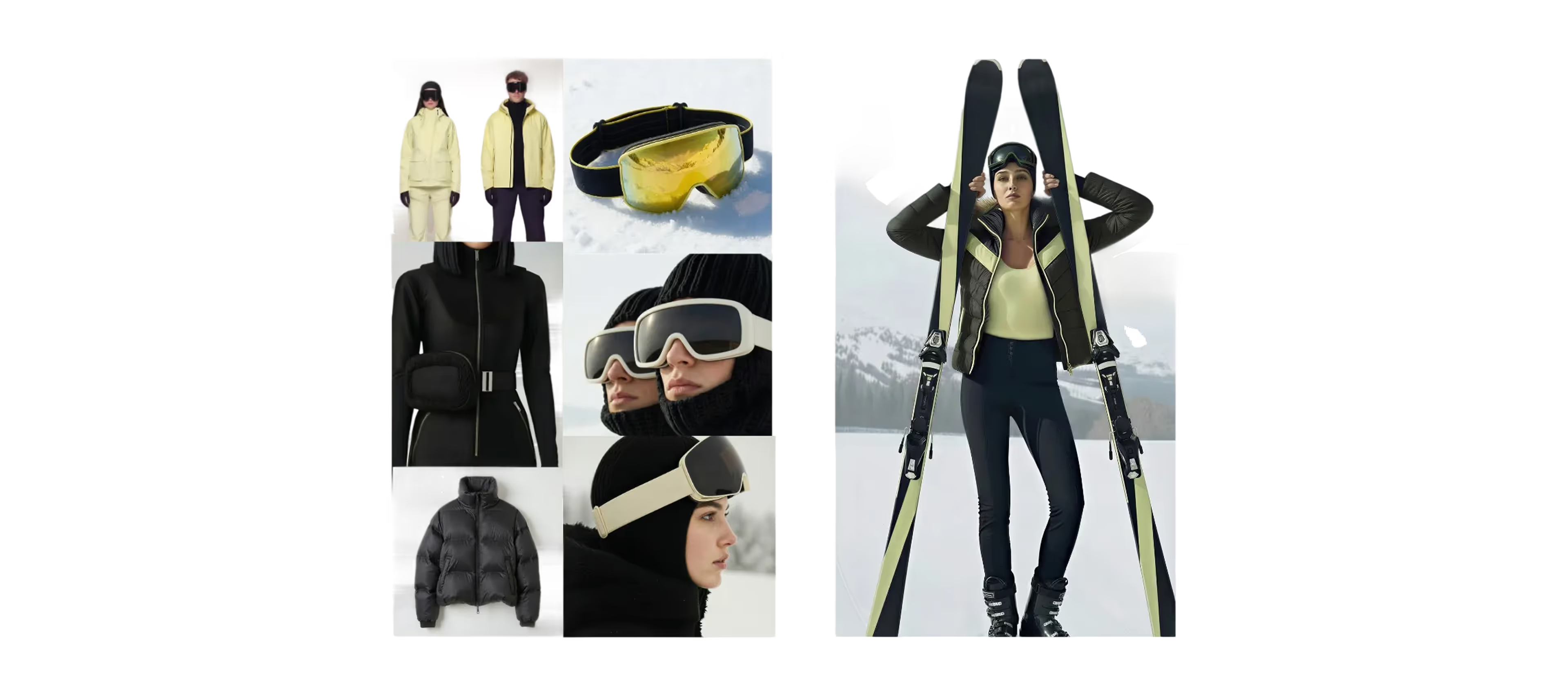
Your board should include:
- The color palette and textures that define your concept
- Visual cues for materials, silhouette, or styling direction
- Any relevant mood or attitude references — lighting, environment, or energy
Once uploaded, your board becomes the visual foundation for generating cohesive looks that align with your creative intent.
Step 2: Choose Your Visual Direction
Depending on your project needs — editorial, e-commerce, or campaign — use one of the following four prompts to guide your output.
Each one is tailored to achieve a different professional outcome while maintaining the same cohesive design DNA from your moodboard.
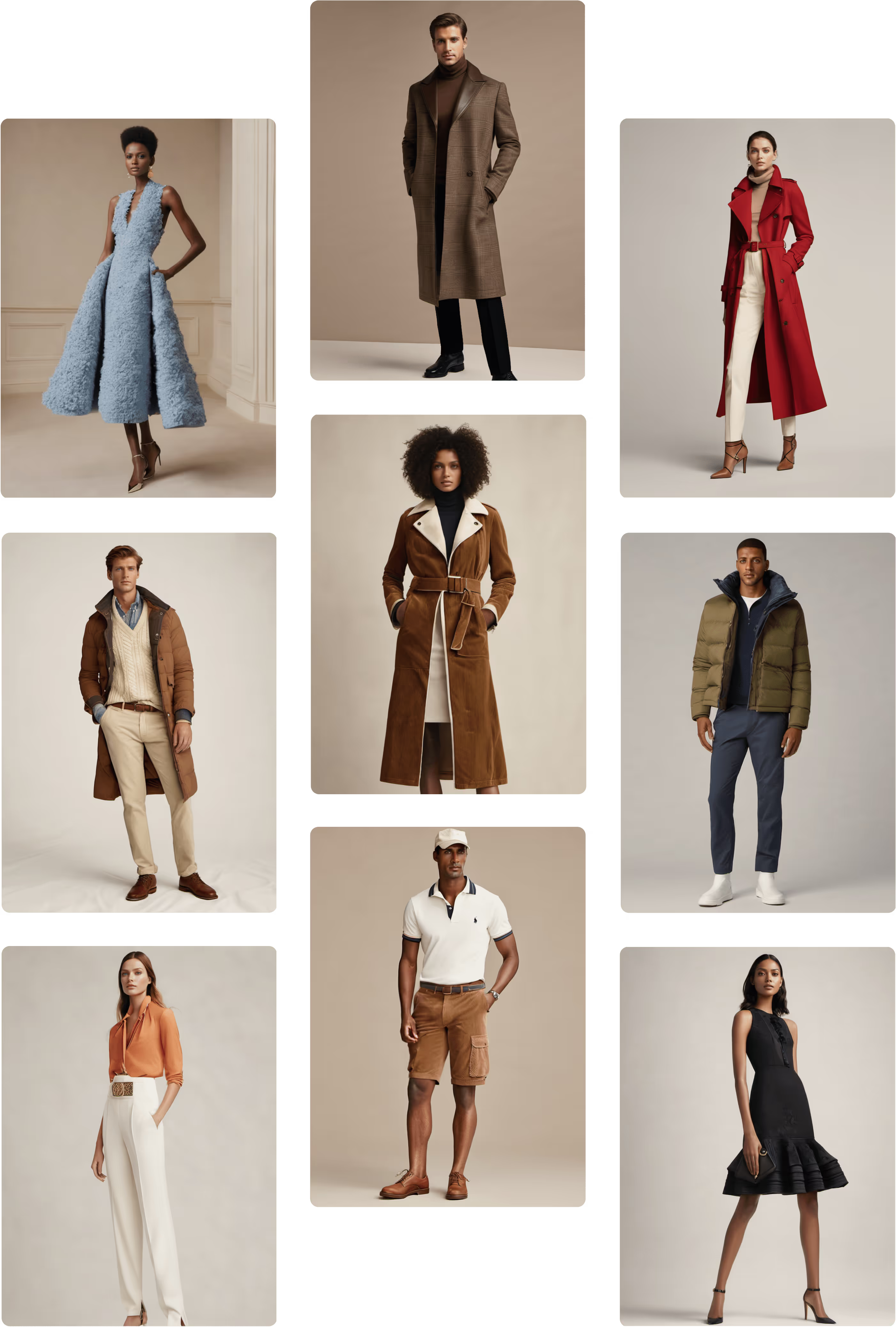
1. Original: The Editorial Baseline
%20(1).avif)
Prompt: “Create a full-body image of a fashion model styled in a cohesive outfit inspired by the uploaded mood board. The look should reflect the key visual themes, materials, and color palette from the mood board, translated into a complete, wearable outfit. Show the full outfit head to toe, with balanced proportions, contemporary styling, and realistic garment construction. Maintain the overall mood and attitude of the board, interpreting it into one polished, editorial-ready look. Use natural lighting and professional fashion photography composition.”
Prompt Intent: Create a full-body, polished fashion look that directly interprets your moodboard.
This prompt produces a cohesive, full-body image of a model wearing an outfit that reflects the board’s key materials, palette, and mood. The result is a balanced, editorial-ready look with realistic garment construction and contemporary styling.
Tips for Best Results:
- Keep lighting natural and even for timeless appeal.
- Emphasize texture fidelity — leathers, silks, or knits should read true-to-life.
- Aim for a head-to-toe composition with a clean, professional pose.
Use this output as your visual anchor — the first translation of your concept into a wearable, realistic fashion image.
2. Runway Look: Movement and Attitude
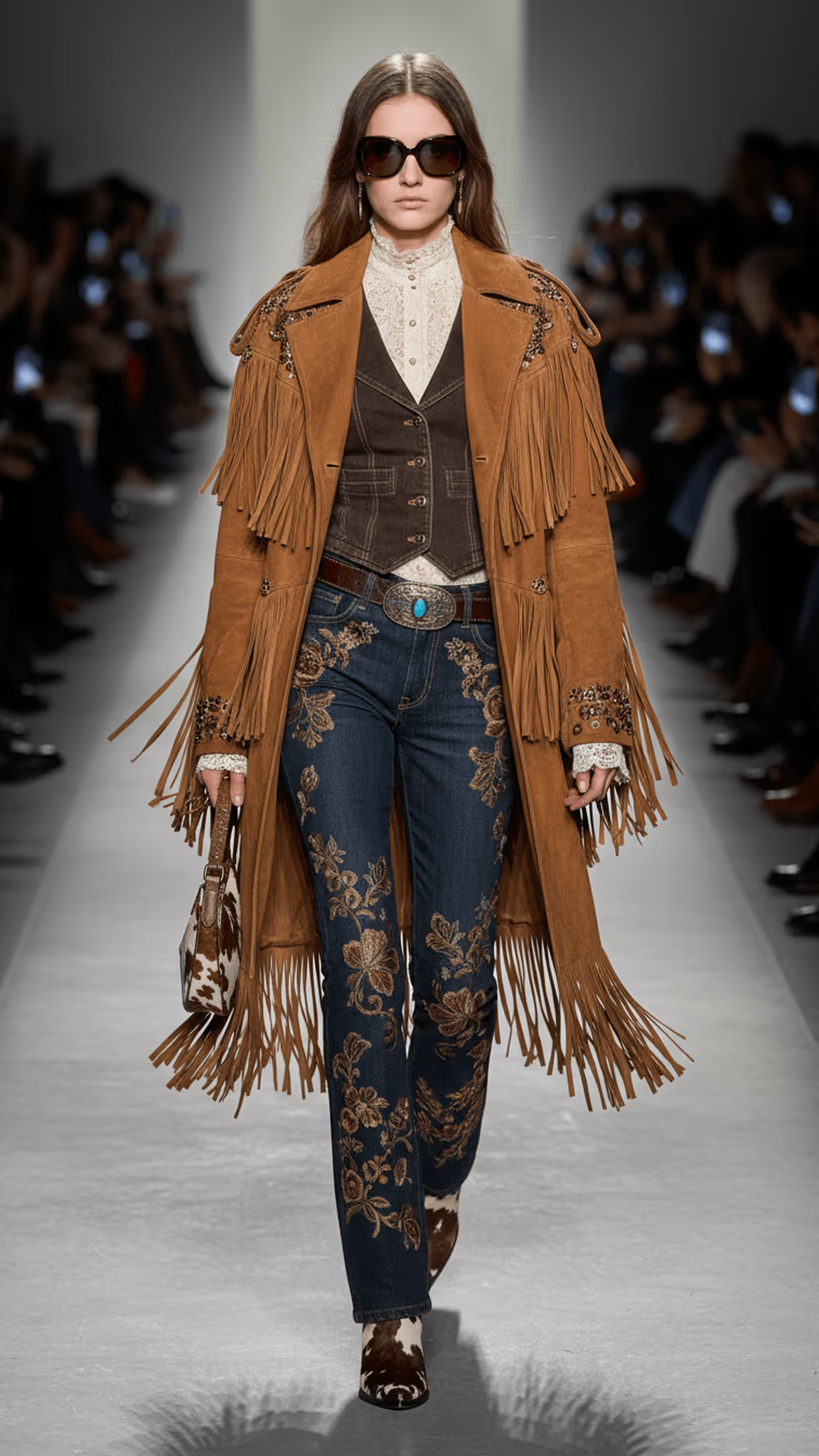
Prompt: “Create a full-body image of a fashion model styled in a cohesive outfit inspired by the uploaded mood board. The look should reflect the board’s key visual themes, materials, and color palette, interpreted into one refined runway-ready outfit. Show the full outfit head to toe with confident walking pose and natural movement. The scene should resemble a fashion show runway with blurred audience and cinematic lighting.”
Prompt Intent: Create a dynamic, cinematic runway moment inspired by your board.
This version captures the energy and confidence of a fashion show. The model should appear mid-walk, with fabric movement, cinematic lighting, and blurred audience elements to emulate a real runway atmosphere.
Tips for Best Results:
- Add keywords like “runway lighting,” “soft motion blur,” or “front-row perspective.”
- Focus on flow and movement in silhouette — long hems, draping, or volume read beautifully here.
- Keep camera angle slightly lower for a powerful, elevated runway feel.
3. Lookbook / E-Commerce: Clean and Commercial
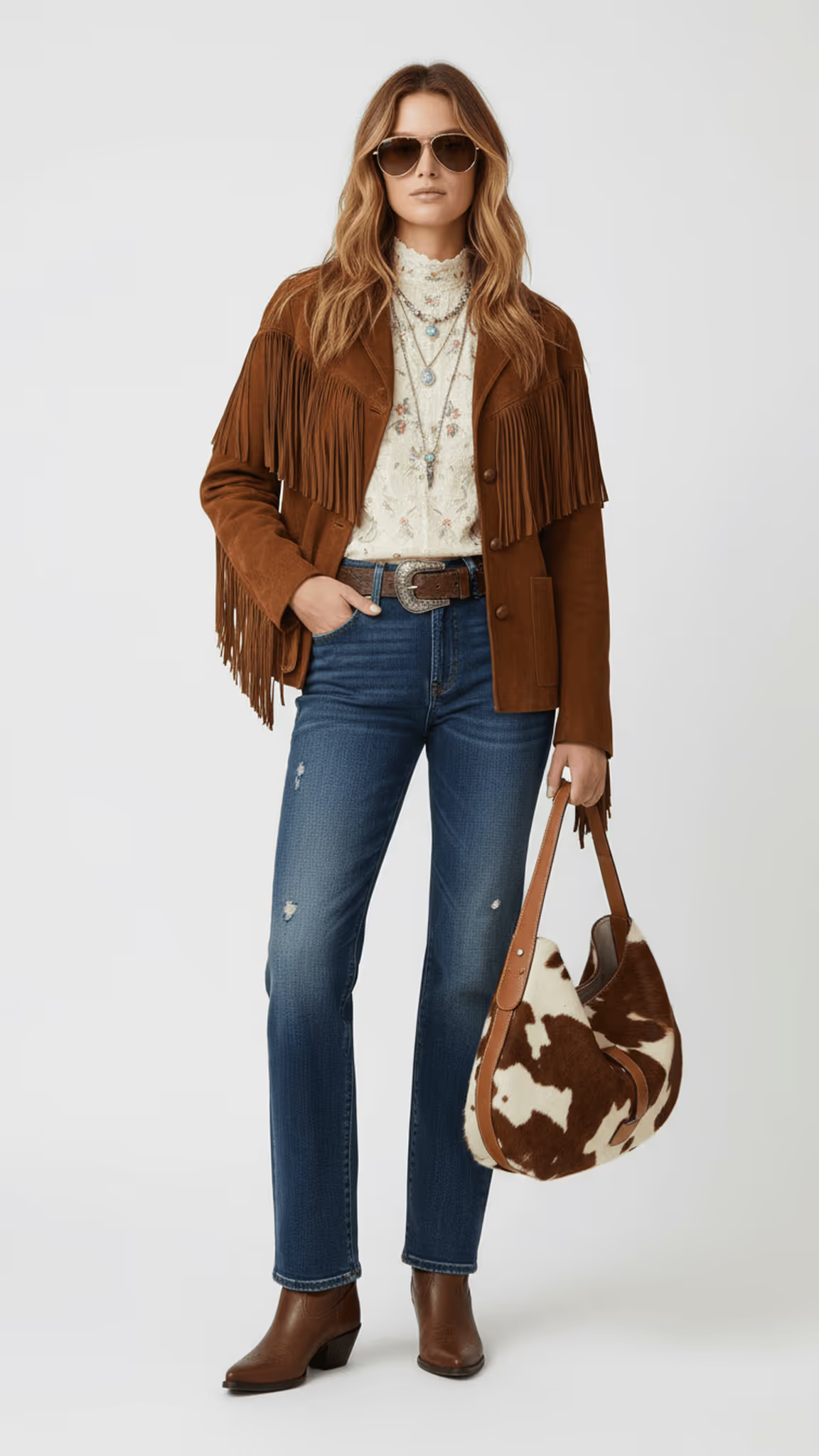
Prompt: “Create a full-body image of a fashion model styled in a cohesive outfit inspired by the uploaded mood board. The look should reflect the board’s key visual themes, materials, and palette, translated into a polished, wearable outfit suitable for a lookbook or e-commerce shoot. Use a clean studio background, soft even lighting, and a natural stance that clearly shows each garment.”
Prompt Intent: Create a full-body, neutral-background image ideal for product and retail presentation.
This setup focuses on clarity, proportion, and garment visibility, turning your concept into a market-ready lookbook or PDP shot.
Tips for Best Results:
- Use keywords like “studio lighting,” “white seamless background,” or “flat lay consistency.”
- Ensure garments are well-lit and evenly rendered — no harsh shadows.
- Pose the model front-facing or slightly angled to clearly show garment fit and structure.
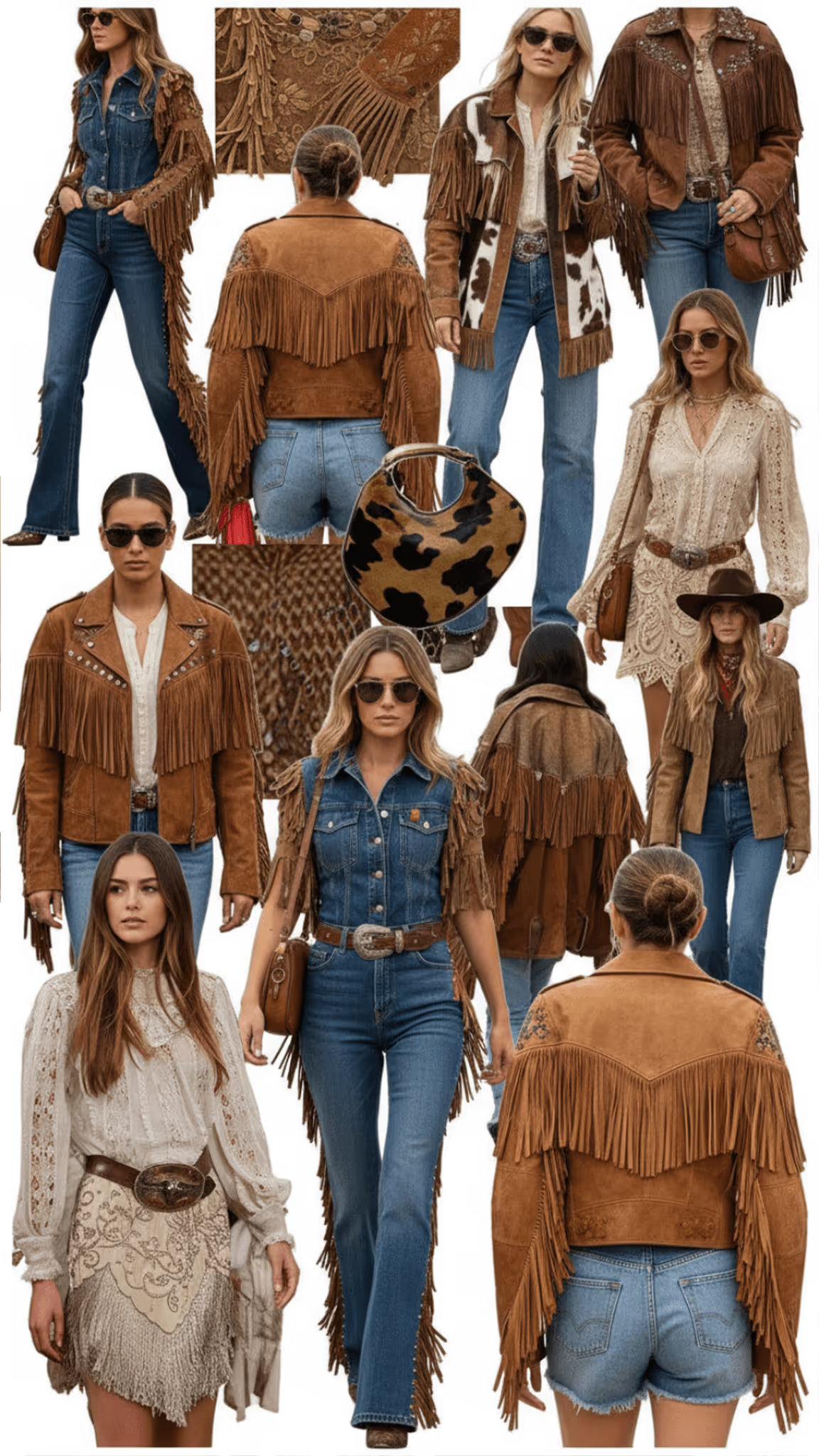
4. Street Style Editorial: Realism and Narrative
.avif)
Prompt: “Create a full-body image of a fashion model styled in a cohesive outfit inspired by the uploaded mood board. Translate the board’s textures, tones, and attitude into a contemporary street style look photographed outdoors. The scene should feel candid but composed, with natural light, shallow depth of field, and a city or lifestyle background that enhances the outfit’s realism.”
Prompt Intent: Translate your board’s textures, tones, and attitude into a contemporary street-style moment.
Here, the goal is to create something that feels authentic yet aspirational — the kind of shot you’d see in a luxury magazine feature or fashion week coverage.
Tips for Best Results:
- Add environmental details like “urban background,” “sidewalk scene,” or “soft morning light.”
- Use natural lighting and shallow depth of field for a cinematic, candid aesthetic.
- Reference textures from your board (e.g., tweed, satin, denim) for realism.
For more on prompts, check out our help article.
Step 3: Refine and Export
Once your image is generated:
- Review your outputs and select the version that best captures your concept.
- Use Edit’s refinement tools to tweak the look, lighting, and background as you desire.
- Export in high-resolution (2K–4K) for use across platforms.
You can even generate multiple outputs across styles — for instance, start with an Original editorial look, then reimagine the same outfit in Runway or Street Style context for a cohesive multi-channel campaign.
Step 4: Scale Your Visual Storytelling
By combining these prompt styles, you can turn one inspiration board into an entire suite of creative assets:
- Editorial look for campaign mood
- Runway moment for PR and storytelling
- Studio image for retail
- Street scene for digital engagement
Try Raspberry AI Today
Moodboards are the heart of fashion storytelling — and now, with Raspberry AI, they can also be the start of production-quality visuals.
Whether you’re developing a new collection, planning a campaign, or pitching an idea, Raspberry AI’s Edit module helps you turn your vision into a high-luxury image suite — fast, accurate, and beautifully on-brand.
Heading 1
Heading 2
Heading 3
Heading 4
Heading 5
Heading 6
Lorem ipsum dolor sit amet, consectetur adipiscing elit, sed do eiusmod tempor incididunt ut labore et dolore magna aliqua. Ut enim ad minim veniam, quis nostrud exercitation ullamco laboris nisi ut aliquip ex ea commodo consequat. Duis aute irure dolor in reprehenderit in voluptate velit esse cillum dolore eu fugiat nulla pariatur.
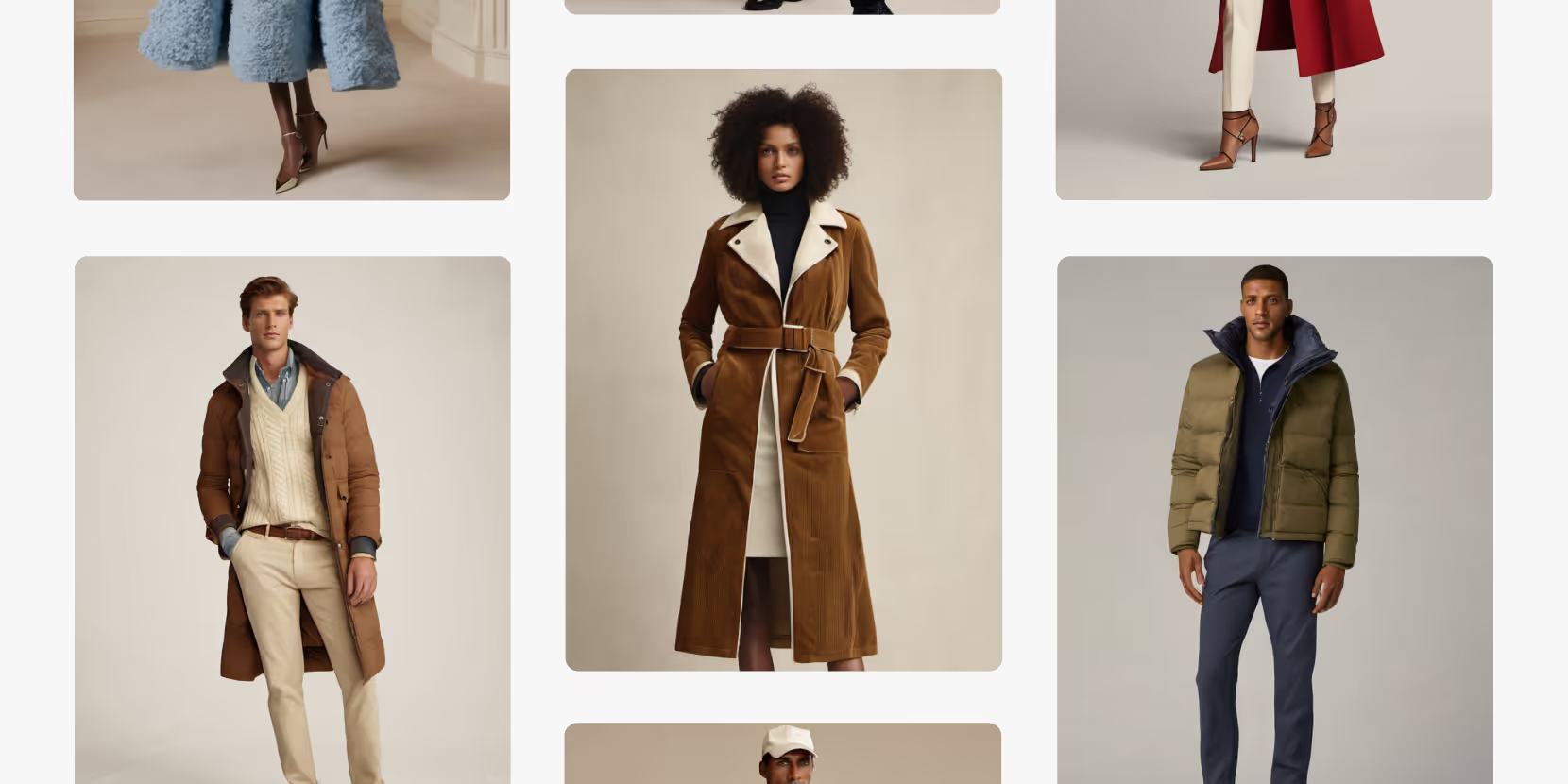
Merchandising and design now create together live in meetings—no more weeks of back and forth.”
[[VP of Merchandising] blog-quote-ttl]
[[$30M alternative eCommerce fashion retailer] blog-quote-subttl]
Quote Name Style
Ordered list
- Item 1
- Item 2
- Item 3
Unordered list
- Item A
- Item B
- Item C
Bold text
Emphasis
Superscript
Subscript
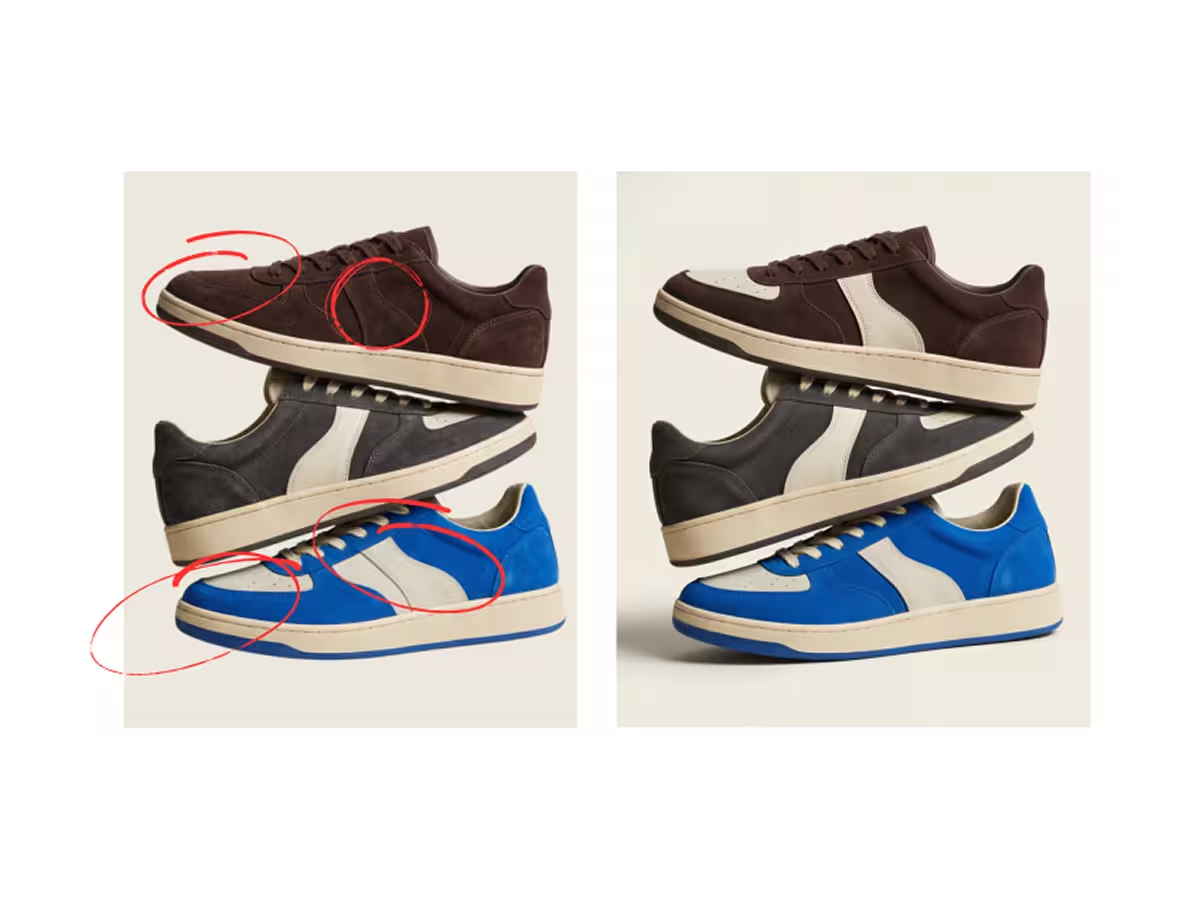
Stop Doing This: The 7 Most Common Prompting Mistakes in Raspberry AI
Avoid the 7 most common prompting mistakes in Raspberry AI—overstuffed prompts, vague language, missing details, and more—with fixes and examples.
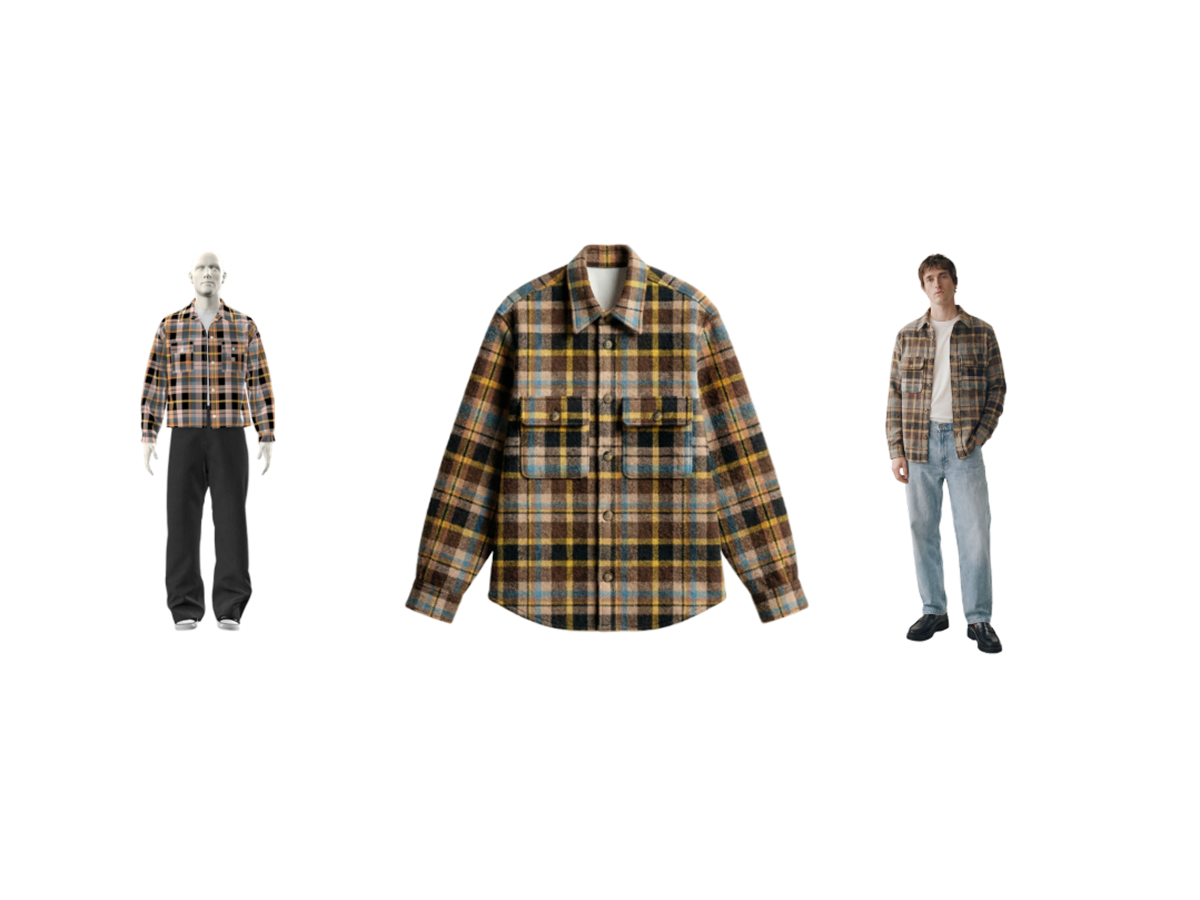
Raspberry × Browzwear: AI to 3D Garment Workflow
Connect AI-powered design with 3D garment workflows. Learn how Raspberry and Browzwear integrate to streamline digital product creation.
6 Tips for High-Converting PDPs
Discover 6 proven tips to build high-converting fashion PDPs with richer visuals, model diversity, lifestyle context, and AI tools from Raspberry AI.
Sign Up for Our Newsletter
We’re constantly enhancing our product. Stay informed with the latest updates.
Ready to Design Smarter, Faster, and at Scale?
Start creating stunning photorealistic designs in just a few clicks.