
Prompt Chaining in Raspberry AI: How to Build Ideas Step by Step for Better Results
Ever tried to get the perfect result with one single prompt… and ended up with something close, but not quite right? That’s where prompt chaining - what I like to think of as the building technique - comes in.
Instead of cramming every detail into one long prompt, you work step by step. A great way to do this is by starting with a reference image for the first generation, picking your favorite output - and using that new output as a reference image to Generate Variations. And then doing that repeatedly until you get incremental steps away from the reference image. Each step takes you a little further away from the original, but closer to your vision.
I often go two, three, even five steps away from the original reference this way. Playing with the Similarity Slider in various tools helps too - keeping it around 30 - 45% produces outputs that feel fresh without losing the original vibe.
Think of it like sewing a garment: each step adds structure, shape, and detail until the final look comes together exactly as you imagined.
In this guide, we’ll explore how to chain prompts for more control over creativity in your outputs.
Core Principles
Break complex requests into smaller, clear steps.
If you were sharing an idea with a colleague, you wouldn’t blurt everything in one breath. You’d break it down so they understood you. Speaking to AI works the same way.
Leverage each output as the starting point for the next.
Start small and keep building. Don’t try to leap to the final result in one prompt — prompt for smaller changes to get there.
Workflow Examples
1. Logo → Embroidered patch
Goal: Create an embroidered logo patch inspired by but distinct from the reference.
- Create a logo in Graphics & Placement Prints.
Prompt: A round, rope-style border frames a central anchor motif, exhibiting a classic nautical emblem. The border is composed of a continuous, twisted rope pattern, conveying a textural quality. Within this circular boundary, a solid anchor is centrally positioned. The anchor's design includes a prominent ring at the top, a straight central shank, and two pointed, outwardly curved flukes at the base. The overall presentation is in a high-contrast black and white scheme, creating a distinct and timeless maritime-inspired graphic suitable for various apparel and accessory applications.
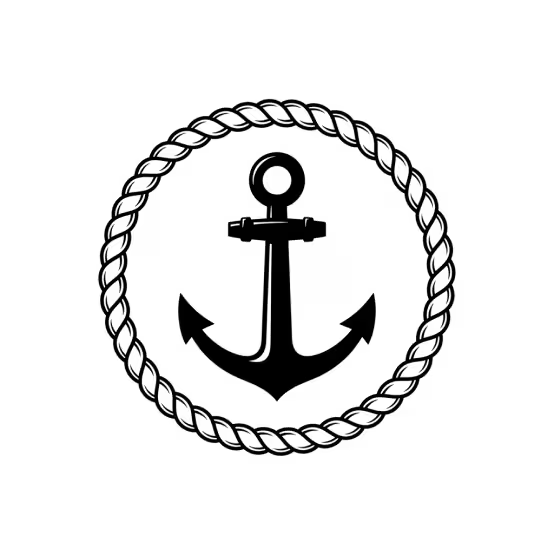
- Select the best one → generate variations.
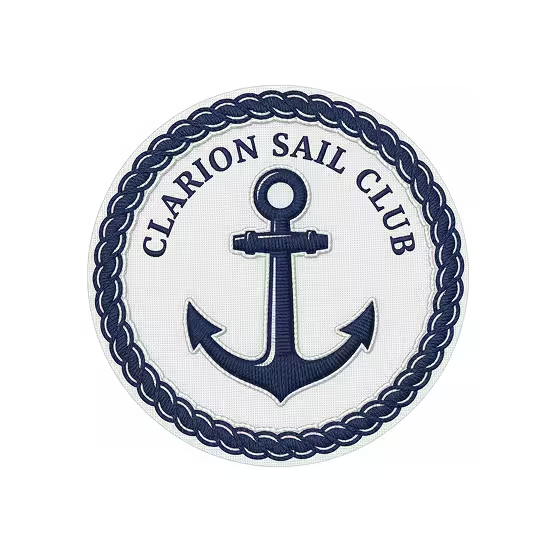
- Prompt to change colors to navy and white.
Prompt: Change to navy and white, add words CLARION SAIL CLUB in serif font inside the rope.
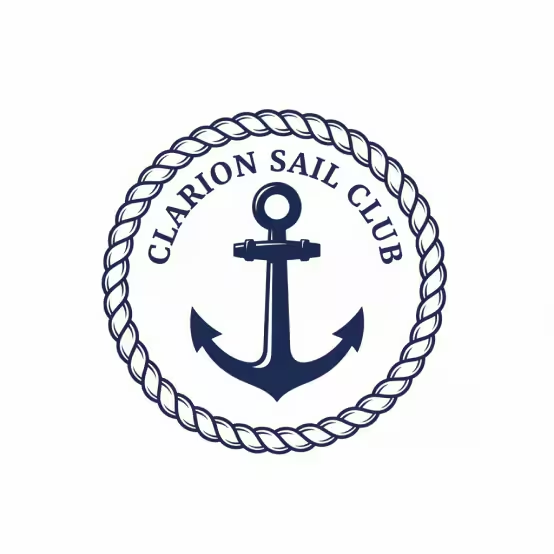
- Select the best one → generate variations.
- Prompt to create an embroidered patch version of the logo, upload reference image as Custom Style Inspiration.
Prompt: Change to embroidered patch.
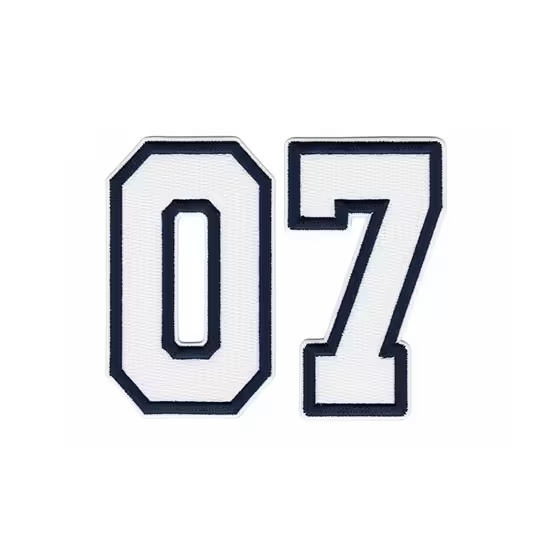
- Lesson: Prompt for the words, then the color change, and then the embroidered patch.
2. Lifestyle Photography Exploration
Goal: Create a scene inspired by but distinct from the reference.
- Create image in Lifestyle Photography.
Prompt: Dark-skinned model with long black locs in a cream ribbed knit midi-dress with architectural black piping at the neckline and sleeves, silver hoops. Confident pose, hands on waist, head back, eyes closed. High-contrast midday sunlight on a sculpted white urban art wall with abstract black and white patterns. Powerful, artistic.
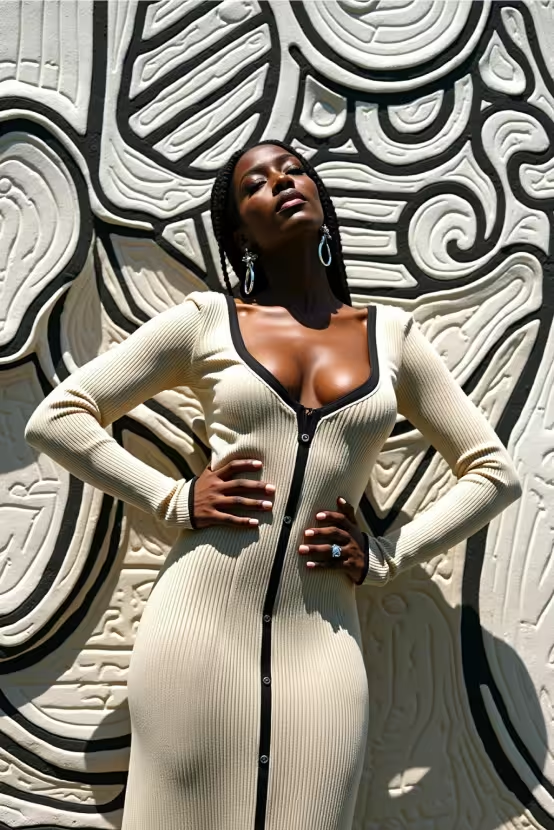
- Select the best design → generate variations to use as reference.
Prompt: Dark-skinned model with long black locs in a cream ribbed high neck knit midi-dress with architectural black piping at the neckline and sleeves, silver hoops. Confident pose, hands on waist, head back, eyes closed. High-contrast midday sunlight on a sculpted white urban art wall with abstract black and white patterns. Powerful, artistic. Similarity Slider: 30%
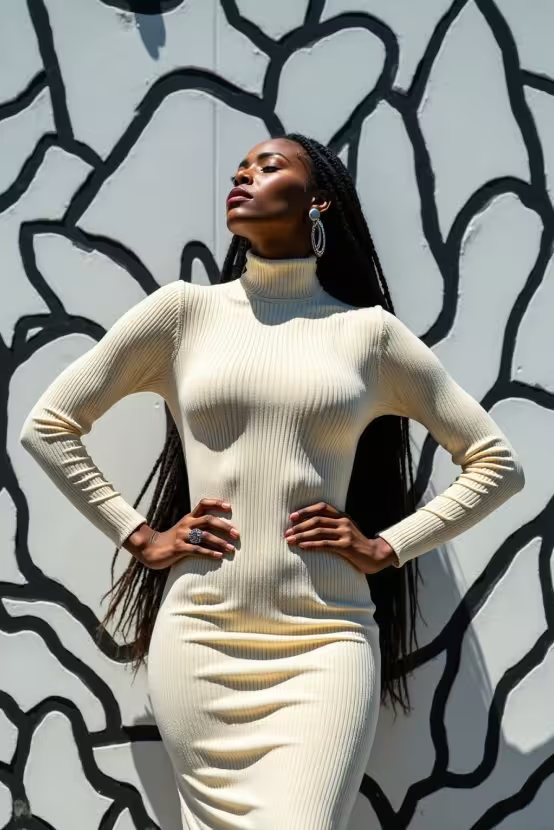
- Select the best design → generate variations to use as reference.
Prompt: Dark-skinned model with long black locs in a cream ribbed high neck knit midi-dress with architectural black piping all over, silver hoops. Confident pose, hands on waist, head back, eyes closed. High-contrast midday sunlight on a sculpted white urban art wall with abstract black and white patterns. Powerful, artistic. Similarity Slider: 30%.
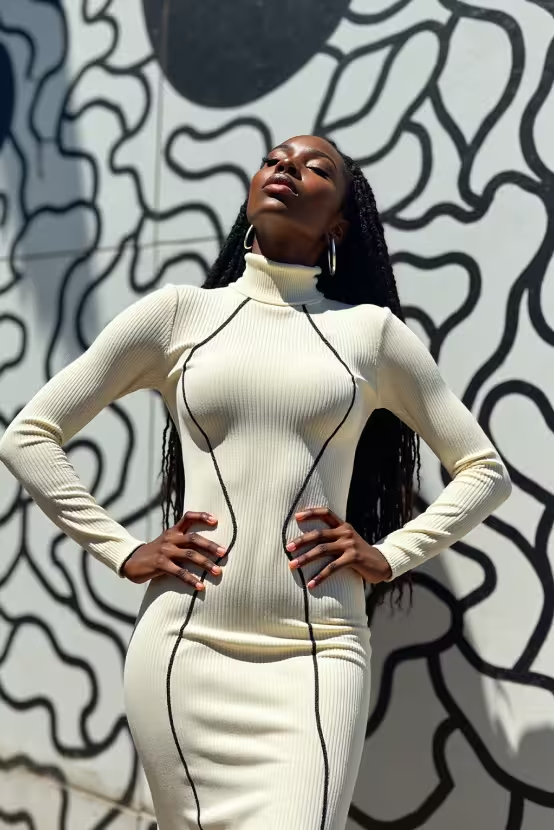
- Tweak the prompt in small ways until you end up with a final design you love.
Tip: If you like your initial image, rather than tweaking your prompt, take the image in the Edit Module for smaller edits. Use Prompt Assist for the best prompts!
Initial prompt: Change dress to high neck turtleneck, keep all other details the same.
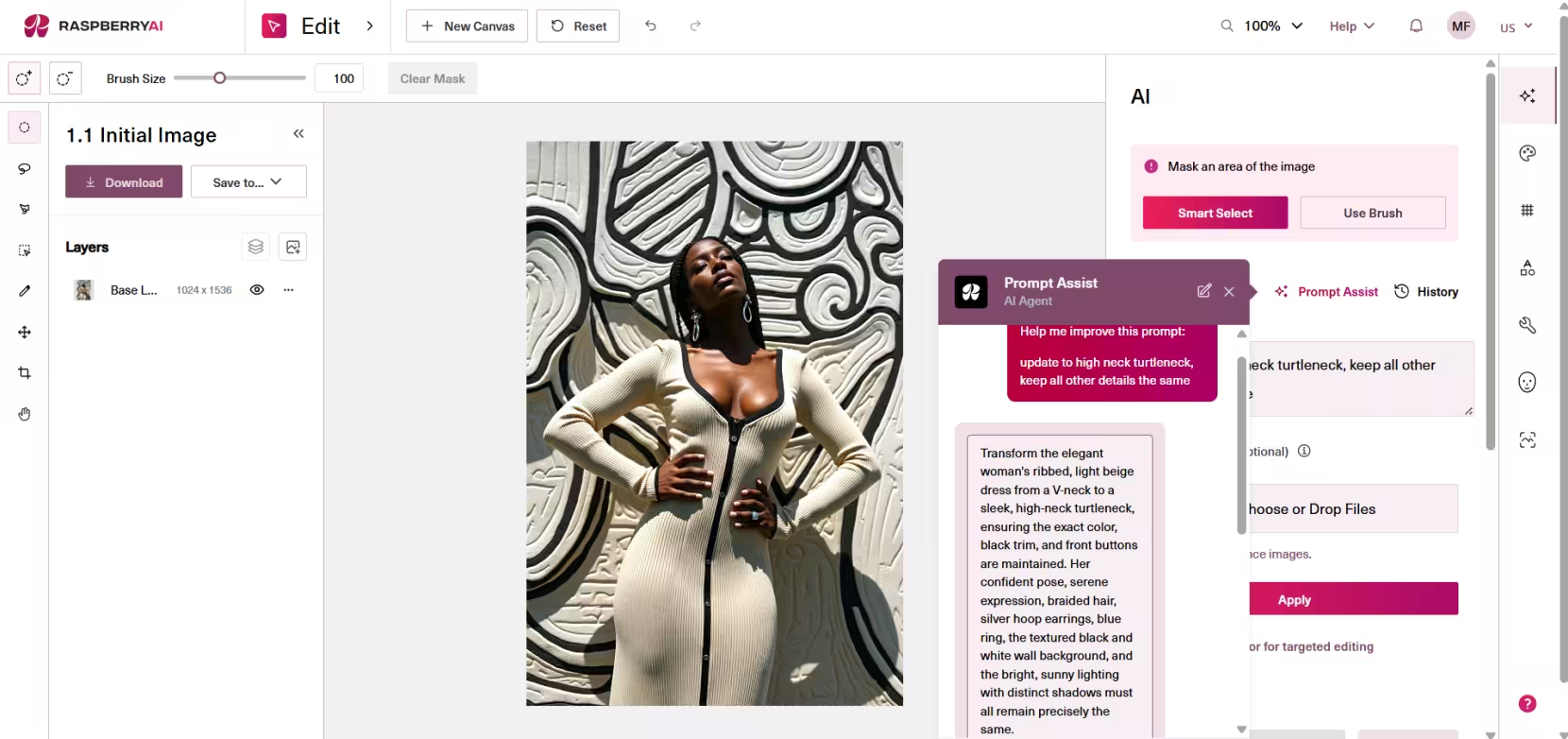
- Prompt Assist prompt: Transform the elegant woman's ribbed, light beige dress from a V-neck to a sleek, high-neck turtleneck, ensuring the exact color, black trim, and front buttons are maintained. Her confident pose, serene expression, braided hair, silver hoop earrings, blue ring, the textured black and white wall background, and the bright, sunny lighting with distinct shadows must all remain precisely the same.
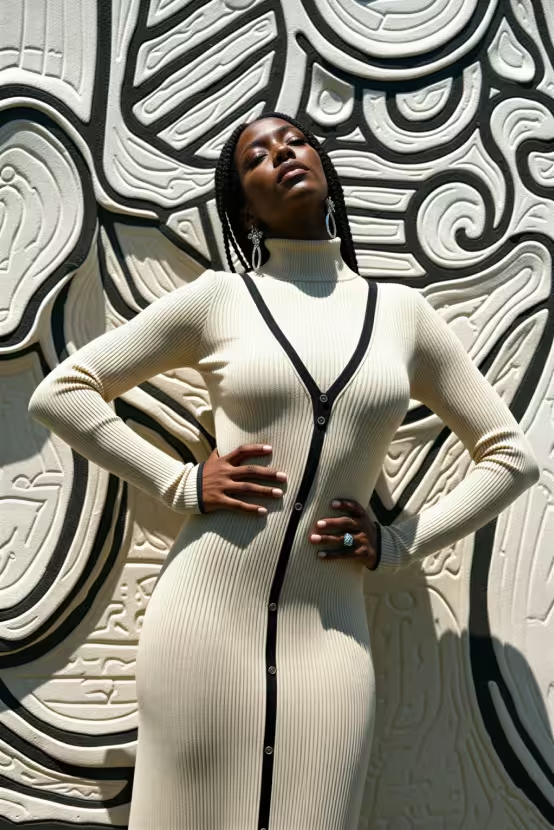
3. Abstract Art → Textile Print
Goal: Transform fine art into a usable textile pattern.
- Create a floral placement in Graphics and Placement Prints.
Prompt: This design features an exquisite textile with two prominent, diaphanous floral motifs, complemented by delicate, skeletal leaves and slender stems. The petals exhibit a stunning translucency, where soft washes of pale yellow and sun-kissed orange seamlessly blend into cool, watery blue and deep teal, creating an ethereal depth.
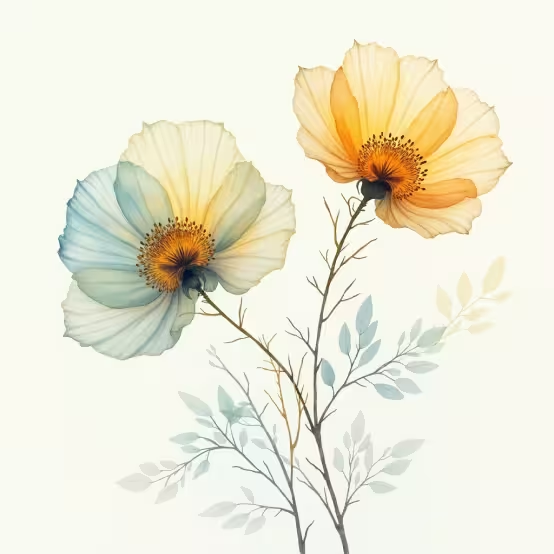
- Upload to Prints and Patterns.
Prompt: “Watercolor translucent blooms featuring soft, overlapping gradients of ethereal yellow, warm orange, and cool teal, creating a sense of luminosity. Fine, delicate lines define the petal edges, flower centers, and leaf veins, adding subtle detail.”
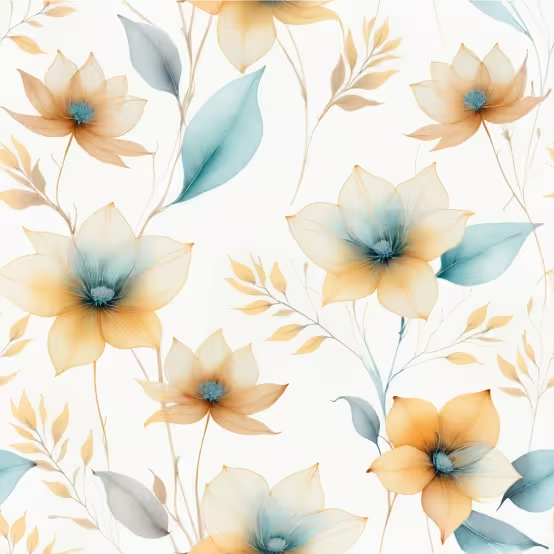
- Pick best one, upload Lifestyle Photography reference image to Recolor Print.
- End with a seamless print that echoes the inspiration but isn’t a copy.
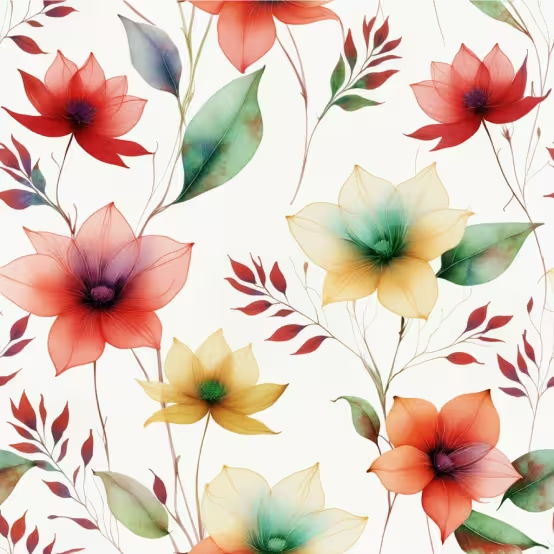
- Lesson: Prompt for the graphic, then the print, and then recolor.
Best Practices
- Keep prompts specific for each step. Use Prompt Assist where available to punch up your prompts.
- Save and thumbs up intermediate outputs for easier tracking in your History.
- Use Similarity Sliders to adjust for high similarity = close variations, versus low similarity = fresh ideas.
Prompt chaining is one of the most powerful ways to guide Raspberry AI toward exactly what you want. By breaking big ideas into smaller, controlled steps, you can steer your outputs with precision while still leaving space for creative ideas. Once you get comfortable with chaining, you’ll notice fewer “almost right” results and more “exactly what I pictured” moments.
Next up, we’ll talk about the 7 most common mistakes that can trip you up.
Heading 1
Heading 2
Heading 3
Heading 4
Heading 5
Heading 6
Lorem ipsum dolor sit amet, consectetur adipiscing elit, sed do eiusmod tempor incididunt ut labore et dolore magna aliqua. Ut enim ad minim veniam, quis nostrud exercitation ullamco laboris nisi ut aliquip ex ea commodo consequat. Duis aute irure dolor in reprehenderit in voluptate velit esse cillum dolore eu fugiat nulla pariatur.
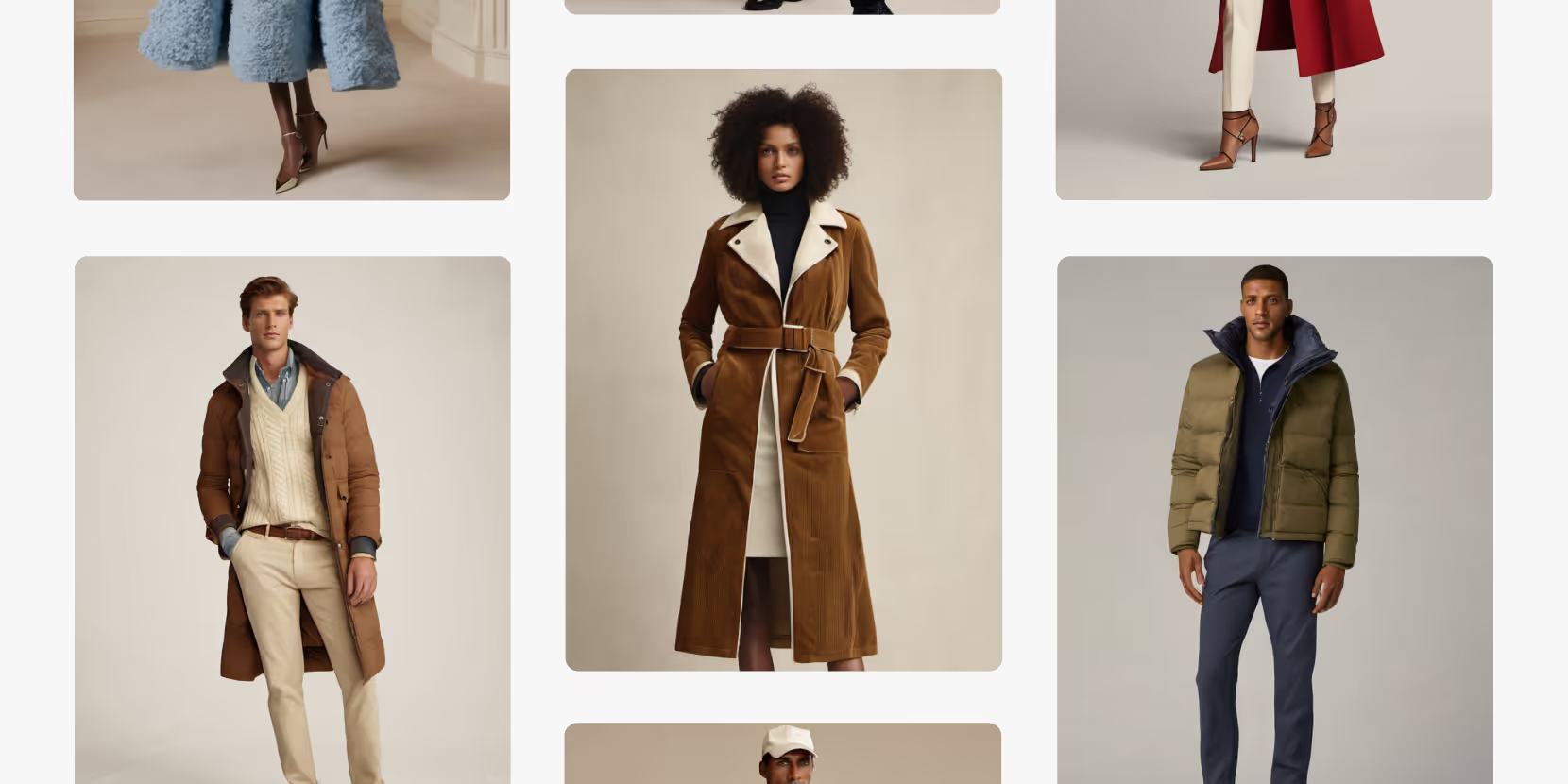
Merchandising and design now create together live in meetings—no more weeks of back and forth.”
[[VP of Merchandising] blog-quote-ttl]
[[$30M alternative eCommerce fashion retailer] blog-quote-subttl]
Quote Name Style
Ordered list
- Item 1
- Item 2
- Item 3
Unordered list
- Item A
- Item B
- Item C
Bold text
Emphasis
Superscript
Subscript
%20Large.jpeg)
The AI-Fluent Leadership Framework: How to Make AI a Daily Creative Behavior
Discover the three leadership levers that determine whether AI becomes part of your organization's DNA — and how to build the people, programs, and culture that make AI fluency stick.
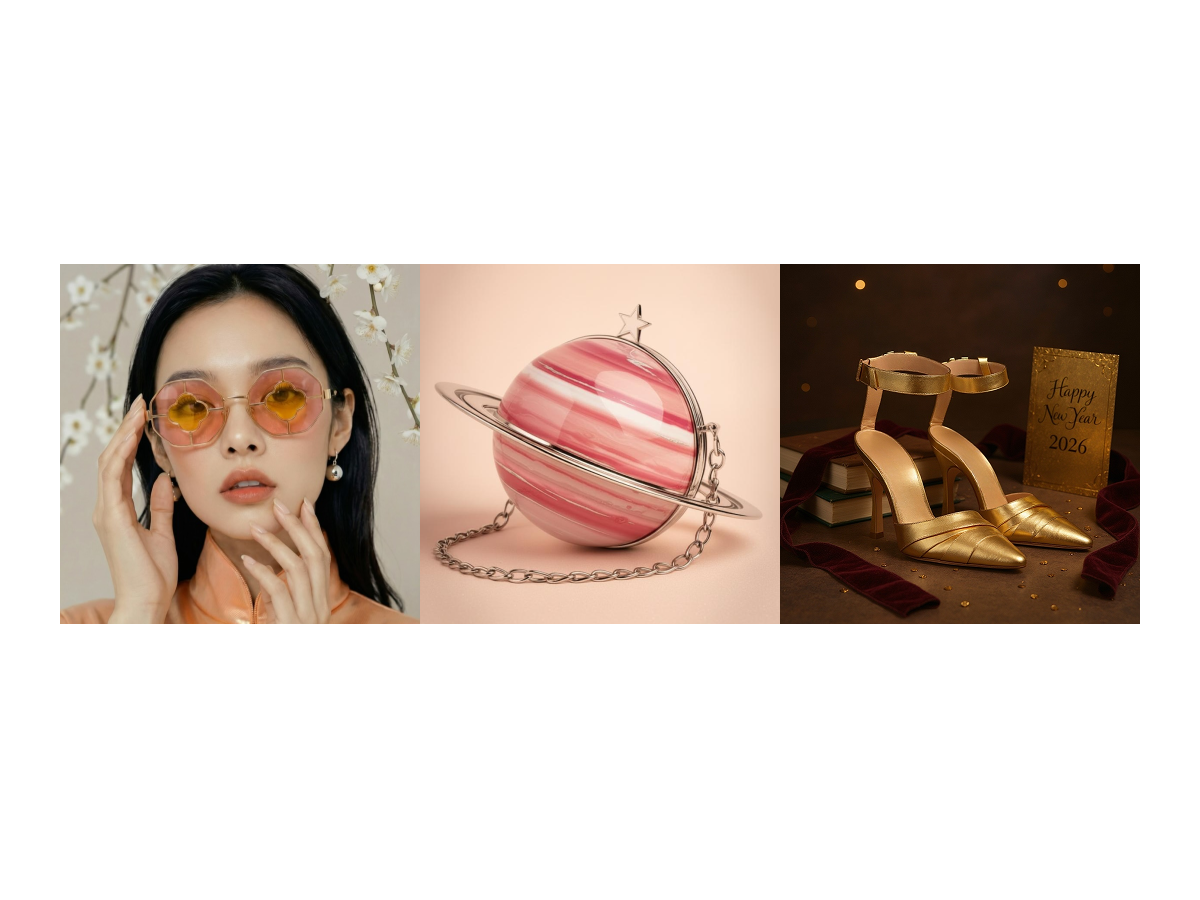
The Design Process Of the Winners | Raspberry 2026 Campaign Challenge
Go behind the scenes of the Raspberry New Year 2026 Campaign Challenge and see how the winners built campaign-ready visuals using Raspberry workflows.

5 Ways to Create Better Prints & Graphics in Raspberry AI
Build layered inspiration into fresh, on-brand artwork — now with up to 3 reference images.
Sign Up for Our Newsletter
We’re constantly enhancing our product. Stay informed with the latest updates.

Ready to Design Smarter, Faster, and at Scale?
Start creating stunning photorealistic designs in just a few clicks.