
5 Ways to Create Better Prints & Graphics in Raspberry AI
Build layered inspiration into fresh, on-brand artwork — now with up to 3 reference images.
Raspberry AI’s Graphics & Placement Prints tool lets you upload up to three reference images at once — giving you a faster way to mix ideas, blend styles, and generate artwork that feels truly new (and truly yours).
Below are five practical ways to use layered references to elevate your print workflow — with prompt examples you can copy-paste.

Why layered references change everything
When you work with multiple references, you can:
- Build richer creative direction without over-explaining in text
- Blend brand DNA + trend inspiration in one generation
- Generate more original outputs while staying visually aligned
- Move faster from moodboard → print-ready concept
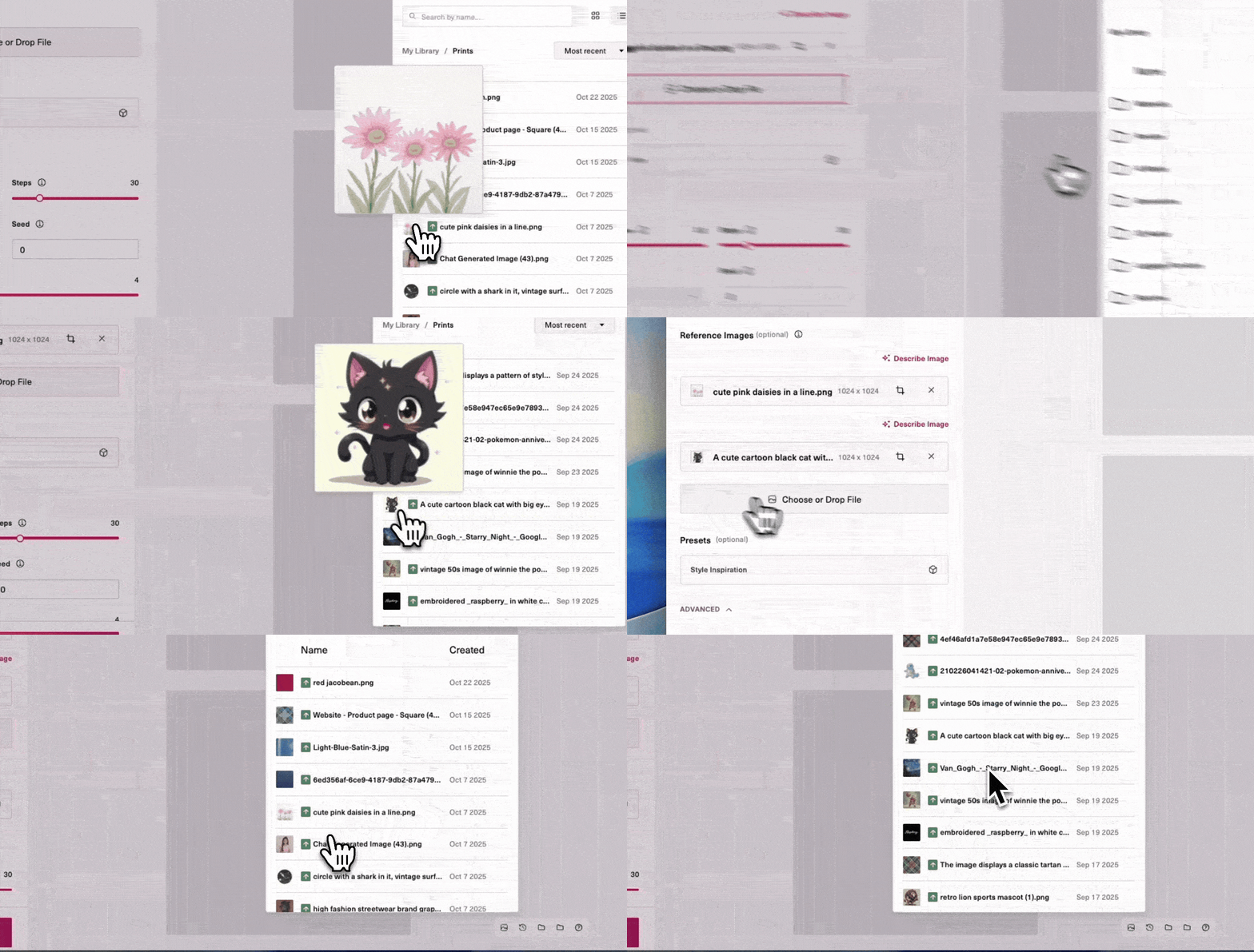
Watch this 30 second demo of how it works.
1. Merge silhouette + texture
Use case: You like the shape of one graphic but want the surface feel of another.
Upload:
- Reference 1 = the silhouette/structure you want
- Reference 2 = the material or texture you want to apply
- (Optional) Reference 3 = a style cue to steer linework, shading, or mood
Prompt to try: “Recreate the logo in the style of the jersey number.”
This technique helps you keep recognizable brand structure while evolving the finish — great for sportswear, heritage logos, or icon refreshes.
.gif)
2. Combine two elements into one graphic
Use case: You want two motifs to feel like they were designed together.
Upload:
- Reference 1 = motif A
- Reference 2 = motif B
- Reference 3 = optional stylistic anchor (your brand style or seasonal mood)
Prompt to try: “Combine the star and moon into a new graphic.”
Raspberry will unify scale, lineweight, and composition — giving you one cohesive symbol instead of two competing ones.
.gif)
3. Blend distinct artwork styles
Use case: You love the content of one reference, but the art style of another.
Upload:
- Reference 1 = subject/content
- Reference 2 = style/art direction
- Reference 3 = optional palette or texture guide
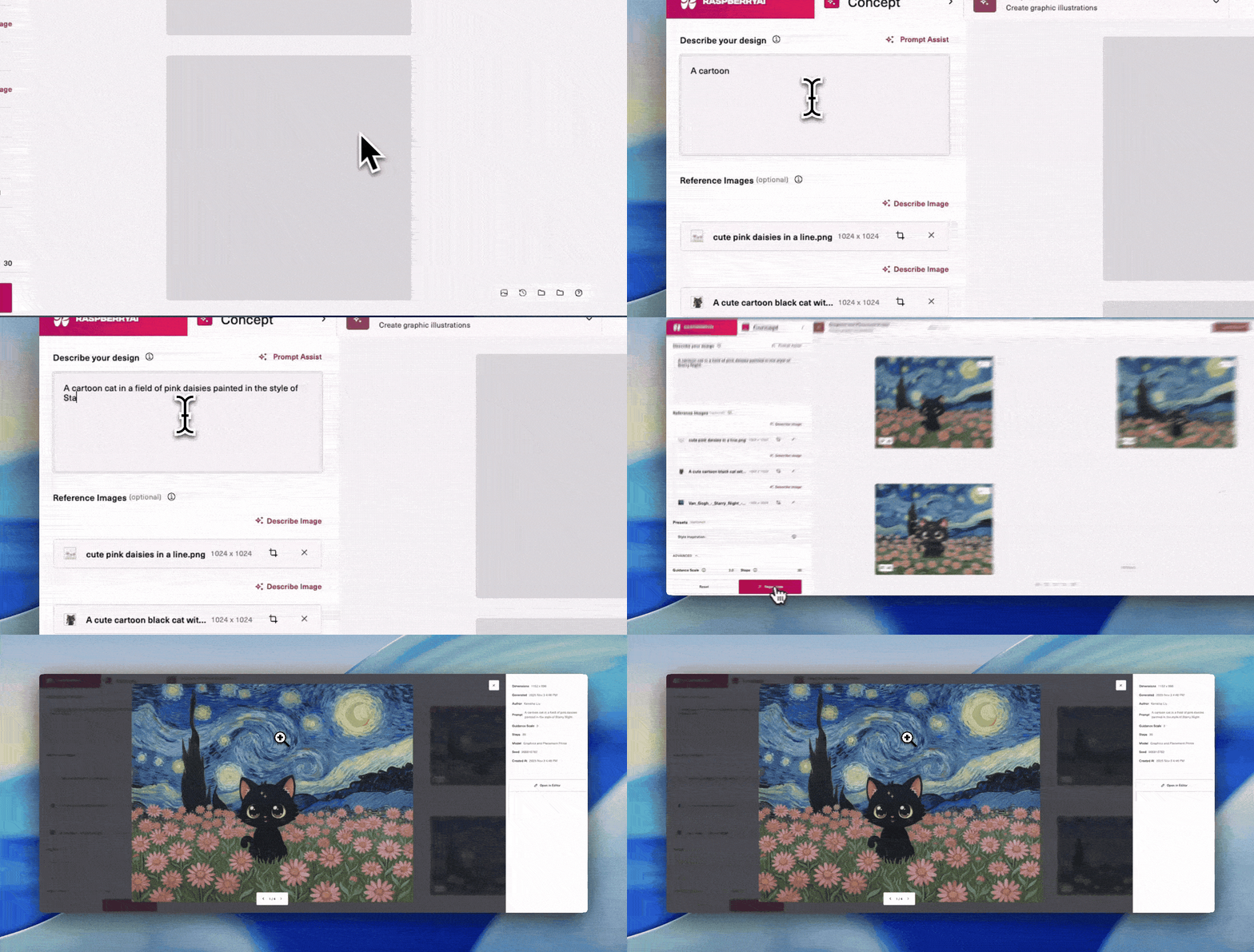
Prompt to try: “Recreate the cat in the art style of the painting.”
This is one of the fastest ways to generate something original without losing creative intent — especially for capsule drops and seasonal style shifts.
.gif)
4. Evolve an existing brand graphic
Use case: Modernize a logo or motif while keeping brand equity intact.
Upload:
- Reference 1 = your existing brand graphic
- Reference 2 = a stylistic direction you want to evolve toward
- Reference 3 = optional seasonal inspiration
Prompt to try: “Match the lion graphic to the shark’s art style.”
You preserve recognizability while shifting the vibe — more aggressive, more playful, more minimal, more editorial, etc.
.gif)
5. Build a “design family” from mixed inspiration
Use case: You’re creating a full print range and want consistency across multiple outputs.
Upload:
- Reference 1 = your hero motif
- Reference 2 = a secondary graphic cue
Reference 3 = your style anchor (brand preset, season moodboard, or campaign look)
Prompt to try: “Create a coordinated graphic set combining these references. Add the daisies to the image of the cat and create the graphic in the art style of the Van Gogh painting.”
This helps you generate a new print from a collection of sources that feel related — ideal for assortments, placement families, or multi-SKU storytelling.
Pro Tip: Use Style Inspiration Presets
If you’re generating multiple graphics and want them all to feel unmistakably your brand, upload a custom Style Inspiration preset.
Presets help you:
- Lock in your brand linework, palette, and texture
- Generate consistent outputs across categories
- Avoid “style drift” between iterations
Once your preset is saved, your prints come out aligned automatically — even when your reference sources change.
Wrap-Up
Layered image prompting makes Graphics & Placement Prints feel less like “generate a print” and more like “build a visual world.”
With up to three reference images, you can:
- merge structure + material
- unify motifs
- remix style directions
- modernize brand artwork
- and scale print families faster than ever
👉 Learn more about Graphics & Placement Prints →
Heading 1
Heading 2
Heading 3
Heading 4
Heading 5
Heading 6
Lorem ipsum dolor sit amet, consectetur adipiscing elit, sed do eiusmod tempor incididunt ut labore et dolore magna aliqua. Ut enim ad minim veniam, quis nostrud exercitation ullamco laboris nisi ut aliquip ex ea commodo consequat. Duis aute irure dolor in reprehenderit in voluptate velit esse cillum dolore eu fugiat nulla pariatur.
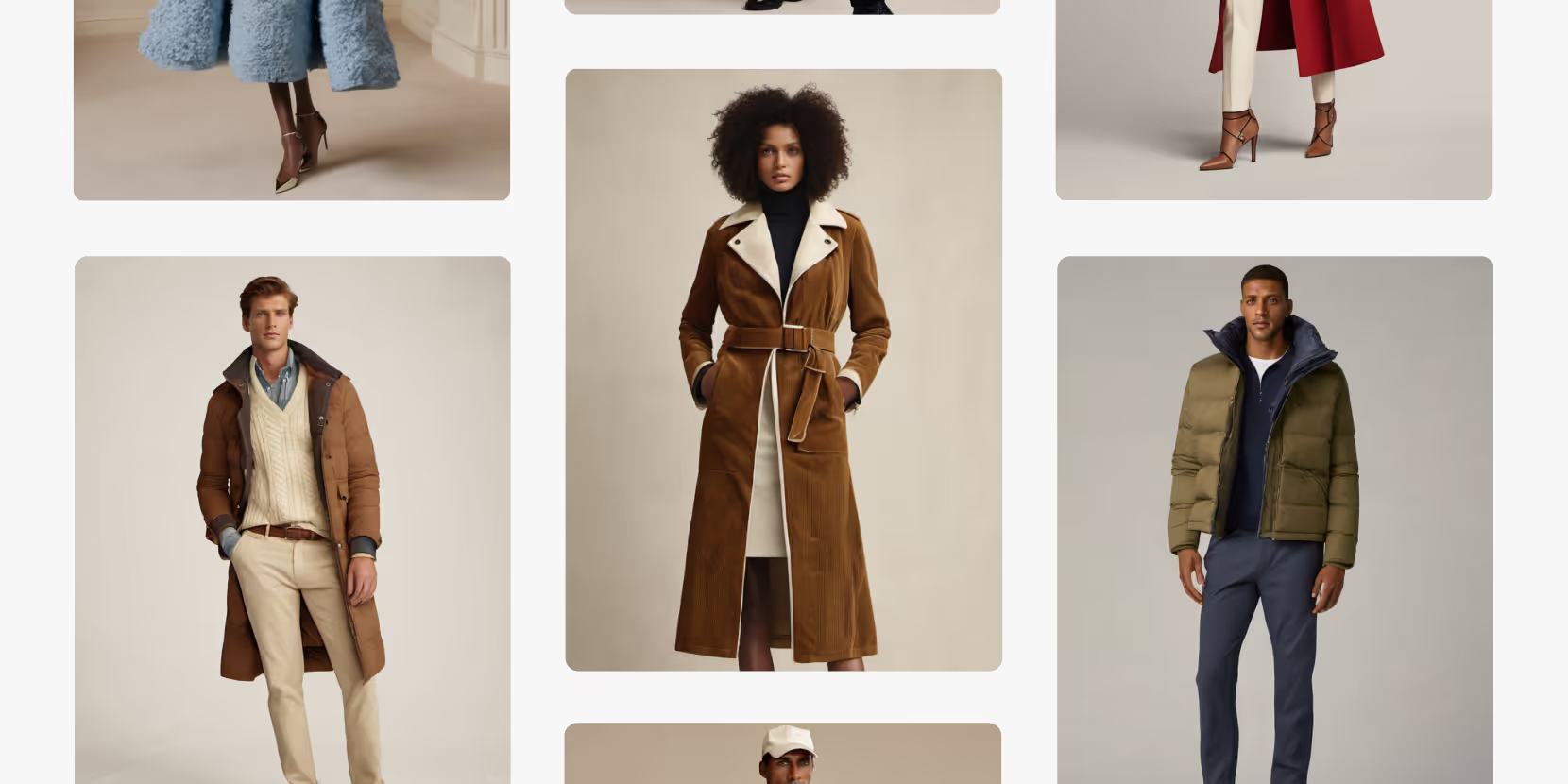
Merchandising and design now create together live in meetings—no more weeks of back and forth.”
[[VP of Merchandising] blog-quote-ttl]
[[$30M alternative eCommerce fashion retailer] blog-quote-subttl]
Quote Name Style
Ordered list
- Item 1
- Item 2
- Item 3
Unordered list
- Item A
- Item B
- Item C
Bold text
Emphasis
Superscript
Subscript
Why AI Fluency is The Next Frontier in Workplace Productivity
Many organizations use AI, yet only world class teams are realizing measurable gains. The reason isn’t the technology itself — it’s AI fluency. Learn more.
3 Batch Workflows for Fashion Design: Faster Prints, Graphics, and Colorways
Discover Raspberry AI Batch Workflows for fashion design—batch apply prints, graphics, and colorways in one click to explore more options faster.
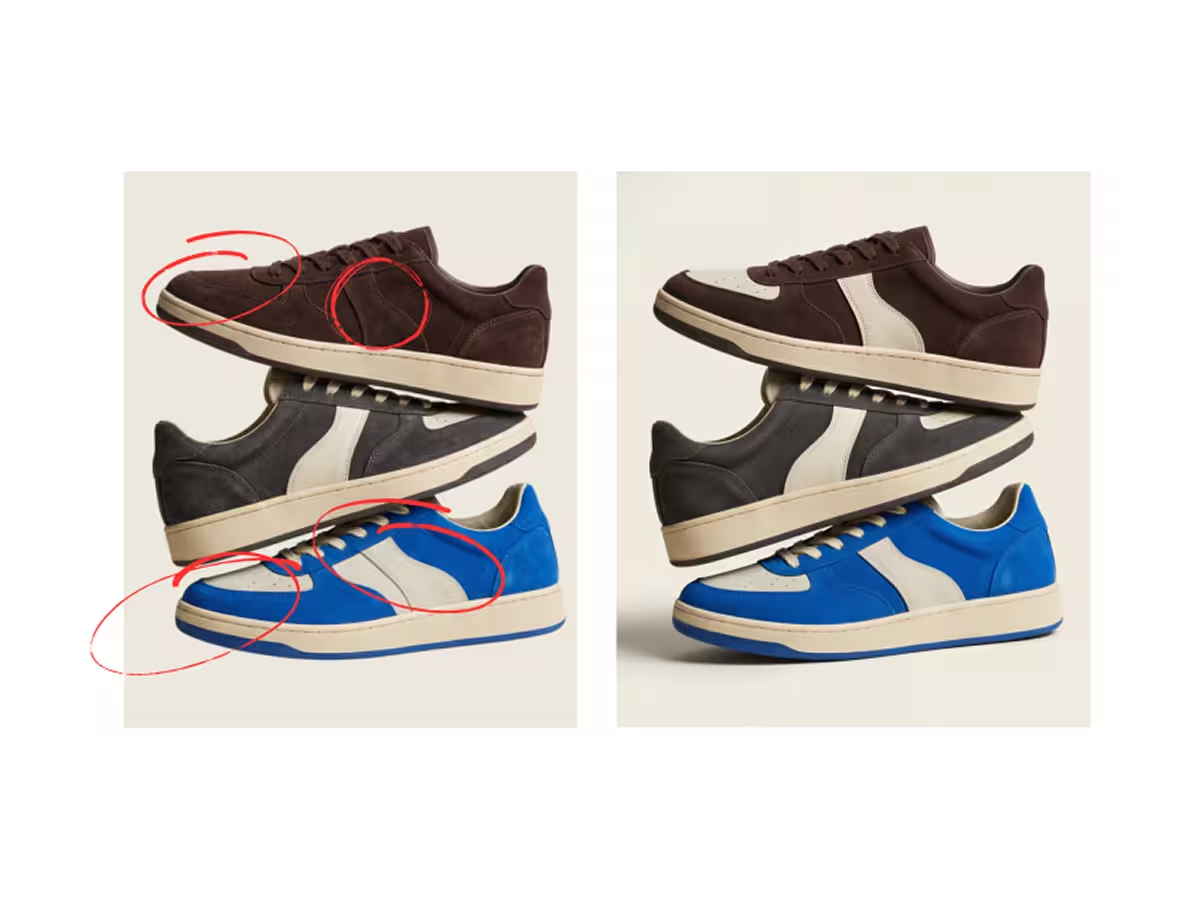
Stop Doing This: The 7 Most Common Prompting Mistakes in Raspberry AI
Avoid the 7 most common prompting mistakes in Raspberry AI—overstuffed prompts, vague language, missing details, and more—with fixes and examples.
Sign Up for Our Newsletter
We’re constantly enhancing our product. Stay informed with the latest updates.
Ready to Design Smarter, Faster, and at Scale?
Start creating stunning photorealistic designs in just a few clicks.