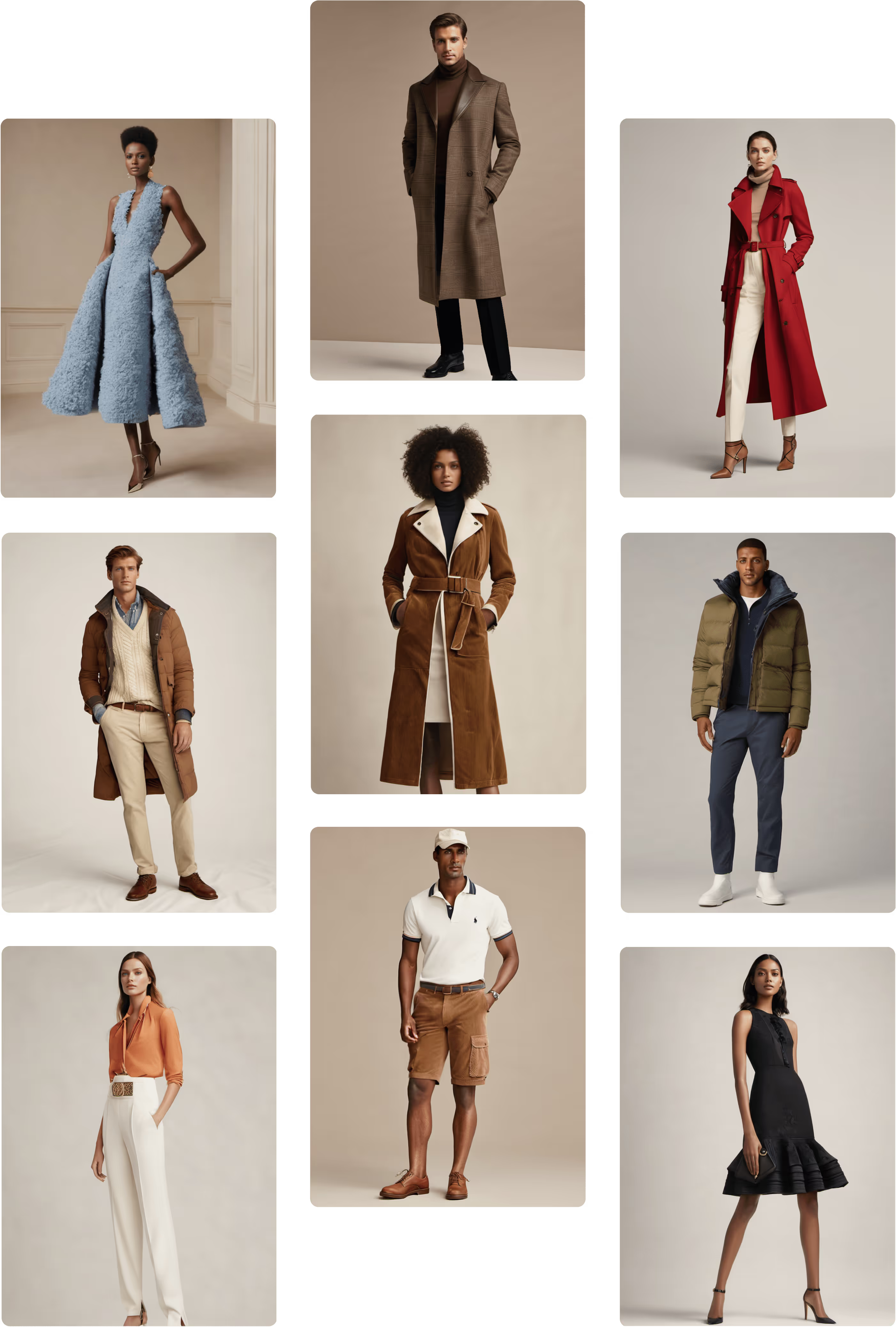

How to Use Multi-View to Instantly Improve Your PDPs
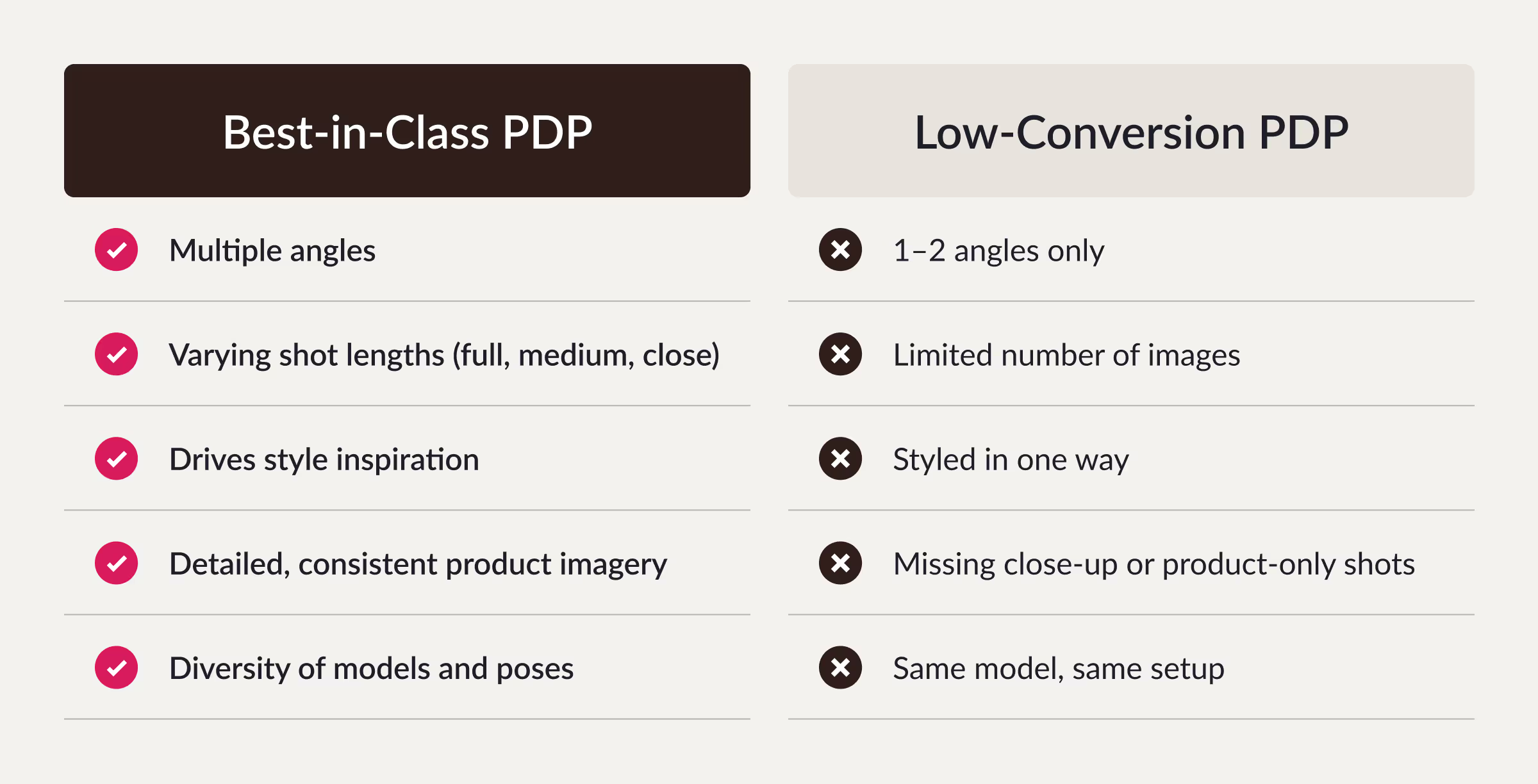
According to Shopify, PDPs with 6+ images tend to outperform those with fewer in both conversion rate and average order value (AOV). Product pages live or die by their visuals. The more accurately a shopper can see your product — from every angle, in context, and in detail — the more confident they feel clicking “add to cart.”
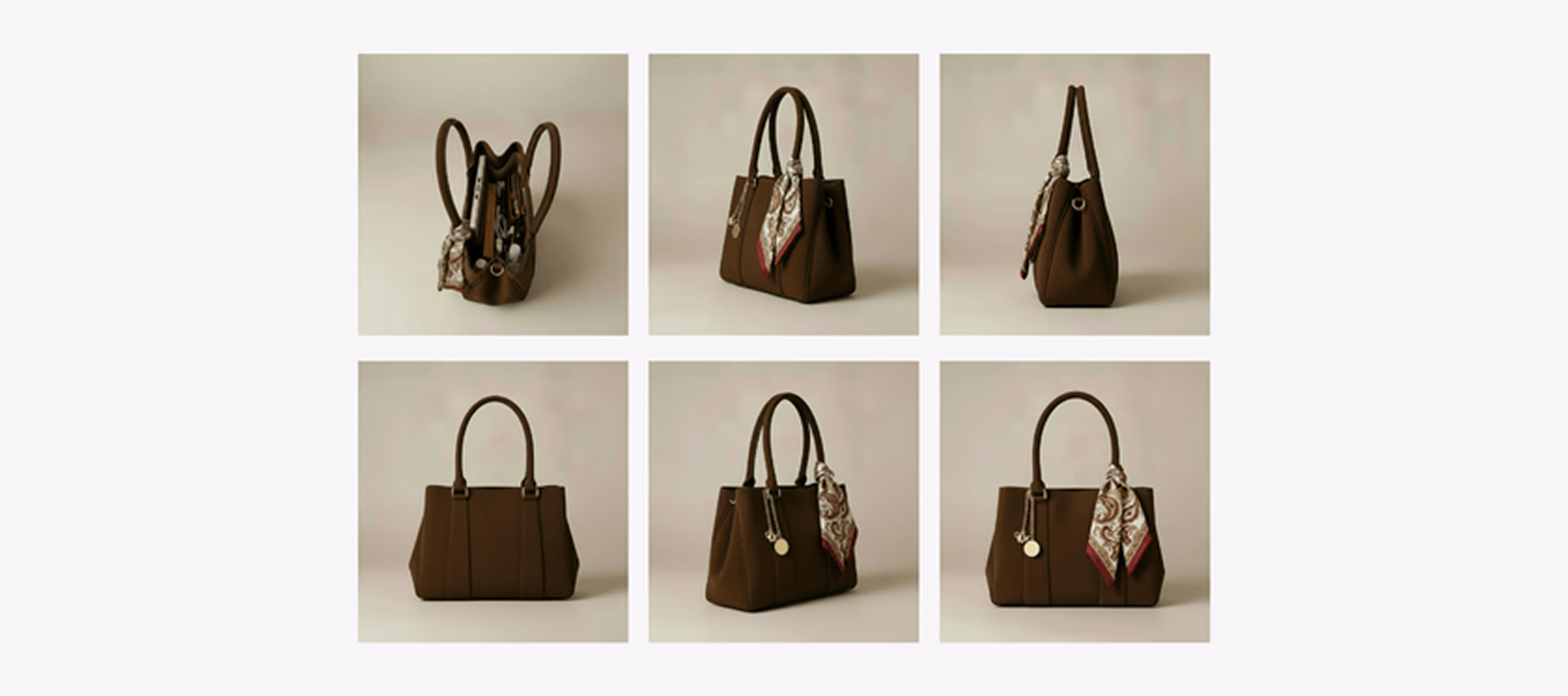
With Raspberry AI’s Multi-View feature in On-Body, you can now generate full 360°-style product imagery from a single photo — front, side, back, and even ¾ angles — all in seconds.
Why Multi-View Matters
Users are twice as likely to convert when PDPs include a variety of high-resolution photos, angles, and contextual shots (Baymard Institute). More angles mean more trust. Customers can see how a garment drapes, how an accessory reflects light, or how a shoe looks from every perspective.
Multi-View helps you:
- Increase conversion rates by showing realistic fit and proportion
- Reduce return rates through better product visualization
- Save time and costs by creating multiple angles from one original image
- Maintain visual consistency across your entire catalog
How to Use Multi-View
Creating a full suite of product angles takes less than a minute. Here’s how:
1. Choose Multi-View in On-Body
Open the On-Body workspace and select Multi-View from the workflow menu.
2. Choose Model or Product Image
You can work with a standalone product image or an on-model shot — perfect for both apparel and accessories.
3. Drop in Your Front Image
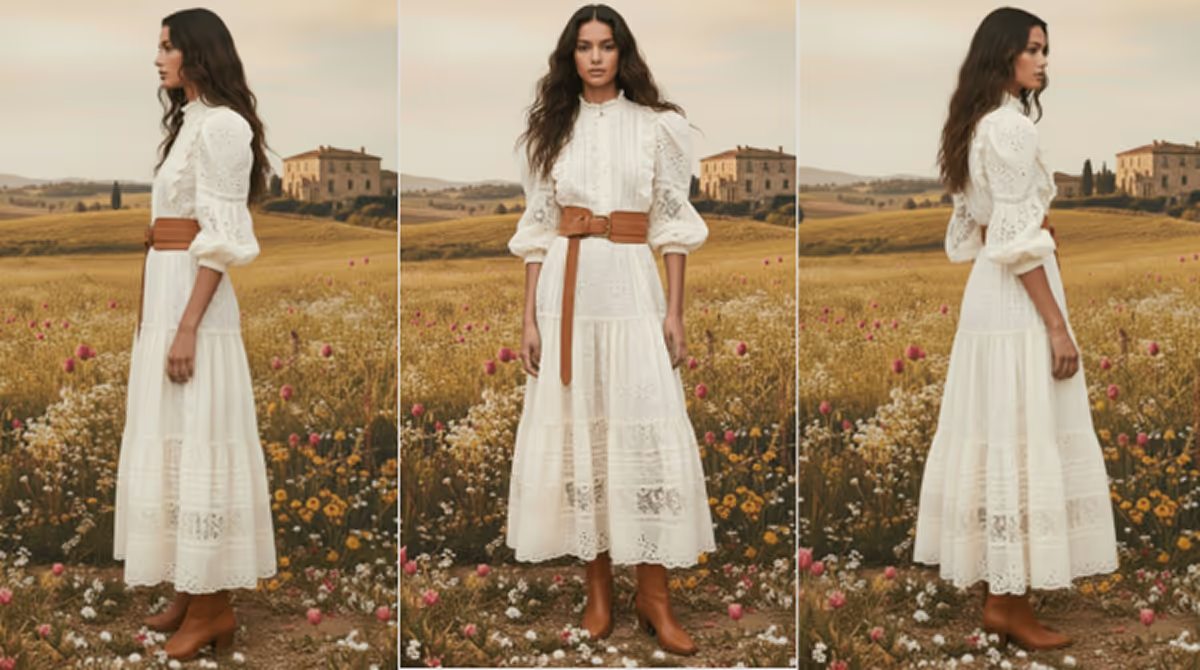
Upload your main front view. This serves as the base image for generating additional angles.
4. Select Your Angles
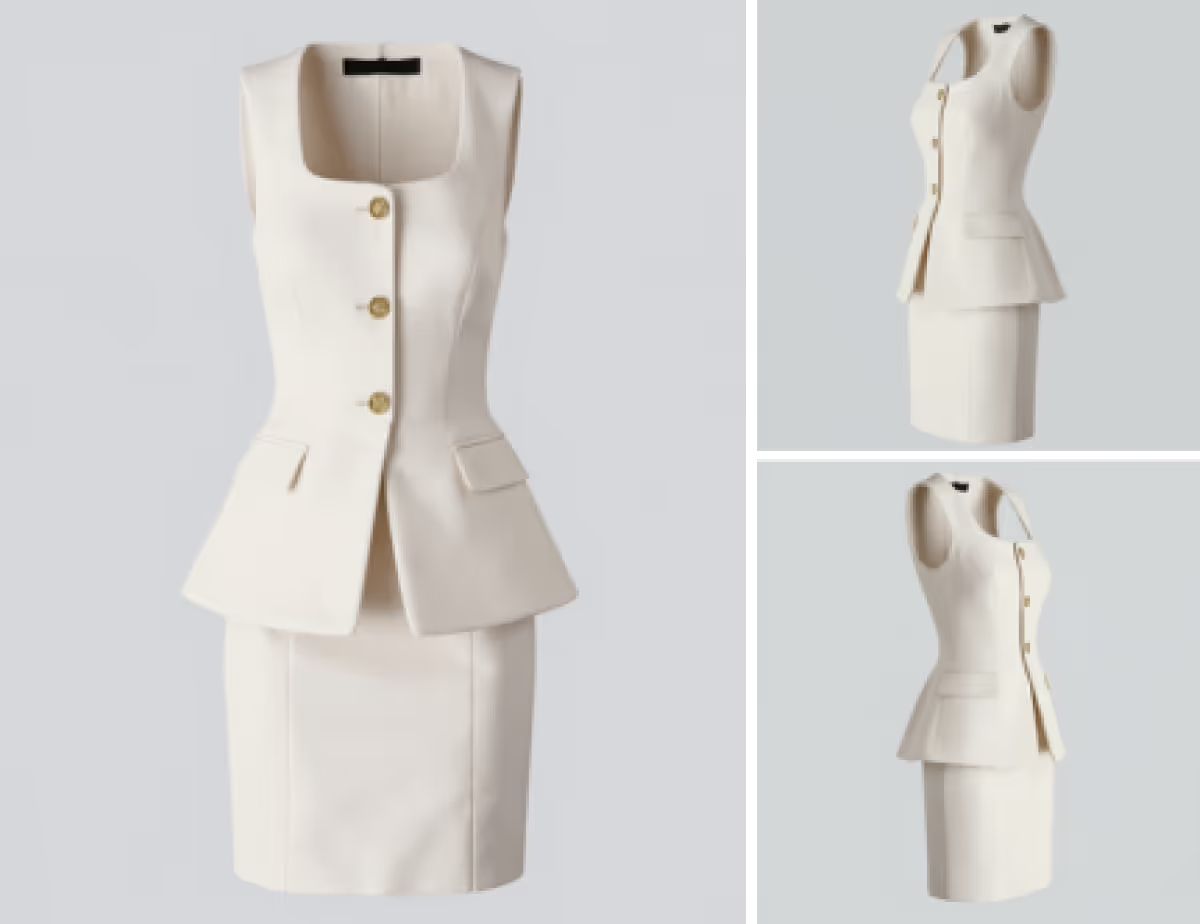
Pick any of the following:
- Front
- Side (Right)
- Side (Left)
- Back
- ¾ Right
- ¾ Left
Each output keeps lighting, proportion, and material details consistent with your original image.
5. Choose Shot Length (Optional)
Adjust framing for your use case:
- Medium — ideal for PDP galleries
- Medium Close — perfect for styling details
- Close — for zoom-level product focus
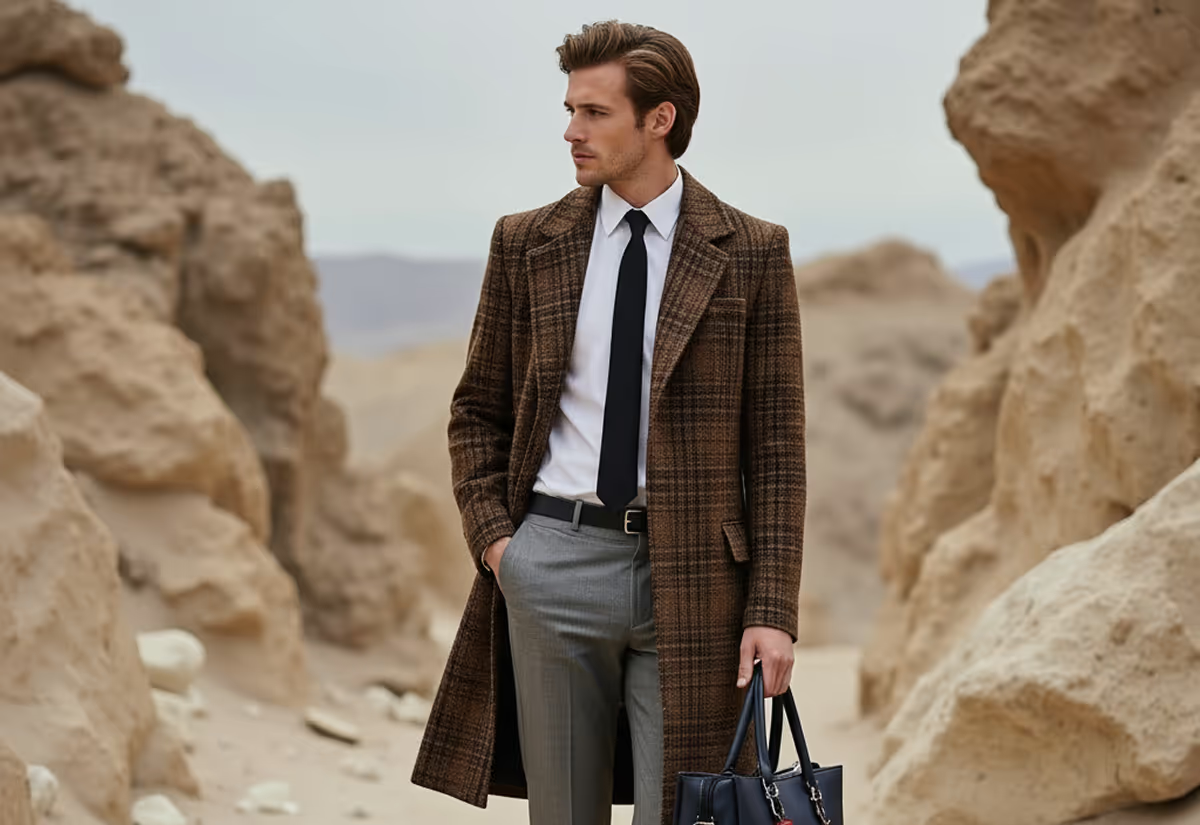
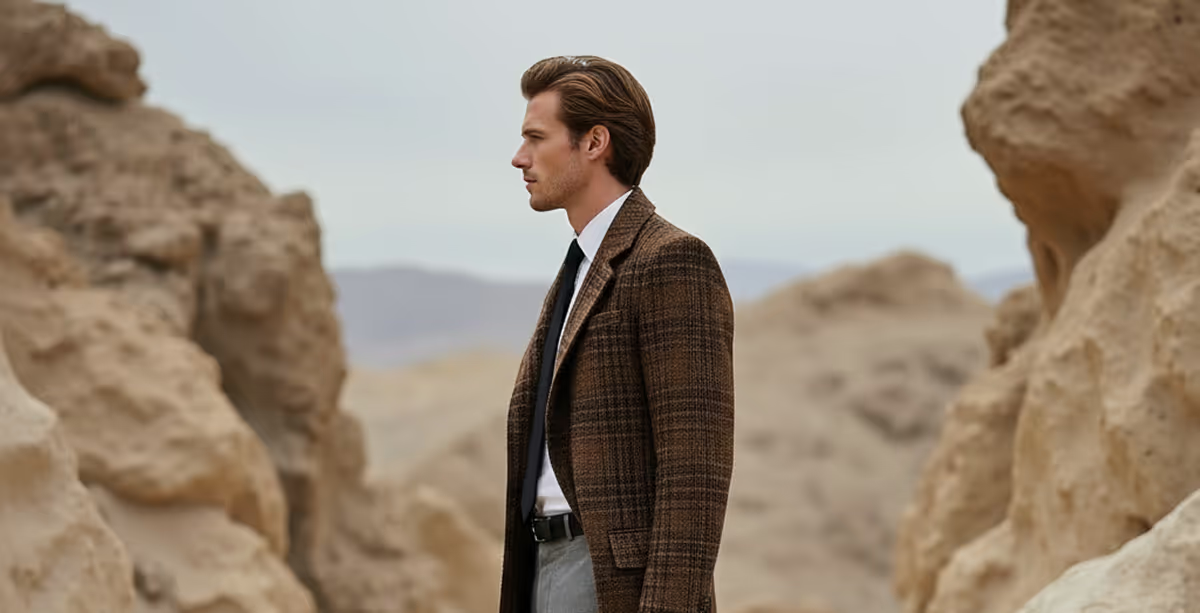
Watch video on how to use Multi-View.
See how Raspberry works today
Your customers want to see — not guess. With Multi-View in On-Body, you can transform one photo into a complete set of polished, conversion-ready PDP visuals.
It’s the easiest way to deliver luxury-grade imagery, boost engagement, and enhance customer trust — no photo studio required.
Heading 1
Heading 2
Heading 3
Heading 4
Heading 5
Heading 6
Lorem ipsum dolor sit amet, consectetur adipiscing elit, sed do eiusmod tempor incididunt ut labore et dolore magna aliqua. Ut enim ad minim veniam, quis nostrud exercitation ullamco laboris nisi ut aliquip ex ea commodo consequat. Duis aute irure dolor in reprehenderit in voluptate velit esse cillum dolore eu fugiat nulla pariatur.
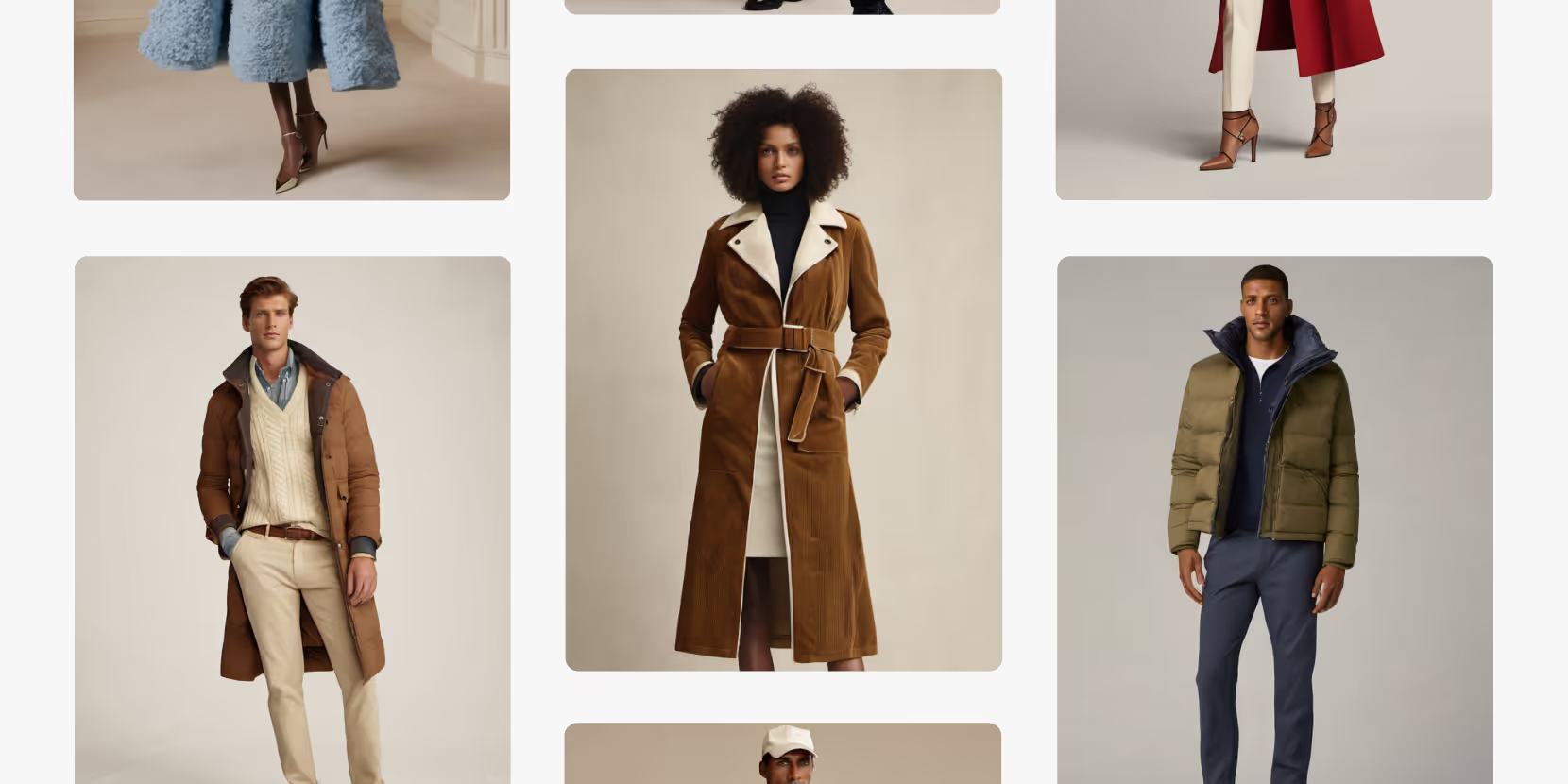
Merchandising and design now create together live in meetings—no more weeks of back and forth.”
[[VP of Merchandising] blog-quote-ttl]
[[$30M alternative eCommerce fashion retailer] blog-quote-subttl]
Quote Name Style
Ordered list
- Item 1
- Item 2
- Item 3
Unordered list
- Item A
- Item B
- Item C
Bold text
Emphasis
Superscript
Subscript
Prompt Chaining in Raspberry AI: How to Build Ideas Step by Step for Better Results
Get better results in Raspberry AI with prompt chaining—iterate with reference images, generate variations, and fine-tune with similarity sliders.
Visualize Your Product Displays | Raspberry AI
Turn planograms and display diagrams into photoreal, retail-ready mockups with Raspberry AI’s Edit Module—ideal for merchandising, VM, and buyer presentations.
.png)
Introducing Boards: The Future of Collaborative Design Is Here
Sign Up for Our Newsletter
We’re constantly enhancing our product. Stay informed with the latest updates.
Ready to Design Smarter, Faster, and at Scale?
Start creating stunning photorealistic designs in just a few clicks.