
Raspberry × Browzwear: AI to 3D Garment Workflow
Design teams rely on multiple systems to manage garments, assets, and inspiration—but disconnected tools slow everything down. The Raspberry × Browzwear integration bridges that gap by allowing teams to import garments from Browzwear into Raspberry and export designs from Raspberry back into Browzwear, all within existing workflows.
This integration makes it easier to move between design exploration and garment management—without manual downloads, uploads, or duplicated work.
Watch Browzwear integration video walkthrough.
Why AI + 3D Workflows Matter
When AI tools and 3D platforms operate in silos, teams lose time exporting files, re-uploading assets, and recreating work across systems.
By integrating Raspberry AI with Browzwear, teams can:
- Explore ideas rapidly with AI
- Ground those ideas in real garments using 3D
- Keep assets aligned across tools and teams
What Is Browzwear?
Browzwear is a digital apparel design and development platform used by brands to create, visualize, and manage garments throughout the product lifecycle. It organizes garments within groups, boards, and styles, enabling teams to collaborate on product development and asset management in a structured, visual environment.
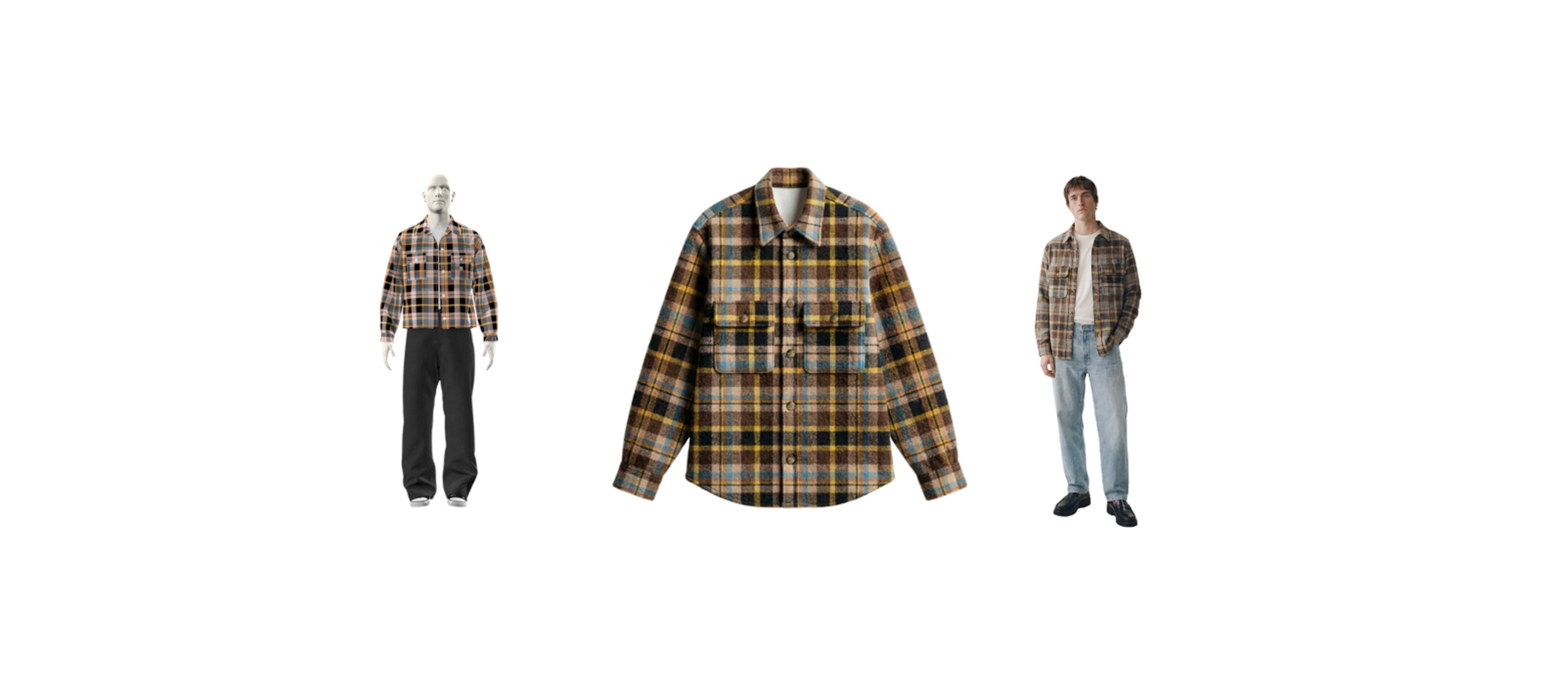
By integrating Browzwear with Raspberry, designers can bring garments directly into Raspberry’s creative workspace and send new or updated visuals back to Browzwear as garment resources.
How the Raspberry × Browzwear Integration Works
The integration supports a bi-directional workflow between AI design and 3D garment systems.
Import 3D Garments into AI Design
Designers can import garments from Browzwear directly into Raspberry’s Library, where they can:
- Use garments as visual references
- Explore AI-generated design variations
- Experiment with prints, patterns, and concepts grounded in real styles
Export AI Designs Back to Browzwear
Designs created or refined in Raspberry can be exported back into Browzwear as garment resources, ensuring AI-generated visuals stay attached to the correct garment records.
This allows teams to connect creative exploration with downstream 3D development and collaboration.
How to Connect Raspberry to Browzwear
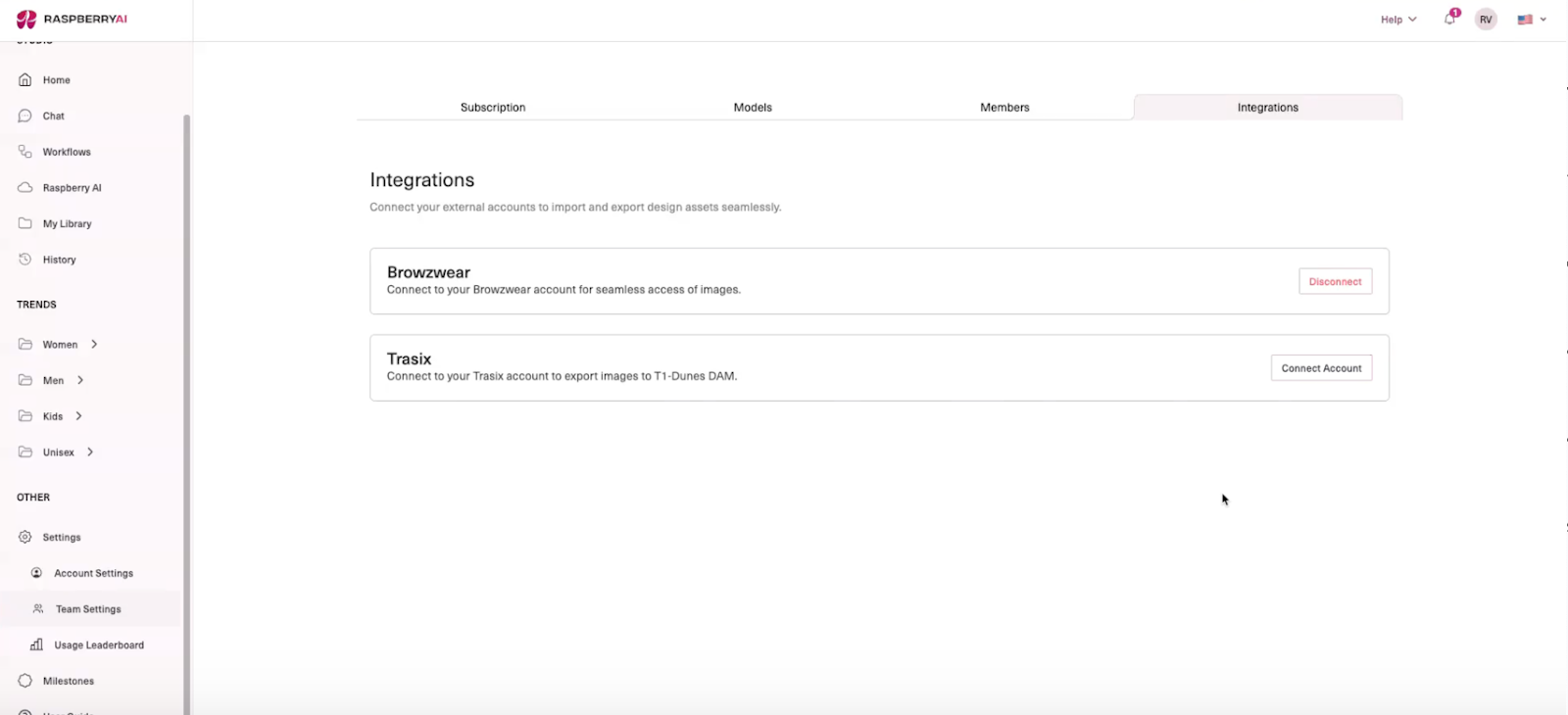
Step 1: Authenticate Browzwear in Raspberry
- Go to Team Settings in Raspberry
- Open the Integrations tab
- Scroll to find the Browzwear integration (disconnected by default
- Enter the following credentials:
- API Key
- API Secret
- Store Name (formatted like yourorg.browzwear.com)
- Click Connect to Browzwear
Once authenticated, the connection applies at the organization level.
How to Import Garments from Browzwear into Raspberry
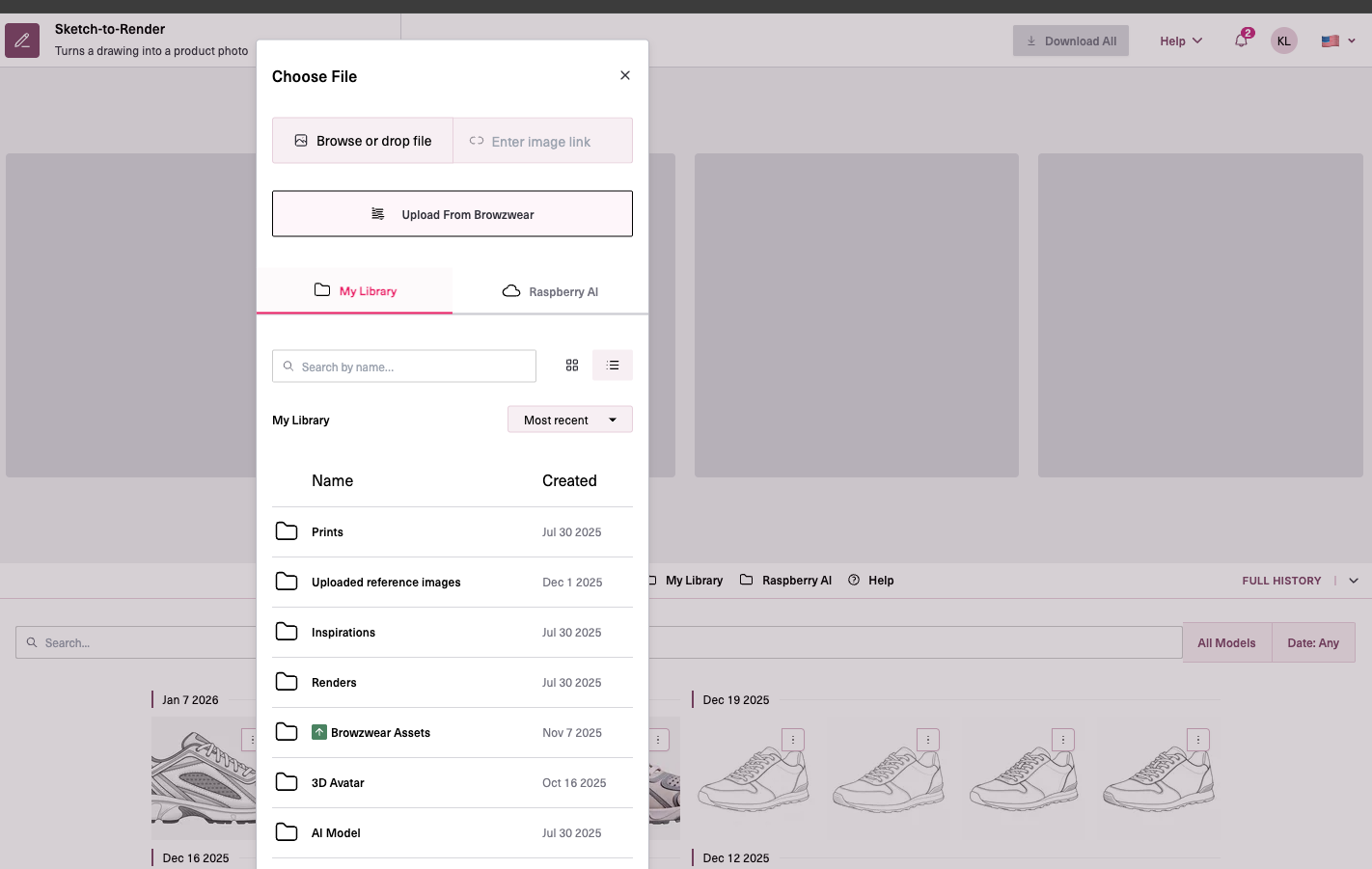
Option 1: Browse via Folder Structure
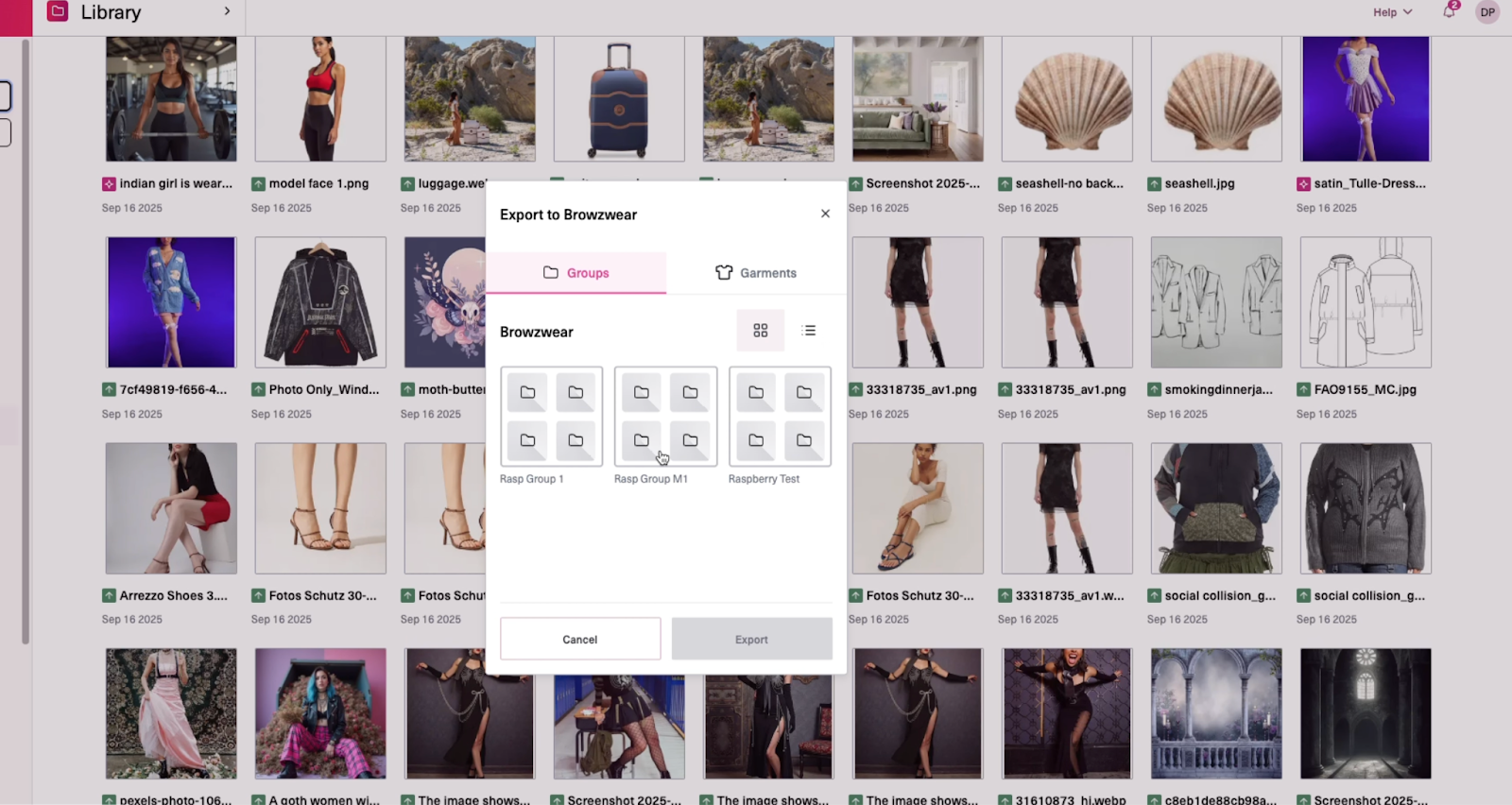
- Go to Library → Upload from Browzwear
- Navigate through:
- Groups
- Boards
- Garments
- Select the garment or resource you want
- Click Add
The garment is added directly to your Raspberry Library.
In addition to importing garments from the Library, you can also upload Browzwear garments directly within a module—for example, while moving from Sketch to Render, simply select Upload Garment → Upload from Browzwear.
Option 2: Search Across Browzwear
- Open Upload from Browzwear
- Use the search bar to find garments by name or code
- Select the garment from the results
- Click Add
This is especially useful if you don’t know where a garment lives in the folder structure.
Using Imported Garments in Raspberry
Once imported:
- Garments appear in the Library
- They can be used as references during design exploration
How to Export Designs from Raspberry to Browzwear
Designs created or edited in Raspberry can be exported back into Browzwear as garment resources.
Step-by-Step Export Flow
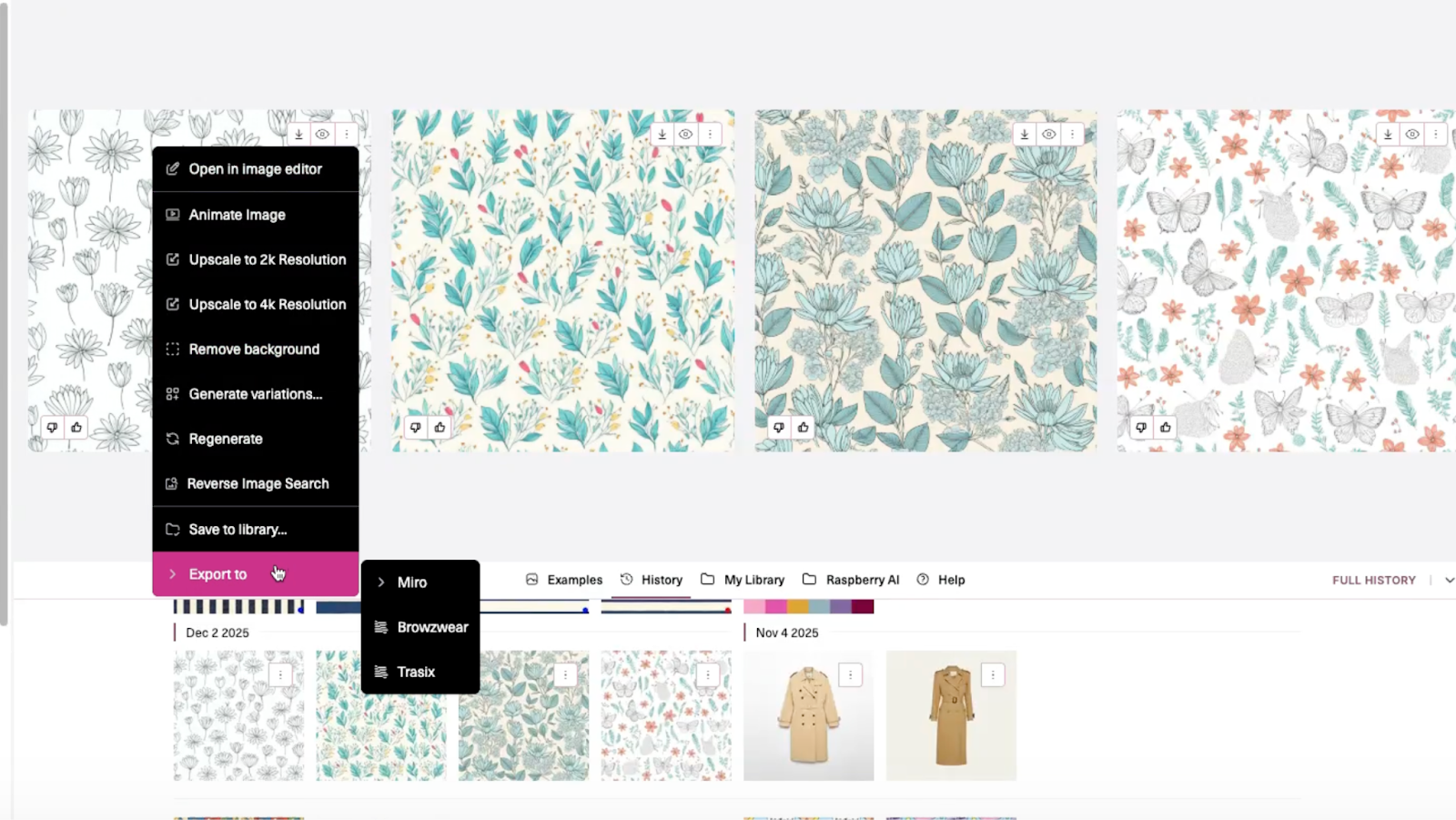
- Select an image in Raspberry
- Click the three-dot menu
- Choose Export to → Browzwear
- Navigate using either:
- Groups → Boards → Garments, or
- Directly to Garments
- Select the garment you want to attach the image to
- Click Export to Garment
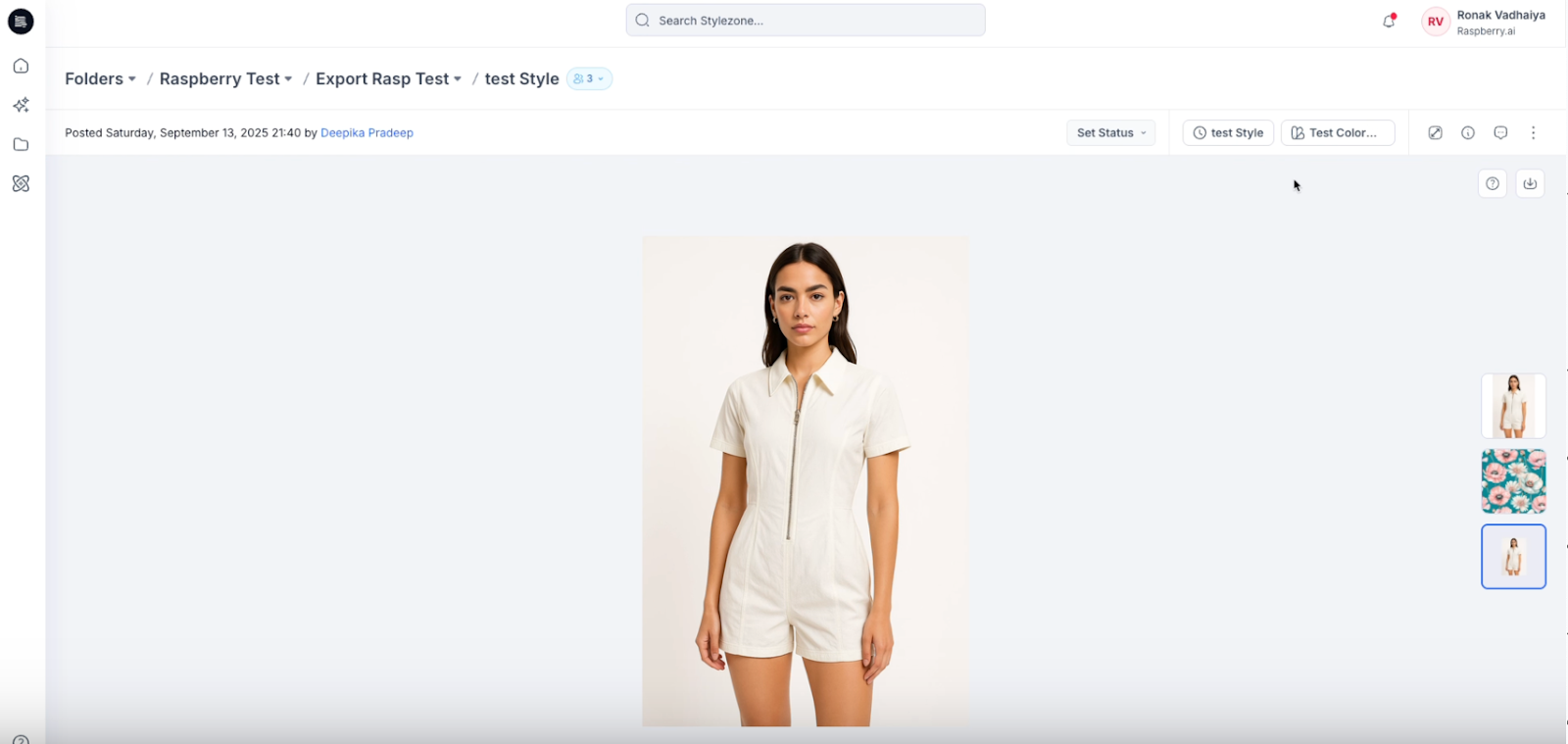
Where Exported Images Appear in Browzwear
After export:
- Refresh the Browzwear page
- Navigate to the selected garment
- The image appears as a resource, typically within the colorway section
This ensures Raspberry-generated visuals stay connected to the correct garment record.
Key Capabilities of the Integration
- Organization-level Browzwear authentication
- Import garments from Browzwear into Raspberry
- Two import methods: folder navigation or global search
- Export Raspberry images back into Browzwear as garment resources
- No manual file handling or duplication
- Better alignment between design and development teams
Why This Matters for Brands
The Raspberry × Browzwear integration creates a more connected design workflow—allowing teams to move fluidly between garment development and creative exploration. By eliminating manual steps and keeping assets in sync, teams can work faster, stay aligned, and focus on creating better products.
Heading 1
Heading 2
Heading 3
Heading 4
Heading 5
Heading 6
Lorem ipsum dolor sit amet, consectetur adipiscing elit, sed do eiusmod tempor incididunt ut labore et dolore magna aliqua. Ut enim ad minim veniam, quis nostrud exercitation ullamco laboris nisi ut aliquip ex ea commodo consequat. Duis aute irure dolor in reprehenderit in voluptate velit esse cillum dolore eu fugiat nulla pariatur.
Merchandising and design now create together live in meetings—no more weeks of back and forth.”
[[VP of Merchandising] blog-quote-ttl]
[[$30M alternative eCommerce fashion retailer] blog-quote-subttl]
Quote Name Style
Ordered list
- Item 1
- Item 2
- Item 3
Unordered list
- Item A
- Item B
- Item C
Bold text
Emphasis
Superscript
Subscript
6 Tips for High-Converting PDPs
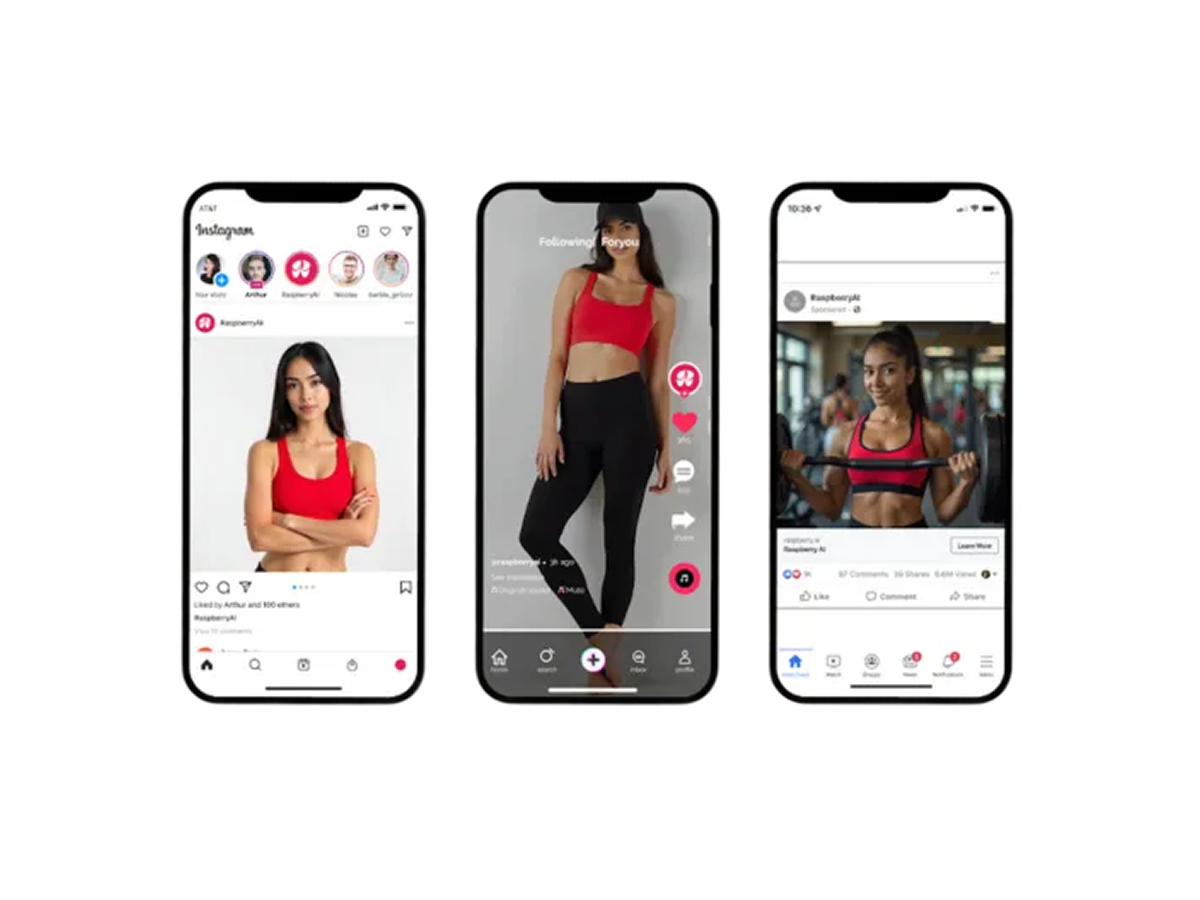
Discover 6 proven tips to build high-converting fashion PDPs with richer visuals, model diversity, lifestyle context, and AI tools from Raspberry AI.
3 Batch Workflows for Fashion Design: Faster Prints, Graphics, and Colorways
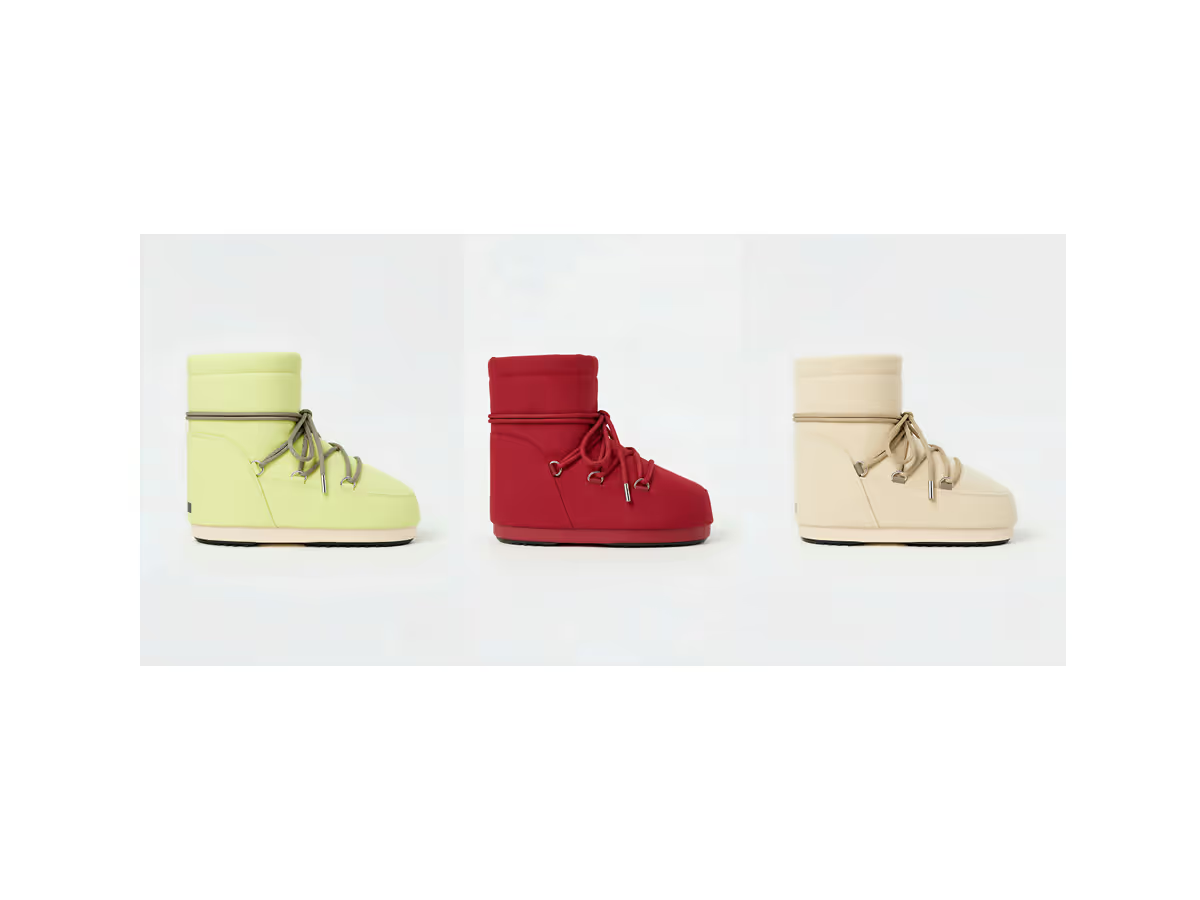
Discover Raspberry AI Batch Workflows for fashion design—batch apply prints, graphics, and colorways in one click to explore more options faster.
.png)
Studio is Now Included in Every Plan
Starting May 14, Studio is included in every Raspberry plan. Here's what's changing, how credits work across all modules, and what plan you'll be on after your next renewal.
Sign Up for Our Newsletter
We’re constantly enhancing our product. Stay informed with the latest updates.

Ready to Design Smarter, Faster, and at Scale?
Start creating stunning photorealistic designs in just a few clicks.