
Create Product Images from Styled Looks with Raspberry AI
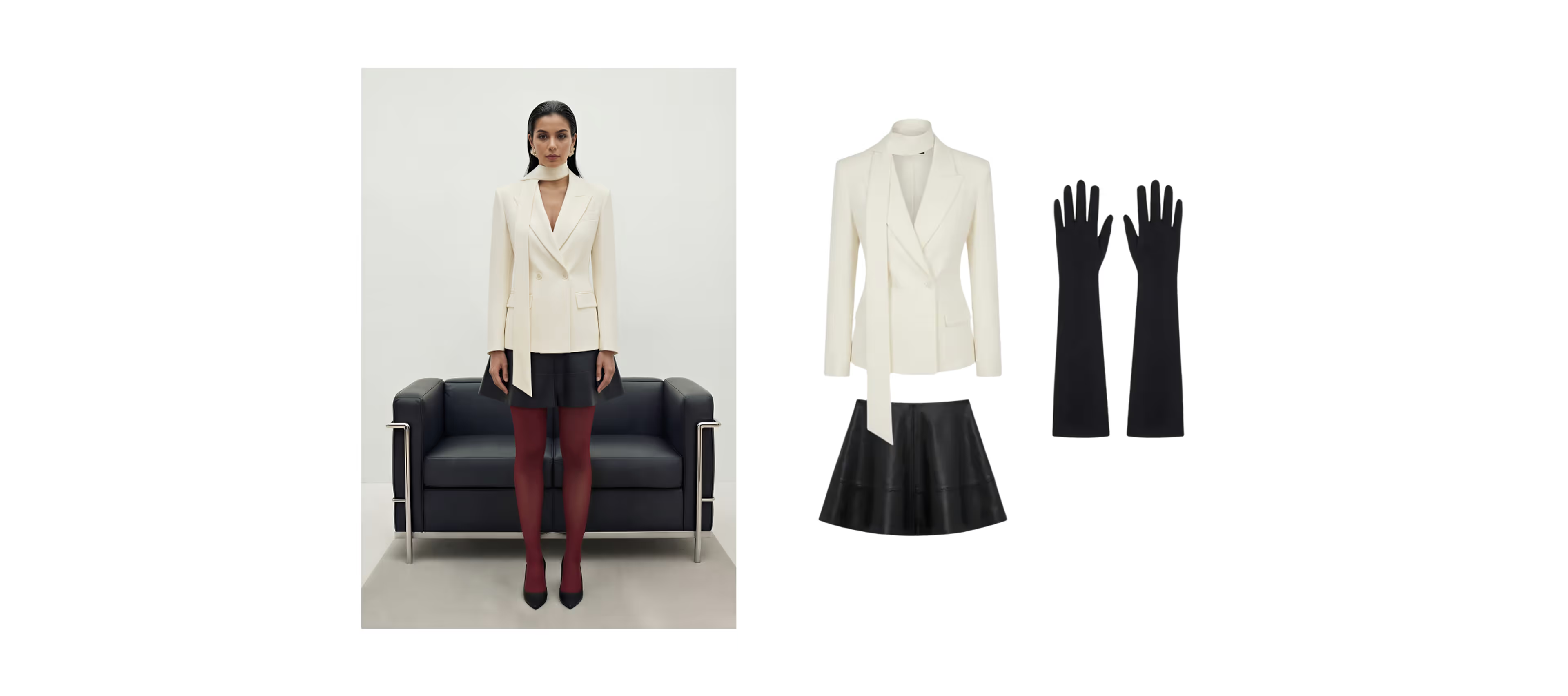
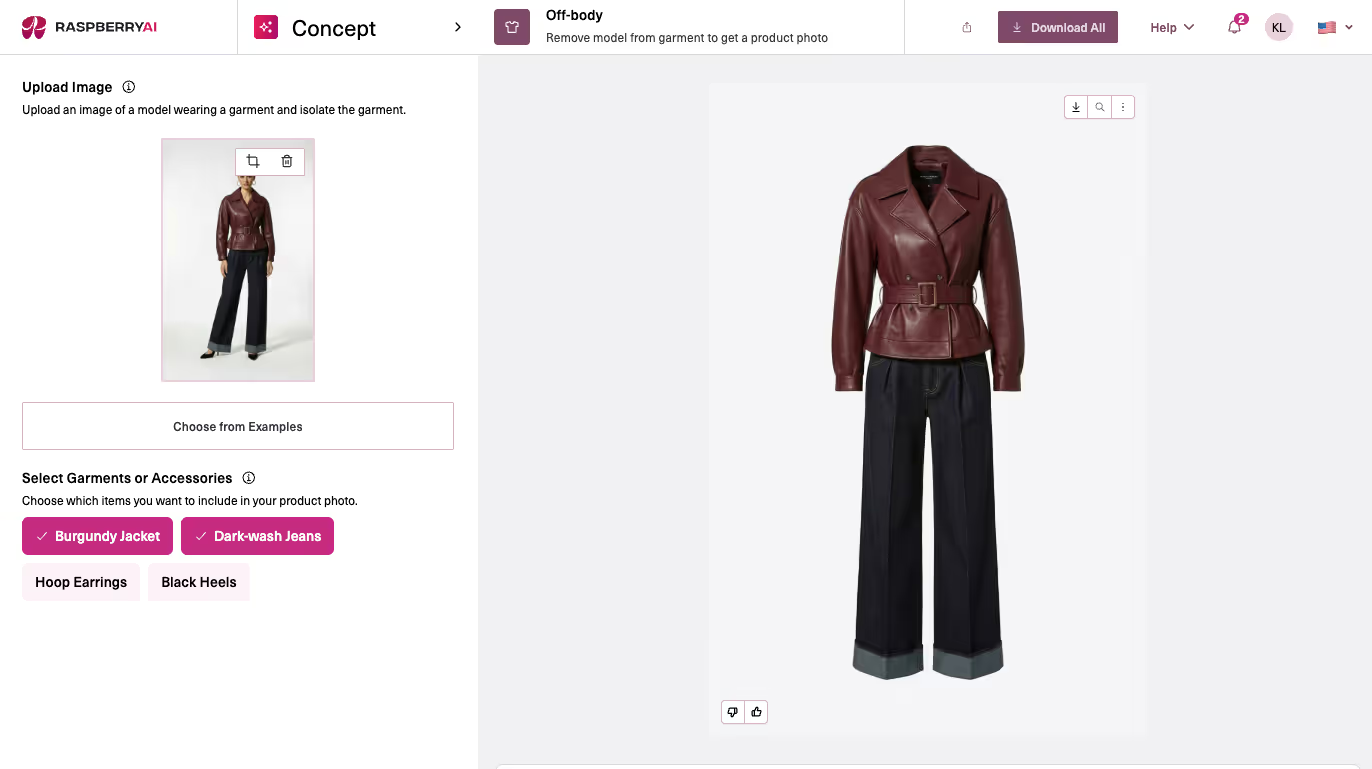
Off-Body is built for one of the most common (and most time-consuming) moments in a fashion workflow: turning a styled, on-body image into clean product assets. Instead of recreating garments from scratch or manually cutting them out in Photoshop, Off-Body lets you extract accurate standalone product images in seconds—perfect for line sheets, merchandising decks, early e-com mockups, and PDP-ready visuals. It keeps the silhouette, fabric feel, and construction details intact, while removing the model and scene, so teams can move from inspiration to usable product imagery fast.
That’s why this update is such a big deal.
Off-Body now automatically scans your reference image, detects every garment and accessory, and lists them for you — before you generate. Then you can choose to extract one item or multiple items together, giving you more control and speed when turning on-body inspiration into clean, standalone product images.
What’s New in Off-Body?
Automatic garment + accessory detection
Upload a styled image and Off-Body will analyze it for:
- Apparel pieces
- Footwear
- Bags
- Jewelry
- Accessories
Then it gives you a clear list of everything it found.
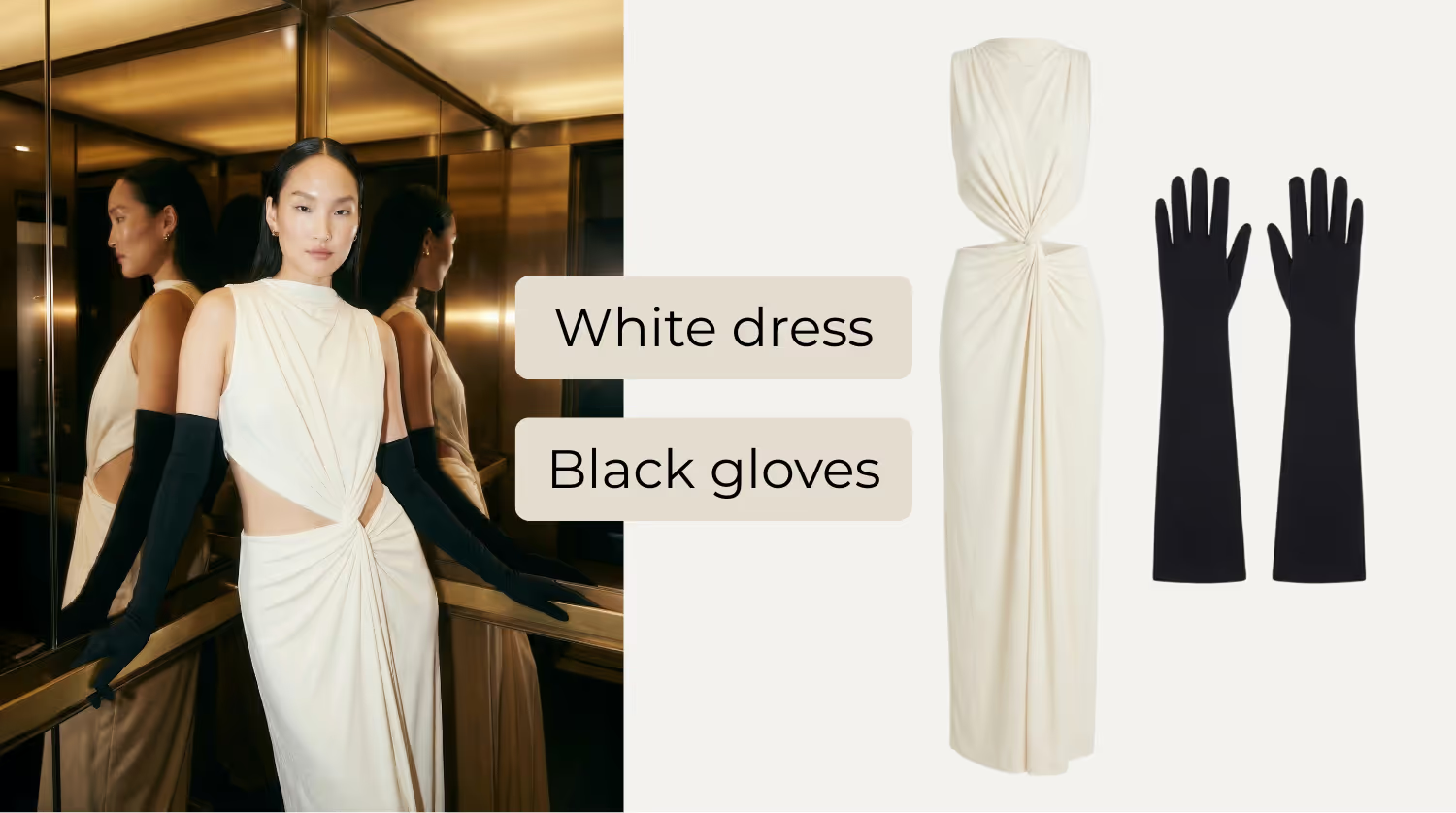
Multi-item extraction
Instead of generating one garment at a time, you can now:
- Select one item for a clean product image
- Or select multiple items to generate them together in a layout
This makes it dramatically easier to move from “inspiration” to “merch-ready assets.”
How to Use the New Off-Body Selection Flow
1. Upload your reference image
Go to Concept → Off-Body and drop in your styled image.
2. Review detected items
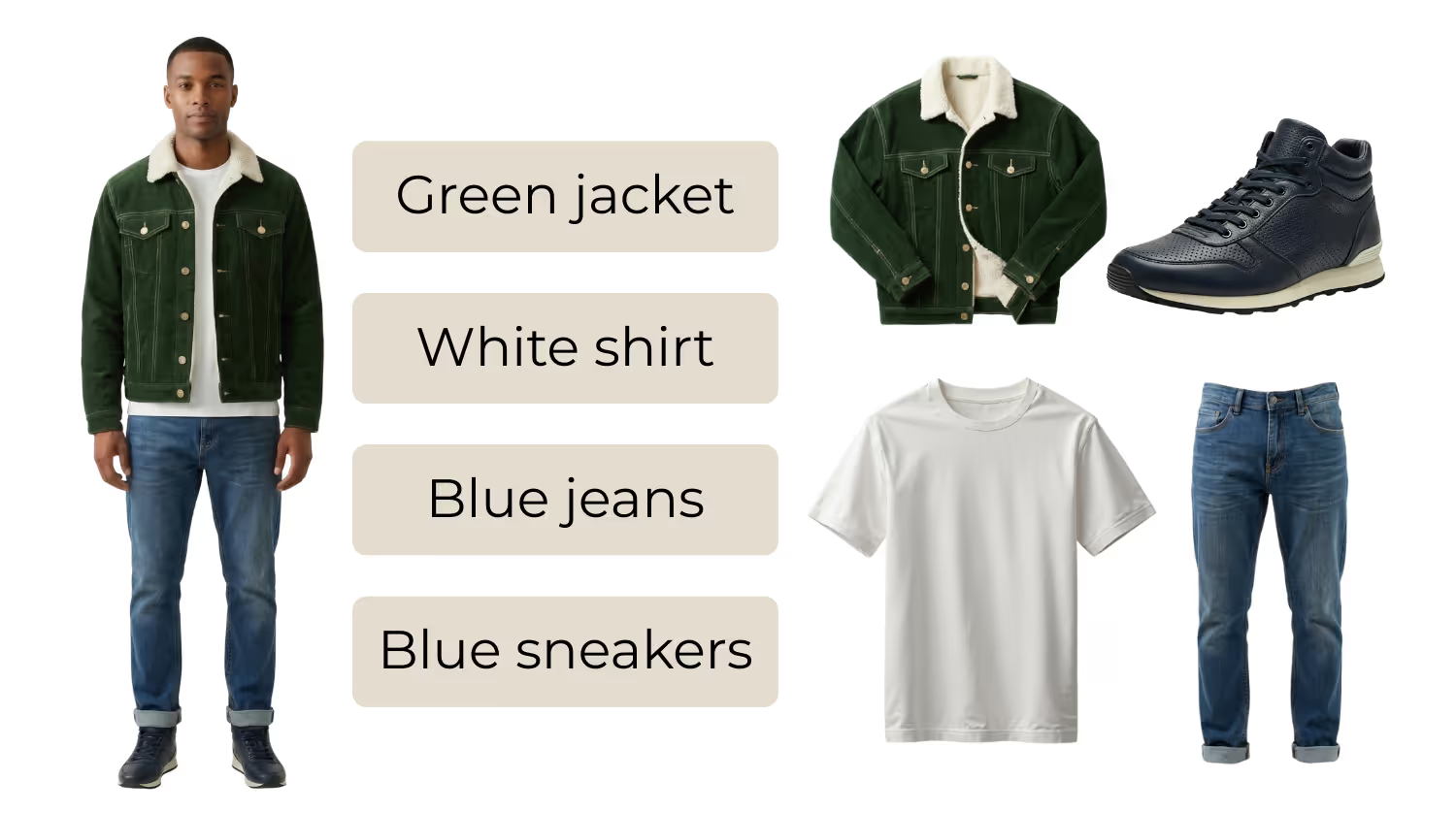
Off-Body will scan the image and list all garments and accessories it finds.
3. Select what you want and click “Generate”
- Pick one item to extract it as a clean, standalone product image
- Or select multiple items to generate them together in a layout
Pro Tip: Use both modes for faster merchandising and for Product Detail Pages (PDPs)
Working from a styled outfit shot?
Start by generating the full look together for quick merchandising and line review alignment.
Then generate each individual garment for PDPs, line sheets, and clean e-com imagery.
You get:
- Speed for early decision-making
- Precision for downstream production
Ready to streamline your product imagery workflow?
Whether you’re creating early merchandising assets, building PDP-ready imagery, or reducing time spent on manual extraction, Off-Body helps you move faster from styled inspiration to production-ready visuals — without reshoots or rework.
Raspberry AI offers flexible pricing packages designed for individual designers, growing teams, and enterprise organizations. Choose the plan that fits your workflow and scale, and start creating product images in seconds.
👉 Explore pricing and packages
👉 Book a personalized demo to see Off-Body in action
Heading 1
Heading 2
Heading 3
Heading 4
Heading 5
Heading 6
Lorem ipsum dolor sit amet, consectetur adipiscing elit, sed do eiusmod tempor incididunt ut labore et dolore magna aliqua. Ut enim ad minim veniam, quis nostrud exercitation ullamco laboris nisi ut aliquip ex ea commodo consequat. Duis aute irure dolor in reprehenderit in voluptate velit esse cillum dolore eu fugiat nulla pariatur.
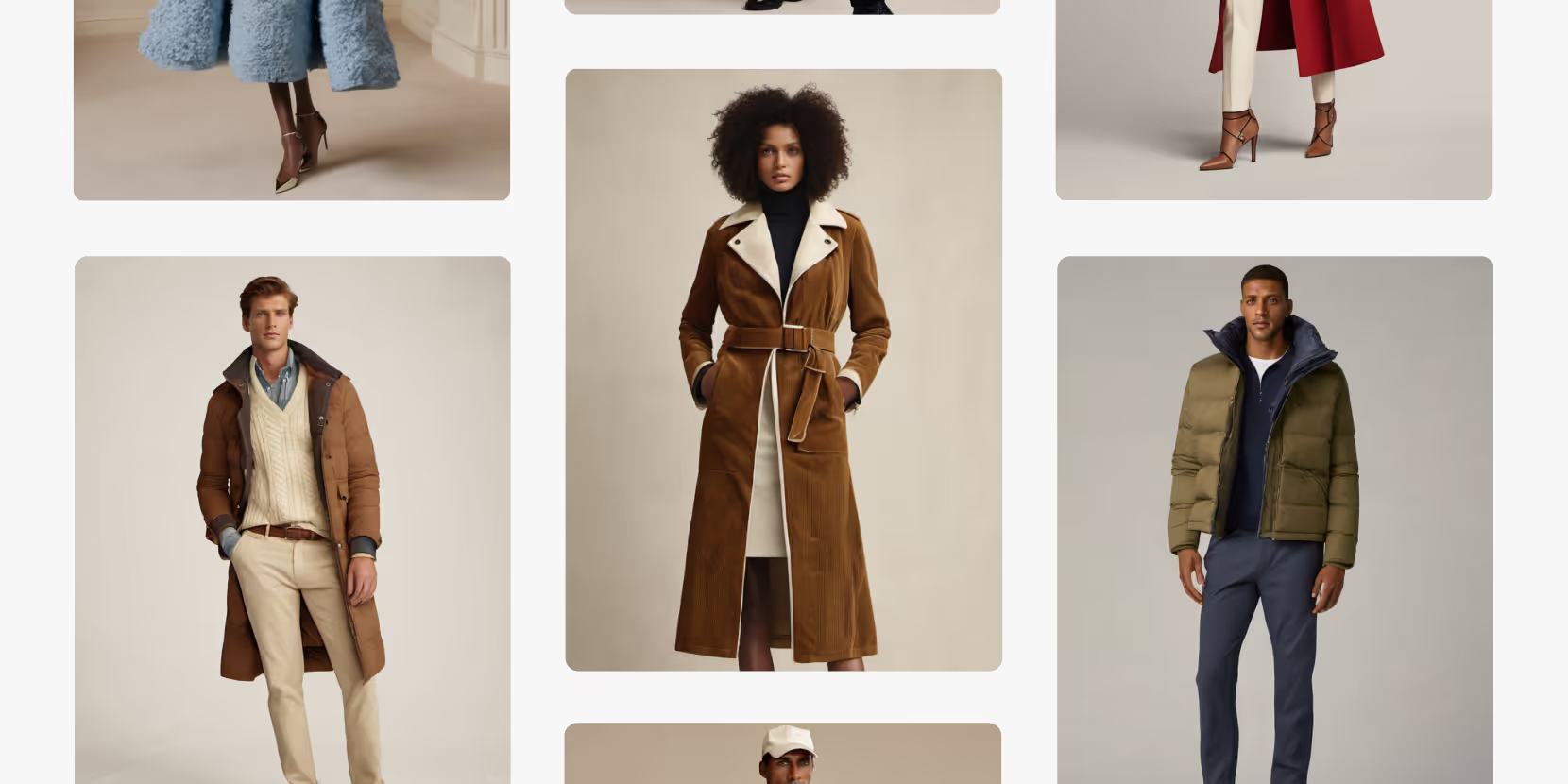
Merchandising and design now create together live in meetings—no more weeks of back and forth.”
[[VP of Merchandising] blog-quote-ttl]
[[$30M alternative eCommerce fashion retailer] blog-quote-subttl]
Quote Name Style
Ordered list
- Item 1
- Item 2
- Item 3
Unordered list
- Item A
- Item B
- Item C
Bold text
Emphasis
Superscript
Subscript
%20Large.jpeg)
The AI-Fluent Leadership Framework: How to Make AI a Daily Creative Behavior
Discover the three leadership levers that determine whether AI becomes part of your organization's DNA — and how to build the people, programs, and culture that make AI fluency stick.
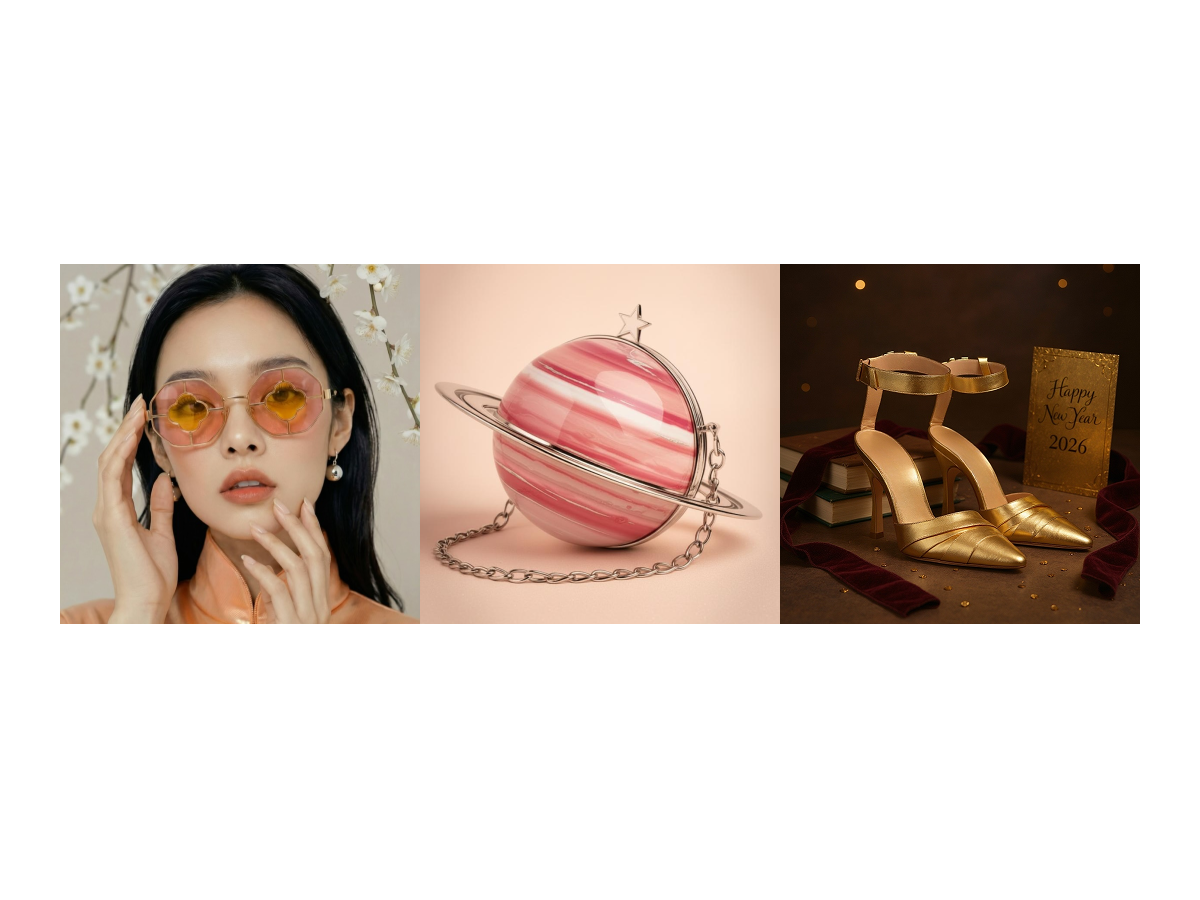
The Design Process Of the Winners | Raspberry 2026 Campaign Challenge
Go behind the scenes of the Raspberry New Year 2026 Campaign Challenge and see how the winners built campaign-ready visuals using Raspberry workflows.
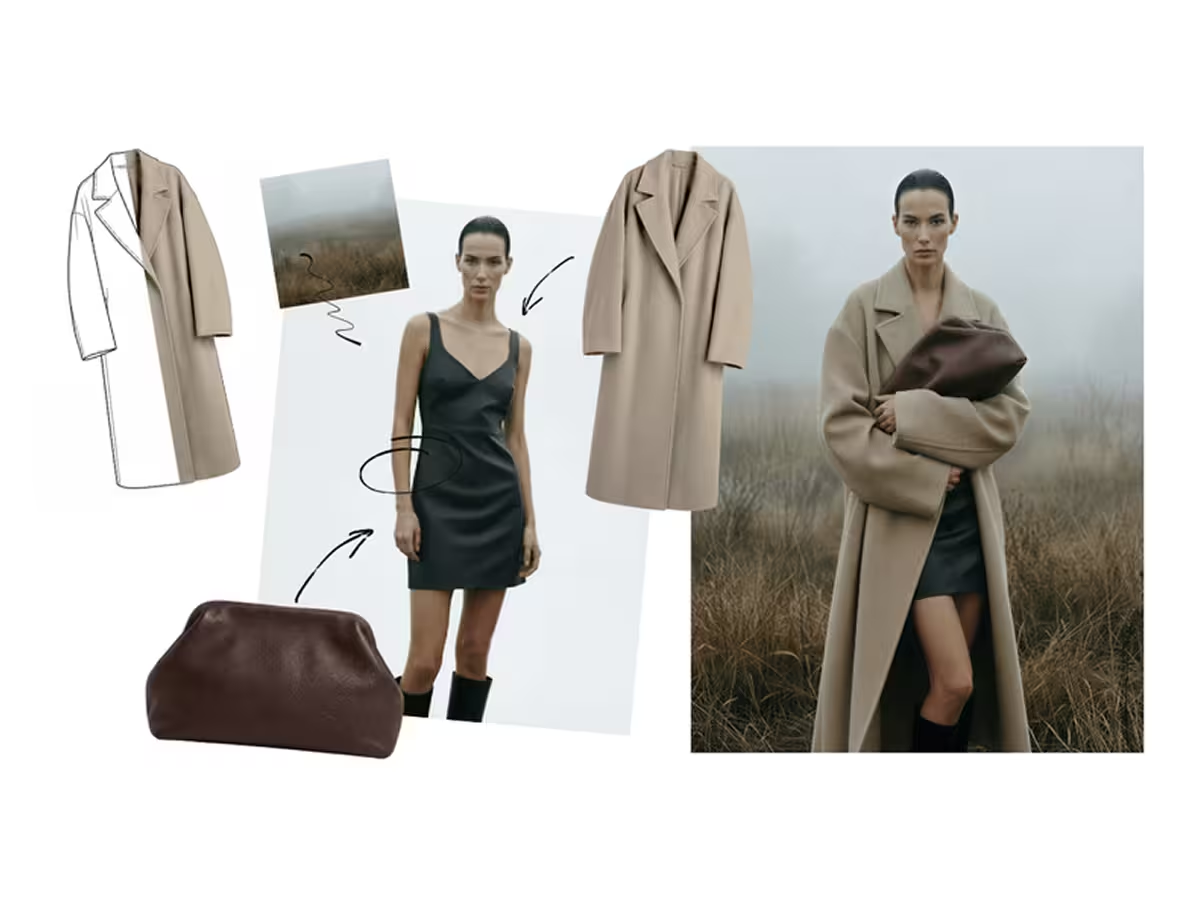
From Almost There to Perfect: Using the Edit Module to Refine AI Design Outputs
Sign Up for Our Newsletter
We’re constantly enhancing our product. Stay informed with the latest updates.
Ready to Design Smarter, Faster, and at Scale?
Start creating stunning photorealistic designs in just a few clicks.