AI Off Body Visualization
From Any Image to Studio-Ready Product Visuals
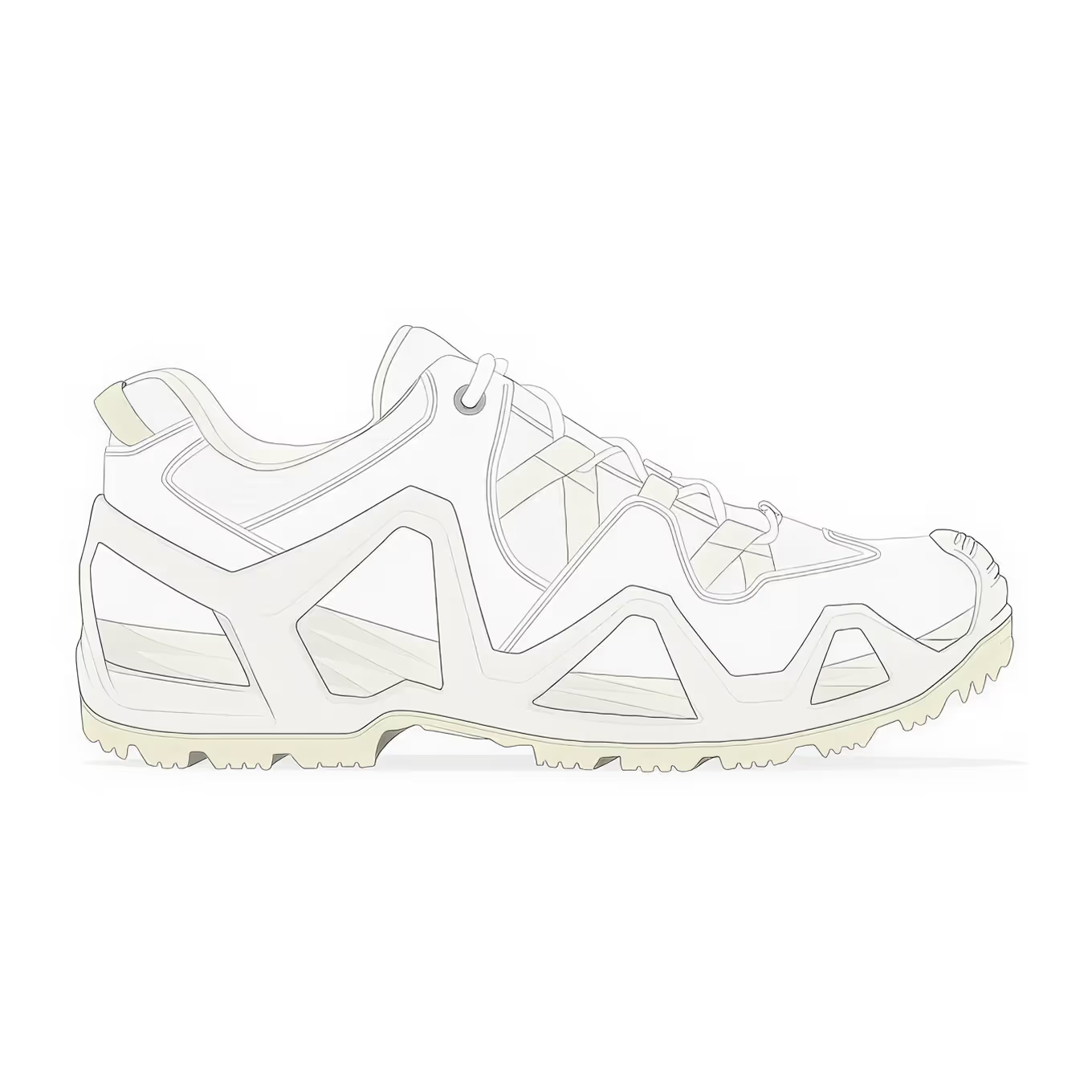
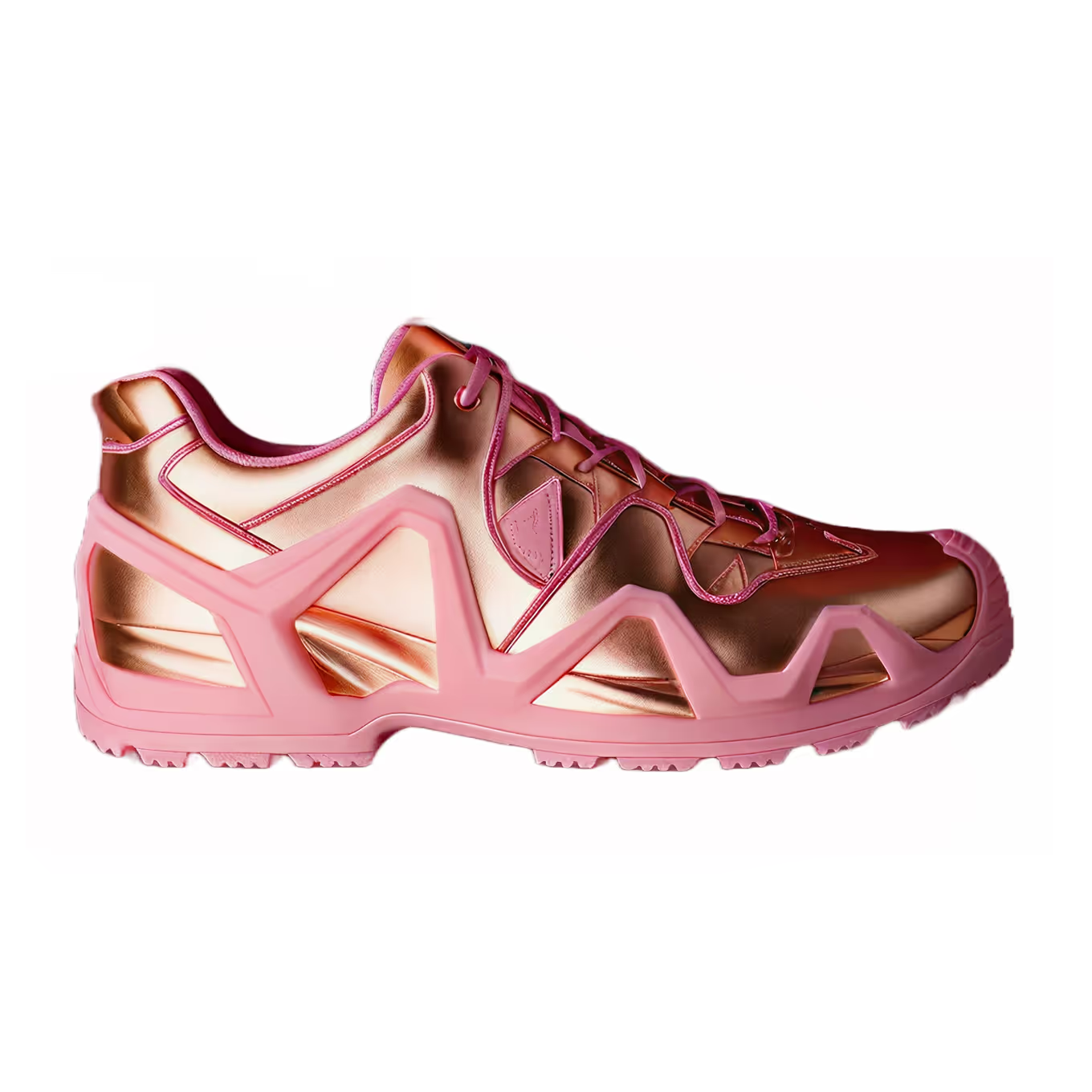
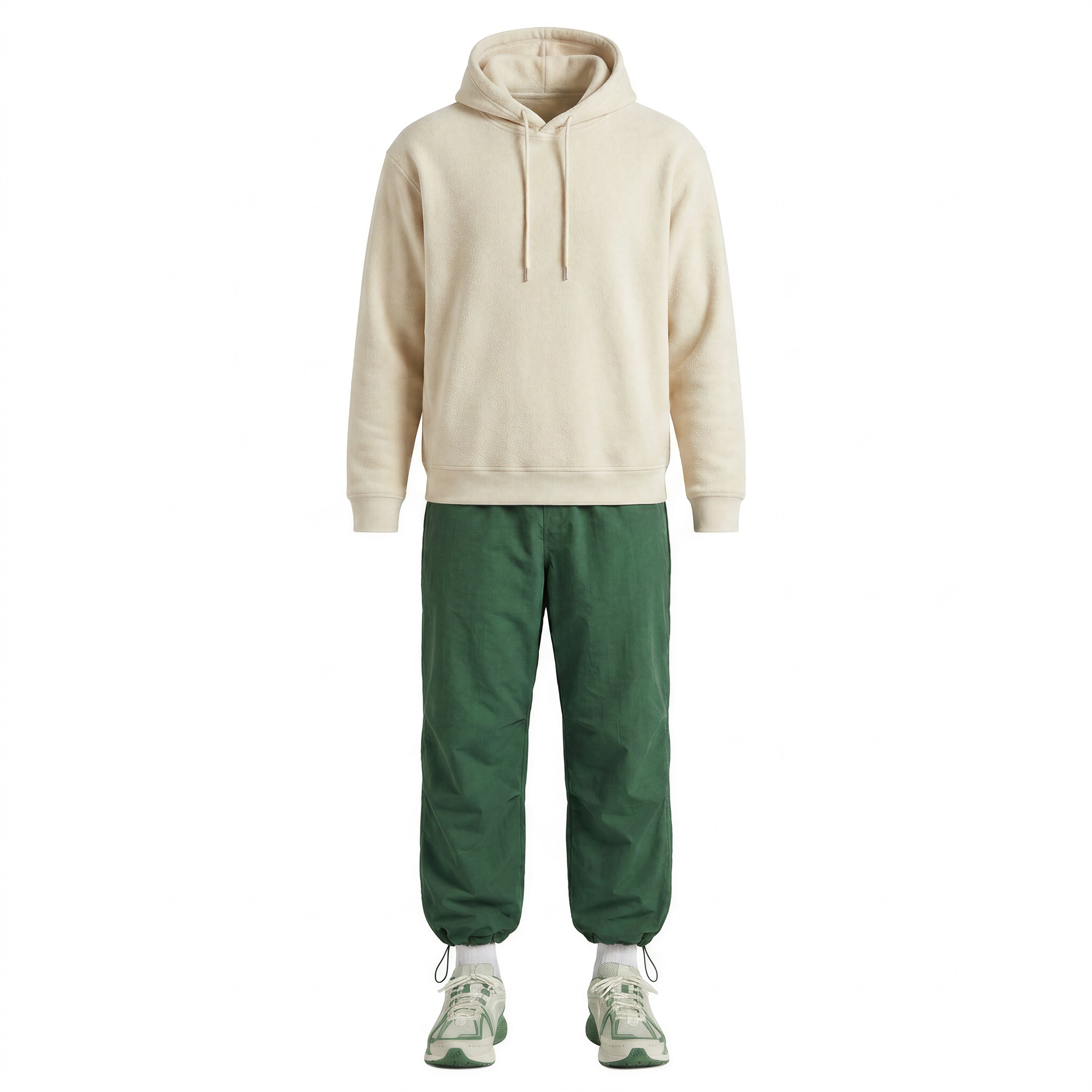
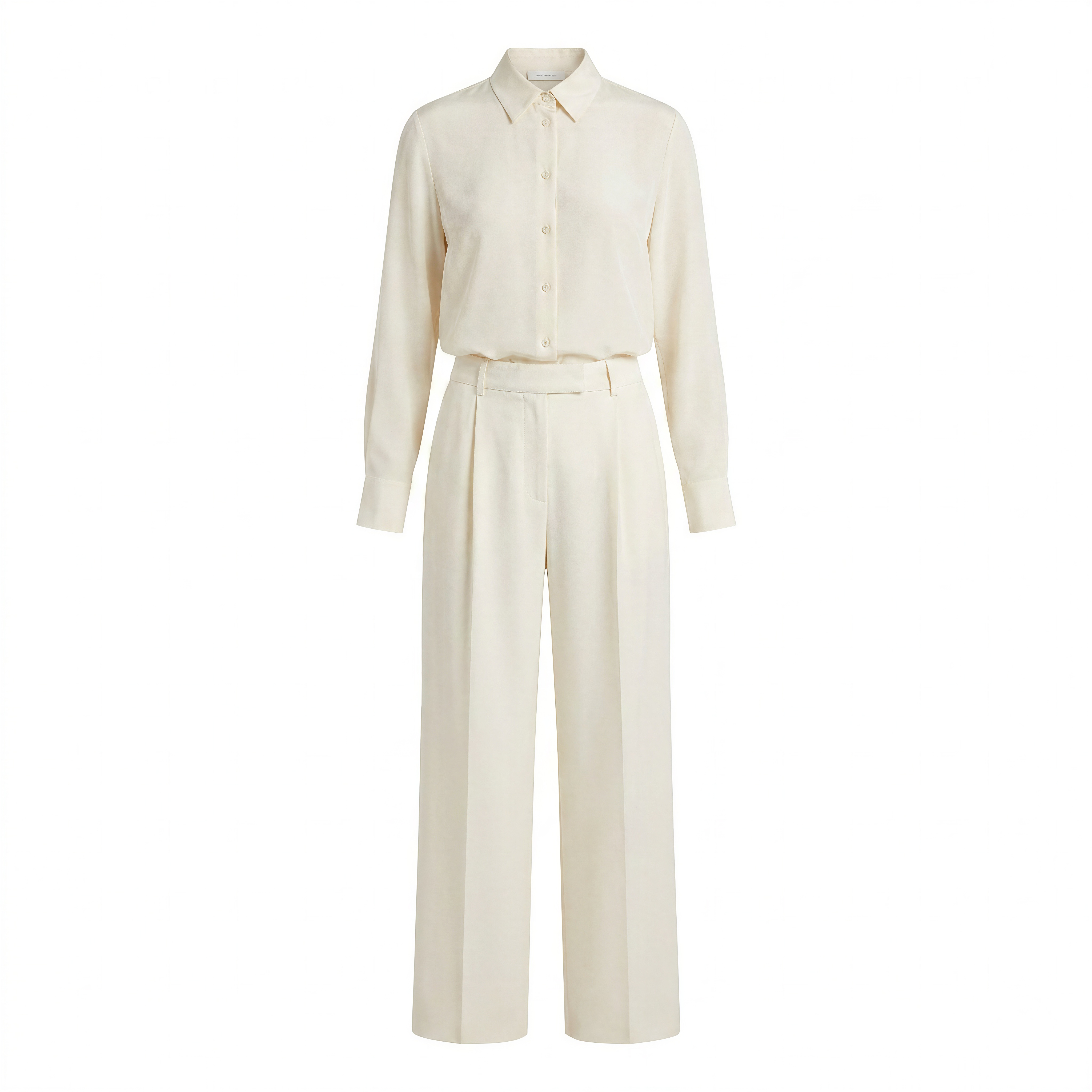
Upload a single garment image and get studio-quality off-body renders in seconds — flat lay or ghost mannequin. The only platform built to show product at its best, without a shoot.






.png)
.png)
.png)



















Turn your existing image library into off-body renders
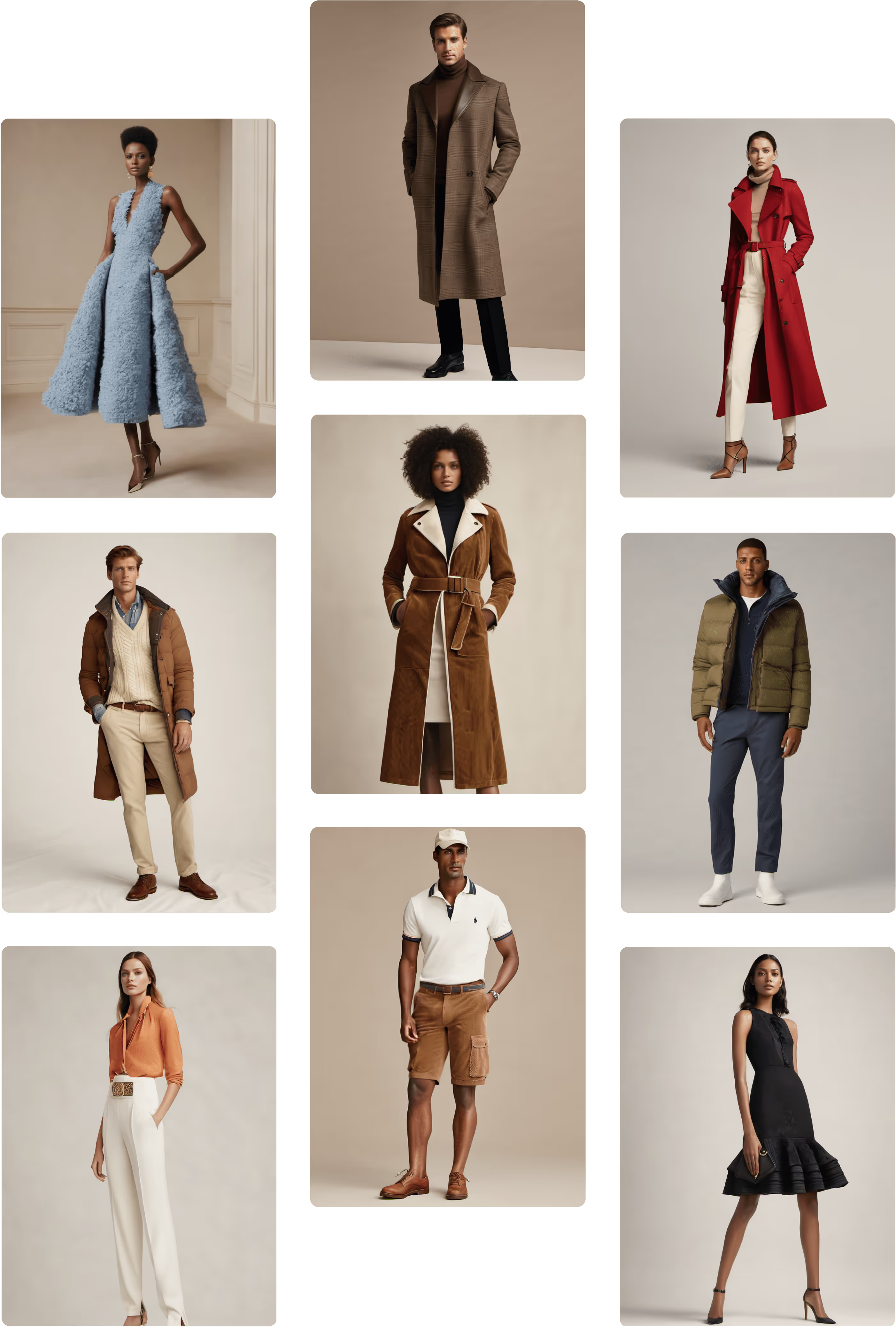
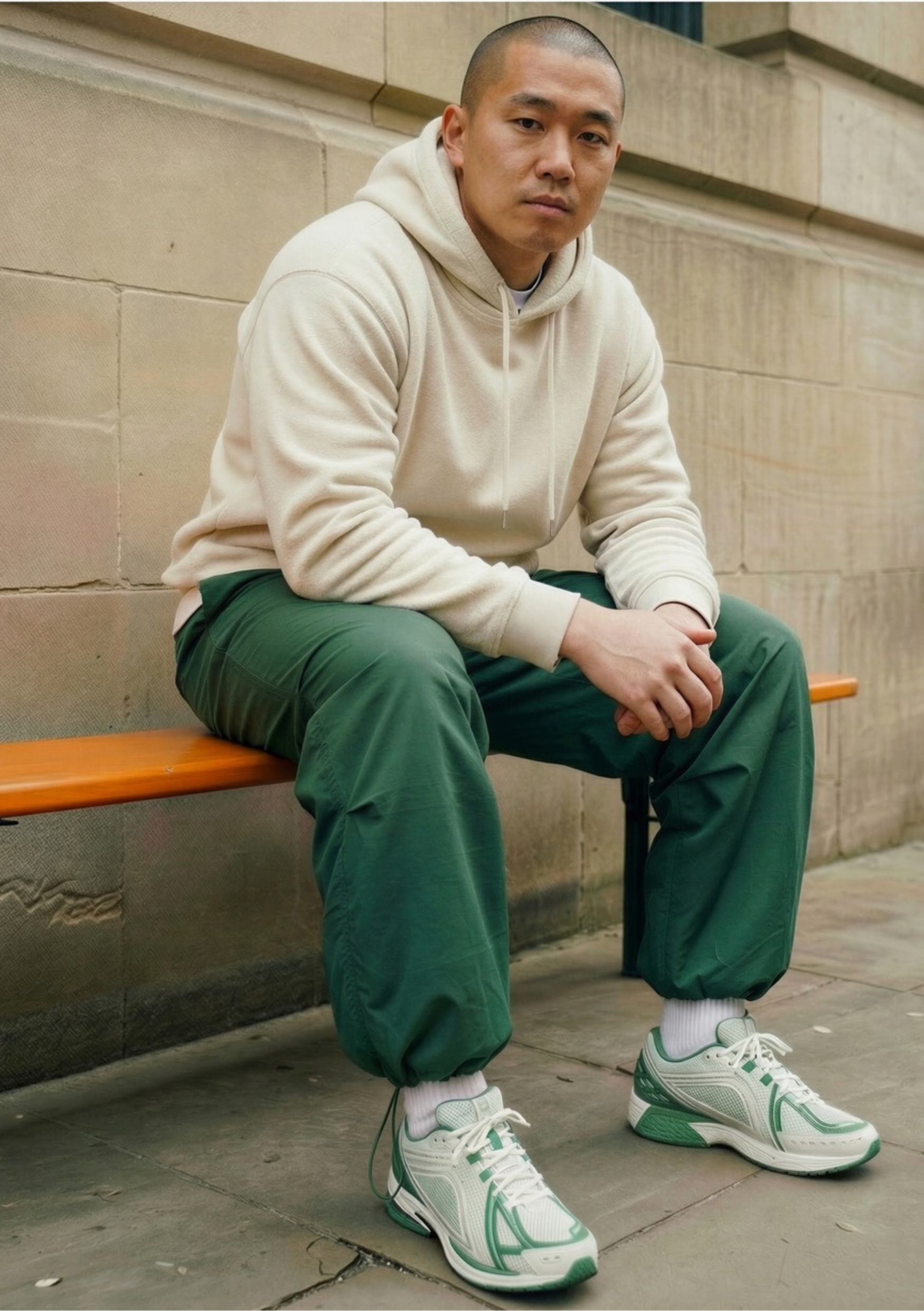
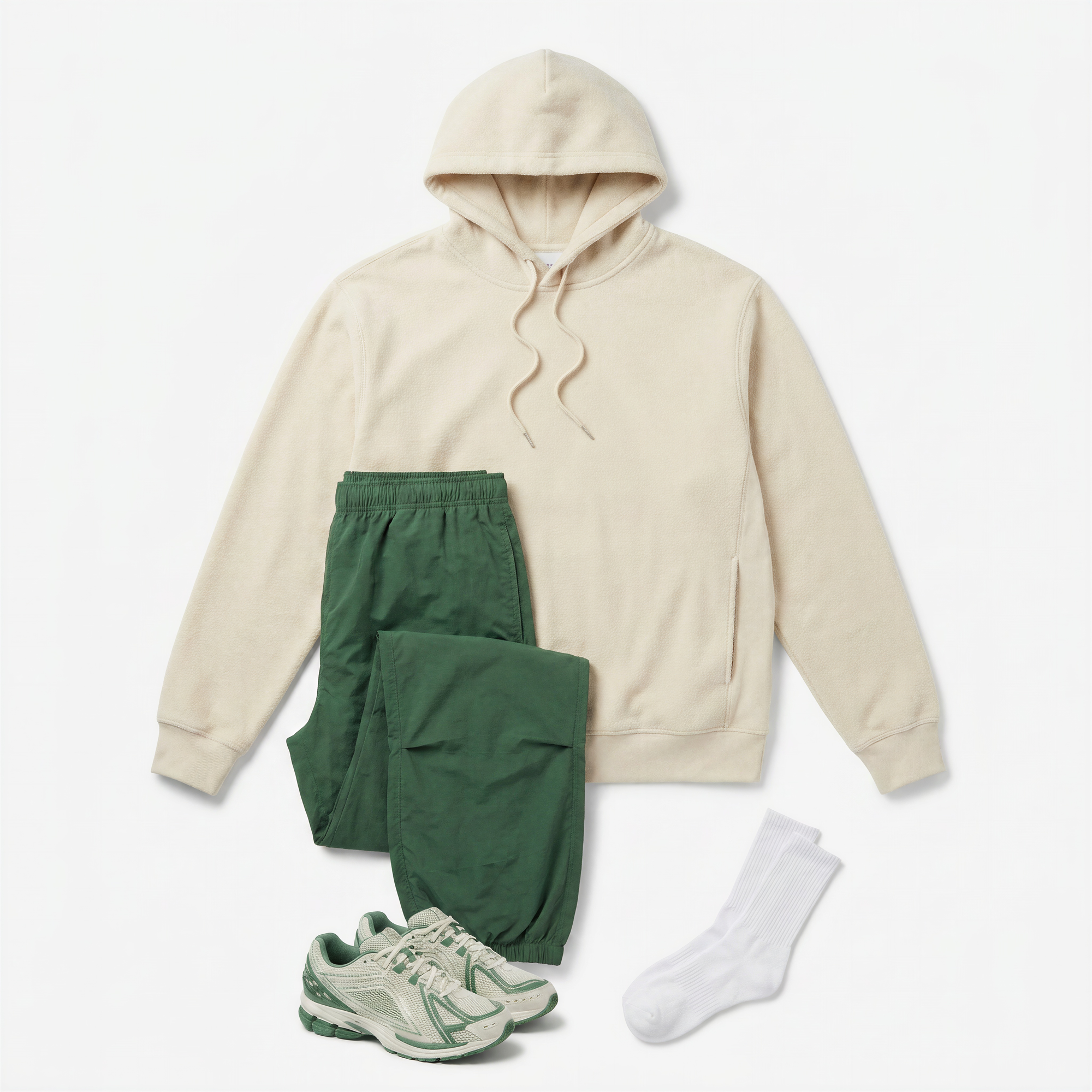
No new photoshoot needed. Off Body works from any on-model image you already have — whether that's a campaign shot, a fit sample photo, or an e-commerce image from a previous season. Generate a clean flat lay or ghost mannequin render from it, then edit the output as much as you need before it's ready to publish.


Extended Capabilities





Batch Off Body
Process large sets of garments simultaneously. Render an entire season's catalog in both formats at once, with consistent output across every SKU.
_converted.avif)
Background Generator
Swap the background of any off-body render to match your brand environment or channel requirements.
On-Body Try On
Take your off-body render one step further and place the garment on a lifelike model.
Animate
Bring ghost mannequin and flat lay visuals to life as motion assets for campaign storytelling and fit communication.
“While we've explored several AI platforms in the past,
none have demonstrated the same level of visual sophistication and end-to-end capabilities as Raspberry AI.”
Michelle Middendorf
Sr. Manager Apparel Design Team at Unrivaled

Frequently Asked Questions
What is Off-Body Visualization in Raspberry AI?

Off-Body Visualization is a Raspberry AI feature that takes any on-model image of a garment and generates a clean, studio-quality off-body render — either as a flat lay or ghost mannequin. It removes the need for a separate product photography shoot, letting teams produce publish-ready assets directly from images they already have. Learn more.
What kind of garment image works best in Off-Body?
Off-Body works from any image of a garment on a model — campaign shots, fit sample photos, e-commerce imagery from previous seasons, or any on-figure reference. You don't need a specially staged input; the AI extracts the garment and generates the off-body render from whatever image you have available. Learn more.
What’s the difference between flat lay and ghost mannequin outputs?
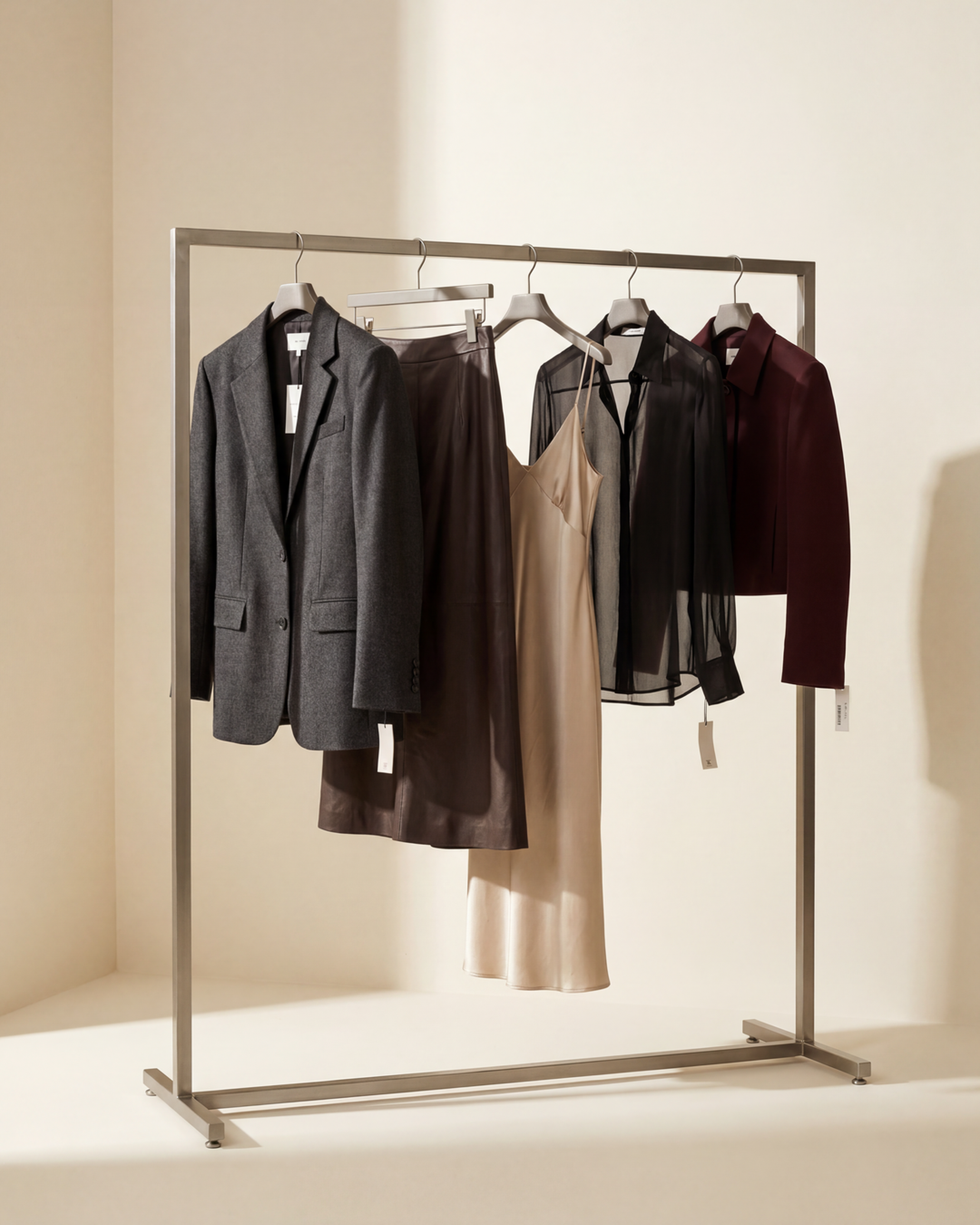
A flat lay presents the garment from a top-down overhead perspective on a clean surface, an editorial format well-suited for social media, lookbooks, and campaign content. A ghost mannequin renders the garment in a 3D body-like shape with the model removed, clearly showing silhouette, drape, and structure. This format is the standard for product detail pages and marketplace listings, where shoppers need to understand how a garment fits before purchasing.
How does Batch Off-Body work?
Batch Off-Body lets you upload up to 20 garment images at once and generate off-body renders for all of them in a single workflow. You select your output format — flat lay, ghost mannequin, or both — and the renders are processed together, saving significant time when working across a collection or catalog.
Can I edit the render after it’s generated?
Yes. Once a render is generated, you can edit it as much as needed before it's ready to publish. For background and lighting changes, you can pass the output to Raspberry's Background Generator or continue editing directly within the platform.
Does Off-Body work for all garment types?
Yes. Off-Body supports all garment categories. Whether you're working with tailored suiting, knitwear, outerwear, dresses, or denim, the AI is built to handle the full range of garment types your team works with.
Can I use Off-Body outputs in my On-Body workflow?
Yes. Off-Body and On-Body are connected within Raspberry AI. A ghost mannequin or flat lay render can be fed directly into the On-Body Try-On workflow, so you can move from a clean product render to a fully styled on-model image without leaving the platform.
See Off-Body In Action
Bring studio-quality off-body visuals to your catalog.