2D to 3D Render
Turn Any 2D Render Into a 3D Asset
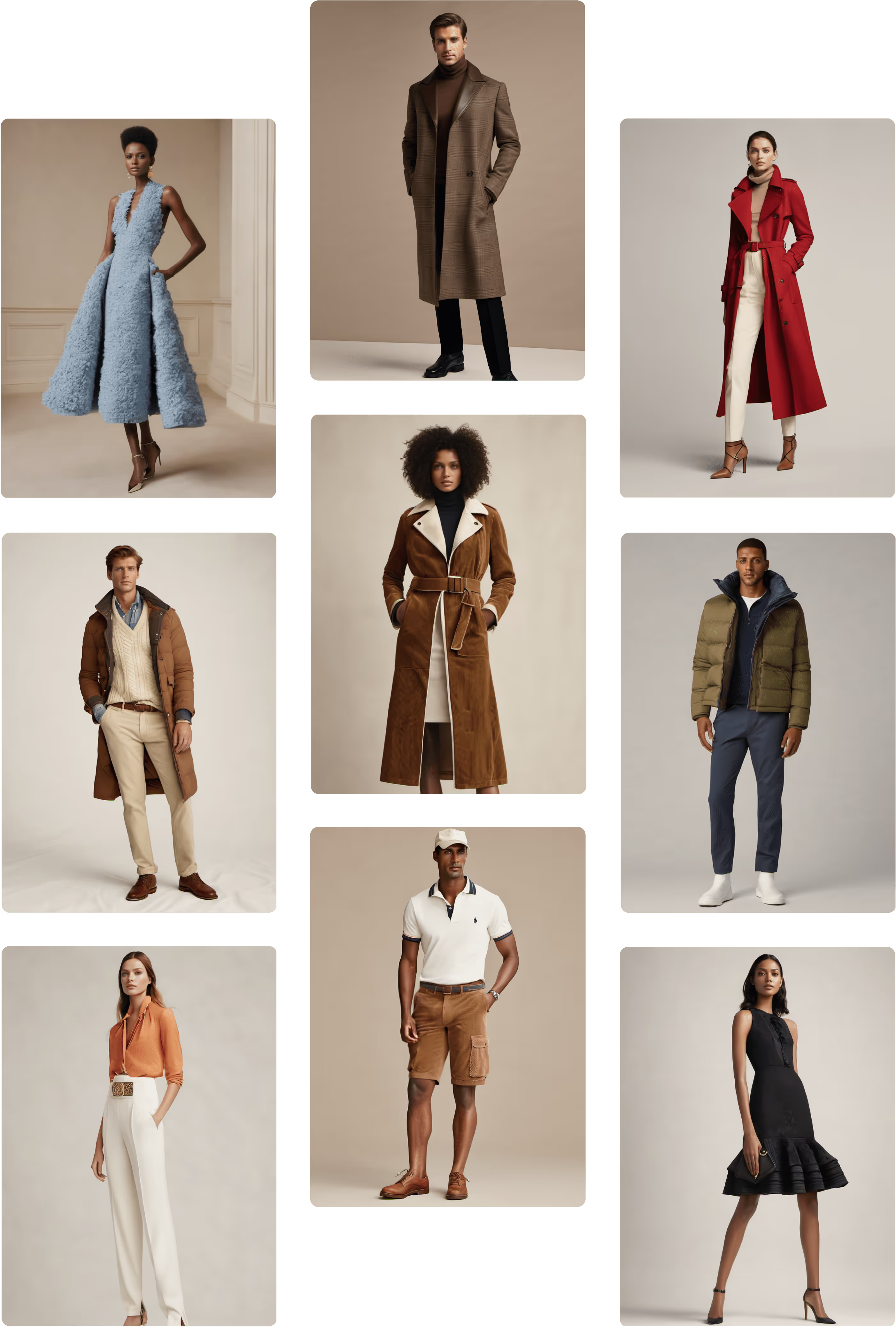
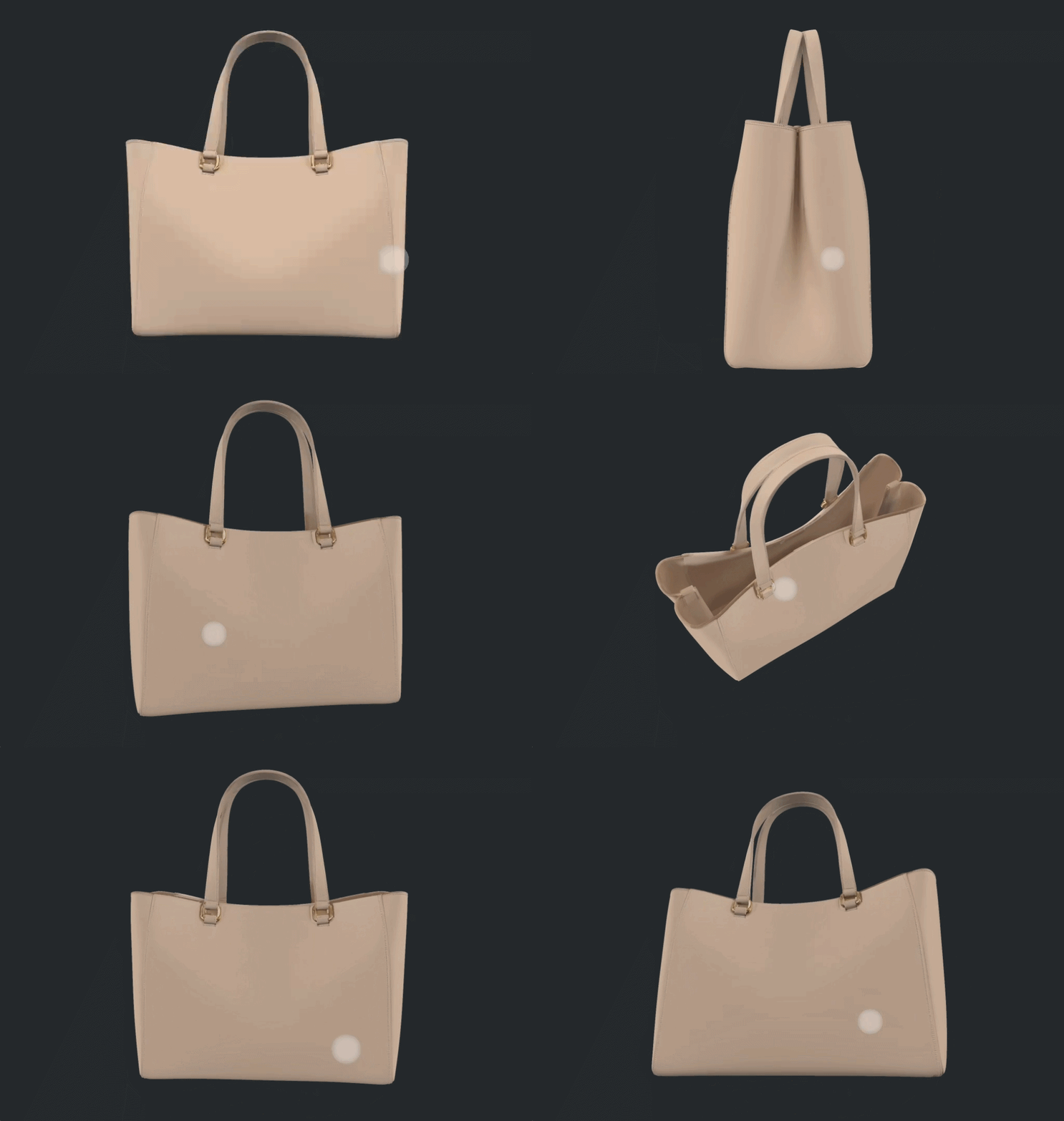
Upload any 2D garment image and generate a fully rotatable 3D render — ready for buyer presentations, internal reviews, and factory handoffs. No 3D software. No specialist required.










.png)
.png)
.png)


















From flat image to 3D render — no specialist required
Upload any 2D render of a garment — a sketch, flat, campaign image, or product photo — and Raspberry AI generates a fully rotatable 3D model from it. No 3D team needed. Design, merchandising, and marketing teams can generate and share 3D references independently, without waiting on specialist resources or external studios.
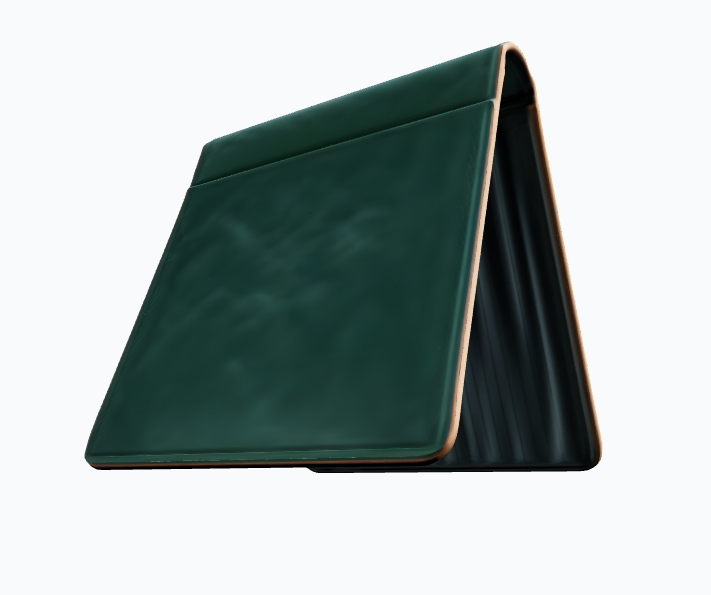
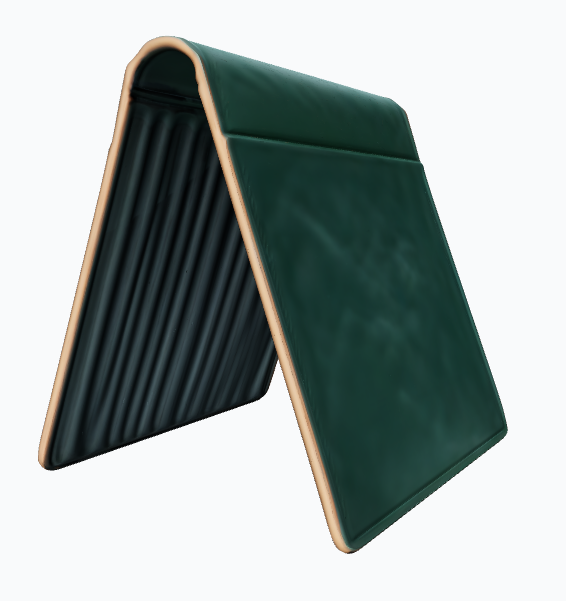
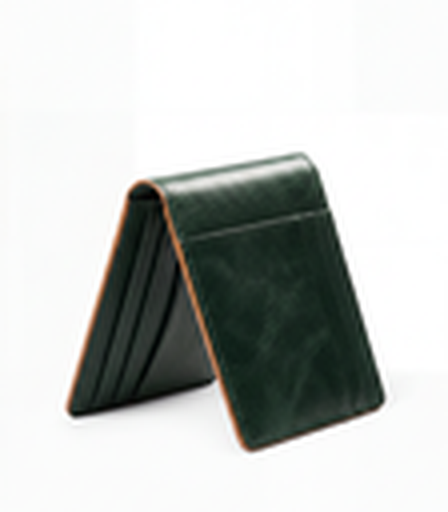

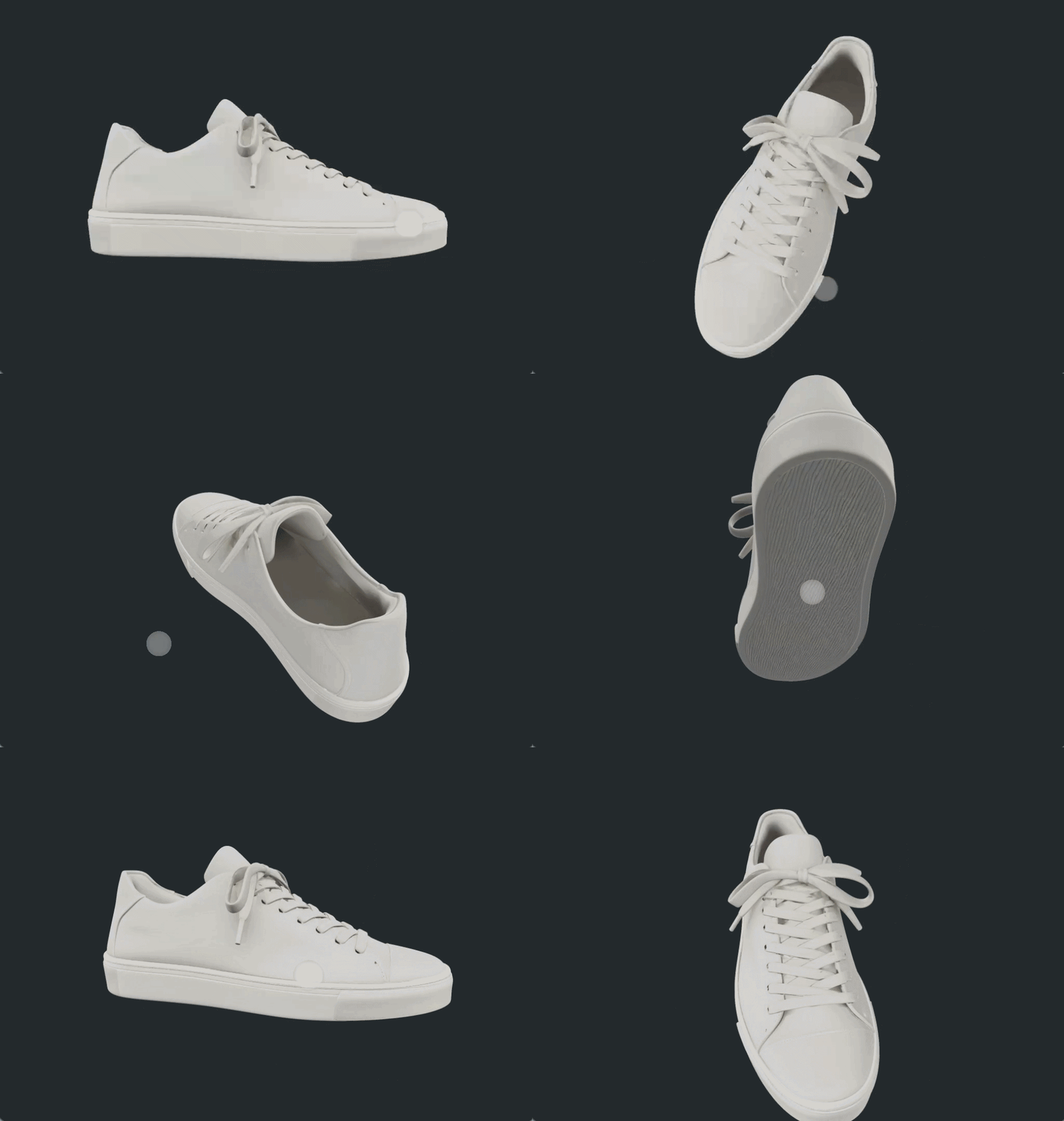
Earlier sign-off before sampling begins
Physical samples take weeks and cost money to produce. With a rotatable 3D render, buyers can assess proportion, silhouette, and design direction from every angle before production begins — catching misalignments early and compressing the approval cycle. Use it for internal design reviews to kill weak concepts fast, or for virtual sampling to reduce the earliest and most wasteful rounds of physical samples.
Ready for every handoff — presentations, reviews, factory
Export your 3D render as GLB for presentations and real-time viewers, OBJ or STL for downstream 3D workflows and factory reference, or PNG for static assets in decks and reviews. One render covers the full range of handoffs — from the design room to the factory floor.

Frequently Asked Questions
Q: What is Render to 3D in Raspberry AI?

Render to 3D is a Raspberry AI feature that converts any 2D garment image into a fully rotatable 3D render. Upload a flat, sketch, or product photo and the AI generates a 3D model you can visualize from every angle — no 3D software or specialist required.
Q: What kind of 2D images can I upload?
Any 2D render of a garment works — technical flats, campaign images, e-commerce photos, or any other flat product reference. The AI extracts the garment and builds the 3D model from whatever image you provide.
Q: What garment categories does Render to 3D support?
Render to 3D works across all garment categories — apparel, footwear, and accessories. It's built to handle the full range of product types your team designs.
Q: What export formats are available in Render to 3D?
You can download your 3D render in four formats: GLB for presentations and real-time viewers, OBJ and STL for downstream 3D workflows and factory reference, and PNG for static use in decks and internal reviews.
Q: Can I use Render to 3D for factory handoffs?
Yes. A 3D render exported as OBJ or STL can be sent alongside your tech pack as a visual reference, giving factories a clearer picture of the intended design and reducing the number of back-and-forths during early production.
Q: Do I need a 3D background or specialist software to use this feature?
No. Render to 3D is designed for design, merchandising, and marketing teams — not 3D specialists. If you can upload an image, you can generate a 3D render.
See Render to 3D in action.
Talk to our team about bringing 3D visualization into your design and buying workflow.