Raspberry Capabilities for Miro Customers
Miro is a collaborative visual workspace used by design, merchandising, and product teams for reviews, mood boards, and range planning.
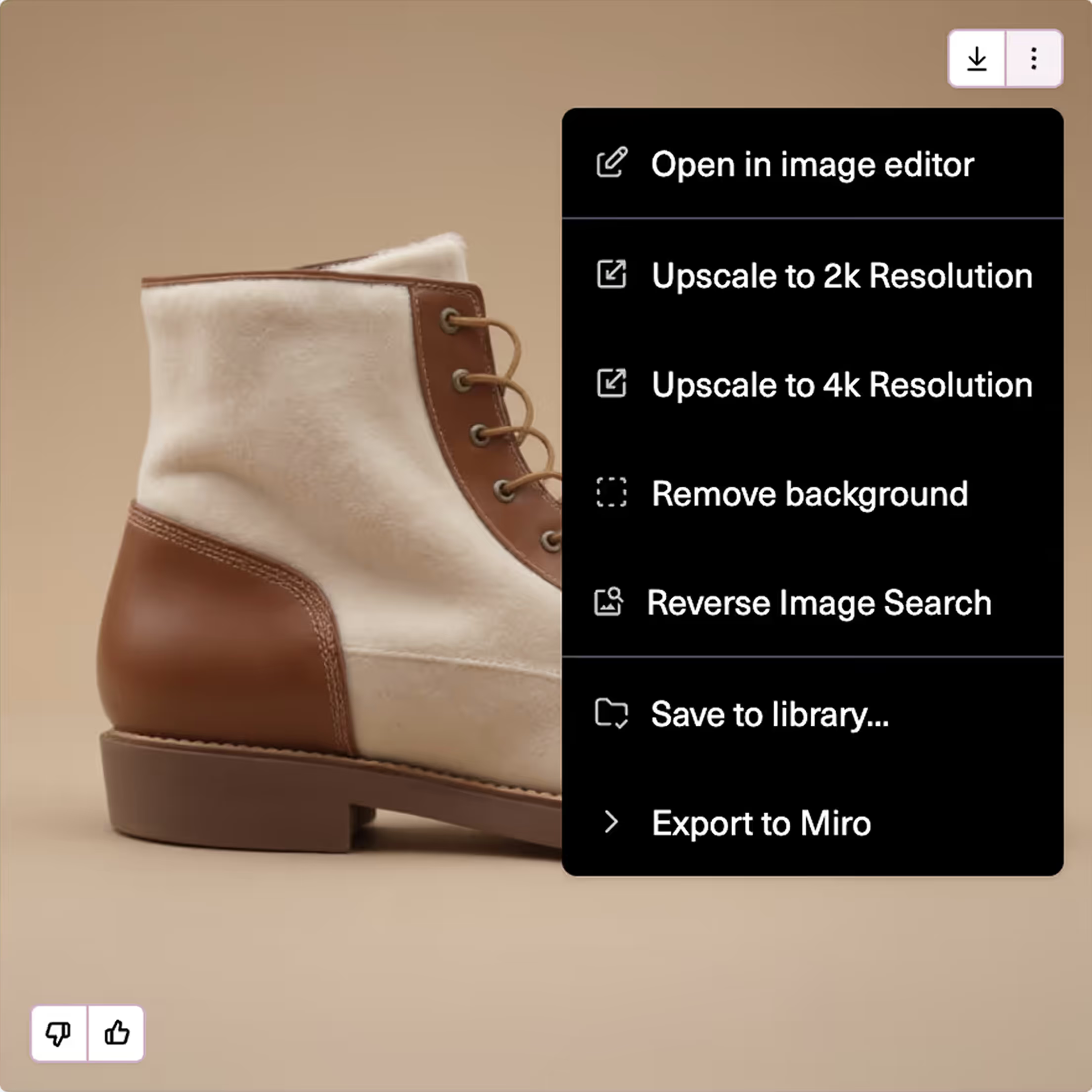
AI-generated images from Raspberry AI can be sent directly to a Miro board using the built-in Export to Miro option.
This makes it easy to move AI-generated concepts into your team's existing collaborative workflows without switching between tools or converting files.
Key benefits
Direct export to Miro

Share photorealistic AI-generated concepts directly to a Miro board for team feedback, annotation, and sign-off — no email attachments or slide decks required.
Mood Boards and Concept Boards
Populate Miro mood boards with AI-generated imagery during early ideation, alongside inspiration images, color swatches, and trend references.
Range and Line Planning
Visualize product assortments on Miro planning boards using AI-generated renders before physical samples are available.
Cross-Functional Alignment
Give merchandising, marketing, and planning teams visibility into design directions in a shared Miro workspace — keeping everyone working from the same visual references.
Remote and Async Collaboration
Facilitate feedback sessions with distributed teams by posting AI-generated concepts to Miro for async comment and review.








.svg)
.png)
.png)
.png)






















How to connect
No setup is required to use the Miro integration.
Select your asset and click Export > Miro. When you export an asset to Miro for the first time, you will be prompted to log in to your Miro account.
Compatible file formats
Assets generated in Raspberry AI can be exported in the following formats, all of which are compatible with Miro:
Format
Notes
PNG
Recommended for web sharing and Miro boards
JPEG
Compressed format, suitable for large batches
TIFF
High–quality format, True Color & Indexed
PSD
Adobe Photoshop format, True Color & Indexed
Frequently asked questions
Do I need a separate Miro account?
Yes. You need an active Miro account to export assets to a Miro board.
Can multiple team members export to Miro?
Yes. Any Raspberry AI workspace member can export assets to their own Miro board. Each user logs in with their own Miro credentials at the point of export.
Does Miro see my other AI generations?
No. Only the images you explicitly export are sent. Nothing is shared in the background.
Can I export multiple assets to Miro at once?
Currently, assets are exported one at a time. For larger batches, use the manual download and upload workflow.